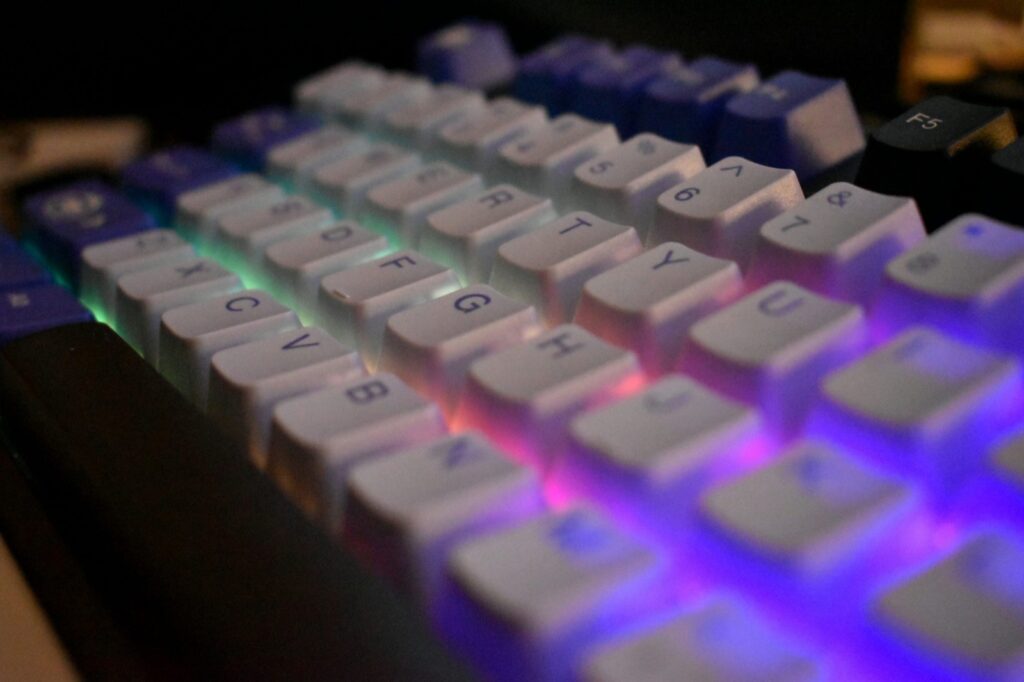
Every mechanical keyboard feels the way it does because of one part: the switch under each key. Once you understand mechanical keyboard switches, picking a keyboard stops being a guessing game and becomes a simple question of how you want typing to feel and sound. The whole hobby comes down to three families, linear, tactile, and clicky, plus a handful of numbers that tell you how heavy and how fast each one is.
This guide breaks down what each switch type actually feels like, the specs worth caring about, and which one fits gaming versus typing and coding. If you both play games and write code, the right answer is often different for each, and that is fine. By the end you will know exactly which switch to try first, and how to test a few without buying a new keyboard every time.
Key Takeaways
- Three types: Linear is smooth and quiet, tactile has a bump you can feel, and clicky adds a loud click on top of that bump.
- For gaming: Most players pick light linear switches (around 45g) for fast, quiet, repeated presses.
- For typing and coding: Tactile switches give feedback on every keystroke without the noise, which is why they are the popular all-rounder.
- The specs that matter: Actuation force (in grams), actuation point, and total travel. A Cherry MX Red is 45g with a 2mm actuation point; a Blue is 60g and loud.
- Test before you commit: A hot-swappable keyboard like the Keychron C1 lets you pull a switch out and drop a new one in with no soldering.
What Are Mechanical Keyboard Switches?
A mechanical keyboard switch is the spring-loaded mechanism under each keycap that registers a press. Instead of the single rubber membrane used in cheap keyboards, every key gets its own switch with a stem, a spring, and metal contacts. That is why mechanical boards feel consistent across the whole keyboard and last for tens of millions of presses.
The switch decides three things you notice every day: how the key feels as it goes down, how much force it takes, and how loud it is. Swap the switch and the same keyboard becomes a different machine. That is the entire reason switch type is the first decision, ahead of brand, layout, or keycaps.
Linear vs Tactile vs Clicky
Switches sort into three families based on the feedback they give. The names describe what your finger feels and what your ears hear on each press.
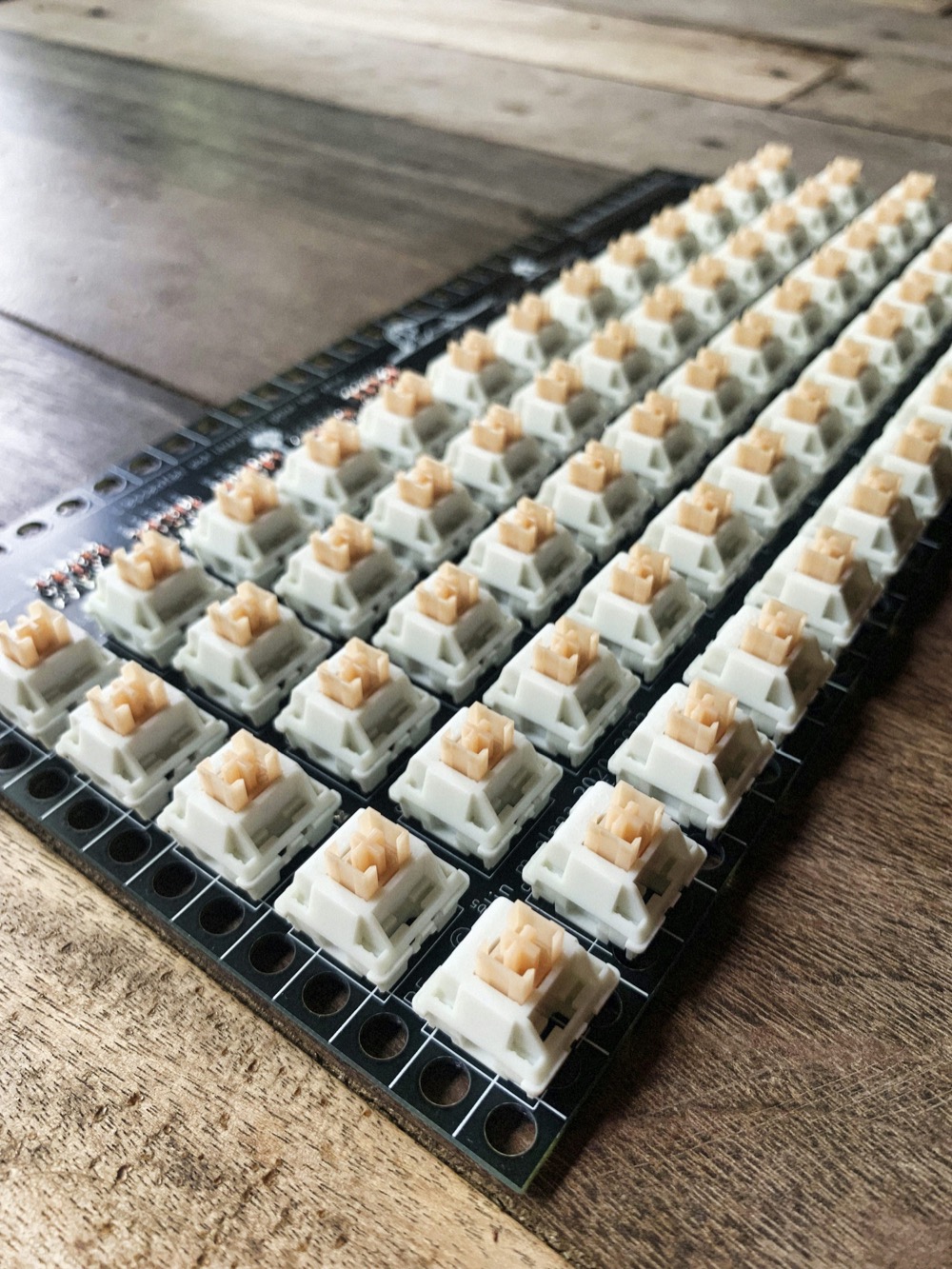
Linear Switches
Linear switches travel straight down with no bump and no click. The resistance is smooth and even from the top of the press to the bottom, so every keystroke feels the same. They are also the quietest of the three.
This smoothness is why linear is the most common choice for gaming and the default in most prebuilt boards. The trade-off is that there is no physical signal telling you the key registered, so some people bottom out harder than they need to. Cherry MX Red and Gateron Red are the classic examples.
Tactile Switches
Tactile switches add a small bump partway through the press, right around the point where the key registers. You feel that bump with your finger, but it stays quiet enough for an office or a shared room. There is no click sound.
That bump is useful feedback for typing and coding because you can feel the key actuate without slamming it to the bottom. Tactile switches are the safest first pick for most people, since they feel close to a normal keyboard with more character. Cherry MX Brown is the switch everyone compares the rest against.
Clicky Switches
Clicky switches take the tactile bump and add a sharp, audible click on every press. You both feel and hear the key register, which is satisfying for fast typists who want maximum feedback. They are also the loudest option by a wide margin.
That volume is the catch. Clicky switches can carry over a microphone and annoy anyone nearby, so they suit a private room more than a shared desk or a voice call. Cherry MX Blue and Kailh Box White are the well-known clicky switches.
The Specs That Actually Matter
Past the three types, three numbers describe how a switch behaves. Actuation force is how hard you press, measured in grams. The actuation point is how far the key travels before it registers, and total travel is how far it goes if you push it all the way down.
| Switch | Type | Actuation Force | Actuation Point | Total Travel | Sound |
|---|---|---|---|---|---|
| Cherry MX Red | Linear | 45g | 2.0mm | 4.0mm | Quiet |
| Cherry MX Speed Silver | Linear | 45g | 1.2mm | 3.4mm | Quiet |
| Cherry MX Black | Linear | 60g | 2.0mm | 4.0mm | Quiet |
| Cherry MX Brown | Tactile | 55g | 2.0mm | 4.0mm | Quiet |
| Cherry MX Blue | Clicky | 60g | 2.2mm | 4.0mm | Loud |
Lighter switches around 45g feel fast and take less effort over a long session. Heavier switches around 60g resist accidental presses and feel more deliberate. A shorter actuation point, like the 1.2mm on a Speed Silver, registers sooner, which gamers chase for quicker inputs.
One more term you will see is hot-swappable, which is not a switch spec but a keyboard feature. A hot-swap board lets you change switches by hand instead of soldering, and it is the single best thing for trying types without commitment. More on that below.
Best Switches for Gaming
For gaming, most players go with light linear switches. The smooth travel lets you press and release quickly for movement and repeated inputs, and the low weight keeps your fingers fresh during long sessions. A 45g Cherry MX Red or Gateron Red is the safe default.
Competitive shooter players sometimes go a step further with speed switches like the Cherry MX Speed Silver, which register at 1.2mm instead of 2mm. The shorter actuation shaves a hair off every input. For slower games where you tap abilities rather than mash movement, a tactile switch works fine too, since the bump confirms each press.
If you want a board already tuned for play, our picks for keyboards built for gaming cover layouts and features beyond the switch. The switch is the feel; the board is everything around it.
Best Switches for Typing and Coding
For typing and writing code, tactile switches are the popular all-rounder. The bump tells your fingers each key registered, so you type with confidence and less bottoming out. They stay quiet enough for an office, a call, or a room where someone is sleeping nearby.
If you love feedback and have a private space, clicky switches are genuinely fun for long writing sessions. If you share audio or work near other people, skip them and go tactile. Coders who spend all day in an editor often land on a slightly heavier tactile switch to cut down on typos from accidental presses.
For specific board recommendations aimed at developers, see our guide to the best budget mechanical keyboards for developers. Pair the right switch with a comfortable setup and good audio, like the picks in our roundup of headphones for long coding sessions, and a full day at the keyboard gets a lot easier.
How to Choose Your First Switch
If you only remember one rule, make it this: pick by how you want the key to feel and how much noise you can live with. Here is the short version that covers most people.
- Mostly gaming, want quiet and fast: Light linear (Red, around 45g).
- Mostly typing or coding, want feedback: Tactile (Brown style).
- Love a loud click and have your own room: Clicky (Blue style).
- Do a bit of everything: Tactile is the best single answer.
- Not sure at all: Start tactile, then try a linear and a clicky on a hot-swap board.
⚡ Quick tip: There is no universally best switch, only the one that fits your hands and your room. The “right” switch is personal, which is exactly why trying a few beats reading any spec chart.
Test Before You Buy: Hot-Swap Keyboards
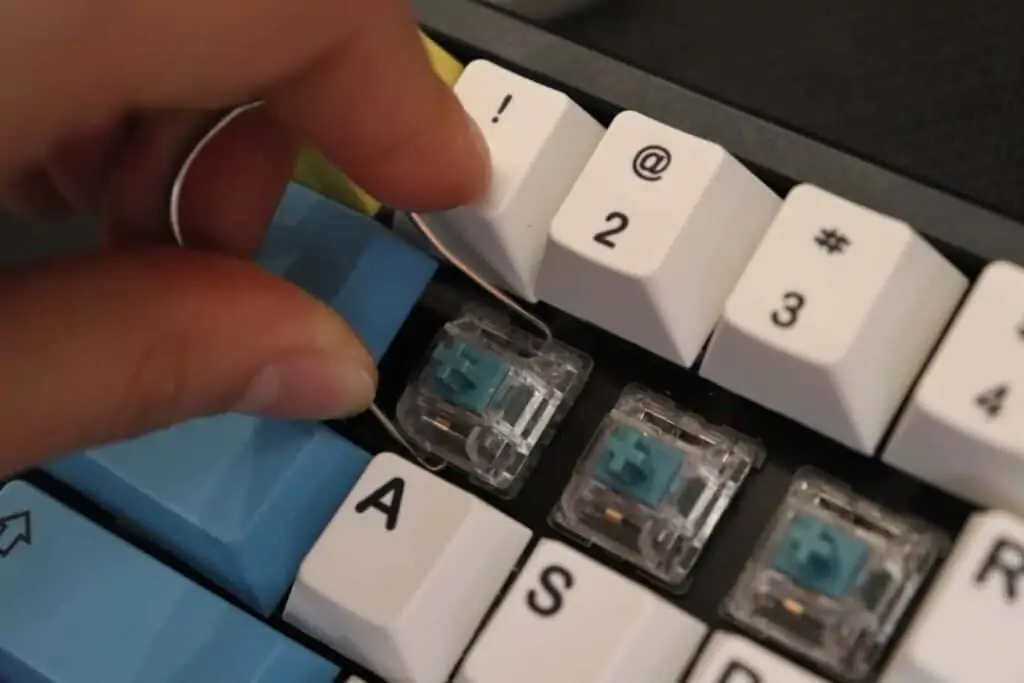
The smartest way to find your switch is to try a few, and a hot-swappable keyboard makes that cheap and easy. Hot-swap boards have sockets that hold each switch by its pins, so you pull one out with a puller and press a new one in. No soldering iron, no risk to the board.
Buy a hot-swap board plus a small pack of linear, tactile, and clicky switches, and you can swap a whole row to compare them side by side. Most people settle on a favorite within a week. After that, you can fill the rest of the board with the type you liked, or mix linear for movement keys and tactile elsewhere.
Gear to Start Trying Switches
Here is a simple starter kit for finding your switch without overspending: one hot-swappable keyboard and a couple of cheap switch packs so you can feel tactile and clicky for yourself. Prices are accurate as of June 2026.

Keychron C1 Hot-Swappable
Pull and replace switches by hand, no soldering. Ships with tactile Browns and a tenkeyless layout, so it doubles as a daily board while you experiment.

EPOMAKER Wisteria Tactile
A cheap way to feel a tactile bump that is a bit different from Browns. Drop a few into a hot-swap board and compare them directly.
Deftomo Blue Clicky (50)
The classic loud, clicky feel for a few dollars. Try a handful before you commit a whole keyboard to that sound.
Away from the keyboard, Berry Finds tracks real-time Amazon deals on thousands of everyday products across home, kitchen, beauty, and more so you never overpay on the stuff you buy regularly.
Frequently Asked Questions
What is the difference between linear, tactile, and clicky switches?
Linear switches are smooth and quiet with no bump. Tactile switches add a bump you can feel partway through the press, but stay quiet. Clicky switches have that same bump plus a loud, audible click on every keystroke.
Which switch type is best for gaming?
Light linear switches around 45g, like Cherry MX Red, are the most common pick for gaming. The smooth travel and low force make fast, repeated presses easy, and they stay quiet. Competitive players sometimes use speed linear switches that register at 1.2mm for slightly faster inputs.
Which switch is best for typing and coding?
Tactile switches are the popular choice for typing and coding. The bump confirms each keystroke without the noise of a clicky switch, so they work in an office or a shared room. Clicky switches are also great for typing if you have a private space.
Are clicky switches too loud for the office?
Usually, yes. Clicky switches are the loudest type and can carry over a microphone or bother people nearby. For shared spaces and voice calls, tactile or linear switches are the quieter, safer choice.
Do I need a hot-swappable keyboard to change switches?
Not always, but it helps a lot. A hot-swappable keyboard lets you pull switches out and press new ones in by hand, with no soldering. It is the easiest way to test linear, tactile, and clicky switches on the same board before you commit.
What does actuation force mean?
Actuation force is how hard you have to press a key before it registers, measured in grams. A 45g switch is light and fast; a 60g switch is heavier and more deliberate. Most stock switches land between 45g and 60g.
Summary
Mechanical keyboard switches come down to three feels and three numbers. Linear is smooth and quiet for gaming, tactile is the bumpy all-rounder for typing and coding, and clicky is the loud, satisfying option for a private room. Actuation force, actuation point, and total travel tell you how heavy and how fast a switch is.
If you are starting out, try a tactile switch first, then use a hot-swap board like the Keychron C1 to feel a linear and a clicky for yourself. Once your switch is sorted, round out the desk with the right display from our picks for monitors for coding and gaming. The best switch is the one that feels right under your fingers, and now you know how to find it.