ASUS ROG Swift PG279QM
The ultimate 1440p competitive monitor: native G-SYNC, 240Hz Fast IPS, and a built-in Reflex Latency Analyzer. Steep at $700, but competitive players who measure success in milliseconds get their money’s worth.
Quick Answer
The ASUS ROG Swift PG279QM is the best 1440p monitor for competitive gaming. Native G-SYNC, 240Hz, and a built-in Reflex Latency Analyzer make it a serious tool for esports players. At ~$700 it’s steep, but competitive gamers who measure success in milliseconds will find the investment worthwhile.
The ASUS ROG Swift PG279QM targets competitive gamers who want every possible advantage. With native G-SYNC, 240Hz refresh rate, NVIDIA Reflex Latency Analyzer built-in, and exceptional color accuracy, it’s one of the most capable 1440p monitors money can buy.
But at around $700, is it worth the premium over monitors half the price? Let’s find out.
ASUS ROG Swift PG279QM
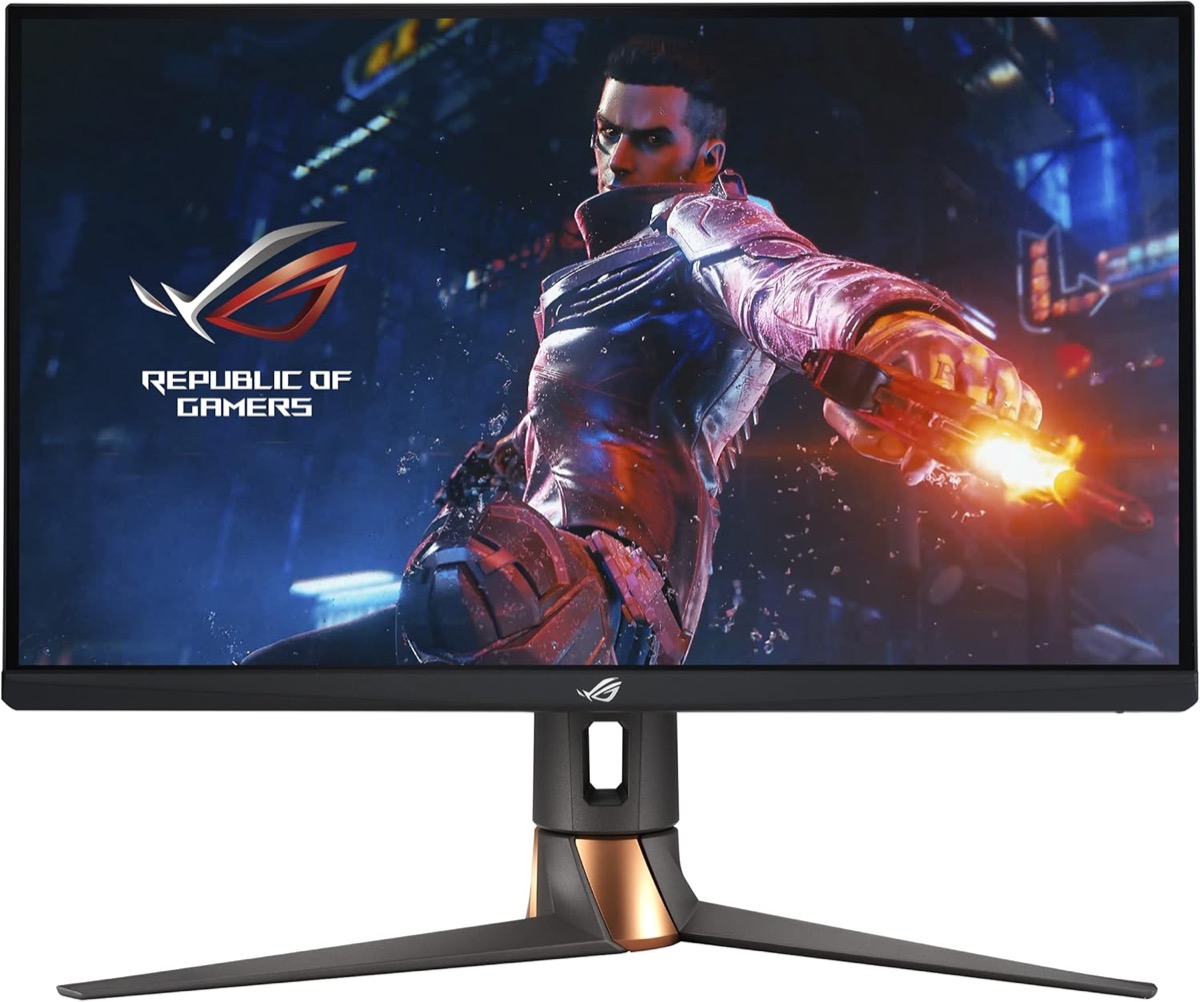
The PG279QM is built for esports professionals and competitive players who demand the absolute best in motion clarity and input lag.
Check Price on AmazonSpecifications
| Spec | Details |
|---|---|
| Screen Size | 27 inches |
| Resolution | 2560 x 1440 (QHD) |
| Panel Type | Fast IPS |
| Refresh Rate | 240Hz |
| Response Time | 1ms GtG |
| Adaptive Sync | Native G-SYNC (hardware module) |
| Special Features | NVIDIA Reflex Latency Analyzer |
| HDR | DisplayHDR 400 |
| Color Gamut | 95% DCI-P3 |
| Ports | DisplayPort 1.4, HDMI 2.0, USB 3.0 Hub |
| Price | ~$700 |
Performance
Response Time & Motion Clarity
The PG279QM uses ASUS’s Fast IPS panel, delivering exceptional pixel response times. At 240Hz, motion is buttery smooth with virtually no ghosting or trailing. This is as good as 1440p IPS gets for competitive gaming.
Native G-SYNC
Unlike “G-SYNC Compatible” monitors, the PG279QM has a dedicated NVIDIA G-SYNC module. The result: a wider VRR range, variable overdrive that adjusts automatically, and marginally lower input lag. For competitive players, these small advantages add up.
NVIDIA Reflex Latency Analyzer
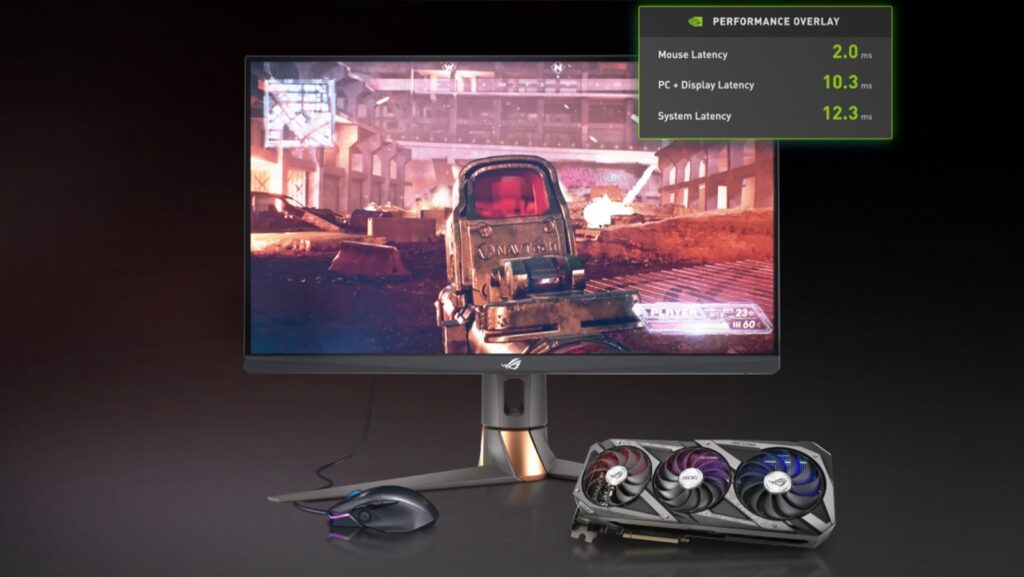
The killer feature. The built-in Reflex Latency Analyzer measures your total system latency (click-to-photon) without external hardware. Plug a compatible mouse into the designated USB port, and the OSD displays real-time latency data. Invaluable for optimizing your competitive setup, and it pairs well with the software-side fixes in our input lag guide.
Color Accuracy
Factory calibrated with excellent out-of-box accuracy. The 95% DCI-P3 gamut means rich color without the oversaturation some wide-gamut panels exhibit. Professional-level color work is possible, though dedicated creator monitors still have an edge.
Design & Build
Premium ROG aesthetics with RGB lighting on the back and a sturdy stand offering full ergonomic adjustments (height, tilt, swivel, pivot). Build quality matches the price, and this feels like a high-end monitor in hand.
Pros & Cons
Pros
- Native G-SYNC module for the widest VRR range and variable overdrive
- 240Hz with excellent motion clarity on Fast IPS
- Built-in Reflex Latency Analyzer for real system latency measurement
- Factory calibrated with 95% DCI-P3 coverage
- Full ergonomic stand with height, tilt, swivel, and pivot
Cons
- ~$700 price tag is steep for a 1440p panel
- HDR 400 certification is underwhelming for HDR content
- IPS contrast ratio can’t compete with VA or OLED for dark scenes
- Overkill feature set for anyone outside competitive gaming
Who Should Buy This?
Buy the PG279QM if:
- You play competitive esports titles and want every advantage
- You want the Reflex Latency Analyzer for system optimization
- You value native G-SYNC over G-SYNC Compatible
- Budget isn’t your primary concern
Skip this if:
- You primarily play single-player games, where the LG 27GP850-B at $250 is better value
- You need deep blacks: consider an OLED or VA panel
- You split time between work and play: our monitors for coding and gaming roundup covers better dual-purpose picks
Final Verdict
The ASUS ROG Swift PG279QM is the 1440p monitor to beat for competitive gaming. The combination of 240Hz, native G-SYNC, and the Reflex Latency Analyzer creates a package that serious competitors will appreciate.
Is it worth nearly triple the price of budget 1440p 165Hz monitors? For casual gamers, absolutely not. But for competitive players who measure success in milliseconds, the PG279QM delivers where it counts.
ASUS ROG Swift PG279QM
The 1440p monitor to beat for competitive gaming, priced for people who treat milliseconds as currency.
Check Price on Amazon →Frequently Asked Questions
Is the ASUS ROG Swift PG279QM worth it over a G-SYNC Compatible monitor?
For competitive gamers, yes. The native G-SYNC module provides a wider variable refresh rate range, automatic variable overdrive, and slightly lower input lag compared to G-SYNC Compatible displays. If you play ranked or tournament-level esports and want every measurable advantage, the hardware module matters. For casual play, the difference is marginal and a G-SYNC Compatible monitor at half the price makes more sense.
Can you use the NVIDIA Reflex Latency Analyzer with any mouse?
No. The Reflex Latency Analyzer requires a compatible mouse that supports NVIDIA Reflex. Most recent gaming mice from Logitech, Razer, SteelSeries, and others include support. You plug the mouse into the designated USB port on the monitor (not your PC), and it detects click signals directly. Check NVIDIA’s compatibility list before buying if this feature is a deciding factor.
How does the PG279QM handle HDR content?
Honestly, not great. The DisplayHDR 400 certification means the backlight tops out around 400 nits with no local dimming zones. HDR content looks slightly brighter than SDR, but you won’t get the contrast or highlight punch that HDR is supposed to deliver. If HDR performance is a priority, look at monitors with DisplayHDR 600 or higher, or consider an OLED panel.
Is 240Hz at 1440p noticeable over 165Hz?
In fast-paced competitive shooters like Valorant, CS2, and Overwatch 2, the jump from 165Hz to 240Hz is noticeable, especially in flick shots and fast camera movements. The difference is subtler than the jump from 60Hz to 144Hz, but trained eyes will pick up on the smoother motion. You’ll also need a GPU powerful enough to push 240+ fps at 1440p to take full advantage.