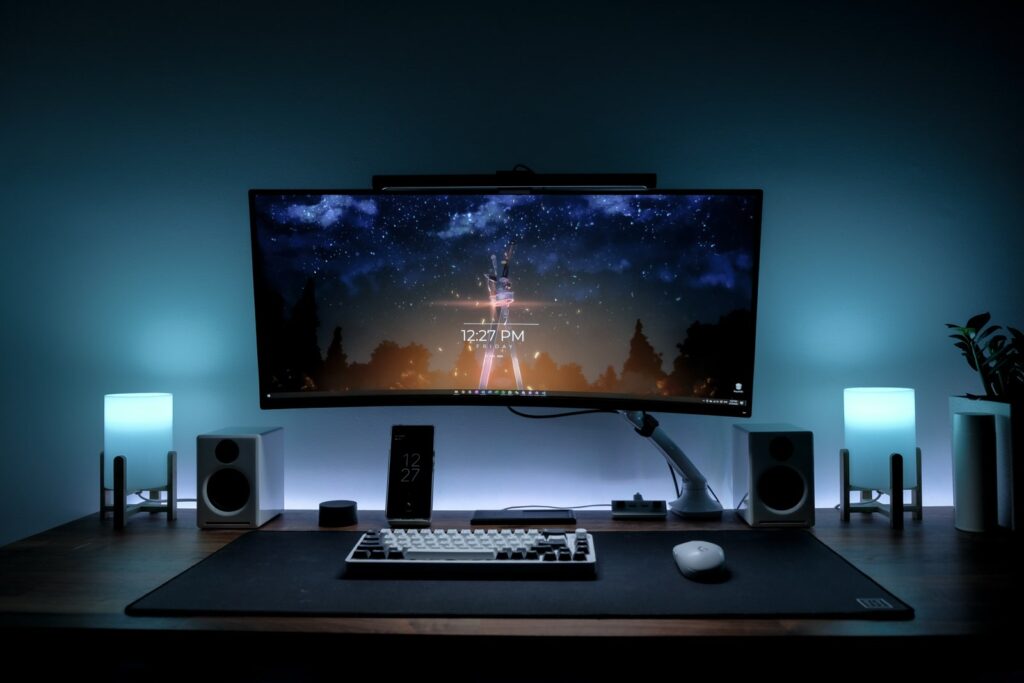
Most gaming setups hit a wall. You’ve got the PC, the monitor, the keyboard and mouse. But then there’s that tangle of cables behind the desk, the headset balanced on top of the tower, and no place to put your drink that isn’t dangerously close to your peripherals. The fix isn’t another big purchase. It’s a handful of cheap accessories that clean up the space and make it more comfortable to sit at for hours.
I spent weeks testing and comparing the best gaming desk accessories that cost under $50 each (most under $30). These are the 10 upgrades that made the biggest difference to my setup, ranked by impact per dollar.
Key Takeaways
- Biggest single upgrade: a monitor arm frees up desk space and lets you adjust screen height on the fly
- Best bang for your buck: a cable management tray at $13 transforms the look of any setup
- Total cost for all 10: around $280 if you buy everything, but even 2-3 of these will make a noticeable difference
- Comfort picks: a wrist rest and full desk mat reduce fatigue during long sessions
1. Monitor Arm
A monitor arm is the single most impactful desk upgrade you can make. It clears the bulky stock stand off your desk, reclaims that footprint for your keyboard and mouse, and lets you position your screen at the right height for your posture. The HUANUO FlowLift Monitor Mount (~$30) fits 13-32 inch screens, uses a gas spring for smooth adjustments, and installs with a simple desk clamp.
Tilt, swivel, rotate, extend. You can push the monitor back when you need desk space, pull it close for detailed work, or swing it aside entirely. If you’re gaming on a larger display, getting the height right matters more than you’d think. Neck strain from looking up or down at a screen adds up over long sessions.
2. Monitor Light Bar
Playing in the dark looks cool, but it’s rough on your eyes. A monitor light bar sits on top of your display and throws light down onto your desk without creating glare on the screen. The Quntis RGB Pro+ Monitor Light Bar (~$35) includes a wireless remote, adjustable color temperature for work or gaming, and RGB backlighting that adds ambient color to your wall.
It replaces the desk lamp you probably don’t have room for anyway. The asymmetric light design means your screen stays clear while your keyboard, notes, and desk surface stay lit. This was one of those accessories I didn’t think I needed until I tried it. Going back to no desk lighting felt wrong after a week.
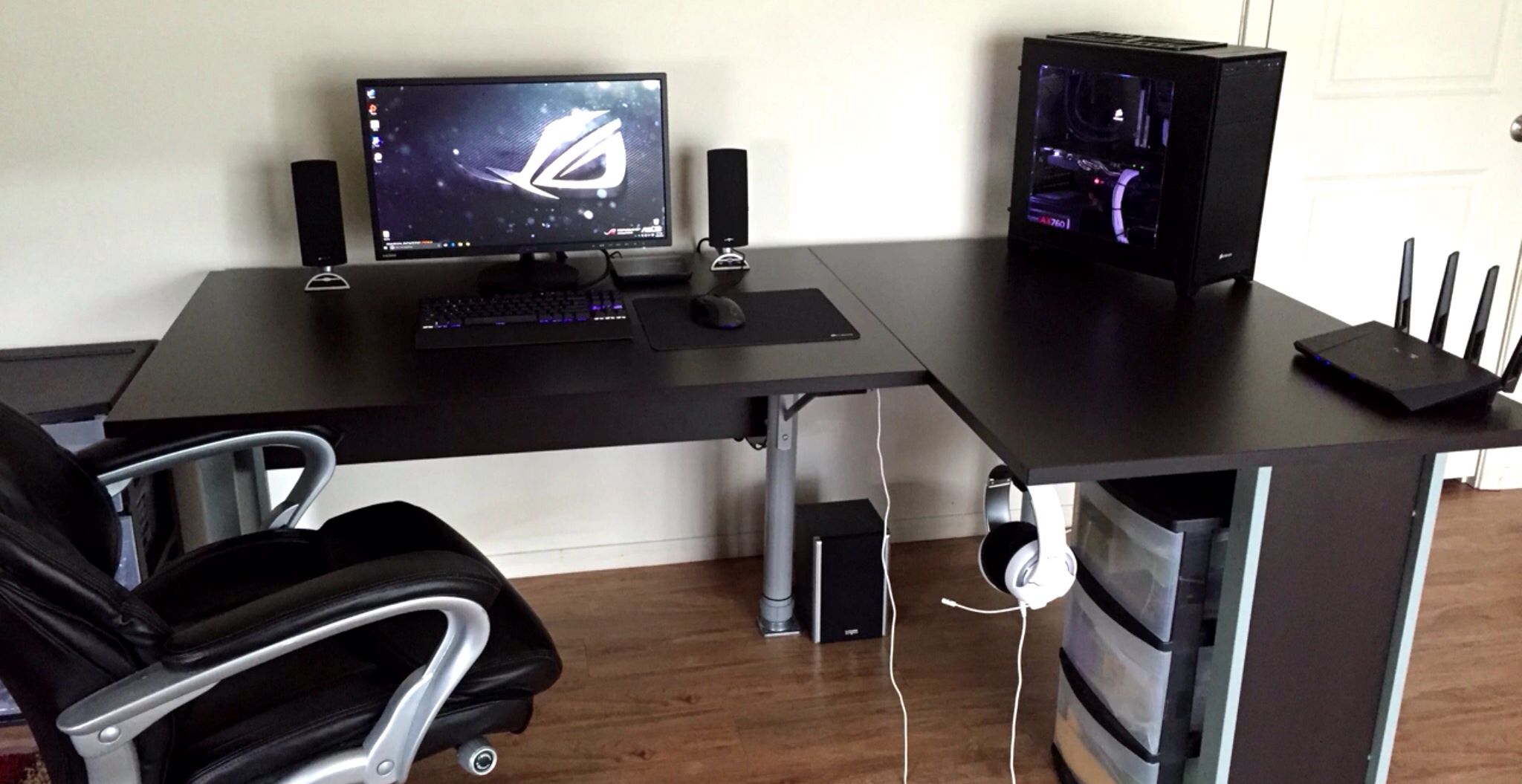
3. Full-Size Desk Mat
A desk mat does three things at once: gives your mouse a consistent tracking surface across the full desk, protects the desk surface from scratches and wear, and ties the whole setup together visually. The SteelSeries QcK XXL Heavy (~$30) measures 35.4″ x 15.7″ and uses a thick rubber base that won’t slide around during intense gameplay.
If you’ve been using a small mousepad, switching to a full desk mat changes how you use your space. Your keyboard sits on it too, which dampens the sound and keeps it from shifting. The QcK Heavy’s micro-woven cloth surface works well with both optical and laser sensors, so compatibility isn’t an issue regardless of which mouse you’re running.
4. Headset Stand
Headsets left on the desk take up space and eventually get knocked around. A dedicated stand keeps them safe and accessible. The Corsair ST100 RGB Headset Stand (~$45) adds a 3.5mm audio pass-through and a USB port on the base, which is genuinely useful for charging a phone or plugging in a flash drive.
The RGB lighting on the base matches with Corsair iCUE if you’re already in that ecosystem, but it works fine as a standalone stand too. It’s weighted enough to stay put when you pull the headset off with one hand. Small detail, but cheaper stands tend to slide or tip over.
5. Cable Management Tray
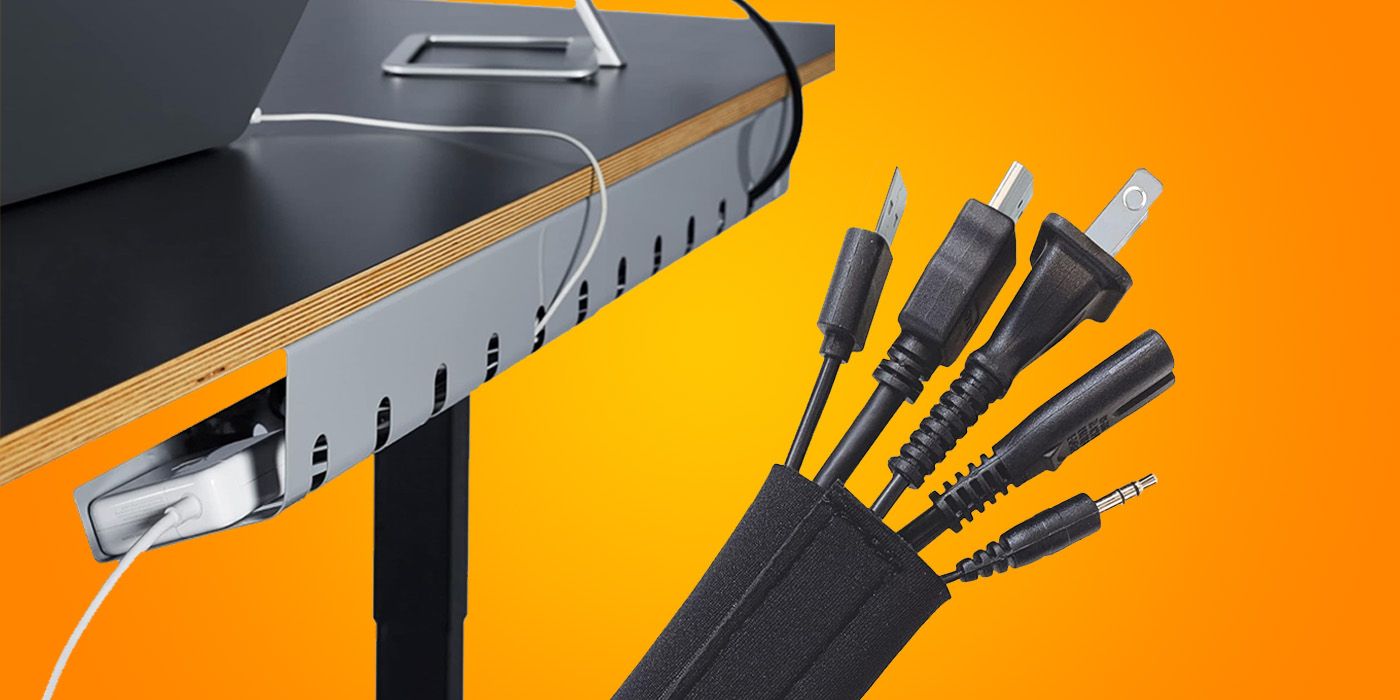
This is the highest-value item on the list relative to its price. The Univivi Under-Desk Cable Tray (~$13) mounts underneath your desk with included screws and holds your power strip, charger bricks, and all the cables that would otherwise dangle down to the floor. Fifteen minutes of work and your setup looks dramatically cleaner.
The 17-inch metal tray fits most standard desks and has ventilation slots so heat from power adapters can dissipate. Mount it, route your cables through, and forget about it. If you have pets that chew cables or you’re just tired of seeing a nest of wires whenever you glance under the desk, this is the one to buy first.
6. Wrist Rest
Long gaming sessions without wrist support lead to fatigue, and over time, worse. The HyperX Wrist Rest (~$17) uses cooling gel-infused memory foam that actually stays cool for a while, unlike cheaper foam rests that warm up immediately. The full-size version matches standard keyboards and has an anti-slip rubber base.
If you’re also using earbuds instead of a headset for longer comfort during warm months, pairing that with a wrist rest keeps the whole experience low-fatigue. Your wrists should float above the rest while typing and settle onto it during breaks, not press down into it constantly.
7. USB Hub
If your PC is under the desk or behind the monitor, plugging in a controller, flash drive, or phone cable means reaching around every time. A desktop USB hub solves that instantly. The Anker 4-Port USB 3.0 Hub (~$14) gives you four USB-A ports right on your desk surface, powered by the single cable running back to your machine.
It’s small enough to tuck behind a monitor leg or stick to the underside of the desk with a strip of adhesive. Data transfer runs at USB 3.0 speeds, so you won’t hit bottlenecks copying files to external drives. At $14, this is one of those accessories that costs almost nothing but saves you a surprising amount of daily annoyance.
8. Controller Stand / Charging Dock
Controllers left loose on the desk always end up somewhere they shouldn’t. A charging dock keeps them upright, charged, and out of the way. The 8BitDo Ultimate 2 Controller (~$70) comes with its own charging dock in the box, which doubles as a Bluetooth receiver for PC. You get a dedicated home for the controller and it’s always ready to grab.
If you already own a controller and just need a stand, basic acrylic or aluminum stands run $8-12 on Amazon. But if you’re in the market for a new controller anyway, the 8BitDo bundle makes the dock a freebie rather than an add-on. Hall effect sticks, back buttons, and 2.4GHz wireless with no perceptible lag.
9. Desk Shelf / Monitor Riser
A desk shelf creates a second tier on your desk. Screen goes on top, keyboard slides underneath when you’re done. You also get storage space below the shelf for controllers, notebooks, or a small speaker. The BONTEC Wooden Monitor Stand Riser (~$22) has two tiers with a phone holder slot and space for a small drawer.
If you’re not using a monitor arm (item #1 on this list), a riser is the next best option for getting your screen to eye level. Even if you are using an arm, a shelf adds organization space you didn’t have before. The wood-and-metal construction looks clean and holds up well under a heavy monitor.
10. Desk Cup Holder
Spilled drinks and electronics don’t mix. A clip-on cup holder moves your drink to the side of the desk, off the surface entirely and away from your gear. The Cup-Holster (~$10) clamps onto desk edges up to 1.75 inches thick and holds cups, cans, bottles, and even a small snack bowl.
It folds flat when you’re not using it and swings out when you need it. At $10, it’s cheap insurance against the kind of spill that could ruin a keyboard or fry a USB hub. Simple, dumb, effective. Sometimes the best accessories are the ones that solve a problem you’ve been ignoring.
Top 3 Picks
If you’re only going to buy a few items from this list, start with these three. They cover the biggest pain points: ergonomics, eye strain, and mouse control.
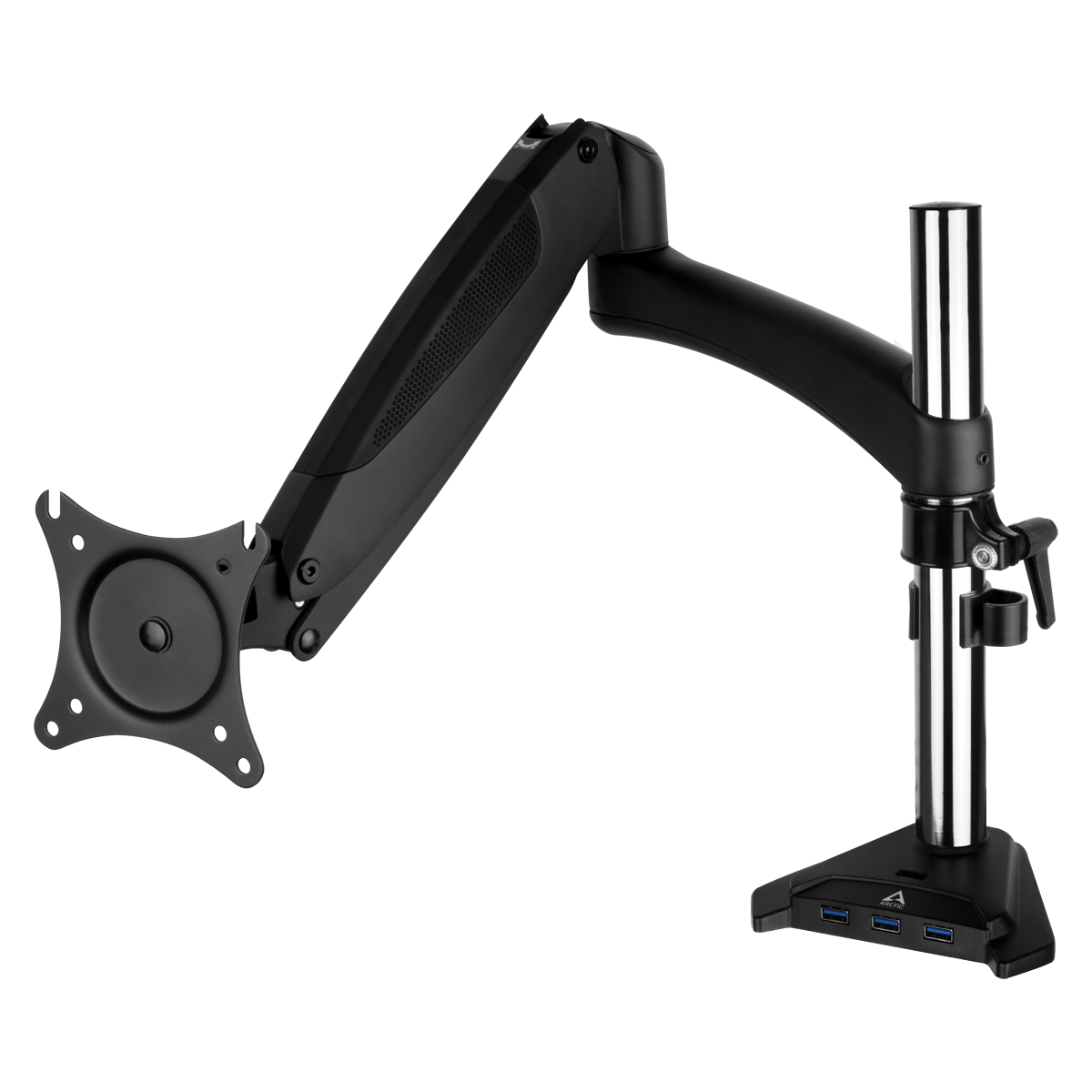
HUANUO FlowLift Monitor Mount
Gas spring arm for 13-32″ screens. Frees desk space and fixes posture.
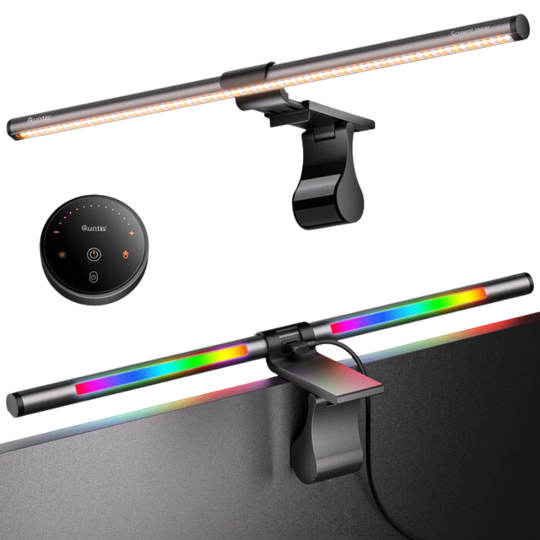
Quntis RGB Pro+ Light Bar
Wireless remote, adjustable warmth, RGB backlight. Replaces your desk lamp.
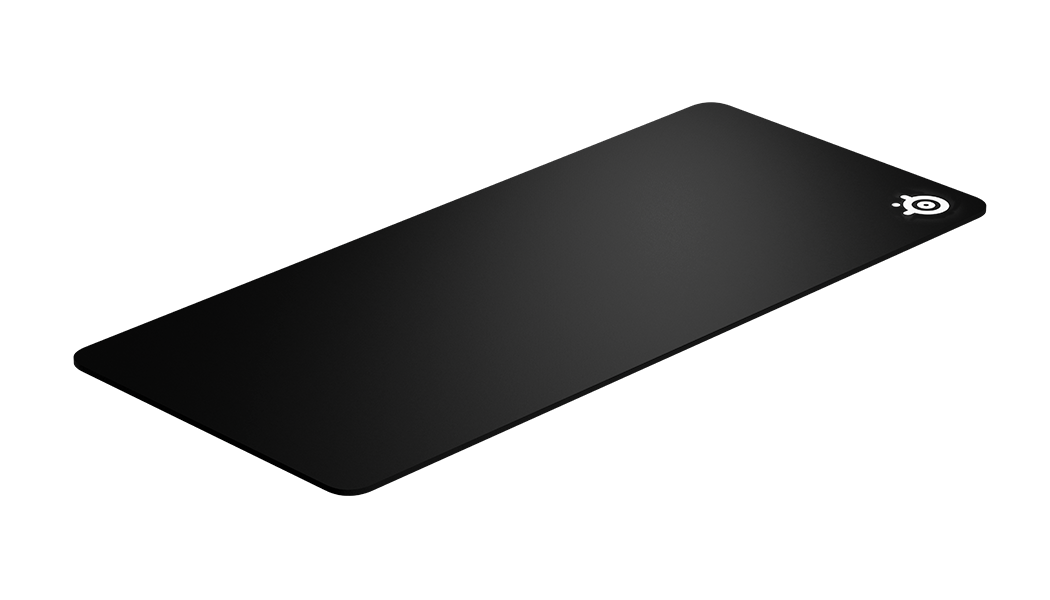
SteelSeries QcK XXL Heavy
35″ x 16″ micro-woven cloth. Non-slip rubber base, works with any sensor.
How to Choose Your First Upgrades
Not every desk needs all 10 items. Start by identifying what bothers you most about your current setup:
Desk feels cramped? Monitor arm (#1) and desk mat (#3) give you back usable space. The arm alone removes the biggest footprint hog on most desks.
Cable mess? Cable tray (#5) and USB hub (#7) together cost under $30 and clean up both the visible clutter and the daily inconvenience of reaching behind your PC.
Comfort issues during long sessions? Wrist rest (#6) and monitor light bar (#2). Your eyes and wrists take the most punishment during extended play. Addressing both costs under $55.
Just want it to look better? Desk mat (#3), headset stand (#4), and cup holder (#10). These three visible changes make the biggest aesthetic difference for about $85 total.
Frequently Asked Questions
What is the most important gaming desk accessory?
A monitor arm. It reclaims desk space taken by the stock stand, lets you position your screen at the correct ergonomic height, and makes the whole setup look cleaner. It’s the one upgrade that improves comfort, functionality, and aesthetics at the same time.
How much should I spend on gaming desk accessories?
Most of the best options fall between $10 and $50 each. You don’t need to buy everything at once. Start with 2-3 items that address your biggest pain points and add more over time. A budget of $60-90 covers the highest-impact upgrades.
Do I need a desk mat if I already have a mousepad?
A full desk mat replaces a mousepad and does more. It protects the desk surface, gives you consistent tracking across a much wider area (helpful for low-sensitivity FPS players), dampens keyboard noise, and visually unifies the setup. If your current mousepad is small, the upgrade is worth it.
Is cable management worth the effort?
Yes. An under-desk cable tray takes about 15 minutes to install and costs around $13. It hides your power strip, excess cable length, and charger bricks from view. The visual improvement is immediate, and it also makes cleaning under the desk much easier.
Summary
You don’t need to spend hundreds on a new desk or rebuild your entire setup. The 10 accessories on this list range from $10 to $70, and most fall under $35. A monitor arm, light bar, and desk mat will transform how your setup looks and feels for under $100. Add a cable tray for another $13 and you’ll wonder why you waited so long. If you want to track prices on desk accessories and grab them when they drop, Berry Finds monitors over 22,000 Amazon deals in real time.
Start with whatever annoys you most about your current desk. Fix that first, then come back for the rest. And if your hands need something to do during calls, check out our best desk fidget toys roundup. For health tracking between gaming sessions, our body composition scale guide covers every budget.