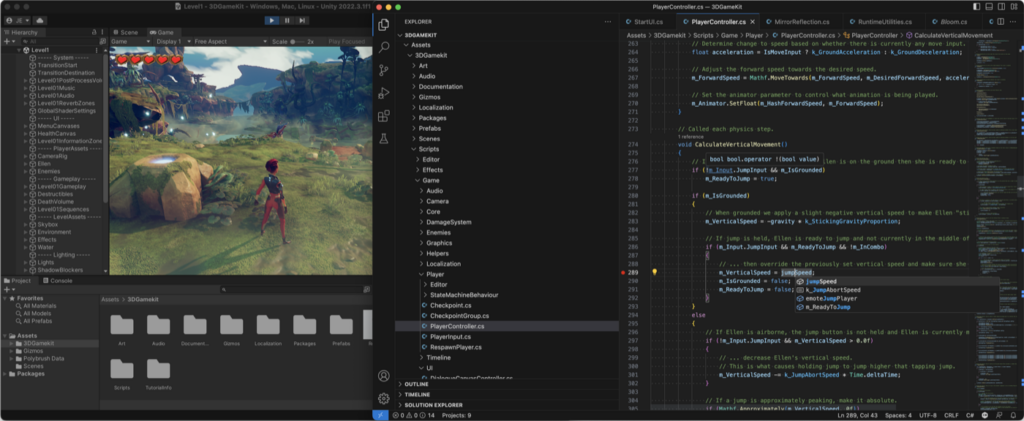
Every game tracks numbers. Health, coins, XP, quest flags, cooldown timers. The question isn’t whether you need to store this data, it’s where you put it and how the rest of your game finds out when it changes.
The usual approach is scattering variables across a dozen scripts. Your player script owns health, your economy script owns gold, your quest script owns flags. Then your UI needs health AND gold AND quest status, so now it holds references to three separate systems. Saving the game? You’re serializing each one individually and praying nothing falls out of sync.
There’s a simpler pattern. One dictionary holds all your game data as key-value pairs. Every change fires an event. Save and load become one-liners because you’re serializing a single object. I’ve used this pattern across multiple shipped projects in both Unity and Godot, and it’s become the foundation everything else builds on.
Below is the full game data manager pattern with production code in both C# and GDScript. For how a data manager fits next to your other systems, see our game architecture patterns guide covering singletons, service locators, and event buses.
Key Takeaways
- One dictionary, all data: store every runtime variable (health, gold, XP, flags) in a single Dictionary<string, float> instead of scattering them across scripts
- Events on every change: fire a signal/event whenever a value updates so UI, audio, and game systems react automatically without polling
- Save/load in one call: serialize the dictionary to JSON for instant save and load with zero per-system wiring
- Both engines covered: full production code for Unity (C#) and Godot (GDScript) using the same architectural pattern
The Problem With Scattered Game Data
Most game projects start the same way. You put playerHealth on the player script, gold on an economy manager, questComplete on a quest tracker. It works fine for about a week.
Then you need a health bar that reads playerHealth. And a shop that reads gold. And a dialog system that checks questComplete. Now three UI scripts hold direct references to three different game systems. Your save system needs to know about all of them too. Add five more systems and the reference graph looks like spaghetti.
The real pain hits when something changes. Your player takes damage, but the health bar doesn’t update because it’s reading the value in Update() one frame late. Or worse, it’s not reading at all because someone forgot to wire up the reference. You’ve built a fragile system where every new feature requires touching multiple existing scripts.
The Pattern: One Dictionary, Events, Done
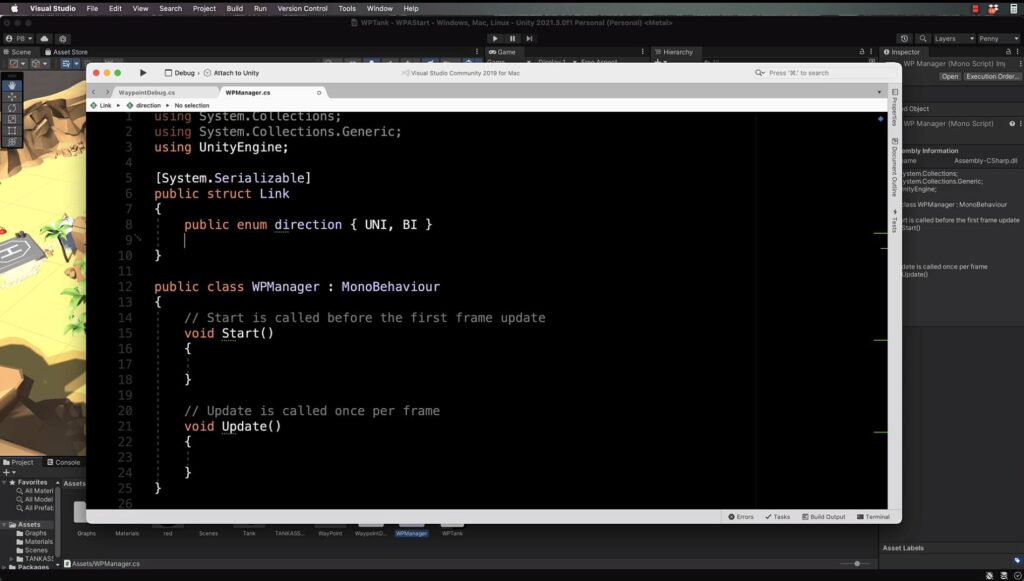
A game data manager is a single class that stores all runtime game data in one dictionary. Keys are strings ("health", "gold", "quest_1_complete"). Values are numbers. Every time a value changes, the manager fires an event with the key, the new value, and what kind of change happened.
That’s it. Three ideas working together:
- Centralized storage means any system can read any value without holding references to the system that owns it
- Event-driven changes mean listeners react instantly instead of polling every frame
- Single-object serialization means save and load is just “convert this one dictionary to JSON and back”
If you’ve built a state machine before, you already know the value of centralizing control. This is the same principle applied to data. Instead of spreading game variables across your codebase, you give them one home and let everything else subscribe to changes.
The operations are simple. Set overwrites a value. Add and Sub do math. Get reads. Clear removes a key. Echo fires an event without changing anything (useful for triggering UI refreshes). ClearAll resets everything.
Unity Implementation (C#)
Here’s the full Unity implementation. The class is called DataService and uses C# events with a Dictionary<string, float> backing store. JSON serialization is handled by Newtonsoft.Json.
using System;
using System.Collections.Generic;
using Newtonsoft.Json;

public enum ChangeType { Set, Add, Sub, Clear, Echo, ClearAll }

public class DataService
{
    [Serializable]
    public class DataChangeEvent : EventArgs
    {
        public string Key { get; private set; }
        public float Value { get; private set; }
        public ChangeType Type { get; private set; }

        public DataChangeEvent(string key, float value, ChangeType type)
        {
            Key = key;
            Value = value;
            Type = type;
        }
    }

    [JsonProperty]
    private Dictionary<string, float> _iv = new Dictionary<string, float>();

    [JsonProperty]
    private Dictionary<string, string> _stringIv = new Dictionary<string, string>();

    public event EventHandler<DataChangeEvent> OnDataChanged;

    public void Set(string key, float value)
    {
        _iv[key] = value;
        OnDataChanged?.Invoke(this, new DataChangeEvent(key, value, ChangeType.Set));
    }

    public void Add(string key, float value)
    {
        if (!_iv.ContainsKey(key)) _iv[key] = 0;
        _iv[key] += value;
        OnDataChanged?.Invoke(this, new DataChangeEvent(key, _iv[key], ChangeType.Add));
    }

    public void Sub(string key, float value)
    {
        if (!_iv.ContainsKey(key)) _iv[key] = 0;
        _iv[key] -= value;
        OnDataChanged?.Invoke(this, new DataChangeEvent(key, _iv[key], ChangeType.Sub));
    }

    public float Get(string key)
    {
        return _iv.ContainsKey(key) ? _iv[key] : 0f;
    }

    public void Clear(string key)
    {
        _iv.Remove(key);
        OnDataChanged?.Invoke(this, new DataChangeEvent(key, 0, ChangeType.Clear));
    }

    public void Echo(string key)
    {
        float value = _iv.ContainsKey(key) ? _iv[key] : 0f;
        OnDataChanged?.Invoke(this, new DataChangeEvent(key, value, ChangeType.Echo));
    }

    public void ClearAll()
    {
        _iv.Clear();
        _stringIv.Clear();
        OnDataChanged?.Invoke(this, new DataChangeEvent("", 0, ChangeType.ClearAll));
    }

    // String storage
    public string GetString(string key)
    {
        return _stringIv.ContainsKey(key) ? _stringIv[key] : "";
    }

    public void SetString(string key, string value)
    {
        _stringIv[key] = value;
    }

    public bool HasStringKey(string key)
    {
        return _stringIv.ContainsKey(key);
    }

    // Serialization
    public string SerializeToString()
    {
        var saveData = new Dictionary<string, object>
        {
            { "data", _iv },
            { "string_data", _stringIv }
        };
        return JsonConvert.SerializeObject(saveData);
    }

    public void DeserializeFromString(string json)
    {
        var parsed = JsonConvert.DeserializeObject<Dictionary<string, object>>(json);
        if (parsed == null) return;

        _iv = parsed.ContainsKey("data")
            ? JsonConvert.DeserializeObject<Dictionary<string, float>>(parsed["data"].ToString())
              ?? new Dictionary<string, float>()
            : new Dictionary<string, float>();

        _stringIv = parsed.ContainsKey("string_data")
            ? JsonConvert.DeserializeObject<Dictionary<string, string>>(parsed["string_data"].ToString())
              ?? new Dictionary<string, string>()
            : new Dictionary<string, string>();
    }
}
How It Works
The [JsonProperty] attribute on the backing dictionary lets Newtonsoft serialize private fields. Every mutation method fires OnDataChanged with the affected key, its current value, and the operation type. This means a subscriber can filter events by key (“I only care about health”) or by type (“I only care about Set operations”).
The Echo method is worth calling out. It fires an event without changing data. Use it when you need to force a UI refresh after loading a save, or when a new listener subscribes and needs the current state.
Notice there’s no MonoBehaviour inheritance. This class is a plain C# object, so you can put it anywhere. Attach it to a manager, make it static, inject it through a service locator. The pattern doesn’t care.
Godot Implementation (GDScript)
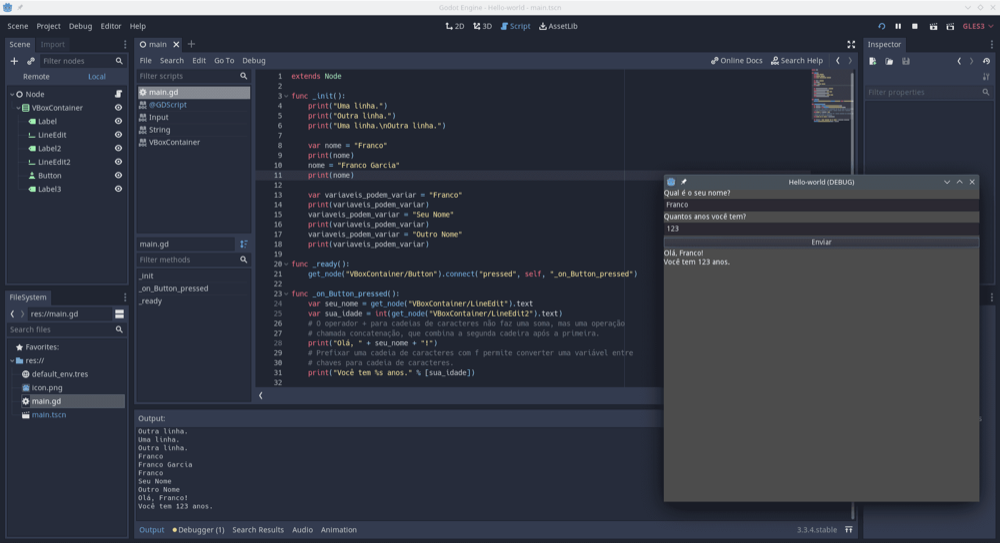
The Godot version follows the same architecture but uses GDScript signals instead of C# events. It extends Node so you can add it as an Autoload singleton.
extends Node
class_name DataService

enum ChangeType { SET, ADD, SUB, CLEAR, ECHO, CLEAR_ALL }

var _data: Dictionary = {}
var _string_data: Dictionary = {}

signal data_changed(key: String, value: float, change_type: ChangeType)

# Core operations
func set_value(key: String, value: float) -> void:
    _data[key] = value
    data_changed.emit(key, value, ChangeType.SET)

func add_value(key: String, value: float) -> void:
    if not _data.has(key):
        _data[key] = 0.0
    _data[key] += value
    data_changed.emit(key, _data[key], ChangeType.ADD)

func sub_value(key: String, value: float) -> void:
    if not _data.has(key):
        _data[key] = 0.0
    _data[key] -= value
    data_changed.emit(key, _data[key], ChangeType.SUB)

func get_value(key: String) -> float:
    return _data.get(key, 0.0)

func has_key(key: String) -> bool:
    return _data.has(key)

func clear(key: String) -> void:
    _data.erase(key)
    data_changed.emit(key, 0.0, ChangeType.CLEAR)

func echo(key: String) -> void:
    var value = _data.get(key, 0.0)
    data_changed.emit(key, value, ChangeType.ECHO)

func clear_all() -> void:
    _data.clear()
    _string_data.clear()
    data_changed.emit("", 0.0, ChangeType.CLEAR_ALL)

# Convenience methods
func get_int(key: String) -> int:
    return int(_data.get(key, 0.0))

func set_int(key: String, value: int) -> void:
    set_value(key, float(value))

func get_bool(key: String) -> bool:
    return _data.get(key, 0.0) > 0.0

func set_bool(key: String, value: bool) -> void:
    set_value(key, 1.0 if value else 0.0)

func increment(key: String) -> void:
    add_value(key, 1.0)

func decrement(key: String) -> void:
    sub_value(key, 1.0)

# String storage
func get_string(key: String) -> String:
    return _string_data.get(key, "")

func set_string(key: String, value: String) -> void:
    _string_data[key] = value

func has_string_key(key: String) -> bool:
    return _string_data.has(key)

# Serialization
func serialize_to_string() -> String:
    var save_data = { "data": _data, "string_data": _string_data }
    return JSON.stringify(save_data)

func deserialize_from_string(json_string: String) -> void:
    var parsed = JSON.parse_string(json_string)
    if parsed is Dictionary:
        _data = parsed.get("data", {})
        _string_data = parsed.get("string_data", {})

# File I/O with encryption
func save_to_file(path: String, password: String = "") -> void:
    var file: FileAccess
    if password != "":
        file = FileAccess.open_encrypted_with_pass(path, FileAccess.WRITE, password)
    else:
        file = FileAccess.open(path, FileAccess.WRITE)
    if file:
        file.store_string(serialize_to_string())

func load_from_file(path: String, password: String = "") -> void:
    var file: FileAccess
    if password != "":
        file = FileAccess.open_encrypted_with_pass(path, FileAccess.READ, password)
    else:
        file = FileAccess.open(path, FileAccess.READ)
    if file:
        deserialize_from_string(file.get_as_text())
Godot-Specific Extras
Both versions include float and string dictionaries with the same serialization structure. The Godot version goes a bit further with convenience methods (get_bool, set_bool, increment, decrement) that cut down on boilerplate in calling code. File I/O with optional encryption is also built in since Godot’s FileAccess makes it trivial. You could add the same helpers to the Unity version if your project needs them.
To use this as a global singleton in Godot, add the script as an Autoload in Project Settings. Every node in your scene tree can then access it directly by its Autoload name.
Hooking Into Events
The data manager is only useful if other systems listen to it. Here’s how to connect listeners in both engines.
Unity: Health Bar Example
public class HealthBar : MonoBehaviour
{
    [SerializeField] private Slider healthSlider;
    private DataService _data;

    void Start()
    {
        _data = GameManager.Instance.Data;
        _data.OnDataChanged += HandleDataChanged;
        healthSlider.maxValue = _data.Get("max_health");
        healthSlider.value = _data.Get("health");
    }

    void HandleDataChanged(object sender, DataService.DataChangeEvent e)
    {
        if (e.Key == "health")
            healthSlider.value = e.Value;
    }

    void OnDestroy()
    {
        _data.OnDataChanged -= HandleDataChanged;
    }
}
The health bar subscribes once in Start() and reacts only when "health" changes. No Update() polling. No direct reference to a Player script. If you rename the player class, the health bar doesn’t care. It only knows about the string "health".
Godot: Gold Counter Example
extends Label

func _ready():
    DataService.data_changed.connect(_on_data_changed)
    text = str(DataService.get_int("gold"))

func _on_data_changed(key: String, value: float, type) -> void:
    if key == "gold":
        text = str(int(value))
Same idea. Connect to the signal, filter by key, update the UI. If you’re building a quest system or an inventory system, those systems read from and write to the same data manager. The quest system calls set_value("quest_1_complete", 1.0) and every listener that cares about that key reacts.
What Else Can Listen
Once the event system is in place, you can hook anything into it without modifying existing code:
- Achievement triggers that fire when
"enemies_killed"hits a threshold - Audio cues that play a coin sound whenever
"gold"increases - Analytics logging that records every data change for debugging
- Autosave triggers that write to disk after a set number of changes
Each new listener is its own script. It subscribes to the event, checks the key, and does its thing. You never touch the data manager or any other listener.
Save and Load
This is where the pattern really pays off. Because all your game data lives in one dictionary, saving the entire game state is a single method call.
Unity Save/Load
// Save
string json = data.SerializeToString();
File.WriteAllText(savePath, json);

// Load
string json = File.ReadAllText(savePath);
data.DeserializeFromString(json);

// Refresh all listeners after load
data.Echo("health");
data.Echo("gold");
data.Echo("level");
Godot Save/Load
# Save (with encryption)
DataService.save_to_file("user://save.dat", "my_secret_key")

# Load
DataService.load_from_file("user://save.dat", "my_secret_key")

# Refresh listeners
DataService.echo("health")
DataService.echo("gold")
DataService.echo("level")
No per-system serialization code. No coordinating save order between a player system, an economy system, and a quest system. One dictionary in, one dictionary out.
The Echo calls after loading are how you sync the UI. When you deserialize, the dictionary updates silently (no events fire during deserialization). Calling Echo on each key you care about fires the event so every listener can refresh itself with the loaded values.
⚡ Tip: For larger games, you can loop through all keys in the dictionary after loading and call Echo on each one automatically. This guarantees every listener refreshes without maintaining a manual list of keys.
What About Complex Data?
The float dictionary handles most game variables: health, mana, gold, XP, boolean flags (1.0/0.0), timestamps, counters. Both implementations include a separate string dictionary for text data like player names, save labels, and item descriptions.
For deeply nested data like full inventories or skill trees, you probably want a dedicated system for those. But even those systems can write summary values back to the data manager ("inventory_count", "active_skill_id") so the rest of your game has a single place to query.
Dev Gear Options
Building game systems means long hours in the editor. Here’s what we use to stay productive.
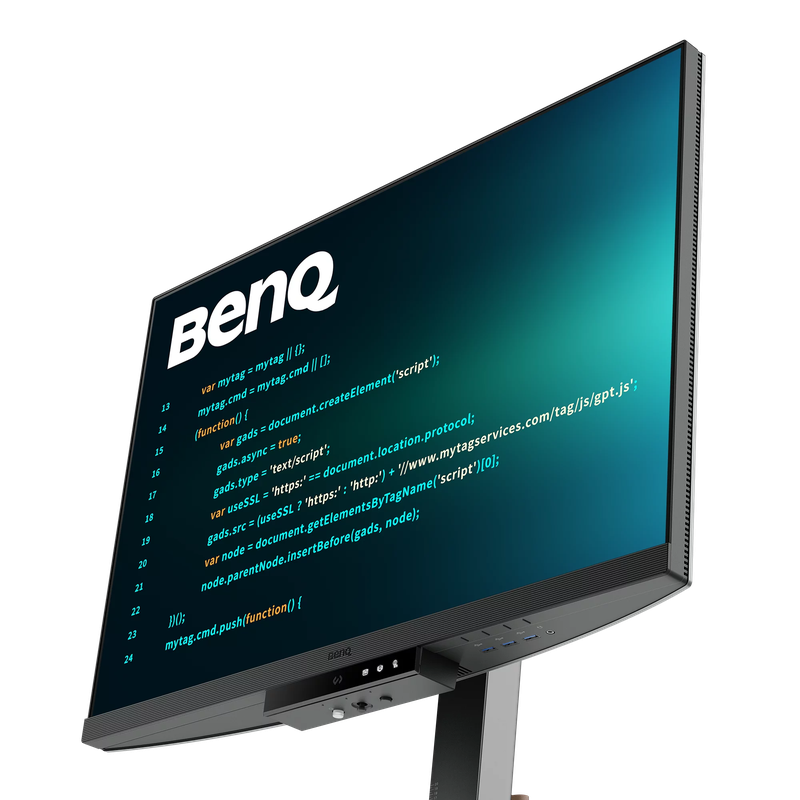
BenQ RD280U
28″ 3:2 4K+ monitor built for code
Logitech G915 X TKL
Low-profile wireless mechanical

Logitech MX Master 3S
The productivity mouse standard
Frequently Asked Questions
Why use string keys instead of an enum?
Strings let you add new data keys without recompiling or modifying the data manager. A quest system can define its own keys (“quest_1_complete”, “quest_2_progress”) without the data manager knowing quests exist. Enums are safer but create coupling. For most indie projects, string keys with a naming convention (like prefixing with the system name) work well.
Won’t this be slow with hundreds of keys?
No. Dictionary lookups are O(1) on average. A dictionary with 500 keys performs identically to one with 5 keys for reads and writes. JSON serialization of 500 float values takes under a millisecond on modern hardware. You’d need tens of thousands of keys before performance becomes a factor.
Can I use this for multiplayer games?
For local multiplayer, you can use one data manager per player (prefix keys with the player ID, or create separate instances). For networked multiplayer, the server should own the authoritative data manager and replicate changes to clients. The event system translates well to network messages since each change already includes the key, value, and operation type.
How does this compare to ScriptableObjects in Unity?
ScriptableObjects are great for static configuration data (weapon stats, item definitions, enemy templates). The data manager is for runtime state that changes during gameplay. They complement each other. A weapon ScriptableObject defines base damage; the data manager tracks the player’s current equipped weapon ID and their damage modifier.
What if I need to store arrays or nested objects?
The flat key-value pattern handles most game variables. For arrays, use indexed keys (“inventory_slot_0”, “inventory_slot_1”) or store the count and iterate. For truly complex nested data like skill trees or dialogue graphs, use a dedicated system and let it write summary values back to the data manager for other systems to read.
Summary
A centralized game data manager gives you one place for all runtime variables, automatic change notifications, and trivial save/load. The pattern works in any engine, any genre, any project size. Start with the code above, add keys as your game grows, and let the event system keep everything in sync.
If you’re building systems that consume this data, check out the quest system guide and the inventory system guide for patterns that pair naturally with a centralized data store. And if you’re still picking an engine, the game development roadmap covers everything from first steps to publishing. Godot 4 signals power the event-driven updates in this manager, and our guide breaks the system down in full.