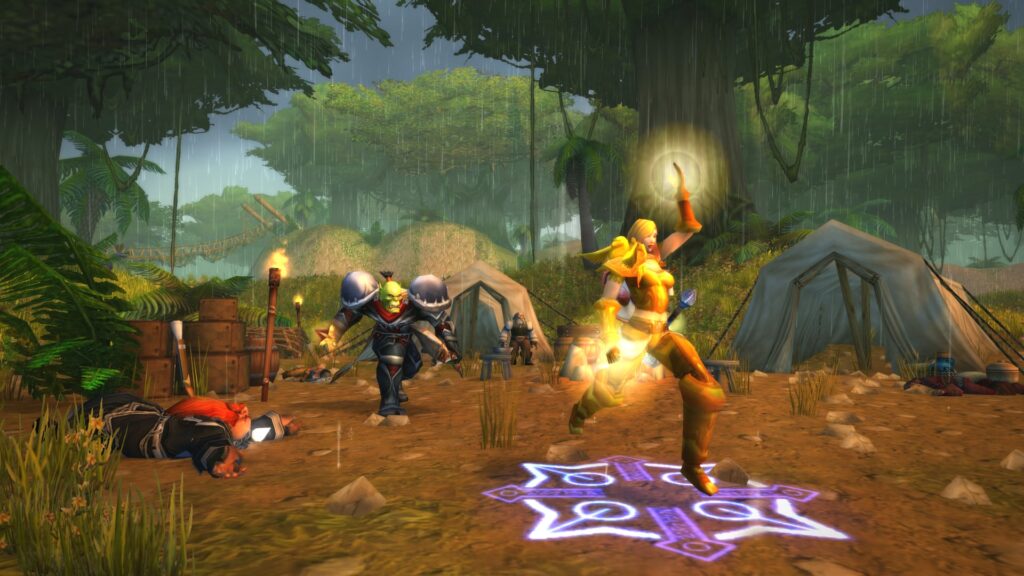
Hardcore in WoW Classic is simple on paper and brutal in practice: one character, one life, and every pull is a judgment on your UI. The default interface hides the things that matter most. Who hits hardest, what a caster is about to throw, where the patrols loop, when a loose pack is about to link up on you. Addons close that gap. A well-tuned HC setup turns panic moments into readable problems, and that is roughly the difference between a level 45 hunter with two bag slots of backup gear and a name on the DeathLog feed.
This is the addon set Hardcore regulars run in 2026. Not a “best of” list in popularity order, but twelve addons grouped by what they do for you in a fight, on the map, at the trainer, and in your bags. Install only the ones you need for your class and playstyle. The goal is a legible UI that catches danger before it kills you, not a copy of somebody else’s hotbar.
Key Takeaways
- Classic Hardcore addon: mandatory on community HC realms. Handles death tracking and ruleset verification that Blizzard’s Self-Found flag doesn’t cover.
- DeathLog: turns the realm-wide death feed into a searchable heatmap so you learn which mobs, zones, and levels are killing people before they kill you.
- GTFO: a skill-issue fix in addon form. One audible alert the moment you’re standing in something you shouldn’t be.
- Questie, Leatrix Maps, Atlas, AtlasLoot: quest routing, map clarity, and dungeon intel that cut the 1–60 grind without bending any HC rules.
How We Picked These Addons
Every addon here had to clear three filters. It had to be maintained on CurseForge or WoWUp for the current Classic Era client, because a broken addon in Hardcore is worse than no addon at all — it creates false confidence. It had to be HC-legal, with no trade facilitation, no remote grouping tricks, no exploiting the Self-Found flag. And it had to solve a concrete survival or efficiency problem the base UI doesn’t handle. Convenience addons (cosmetic minimaps, RP extensions, chat decorators) got cut.
A quick note on the old Classic Bestiary addon that still shows up in some older guides. The addon’s own documentation admits it was built from a Wowhead scrape and has known reliability issues: missing creature abilities, tooltips with wrong values, and “nonsense spells” attributed to mobs that don’t cast them. Skip it — in Hardcore, an addon that lies to you is worse than one you don’t have. Use DeathLog for real-world mob intel instead.
Death Tracking & HC Compliance
1. Classic Hardcore
Maintained by Zarant on GitHub and published on CurseForge under the classichardcore account, the Classic Hardcore addon predates Blizzard’s official Self-Found ruleset and still runs the community’s enforcement layer on Era realms. It broadcasts your death to the realm, verifies ruleset compliance (trade lockouts, dungeon cooldowns, class limitations), and feeds the central death database that other tracking tools plug into. If you play outside the official Self-Found flag, on Bloodsail Buccaneers or any community realm, this is the addon that makes your run count.
Plenty of Self-Found players run it too, even with Blizzard handling enforcement server-side. The community feed is where the more interesting death data lives. Self-Found verifies your character. Classic Hardcore verifies the realm around you.
2. DeathLog
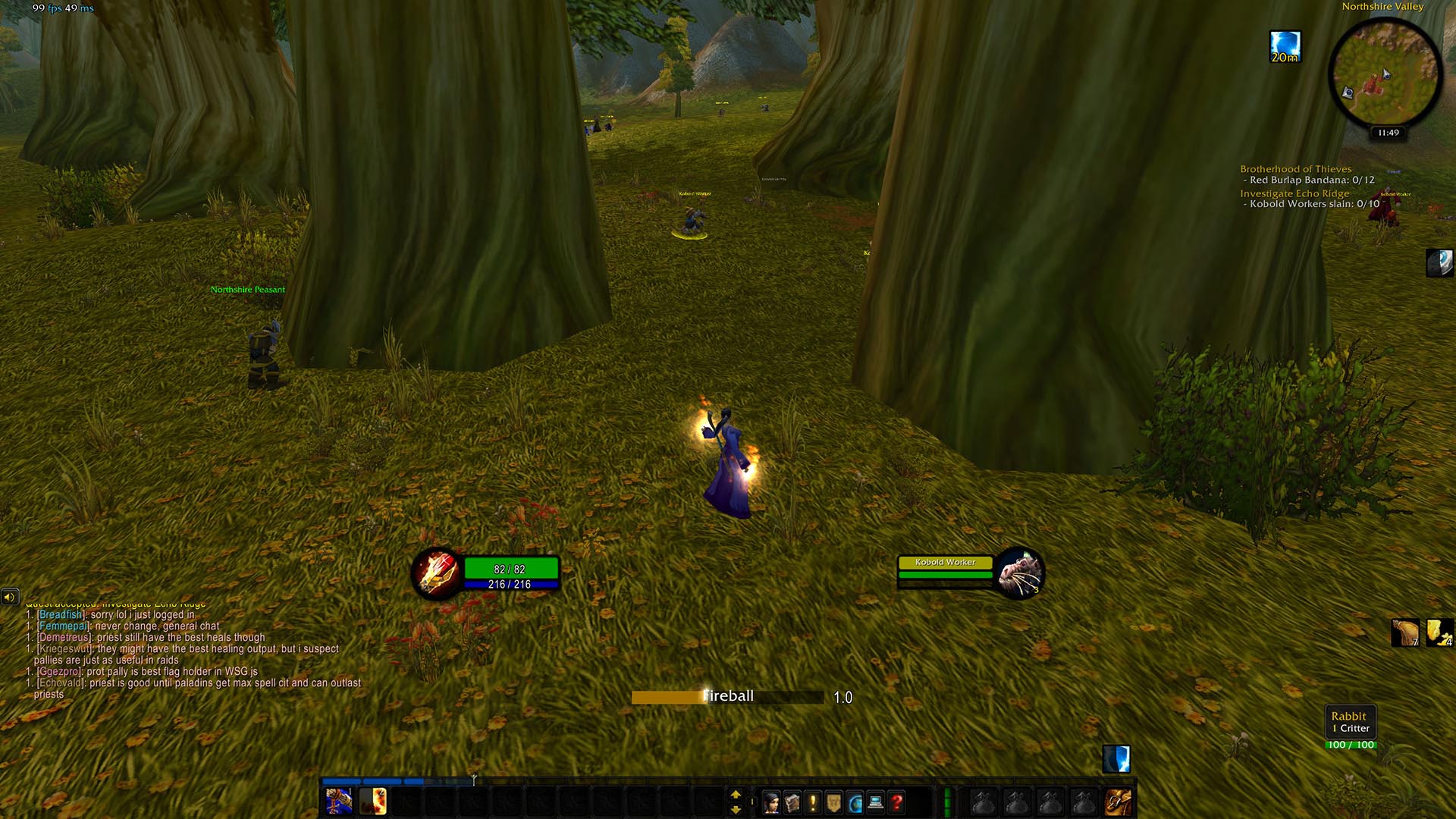
DeathLog turns the “somebody just died” chat spam into data you can use. Every death broadcast on your realm lands in a searchable log. Who, what level, which mob, which zone, which class. Filter by zone before you head somewhere new and you can spot patterns fast. “Kobold Miners have killed 48 players this week in Elwynn Forest” is better than anything a written guide will tell you.
The deadliest-creatures list is the first thing to check before heading into a new zone. If you are coming off retail and need a refresher on how Classic’s threat and pull mechanics work, the WoW Midnight Beginner Guide covers the basics. Retail habits kill hardcore characters quickly.
Combat Awareness
3. GTFO
If you install one addon from this list for pure survival value, make it GTFO. It plays a loud escalating beep the moment you’re standing in a ground effect that’s hurting you. Lava, Blizzard Rune, poison clouds, cleaves, basically every “why am I taking damage” moment you’ve ever had. It works in the open world and in dungeons, has a tiny memory footprint, and needs zero configuration after install. The learning curve is “turn your speakers on.”
4. Classic Castbars
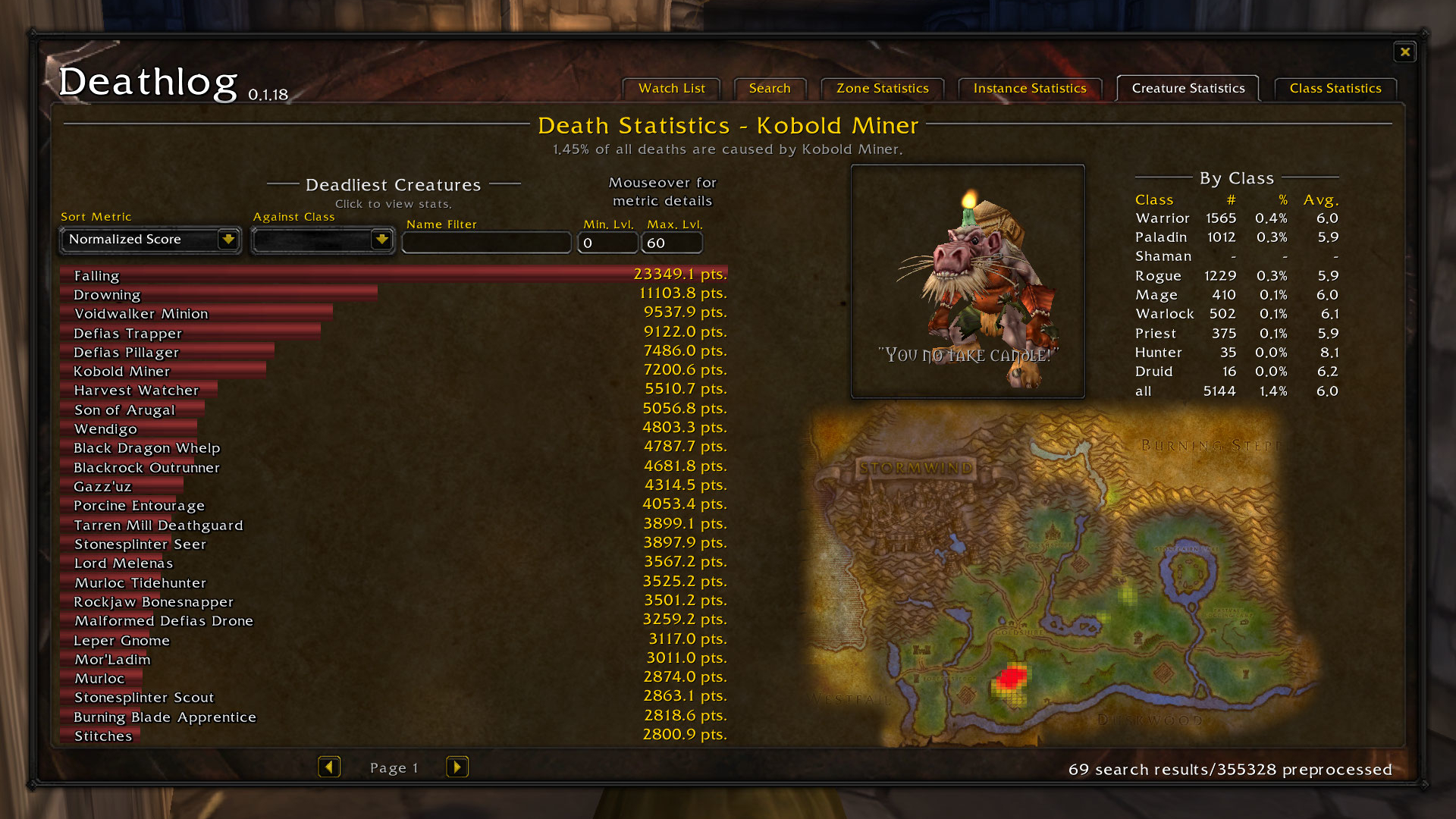
Blizzard added a built-in “Show Enemy Cast Bar” option to Classic Era a while back. It’s a good baseline, and you should turn it on. But it’s one style, one position, one size, and it doesn’t put cast bars on your nameplates. Classic Castbars gives you the rest: nameplate castbars, party frame castbars, school-lockout alerts, channel tracking, and visual customization for the target castbar itself. At lower levels where a single Fireball or Mind Blast chunks 40% of your health bar, seeing the cast on the nameplate (not just the target frame) is the difference between interrupting in time and eating it.
5. Plater Nameplates
Plater Nameplates replaces the stock plates with something configurable: health numbers, execute-range markers, target highlights, aura tracking on named mobs, cast bars baked into the plate itself. The HC win is threat coloring. Plater tints a mob plate based on whether it’s attacking you, your pet, or a groupmate, which means you see the extra patroller that just aggro’d off-screen before it’s in melee range. Tune the defaults, turn off the cosmetic flourishes, and it becomes one of your main situational-awareness tools.
Quest Routing & Navigation
6. Questie
Questie is non-negotiable. It paints quest objectives, NPC locations, and drop targets directly onto your world map and minimap. Without it, you are loading third-party sites or alt-tabbing to WoWhead every ten minutes — a huge time sink at best, a DC-death risk at worst. Questie’s HC-friendly settings hide dungeon-only quests and low-reward detours so you can build efficient kill-paths and stay in open-world zones.
Two config tips. Enable “Show quest objectives on minimap” and turn on the escort warning. Escort quests are one of the top causes of sudden HC deaths. The NPC pulls an unexpected add, you get feared, the timer ticks down while you’re eating dirt. A warning prompt before the escort kicks off has saved more characters than any other single setting I can think of.
7. Leatrix Maps (Classic)
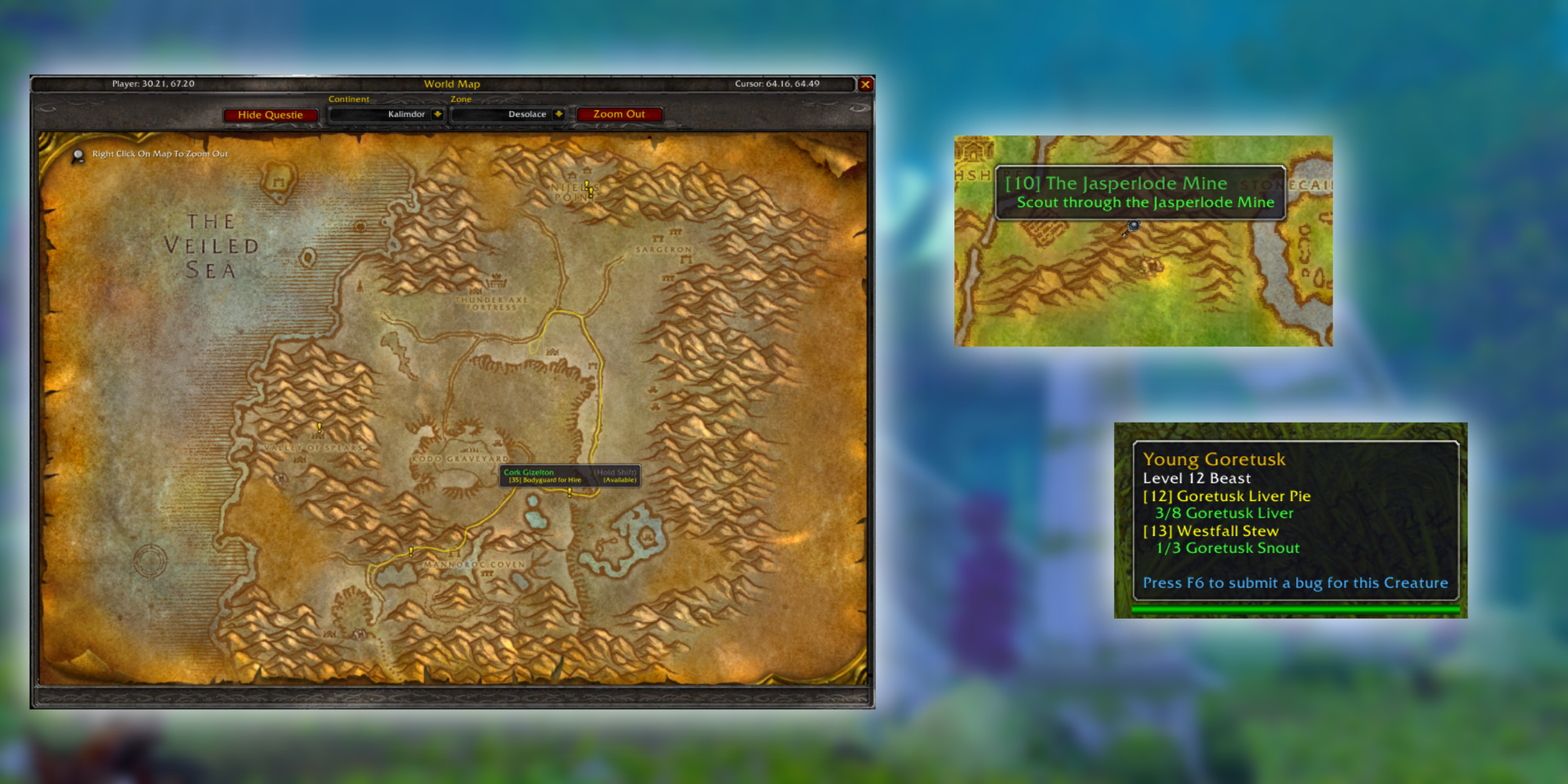
Leatrix Maps is quiet but essential. It rescales the world map, lets you reposition it, and removes the fog of war so you can plan routes into zones you haven’t walked yet. That last one sounds cosmetic until you try to path around a zone boundary in the middle of a runner-death scenario. Pair it with Questie and the map becomes a full-screen planning tool instead of a sticky-note in the corner.
Dungeon Intel
8. Atlas
Dungeon runs in HC are rare and expensive. One-shot territory, with a 24-hour lockout under level 60. Atlas gives you an interactive map of every Classic dungeon with boss positions, trash packs, and patrol routes marked. You can sketch your group’s pull order before stepping inside, flag the bosses you’re planning to skip, and work out kiting lanes if things go sideways. For groups running Deadmines or Scarlet Monastery with a big HC warning on the loading screen, this is the planning layer.
9. Atlas Loot
AtlasLoot Classic bolts a full loot database onto Atlas. You can inspect any dungeon boss’s drop table from your inventory UI without alt-tabbing, which matters when you’re deciding whether a risky run into Razorfen Downs is worth chasing a specific trinket. It covers raid loot too, which becomes relevant the day your HC character makes it to 60 and suddenly has to think about endgame gear planning instead of survival.
Inventory & Vendor Tools
10. Bagnon
Hardcore eats bag space. Between food, water, bandages, potions, poisons, quest items, class reagents, and the handful of vendor junk you haven’t cleared yet, your 16-slot starter bags turn into a disaster by level 15. Bagnon merges every bag into one sortable window, tags items by category, and color-codes quest items so you stop accidentally vendoring them. The bank and character-switcher views are nice-to-haves for alts, but the unified bag alone is worth the install on your main.
Bonus pick — Cpt. Stadics’ Vendor Treasures: not an inventory addon, but it pairs well with Bagnon. It marks vendors that sell rare or underrated items on your world map and drops a notification when you’re near one. In HC, a green sword you forgot about at a random innkeeper can carry you a full five levels. Worth installing alongside Bagnon, not instead of it.
Class-Specific Survival
11. WeakAuras
WeakAuras is the most flexible addon on this list and the one most people get wrong. It lets you build custom cooldown and buff trackers. “Show me when Fear is off cooldown.” “Flash when my Lifebloom drops.” “Beep when an enemy Shadow Word: Pain is about to fall off the target I’m CC’ing.” The HC community shares pre-built packs per class on Wago.io, which is the right place to start. Building from scratch is a project. Installing a community pack takes five minutes.
For priests, a Power Word: Shield cooldown aura. For mages, Frost Nova and Blink ready alerts. For hunters, a pet happiness tracker. For warriors, a Shield Wall and Last Stand CD panel. Every class has three or four “don’t die to this” moments, and WeakAuras is what puts them in your peripheral vision at all times.
12. What’s Training?
What’s Training? shows you every class ability you can learn from your trainer right now, with gold cost and level gate, directly in your spellbook. In HC this solves a weirdly common problem. You skip a capital city visit, forget to train a rank of a key spell, and then you’re 28 levels in on a mage still casting Rank 4 Fireball against mobs balanced against Rank 6. It’s a real documented HC death cause.
HC Ruleset Quick Refresher
Addons won’t save you if you don’t know the ruleset you’re playing under. A few facts worth double-checking before you invest 40 hours into a character:
- One life, no resurrections. Death is permanent. You can release to a graveyard as a ghost, but your gravestone stays as a trophy and the character is locked out.
- Self-Found is opt-in at character creation. On Blizzard’s official Hardcore flag, you pick Self-Found when you make the character. You can disable it later, but you cannot turn it back on. Community HC realms (Bloodsail Buccaneers and the original community ruleset) enforce trade restrictions through the Classic Hardcore addon instead.
- 24-hour dungeon lockout under level 60. You can only enter a given dungeon once per 24 hours below max level. Wipe a group and you don’t get to re-enter and try again.
- No paladin bubble-hearth. Blizzard removed the Divine Shield + Hearthstone combo from HC rulesets. Paladins need to survive the same way every other class does.
- Classic Bestiary is outdated. As noted above — don’t install it. Use DeathLog for mob intelligence instead.
Setup Tips
Use CurseForge (the desktop app) or WoWUp to install and update these. Both handle updates automatically, which matters because a broken addon after a Classic patch can break your interface mid-combat. If you go manual, the install path is World of Warcraft/_classic_era_/Interface/AddOns/, not the retail or SoD folders. Easy thing to get wrong on a dual-install.
Before you start leveling, spend ten minutes on three settings. GTFO’s volume (loud enough to startle you, not so loud your roommate moves out). Questie’s HC preset (hides dungeon quests you shouldn’t risk). Bagnon’s junk-highlighting (so a vendor sweep takes seconds instead of minutes). Everything else can be tuned as you go. If you’re also checking in on retail at the moment, the WoW Midnight Beginner Guide and the Blizzard Showcase 2026 recap cover that side of things.
Gear for Long HC Sessions
HC sessions are long, tense, and input-heavy. You’re constantly repositioning, checking bars, listening for audio cues, and a single missed ability press can end a 40-hour character. The right peripherals are the difference between a six-hour session you enjoy and a six-hour session that wrecks your wrists. A few picks we run for long play sessions.
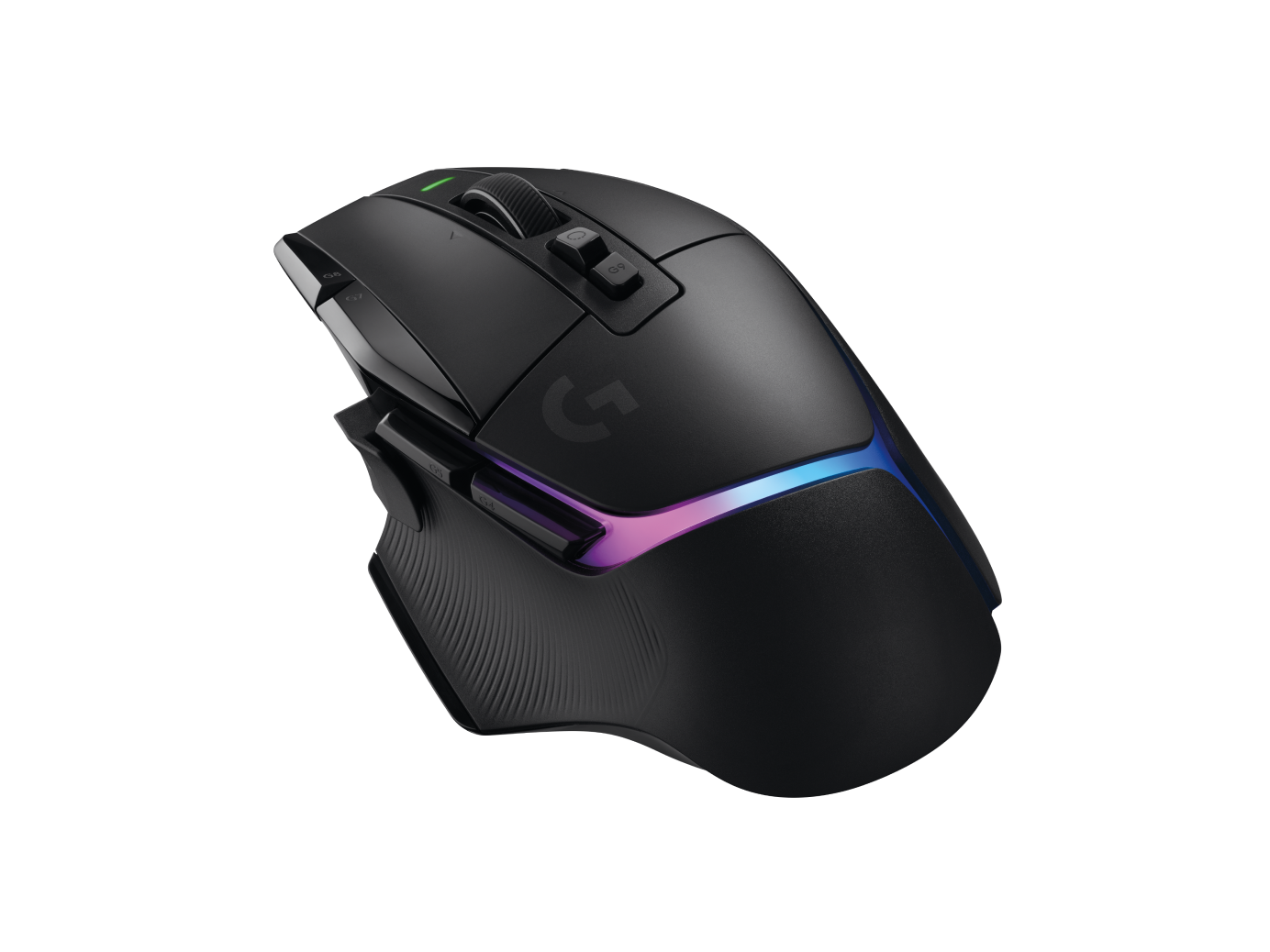
Logitech G502 X Plus
Eleven programmable buttons handle the full HC macro load — mount, trinkets, class CDs — without ever pulling your hand off WASD. Lightspeed wireless, Hero 25K sensor.
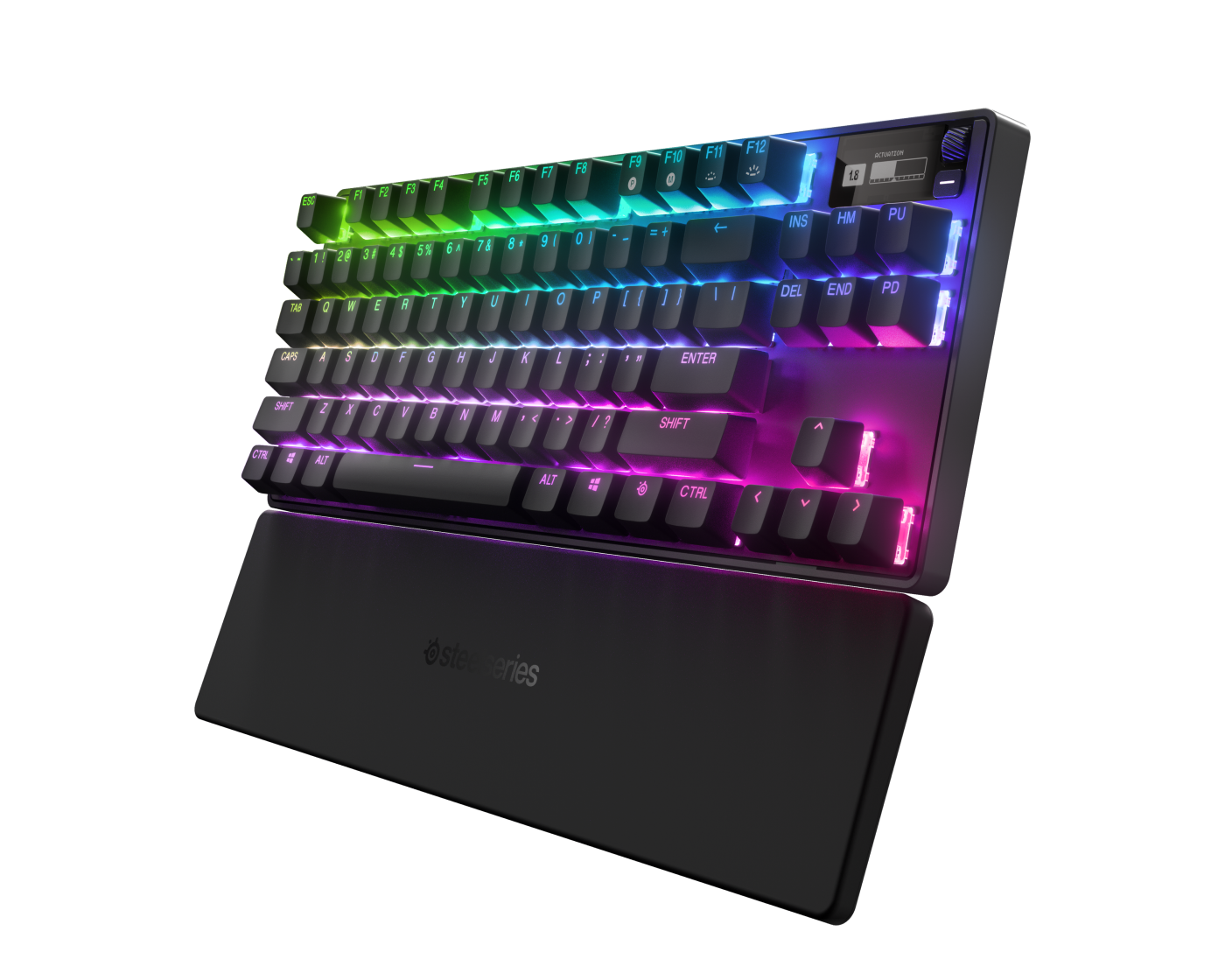
SteelSeries Apex Pro TKL Gen 3
HyperMagnetic OmniPoint 3.0 switches with per-key adjustable actuation let you tune your panic-button keys to fire on the lightest possible tap. OLED screen, PBT caps.
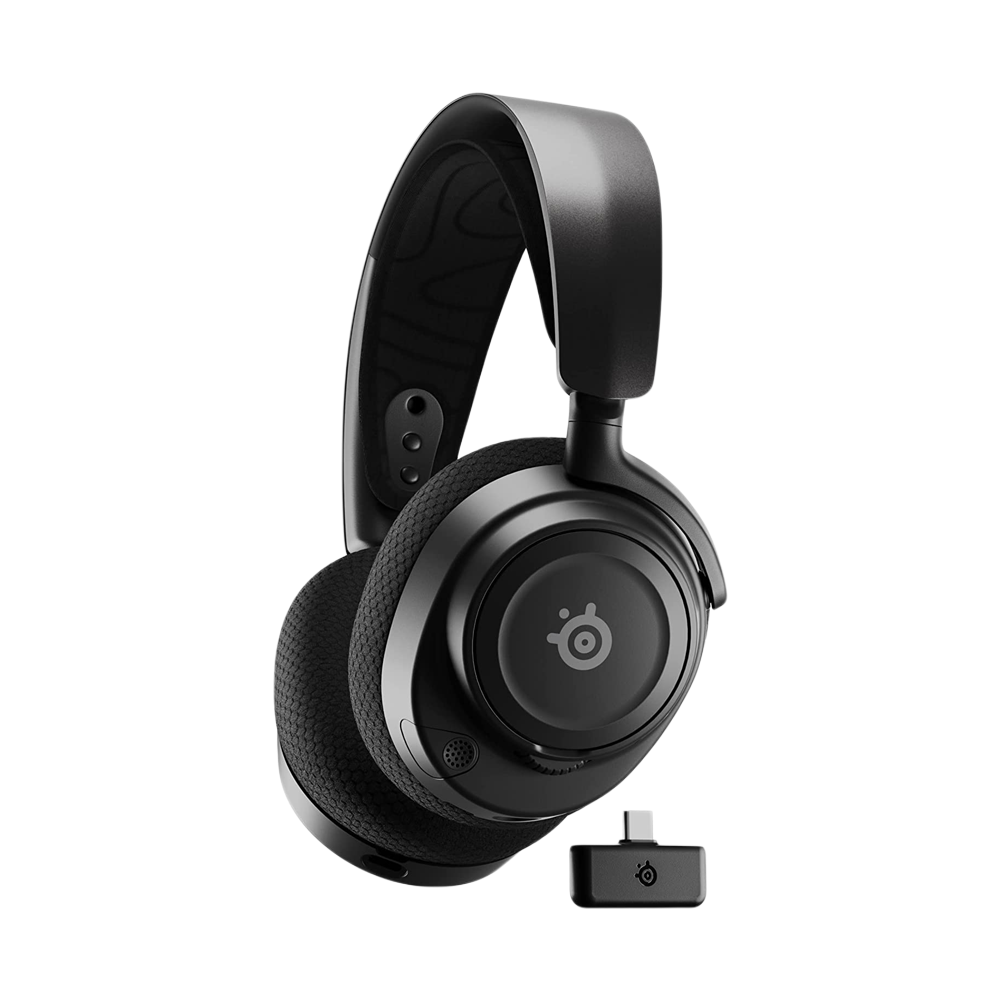
SteelSeries Arctis Nova 7
GTFO is only useful if you can actually hear it. 38-hour battery, clean spatial audio, and a mic good enough for party comms in pug dungeons.
Between long HC grinds, Berry Finds tracks real-time Amazon deals on everyday products across home, kitchen, beauty, and more so you never overpay on the stuff you buy regularly.
Frequently Asked Questions
Are addons allowed on Blizzard’s official Hardcore Self-Found realms?
Yes. Blizzard’s Self-Found ruleset only restricts trade, grouping, and the Auction House. It doesn’t regulate the addon ecosystem. Questie, DeathLog, GTFO, WeakAuras, and everything else on this list are fully legal. The one category to be cautious about is trade-facilitation tools, which are moot anyway because Self-Found blocks trade at the game level.
Do I need the Classic Hardcore addon if I’m on the official Self-Found ruleset?
You don’t need it for ruleset enforcement. Blizzard handles that server-side. But most Self-Found players still run it anyway because it connects you to the community death feed, which DeathLog uses to populate mob and zone statistics. The data layer is the reason.
What’s the single most important HC addon for a new player?
GTFO. It catches the avoidable damage (standing in a fire, getting cleaved, eating a caster’s ground effect) that accounts for a large share of low-level deaths. One-time install, no configuration, saves your first three characters.
Is WeakAuras worth the setup time?
Only if you download pre-built class packs from Wago.io. Building auras from scratch is a project, but installing a proven community pack takes five minutes and immediately gives you cooldown tracking, buff reminders, and danger alerts for your specific class. Start there, customize later.
Will these addons work in Classic+ or Season of Discovery?
Most do. Questie, GTFO, Bagnon, WeakAuras, and AtlasLoot are maintained across all Classic flavors. The Classic Hardcore addon and DeathLog are HC-specific and won’t work on SoD or retail. Always confirm the addon page lists your exact client version before trusting it.
Summary
A strong HC UI is twelve small tools, each doing one job. Classic Hardcore and DeathLog give you community intel. GTFO, Classic Castbars, and Plater Nameplates handle combat awareness. Questie and Leatrix Maps cut the navigation tax so your attention stays on your surroundings. Atlas and AtlasLoot turn dungeon runs into solvable puzzles. Bagnon keeps your bags from becoming a liability. WeakAuras and What’s Training? keep your class kit maintained. Install the set, spend an afternoon tuning defaults, and the HC learning curve flattens. Good luck out there. The goal isn’t to never die. It’s to die to something you haven’t died to before.