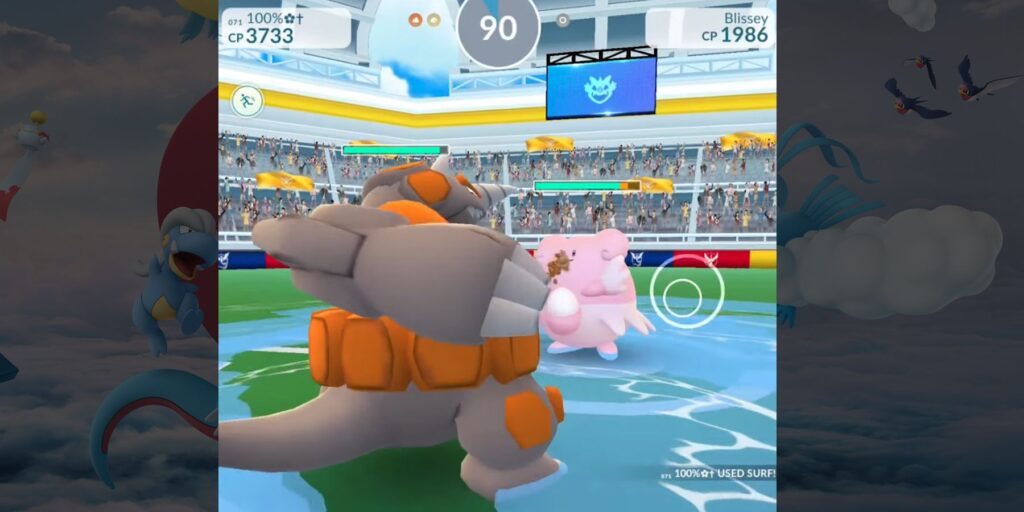
If you have seen players catching Pokémon without touching their phones and wondered how it works, this guide is for you. Pokémon GO auto-catchers are small Bluetooth devices that catch Pokémon and spin PokéStops for you in the background. Here is exactly how they work, how to set one up step by step, what they can and cannot do, and which one to buy as a beginner, written from hands-on testing of every major device.
Key Takeaways
- How they work: auto-catchers connect over Bluetooth and send a catch or spin signal to the app whenever a Pokémon or PokéStop enters range.
- Screen off is fine: with Pokémon GO running in the background and Bluetooth on, your phone can stay locked in your pocket.
- One ball per catch: each auto-throw is a single regular Poké Ball with no berry or bonus, so commons land around 50 to 70 percent of the time and rares often flee.
- Hourly disconnect: every device disconnects after about an hour due to a Niantic server limit, then you reconnect in the app.
- Setup is quick: charge it, pair it from inside Pokémon GO, and walk.
What an Auto-Catcher Does
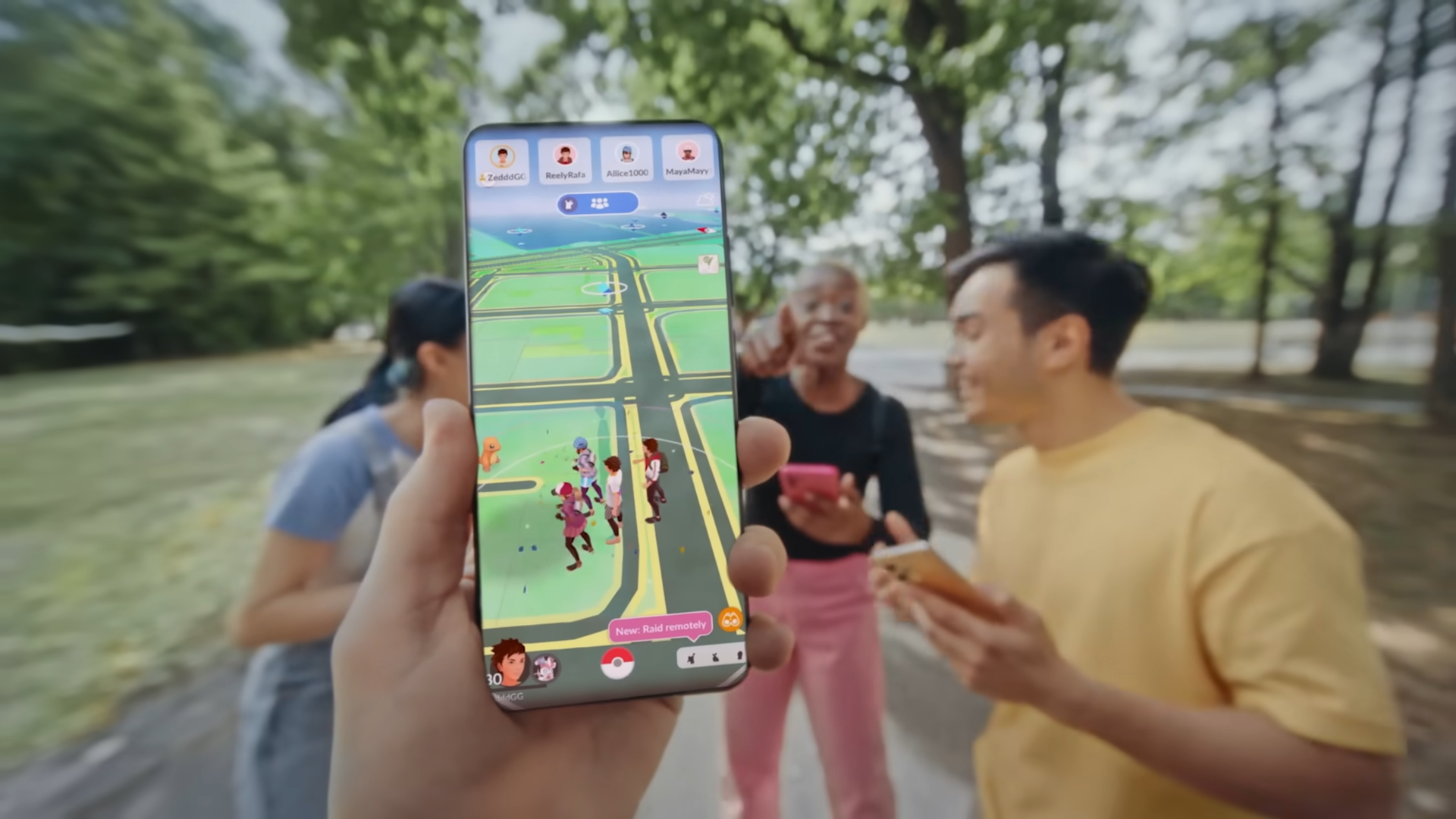
An auto-catcher is a Bluetooth accessory that plays the repetitive parts of Pokémon GO for you. Instead of opening the app to catch every Pidgey or spin every stop, the device does it in the background while you walk, commute, or do anything else. A light and a vibration tell you when it catches a Pokémon or spins a PokéStop. The result is a steady stream of Stardust, XP, and items with almost no effort.
How the Bluetooth Connection Works
Every auto-catcher connects to your phone using Bluetooth Low Energy, the same low-power standard fitness trackers use. When a wild Pokémon or a PokéStop enters range, the device sends a catch or spin signal to Pokémon GO automatically. The app needs to be running, but it can be in the background with the screen off. Third-party devices identify themselves to the game as a Pokémon GO Plus, so the app treats them exactly like the official accessory.
How to Set One Up
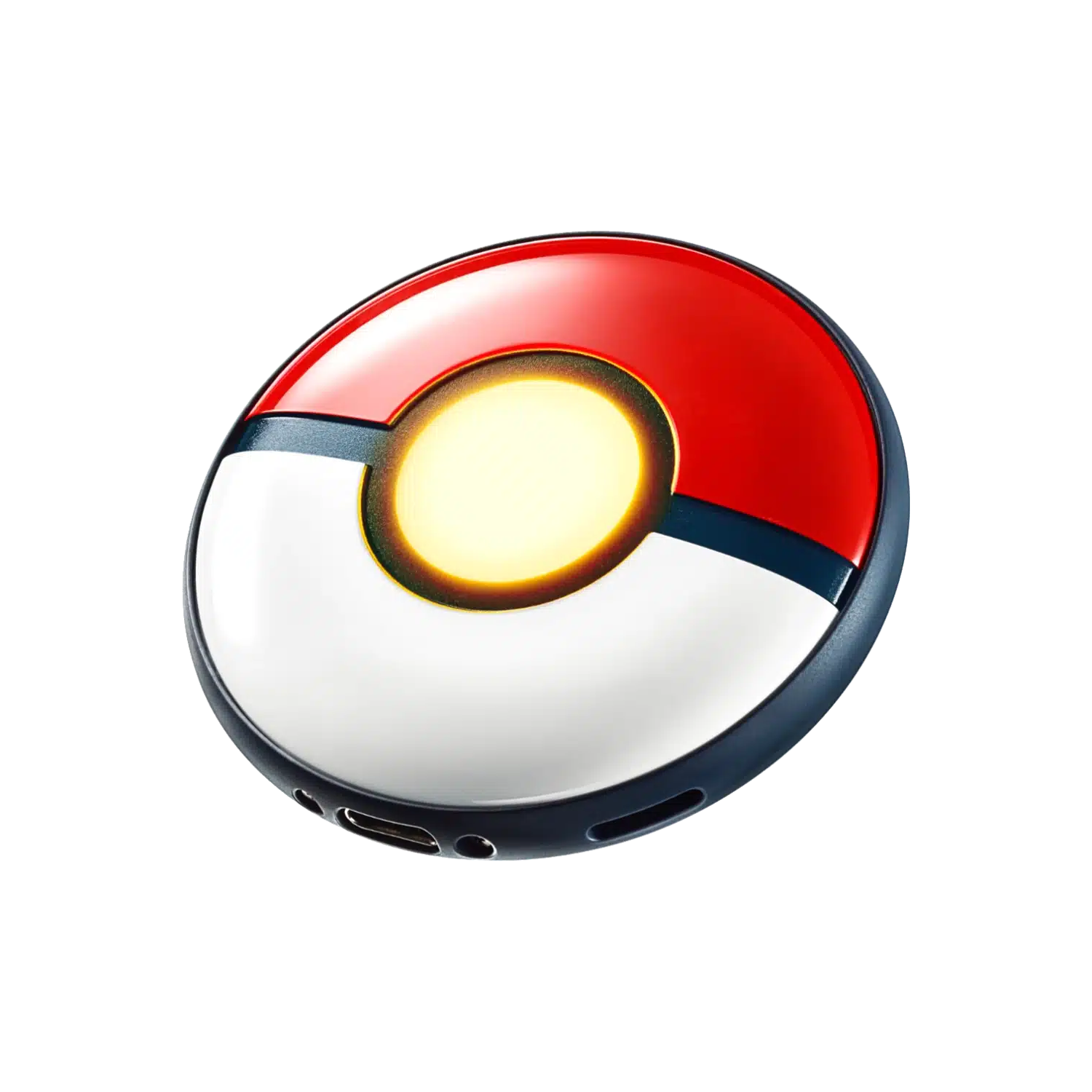
- Charge the device fully.
- Turn on Bluetooth and turn off Do Not Disturb.
- Open Pokémon GO, go to Settings, and tap the Pokémon GO Plus option.
- Put the device in pairing mode (usually a button press) and select it on screen.
- Enable auto-catch and auto-spin on the device if it has those toggles.
- Lock your phone, keep it in your pocket, and start walking.
One important tip: always pair from inside Pokémon GO, not from your phone’s Bluetooth settings. Pairing from the phone menu is the most common reason a device fails to connect.
Balls, Catch Rates, and Limits
Auto-catchers throw a single regular Poké Ball per encounter with no berry, no curveball, and no Nice, Great, or Excellent bonus. If the Pokémon breaks free, it flees immediately. In practice, common Pokémon are caught roughly 50 to 70 percent of the time, while rare or high-level spawns often drop below 10 percent. You will pile up Stardust and XP from commons but miss plenty of rares, which is the trade-off for not having to look at your phone. They also stop working when your Pokémon storage is full (no catches) or your item bag is full (no spins), so clear space regularly.
⚡ Quick tip: Auto-catchers attempt shinies too, but with one regular Poké Ball and no berry. Many players turn auto-catch off during Community Day so they can catch shinies manually with better balls and berries.
The Hourly Disconnect
Every auto-catcher, including the official Pokémon GO Plus +, disconnects after about an hour. This is a server-side limit from Niantic, not a fault with the device. On most devices you reconnect by tapping the Pokémon GO Plus icon on the map. The exception is the MEGACOM DuoMon 3, whose app can reconnect automatically, which is the closest thing to all-day, set-and-forget catching.
Best Auto-Catchers for Beginners
These three are the easiest starting points depending on your priorities. Prices are as of June 2026. Our overall best seller, and the device we recommend for most players, is the MEGACOM DuoMon 3.
Pokémon GO Plus +
Official, zero ban risk, and simple to use out of the box.
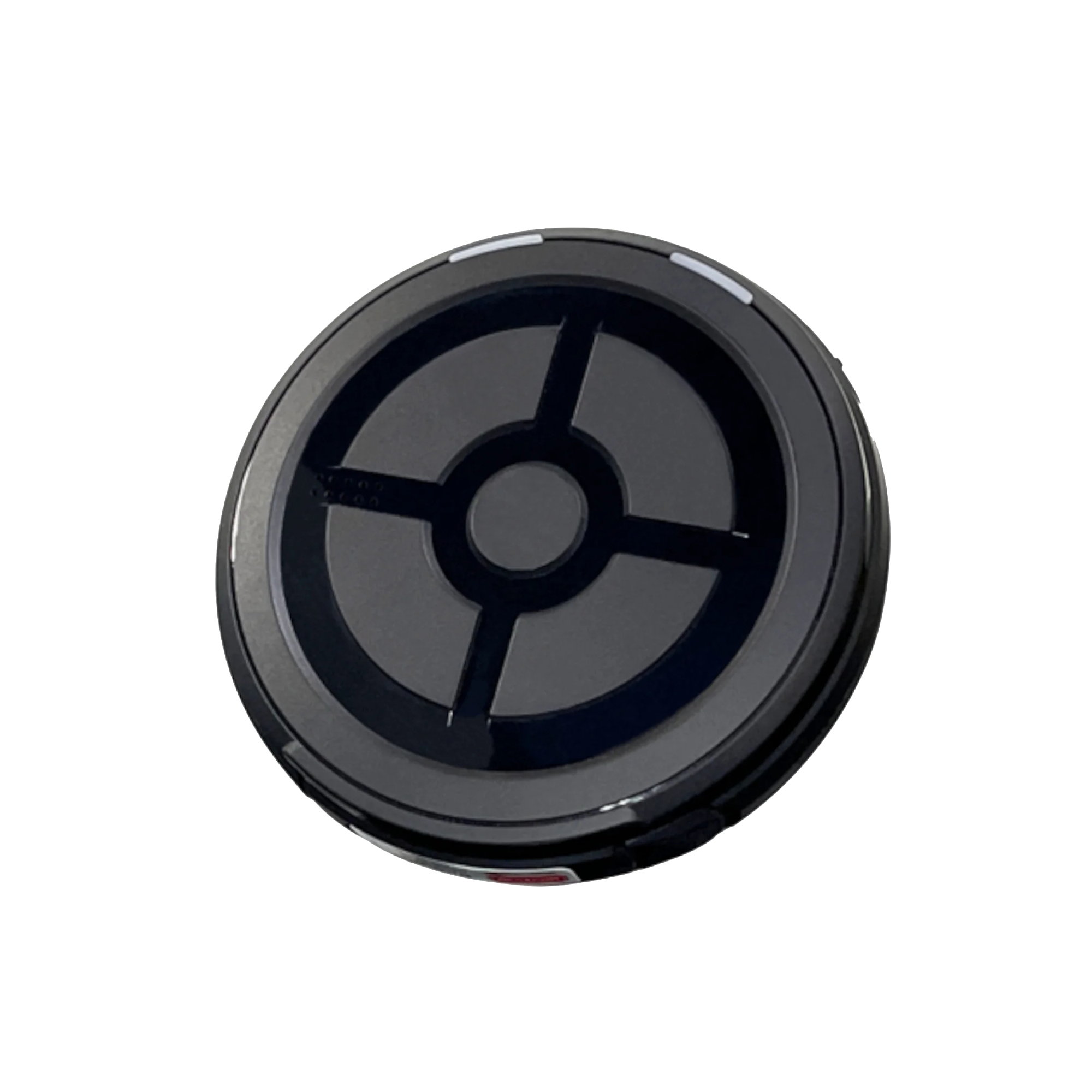
MEGACOM DuoMon 3
Auto-reconnect means you set it once and forget it all day.
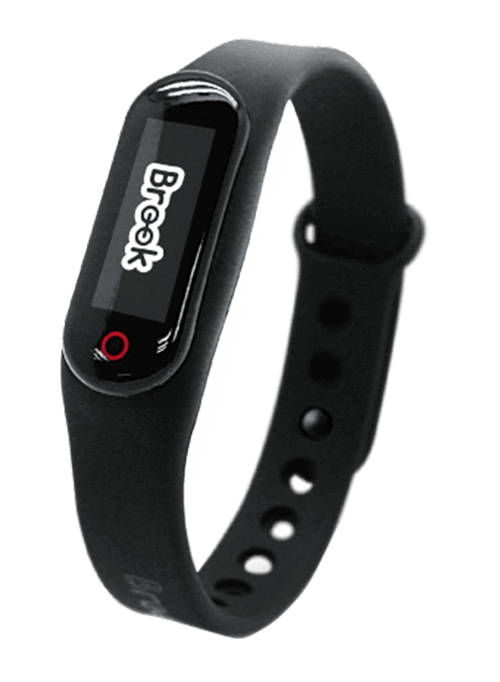
Brook Pocket Auto Catch
A simple, reliable first auto-catcher at the lowest price.
Between gaming sessions, Berry Finds tracks real-time Amazon deals on thousands of everyday products across home, kitchen, beauty, and more so you never overpay on the stuff you buy regularly.
For the full lineup tested and ranked, see our best Pokémon GO auto-catchers guide, and our explainer on what Pokémon GO Plus is covers the official device family.
Frequently Asked Questions
How do Pokémon GO auto-catchers work?
They connect to your phone over Bluetooth Low Energy and send a catch or spin signal to Pokémon GO whenever a Pokémon or PokéStop enters range, with the app running in the background. Each automatic throw uses one regular Poké Ball, and the device works with your phone locked in your pocket.
Do auto-catchers work with the screen off?
Yes. As long as Pokémon GO is running in the background and Bluetooth is enabled, your phone can be locked and in your pocket. The only exception is the rare device that physically taps your screen, which needs the screen on.
Why does my auto-catcher disconnect every hour?
This is a server-side limit set by Niantic and affects every device, including the official Pokémon GO Plus +. You reconnect by tapping the Pokémon GO Plus icon on the map, unless your device handles reconnection automatically like the MEGACOM DuoMon 3.
Do auto-catchers work while driving?
Only at low speeds. Pokémon GO caps wild spawns at roughly 25 miles per hour, so at city speeds an auto-catcher can still catch, but at highway speeds very few Pokémon appear and distance tracking is limited.
The Bottom Line
Auto-catchers are simple: a Bluetooth device sends catch and spin signals to Pokémon GO while your phone stays in your pocket. Pair it from inside the game, accept that it throws one Poké Ball per encounter, and reconnect each hour unless you buy a device that does it for you. To pick your first one, start with our tested auto-catcher rankings.