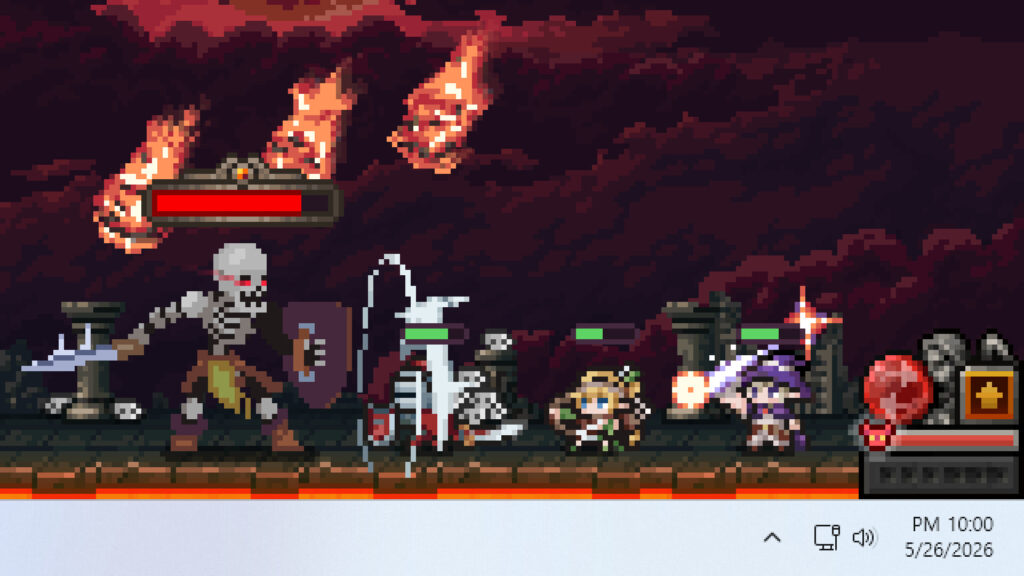
The whole pitch of TBH: Task Bar Hero is that it plays itself while you work, and the loot your pixel heroes pick up can turn into real Steam Wallet funds. That is the hook that pushed a free idle RPG to the top of Steam’s charts. But the TBH: Task Bar Hero Steam Market has been a moving target for weeks, with bans, resets, and listing limits, and it relaunches on June 25 with a fresh set of rules that change exactly what you can sell.
This guide lays out how the loot-to-wallet loop actually works, the current trading rules after the June 25 update, what is genuinely worth listing, the traps that quietly wipe an item’s value before you sell it, and an honest answer to the question everyone asks: how much can you really earn?
Key Takeaways
- The loop: heroes farm loot while idle, you move items to your Steam inventory through the in-game Trade Ship, then list them on the Steam Community Market for Steam Wallet funds.
- You need Cube Level 10: the Trade Ship and Market are locked until your Cube hits Level 10, so there is an early grind before any selling starts.
- June 25 rule change: the top three grades (Cosmic, Divine, Celestial) cannot be listed for now, with one exception that matters a lot: Soulstones can still be sold.
- Best things to sell: Soulstones, crafting materials at any rarity, and Legendary-or-higher gear below the top three grades. Common, Uncommon, and Rare equipment cannot be traded at all.
- Reality check: this is supplemental Steam Wallet money, not a paycheck. Listing slots are limited and high-value gear loses its slotted stats the moment you list it.
How Making Money in TBH Works
The TBH: Task Bar Hero Steam Market loop has four steps. Your heroes fight and collect loot automatically, even while the game sits minimized in your taskbar. You move the items you want to sell onto the in-game Trade Ship, which pushes them into your real Steam inventory. From there you list them on the Steam Community Market like any other Steam item, and sales pay out as Steam Wallet funds.
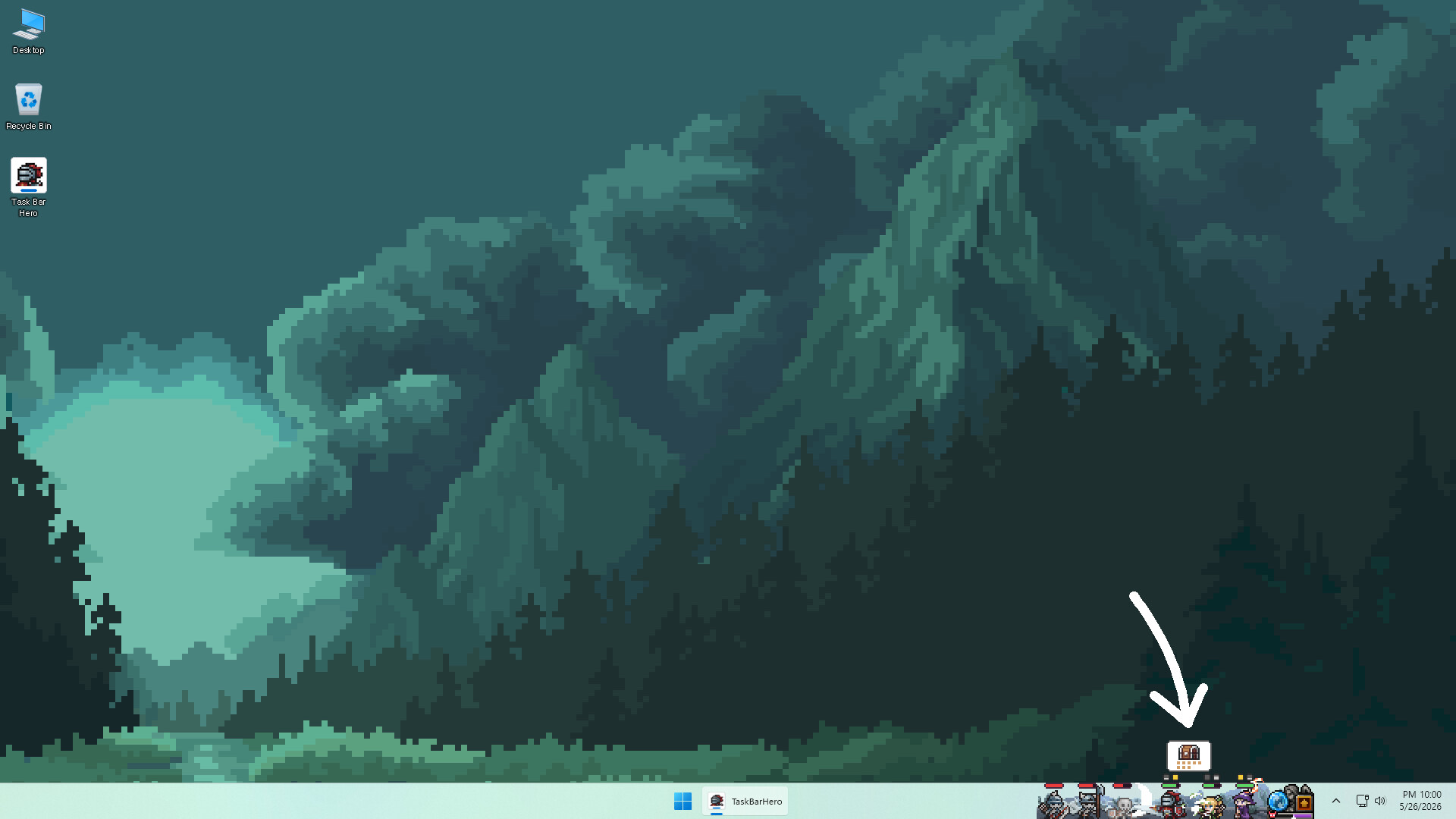
The part that trips people up is the Trade Ship. Look for the little boat icon to open the trading menu, then drag the items you want to sell onto it. After you refresh the inventory or Market view, those items move into your Steam inventory, and you list them from the Steam client or website rather than from inside the game.
One thing to set expectations early: the money lands as Steam Wallet funds, not cash. You can spend it on games, DLC, or anything else on Steam, but you cannot withdraw it to a bank. If you want the bigger picture on why this game blew up, our breakdown of how TBH hit the top of Steam’s charts covers the model and whether it is worth your time.
The New Steam Market Rules (June 25 Relaunch)
The Market took a beating in June. Player numbers and item volume far outran what the developers planned for, which overloaded Steam’s servers and forced a string of emergency changes. Listings were suspended on June 8, items were reset, and the team rebuilt the system on their own servers before reopening it.
The Market relaunches on June 25, 2026 at 00:00 PDT (16:00 KST, 08:00 BST) with version 1.00.20. Here are the rules that apply once it is back, pulled from the developer’s own announcements.
| Rule | What It Means |
|---|---|
| Cube Level 10 gate | The Trade Ship and Market stay locked until your in-game Cube reaches Level 10. |
| Top 3 grades restricted | Cosmic, Divine, and Celestial equipment cannot be listed for now. Soulstones of those grades are the exception and can still be sold. |
| Low grades banned | Common, Uncommon, and Rare equipment can no longer be traded on the Market at all. |
| Milestone-level gear banned | Equipment at levels 25, 35, 45, 55, 60, 70, 75, 85, and 90 cannot be traded. |
| Type B gear banned | “Type B” equipment cannot be traded. You can spot the type by the A or B suffix added after an item’s name when listed. |
| Listing slots limited | You get four listing slots, with an 8-hour interval before each slot frees up for a new listing. |
The developers have said the top-grade restriction is temporary and will lift once Market activity and stability hold up, with a separate announcement to follow. For now, the single most important takeaway is the Soulstone exception, because it keeps the highest-tier items earning even while everything else at that level is frozen.
What Is Actually Worth Selling
TBH uses a 10-grade rarity ladder. Knowing where an item sits tells you instantly whether you can list it. Here is the full order from lowest to highest, with current trading status after the June 25 rules.
| Grade | Equipment Tradable? |
|---|---|
| Common | No |
| Uncommon | No |
| Rare | No |
| Legendary | Yes |
| Immortal | Yes |
| Arcana | Yes |
| Beyond | Yes |
| Celestial | No (Soulstones only) |
| Divine | No (Soulstones only) |
| Cosmic | No (Soulstones only) |
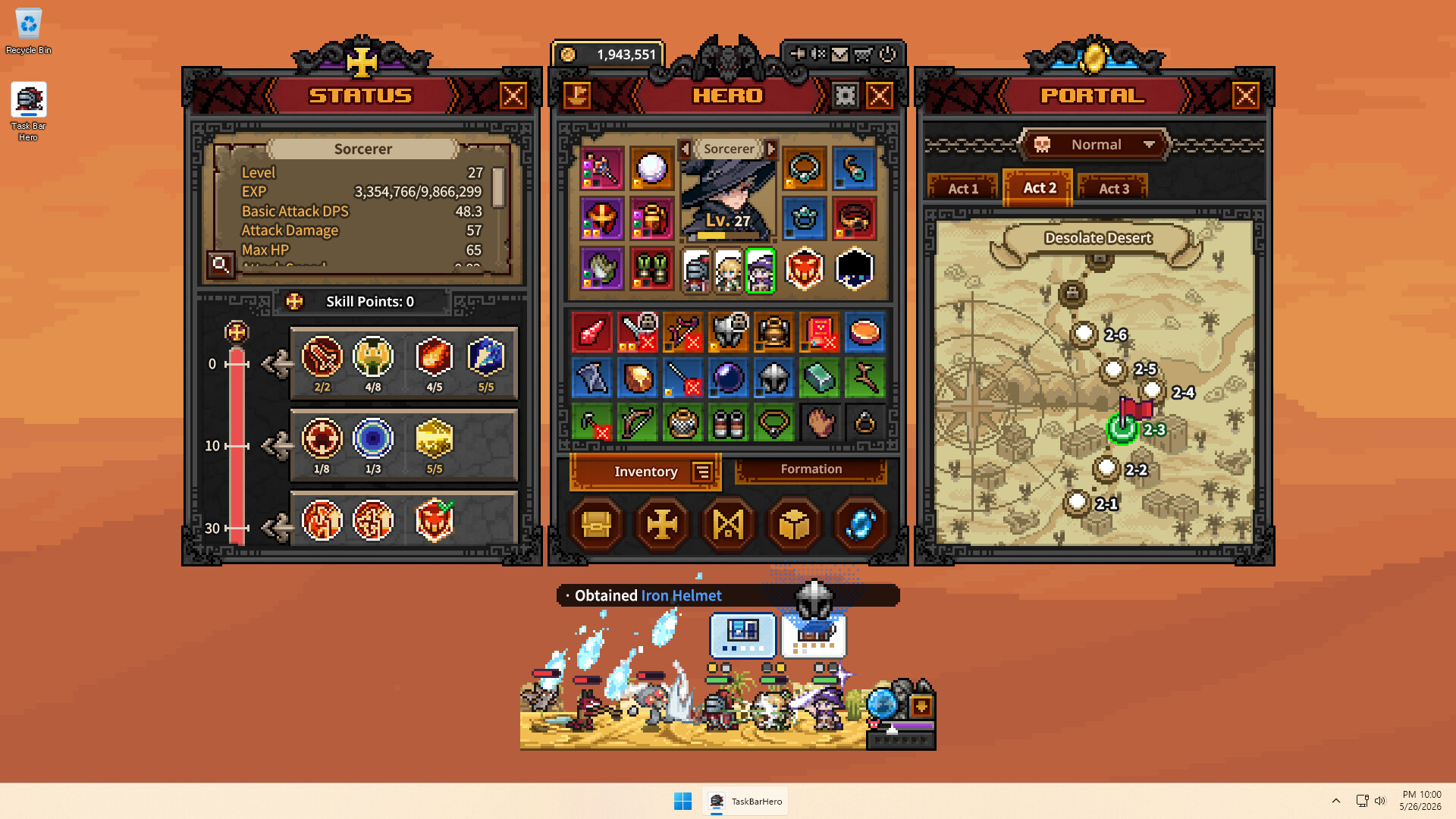
With those rules in mind, three categories carry the economy right now. A stronger party pushes those Acts sooner, and our best team comps guide covers the setups that farm fastest at each stage.
Soulstones
Soulstones are entry tickets for boss fights, and they come in difficulty tiers (Normal, Nightmare, Torment, and Hell) that cannot be swapped between levels. Endgame players burn through them constantly to keep challenging bosses, so demand is steady. They farm at a reasonable pace, sell in bulk, and crucially they are the one top-grade item still tradable after June 25. That makes them the most reliable income source in the game right now.
Crafting Materials
Materials can be traded at any rarity, which is why they have become the backbone of the TBH economy. Decorations, Engravings, and Inscriptions all sell, even at Common and Uncommon grades, because high-level players need them in volume to upgrade gear. List them in bulk and match the current buy orders rather than undercutting one at a time.
Legendary and Higher Gear
For equipment, Legendary is the floor. Immortal, Arcana, and Beyond pieces hold the most value among gear you can currently list, since the three grades above them are frozen. Farm Act 2 and especially Act 3 for the higher-grade drops, and skip anything tagged Type B or sitting at one of the banned milestone levels.
Mistakes That Cost You Money
A few habits quietly destroy value before a sale ever happens. The biggest one is investing upgrade materials into gear you plan to sell, because listing an item wipes its Cube stats.
Do This
- Strip sockets and remove slotted upgrades before listing any item.
- Keep sale gear plain, and pour your Decorations, Engravings, and Inscriptions into the gear you actually use.
- List materials and Soulstones in bulk to match existing buy orders.
- Rotate listings as your four slots free up every 8 hours.
- Withdraw items from the Market promptly during any announced policy change so they are not lost.
Avoid This
- Slotting crafting materials into gear you intend to sell. Listing wipes every Decoration, Engraving, and Inscription on it.
- Trying to list Common, Uncommon, or Rare equipment. The system blocks it.
- Listing Type B or milestone-level gear, which also cannot be traded.
- Leaving items parked in the Trade Ship instead of moving them through to your Steam inventory.
- Aggressively undercutting the thin supply of high-grade gear.
⚡ Quick tip: Because listing strips an item’s Cube stats, treat “gear to use” and “gear to sell” as two separate piles from the moment a high-grade item drops. Never spend materials on the sell pile.
How Much Can You Really Earn?
Honestly? Enough to fund some Steam purchases, not enough to quit anything. Expecting to pay for a full-price AAA release from TBH drops alone is unrealistic. The income is supplemental.
A few things cap the ceiling. You only get four listing slots with an 8-hour cooldown between them, so you cannot flood the Market. Sales sync to your Steam Wallet on a delay of roughly one to two hours. And Steam takes its standard Market transaction fee on every sale, so the number you list at is not the number you pocket. The realistic framing is steady trickle income from Soulstones and materials, with the occasional bigger hit when a high-grade piece sells.
How to Start Earning Fast
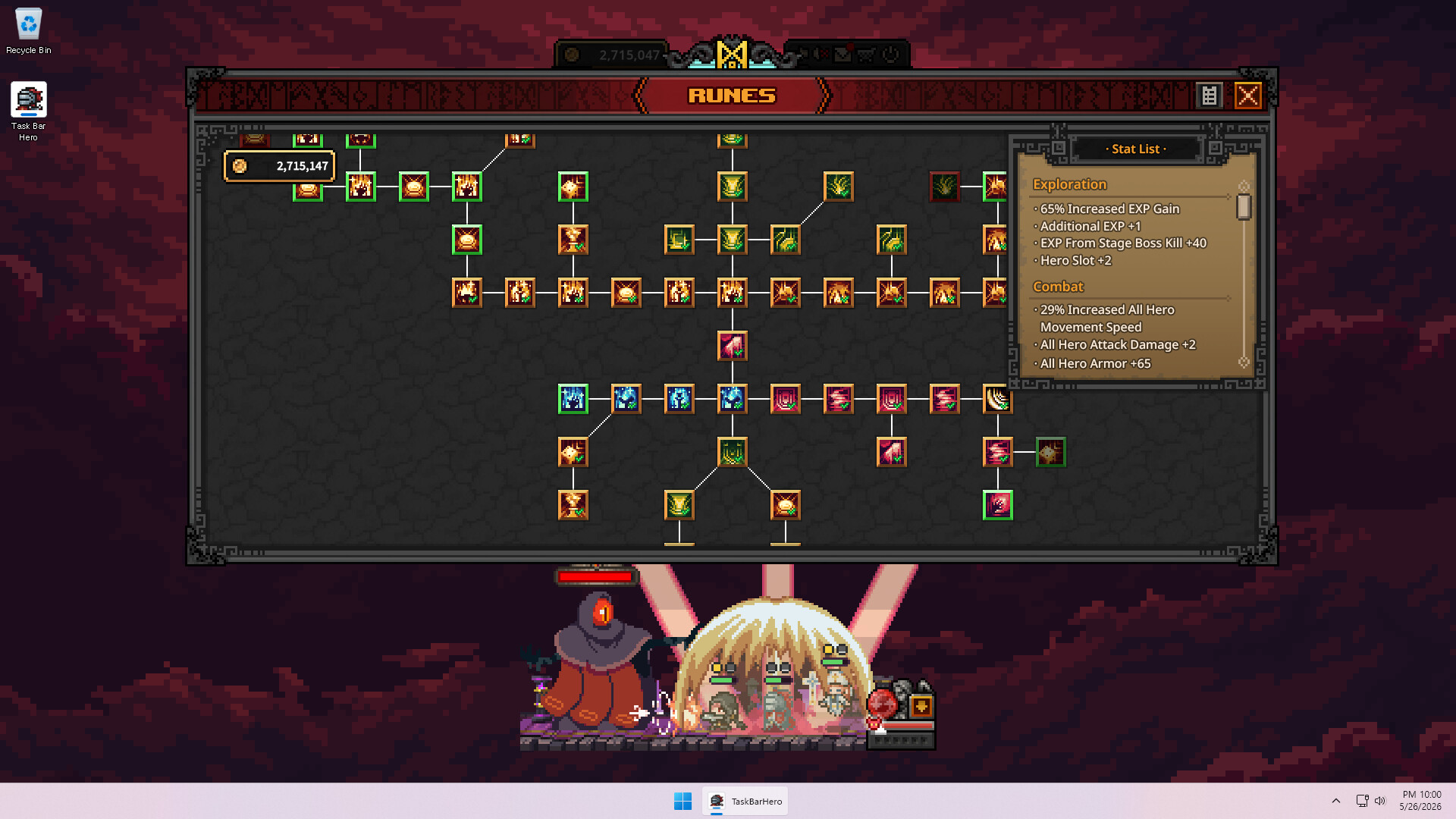
- Push your Cube to Level 10. Nothing about the Market opens until then, so prioritize the Cube early and lean on EXP boosts from the Runes tree to get there faster.
- Pick a fast farming class. Clear speed is what drives drop volume while idle. Our TBH class tier list ranks the best heroes and team comps for exactly this.
- Grind Act 2 and Act 3. Higher Acts drop higher-grade gear and better Soulstones. Boss-chest kills have far better drop odds than standard mobs, so funnel Soulstones into boss runs.
- Sort loot into use and sell piles. Keep your sell items plain, and never invest materials into them.
- List in bulk and rotate slots. Move Soulstones, materials, and tradable gear to your Steam inventory, list against existing buy orders, and refill your four slots as they open.
Frequently Asked Questions
Can you really make money in TBH: Task Bar Hero?
Yes, but it pays out as Steam Wallet funds, not cash you can withdraw. Your heroes farm loot while idle, and you sell items like Soulstones, crafting materials, and Legendary-or-higher gear on the Steam Community Market. It is steady supplemental income, not a paycheck.
When does the TBH Steam Market reopen?
The Market relaunches on June 25, 2026 at 00:00 PDT (16:00 KST, 08:00 BST) with version 1.00.20, after weeks of suspensions and a server rebuild. The top three grades stay restricted at relaunch except for Soulstones.
What can you not sell on the TBH Steam Market?
Common, Uncommon, and Rare equipment cannot be traded at all. Cosmic, Divine, and Celestial equipment is temporarily restricted (Soulstones excepted), and so are Type B items and equipment at levels 25, 35, 45, 55, 60, 70, 75, 85, and 90. You also need Cube Level 10 before the Market unlocks.
Why did my item lose its stats after listing it?
Listing an item on the Steam Market wipes its Cube stats, including every Decoration, Engraving, and Inscription you slotted in. Never invest crafting materials into gear you plan to sell, and strip any sockets before listing.
What is the best thing to sell in TBH right now?
Soulstones are the most reliable earner because demand is constant and they remain tradable even at the top grades. Crafting materials sell at any rarity, and among gear, Immortal, Arcana, and Beyond pieces hold the most value while the three highest grades are frozen.
How many items can you list at once?
You get four listing slots, with an 8-hour interval before each slot opens up for a new listing. That cap is one of the main reasons TBH income stays supplemental rather than substantial.
Gear to Keep TBH Farming Around the Clock
An idle game only earns while it runs, so the smart move is a setup that can stay on without tying up your main PC. This trio keeps heroes farming 24/7 without leaving your gaming rig powered on all night. As of June 2026, all three are running Prime Day discounts.

Beelink SER3 Mini PC
A cheap, quiet Ryzen box you can leave running TBH 24/7 so your main rig stays free for actual gaming.

UPERFECT QLED 24″ Portable Monitor
A 144Hz second screen to park your heroes on while you work on the main display. USB-C and HDMI in.

Umaniy Laptop Stand + 8-in-1 Dock
Turns a spare laptop into a tidy always-on TBH machine with extra ports and better cooling airflow.
Between gaming sessions, Berry Finds tracks real-time Amazon deals on thousands of everyday products across home, kitchen, beauty, and more so you never overpay on the stuff you buy regularly.
Summary
Making money on the TBH: Task Bar Hero Steam Market comes down to farming the right items and knowing the rules. Get your Cube to Level 10, farm Acts 2 and 3 with a fast clear-speed class, and sell Soulstones, crafting materials, and Legendary-or-higher gear while keeping your sell pile free of slotted upgrades.
After the June 25 relaunch, Soulstones are the standout earner since they stay tradable at every grade. Treat the payouts as Steam Wallet pocket money rather than a salary, and it is a genuinely fun way to fund your next purchase. For more on the game itself, see why it became one of the most-played games on Steam right now.