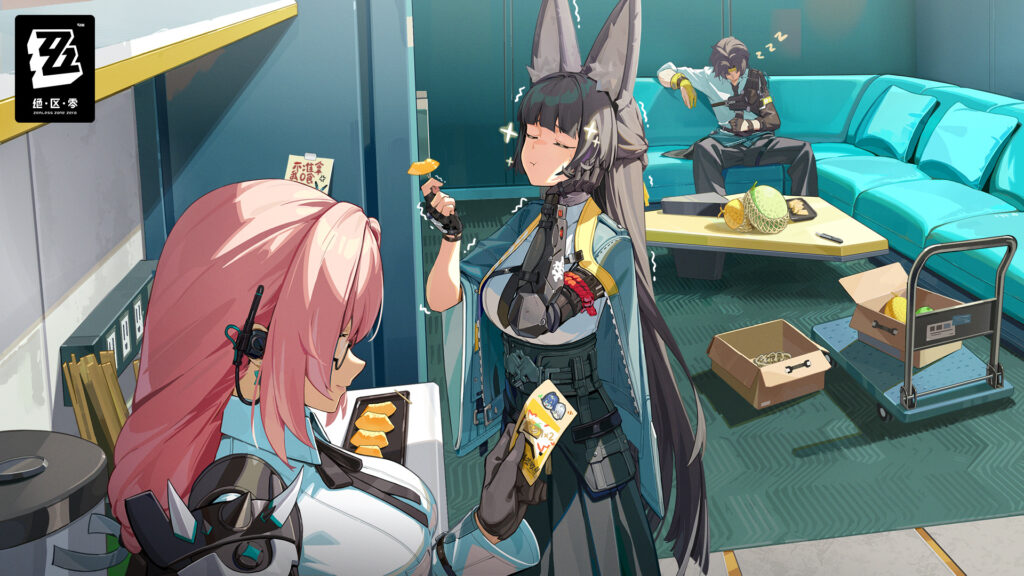
Zenless Zone Zero arrived on Steam on June 17, 2026, and it landed straight into the top of the charts as one of the most-played games on Steam right now. The Steam launch shipped alongside Version 3.0, so brand-new players and longtime fans are showing up at the same time, and both groups have the same first question: how do I start without breaking anything? If you already play on PS5 or your phone, the bigger worry is whether logging in through Steam wipes your account.
It does not. Your progress lives on your HoYoverse account, not on Steam, and this guide walks through exactly how that works: the system requirements, the cross-save setup, the account-linking steps that protect your existing save, Steam Deck reality, the free launch code, and what Version 3.0 actually adds.
Key Takeaways
- Release: Zenless Zone Zero is free-to-play on Steam as of June 17, 2026, launched together with Version 3.0.
- Cross-save is real: progress is tied to your HoYoverse ID, so a Steam login carries over your characters, Polychrome, and Inter-Knot level from PS5, Xbox, mobile, or Epic.
- The one rule that matters: on first launch, log in with your existing HoYoverse account and pick the same server region, or the game looks empty until you switch back.
- Specs are friendly: a GTX 970 hits 1080p/30fps; a GTX 1660 handles 1080p/60fps. Budget around 75GB of free space for the roughly 68GB download.
- Free for Steam players: the code ZZZSTEAM gives 6,666 Denny, 60 Polychrome, and pull materials, valid until July 29, 2026.
- Is Zenless Zone Zero on Steam?
- Steam System Requirements
- Cross-Save: Will You Lose Your Account?
- How to Link Your Steam Account to HoYoverse
- Steam Deck and Controller Support
- Free Launch Rewards for Steam Players
- What Version 3.0 Adds
- First Steps for New Players
- Frequently Asked Questions
- Gear for Playing ZZZ on PC and Steam Deck
- Summary
Is Zenless Zone Zero on Steam?
Yes. Zenless Zone Zero is on Steam as a free-to-play download, live globally since June 17, 2026. It is the same game as the version on PS5, Xbox Series X|S, mobile, and the Epic Games Store, running on the same servers and the same patch schedule. The Steam launch was timed to the start of Version 3.0, so the client you download is already current.
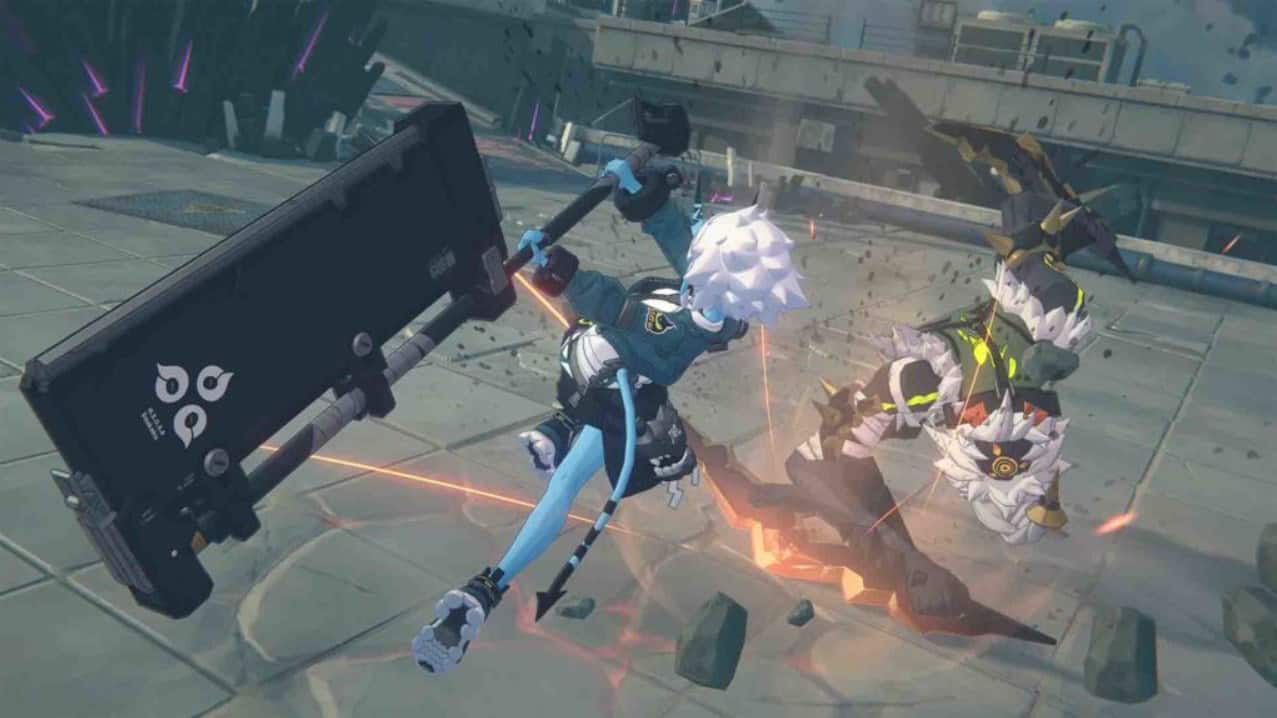
A couple of things are worth knowing before you install. The game still requires a HoYoverse account, which you link on first launch (more on that below). It also uses a kernel-level anti-cheat called HoYoKProtect, the same one in the other PC versions, so it installs a driver-level component. Reception on Steam has been strong out of the gate, sitting at a Very Positive rating in its first week.
Steam System Requirements
Zenless Zone Zero is light for a modern action game. A ten-year-old GTX 970 clears the minimum bar, and a GTX 1660 covers the recommended tier. Both official tiers list 8GB of RAM, so system memory is rarely the bottleneck here.
| Spec | Minimum (1080p / 30fps, Low) | Recommended (1080p / 60fps, High) |
|---|---|---|
| OS | Windows 10 64-bit | Windows 10 64-bit |
| CPU | Intel Core i5 (7th Gen) | Intel Core i7 (10th Gen) |
| GPU | NVIDIA GeForce GTX 970 | NVIDIA GeForce GTX 1660 |
| RAM | 8GB | 8GB |
| DirectX | 11.1+ | 11.1+ |
| Storage | 75GB free space | 75GB free space |
The storage line needs a footnote. Steam asks for 75GB of free space, while the initial download itself runs about 68GB, with more pulled in after you log in for the first time. HoYoverse publishes its specs for Nvidia cards only, so AMD owners are matching to the nearest equivalent rather than reading an official listing. The Steam version also drops two HoYoPlay-launcher conveniences: there is no separate pre-download before a patch, and the in-game Resource Management partial-install option is not available, so you download the full client.
Cross-Save: Will You Lose Your Account?
This is the question that keeps existing players from clicking install, so here is the direct answer: your save is safe. Zenless Zone Zero ties all progress to your HoYoverse account, not to the device or storefront you play on. Sign in with the same HoYoverse ID on Steam and your characters, W-Engines, Polychrome, Bangboo, and Inter-Knot level all load exactly as you left them.
Cross-save covers PC (Steam, Epic, and the HoYoPlay launcher), iOS, Android, PS5, and Xbox Series X|S. The one hard limit is the server region. Zenless Zone Zero runs separate servers that do not share data, and you have to be on the same one your progress lives on. Account-based progress like this is increasingly common; the same idea drives co-op cross-progression in Halo: Campaign Evolved, where unlocks follow your Microsoft account across platforms.
| Server | Covers | Cross-Save Works With |
|---|---|---|
| America | North, Central, and South America | Any device on the America server |
| Europe | Europe, Africa, Middle East | Any device on the Europe server |
| Asia | Asia and Oceania | Any device on the Asia server |
| TW/HK/MO | Taiwan, Hong Kong, Macau | Any device on the TW/HK/MO server |
One PS5 caveat trips people up. If your existing account is linked to PSN, your server is locked to your PSN region, so log into Steam with that same region to find your data. If the game ever shows a fresh account with no characters, you almost certainly picked the wrong server. Log out, switch regions, and your save reappears.
How to Link Your Steam Account to HoYoverse
The single mistake that causes panic is letting the game spin up a brand-new account instead of signing into your old one. Slow down at the login screen and follow the path that matches you.
If You Already Play on Another Platform
- Install Zenless Zone Zero through Steam and launch it.
- At the login screen, choose to log in with an existing HoYoverse account rather than the quick create option.
- Enter the email and password for the HoYoverse ID your progress is on, and complete any verification.
- Select the same server region where your save lives before you load in.
- Confirm it worked by checking your UID, Inter-Knot level, and agent list match what you expect.
If You Are Brand New
Pick “Create a HoYoverse account” on first launch and add an email address through the User Center afterward. That email turns your Steam-made account into a full HoYoverse ID you can use on any other platform later. Without it, you are stuck on Steam only.
⚡ Quick tip: Before you ever unlink a Steam account, make sure its HoYoverse ID has an email attached. Unlinking is blocked until an email is bound, and that catches a lot of people who created their account through Steam.
Accidentally made a new account? Your real data is still sitting safe on HoYoverse’s servers. Bind the throwaway account to a different email, remove the Steam connection, log into your actual HoYoverse ID, and link Steam to that one instead.
Steam Deck and Controller Support
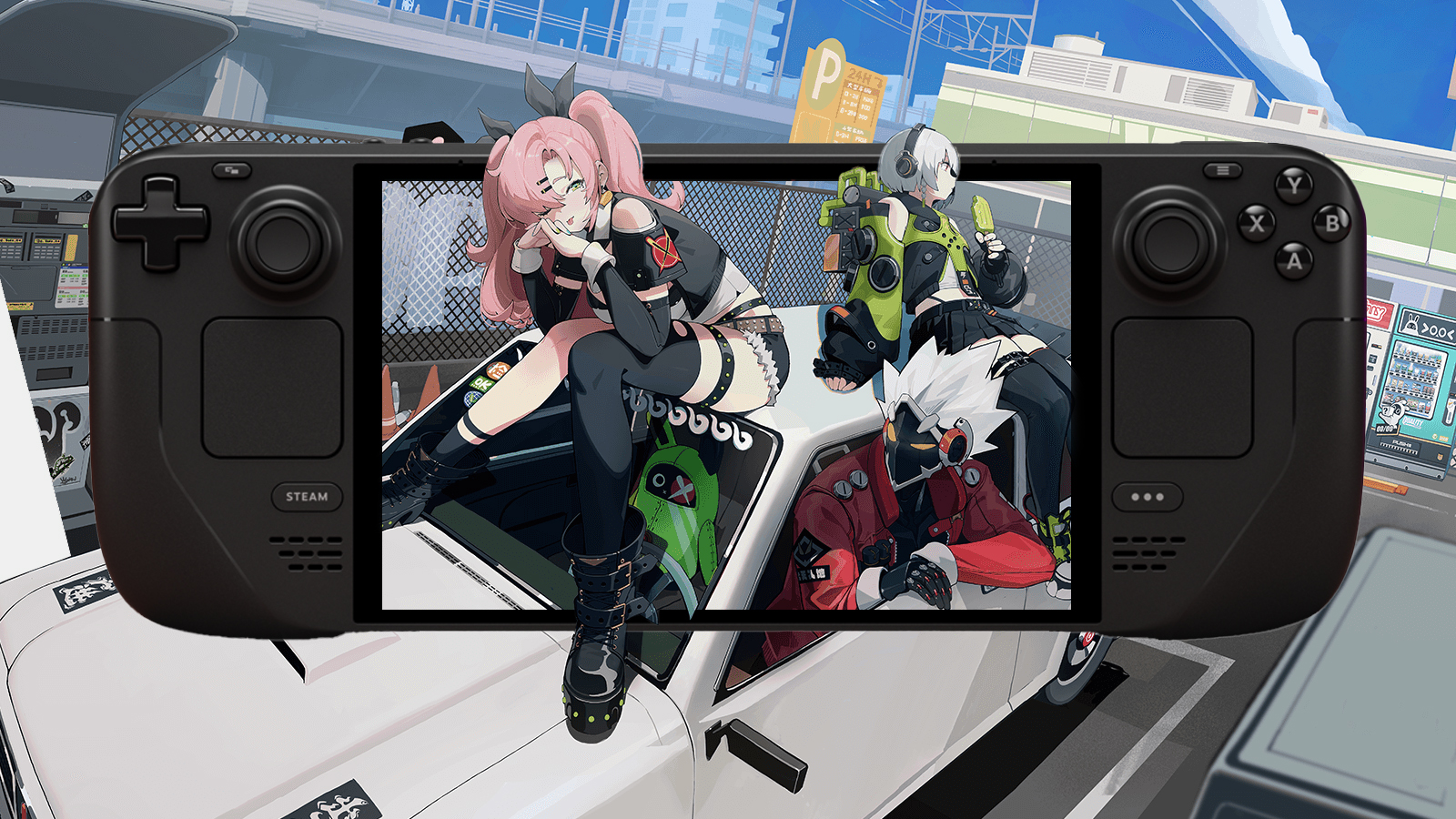
Set expectations here. Zenless Zone Zero is not Steam Deck Verified, and HoYoverse confirmed it is not shipping Deck-specific optimization for the Steam launch. The studio’s stance is that players are welcome to run it so the team can gather feedback for later. In practice the game does play on a Deck once you drop a few graphics settings, but it takes some tweaking rather than working the moment you tap play.
Controller support is a brighter spot. Zenless Zone Zero has native gamepad support, and playing through Steam adds the Steam input configuration layer and the Steam overlay on top. A controller suits the dodge-and-swap combat far better than mouse and keyboard for most people. If you plan to dock the Deck or play handheld for long sessions, our Steam Deck accessories guide covers the storage and cooling that matter most.
Free Launch Rewards for Steam Players
The Steam page crossed 300,000 wishlists before launch, which unlocked a free reward code for everyone. As of June 2026, redeeming ZZZSTEAM grants:
- 6,666 Denny
- 60 Polychrome
- 2x Senior Investigator Log
- 2x W-Engine Energy Module
You need to reach Inter-Knot Level 5 before redemption codes work, so play through the opening hours first. The code is valid until July 29, 2026. To redeem it, press Esc to open Settings, click More in the lower left, choose Redemption Code, paste ZZZSTEAM, and collect the rewards from your in-game Mail.
What Version 3.0 Adds
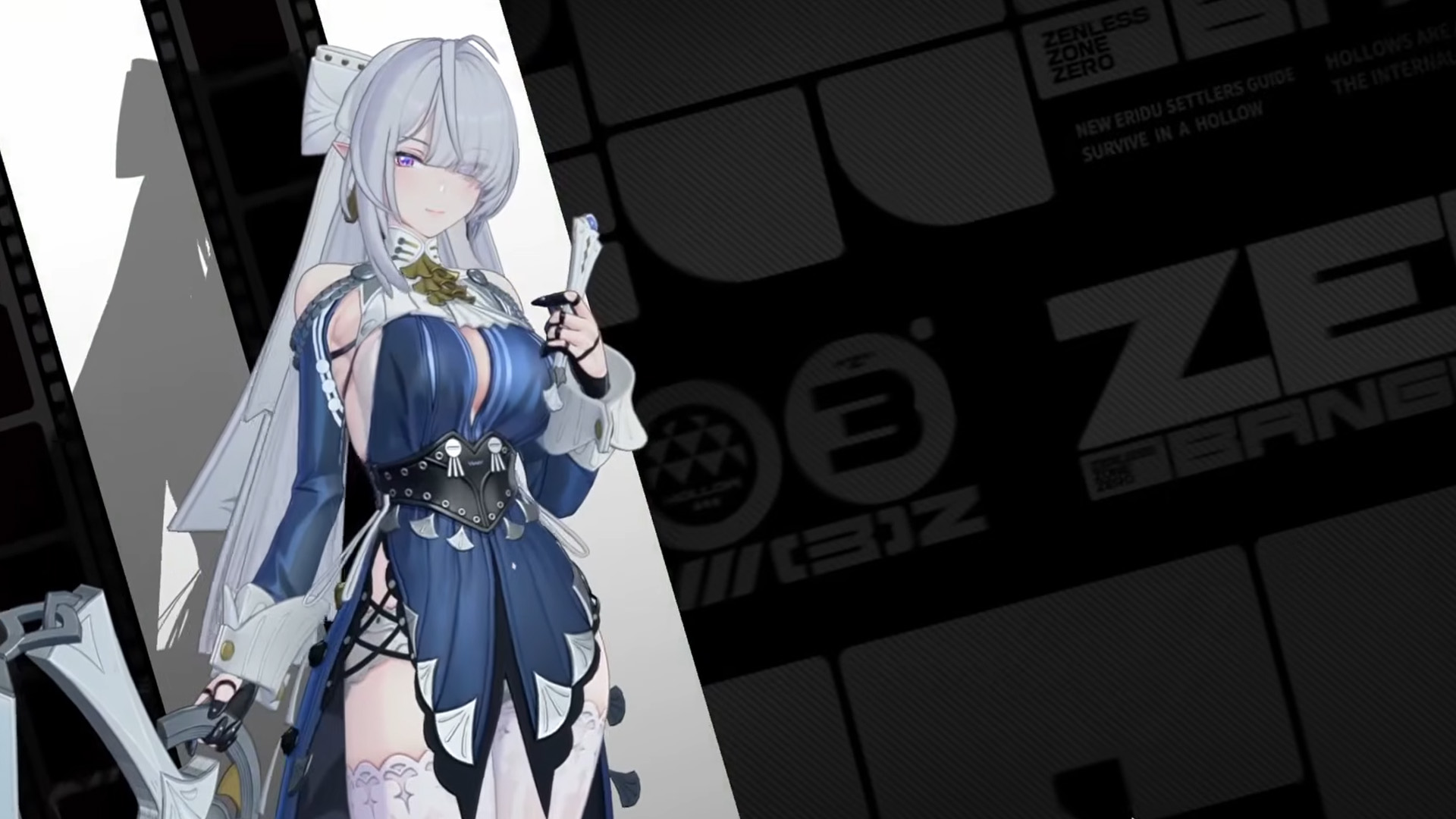
Showing up on Steam during a fresh major patch is good timing. Version 3.0 opens Roscaelifer, a sky-island city built by and for Bangboo, and it introduces the Wind attribute, a brand-new element that builds a Vortex effect on enemies.
Three S-rank agents anchor the update. Velina is the first Wind-attribute agent and headlines the Phase 1 banner from June 17 to July 8. Norma follows in Phase 2 from July 8 to July 28. Pyrois is a free Wind agent you unlock through the patch, which is a generous starting point for new accounts. On top of the agents, 3.0 adds a Bangboo drone you pilot to hack cameras and reach restricted areas, the Annihilation Simulacrum high-difficulty boss mode, and the Interboo collection track for milestone rewards.
First Steps for New Players
If this is your first HoYoverse game, the early hours are friendlier than the genre’s reputation suggests. You do not need to grind rerolls before you start. The story hands you a solid roster, the free Pyrois agent from 3.0 gives you a strong S-rank early, and your first stretch of pulls is generous enough to build a working team without spending.
Spend your starting Polychrome on the active limited banner only if an agent genuinely fits your team, and hold the rest. Push the main story to Inter-Knot Level 5 so the ZZZSTEAM code unlocks, then keep going for the Roscaelifer content. If you are coming from another gacha, the rhythm will feel familiar. Our Arknights Endfield beginner guide covers the same pull-discipline habits that translate directly.
Frequently Asked Questions
Is Zenless Zone Zero free on Steam?
Yes. Zenless Zone Zero is free-to-play on Steam, with optional in-app purchases for Polychrome and other currencies. It launched on Steam on June 17, 2026.
Will I lose my account if I switch to the Steam version?
No. Your progress is tied to your HoYoverse account, not to Steam. Log in with your existing HoYoverse ID and select the same server region, and your characters, Polychrome, and Inter-Knot level carry over from PS5, Xbox, mobile, or Epic.
Does Zenless Zone Zero have cross-save on Steam?
Yes. Cross-save works across Steam, Epic, the HoYoPlay launcher, iOS, Android, PS5, and Xbox Series X|S, as long as every device is on the same server region. The four regions are America, Europe, Asia, and TW/HK/MO, and they do not share data.
What are the Steam system requirements for Zenless Zone Zero?
The minimum is a 7th Gen Intel Core i5, a GTX 970, 8GB of RAM, and Windows 10 64-bit for 1080p at 30fps. The recommended setup is a 10th Gen i7 and a GTX 1660 for 1080p at 60fps. Set aside about 75GB of free space for the roughly 68GB download.
Can you play Zenless Zone Zero on Steam Deck?
You can run it, but it is not Steam Deck Verified and has no official Deck optimization at launch. It plays after lowering a few graphics settings, so expect some manual tweaking rather than a plug-and-play experience.
What is the ZZZSTEAM code and what does it give?
ZZZSTEAM is a free reward code unlocked by the Steam page passing 300,000 wishlists. It grants 6,666 Denny, 60 Polychrome, 2 Senior Investigator Log, and 2 W-Engine Energy Module. You need Inter-Knot Level 5 to redeem it, and it is valid until July 29, 2026.
Gear for Playing ZZZ on PC and Steam Deck
Zenless Zone Zero is a dodge-heavy action game that rewards a real controller, and the roughly 68GB install is hungry for storage, especially on a Steam Deck. This trio covers the inputs and the space without overspending.

PowerA FUSION Pro 4
Hall-effect sticks and mappable buttons suit ZZZ’s dodge-and-swap combat, and it works on PC out of the box.

JSAUX 5-in-1 Steam Deck Dock
4K HDMI, Ethernet, and 100W passthrough charging turn a Deck into a couch setup for ZZZ.

Samsung T7 1TB Portable SSD
1,050MB/s over USB-C, with room to offload the 68GB install on PC or a Deck.
Between gaming sessions, Berry Finds tracks real-time Amazon deals on thousands of everyday products across home, kitchen, beauty, and more so you never overpay on the stuff you buy regularly.
Summary
Zenless Zone Zero on Steam is the same game you may already play, now sitting near the top of the Steam charts and bundled with the Version 3.0 launch. The only step that needs real care is the first login: sign into your existing HoYoverse account and match your server region so cross-save brings everything across. Specs are forgiving, a controller beats keyboard, and the Steam Deck runs it with a little setup work.
Grab the free ZZZSTEAM code once you hit Inter-Knot Level 5, claim the free Pyrois agent from 3.0, and you have a strong starting point whether this is your first day or your three-hundredth. For more on what is climbing the charts alongside it, see our roundup of the most-played games on Steam right now.