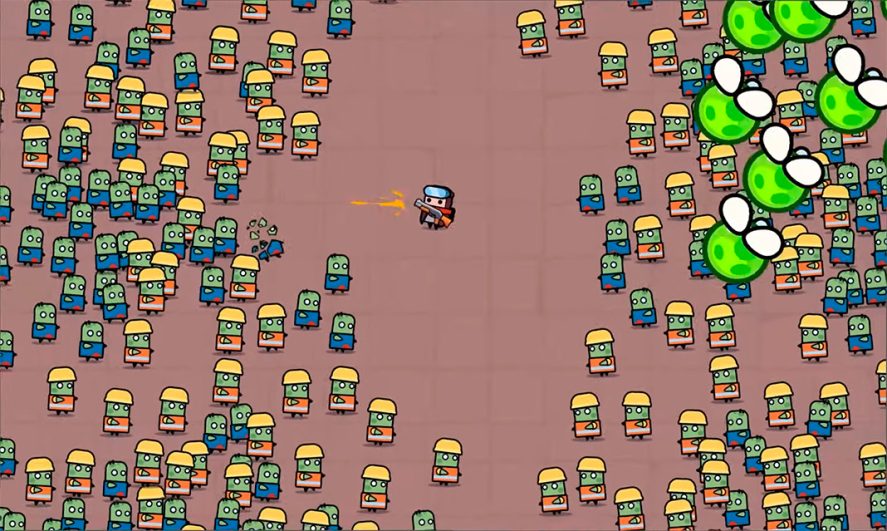
Your game runs fine with 50 enemies. At 200, the frame rate dips. At 500, it’s a slideshow. And somewhere around 1,000 active units, your phone catches fire. This is the scaling wall that every RTS, zombie horde, tower defense, and bullet hell developer hits when targeting mobile. The hardware is limited, the memory is tight, and the CPU has opinions about how many physics bodies you can run at once.
The fix isn’t one silver bullet. It’s a stack of techniques, each shaving milliseconds until the frame budget works. This guide covers the core mobile game optimization strategies for scaling to 1,000+ units on any device, with implementation notes for Unity, Godot, and Unreal Engine.
Key Takeaways
- Three techniques do most of the work: GPU instancing (1,000 meshes in one draw call), object pooling (zero allocation), and data-oriented design (ECS gives 10-50x CPU throughput over traditional OOP)
- Mobile performance budget: under 200 draw calls, under 100K vertices, and 300-1,500 polygons per unit mesh
- Don’t update everything every frame: stagger AI decisions, simplify off-screen physics, and use spatial partitioning for neighbor queries
- Each engine has its own path: Unity DOTS/ECS, Godot MultiMeshInstance + PhysicsServer, Unreal HISM + Mass Entity
Why 1,000 Units Breaks Your Game
A mobile GPU can render millions of triangles per frame. The bottleneck isn’t raw polygon throughput. It’s everything else: draw calls, memory bandwidth, CPU-side logic, and physics simulation. Each active unit in your game isn’t just a mesh on screen. It’s a transform update, a physics body, an AI decision, a pathfinding query, an animation state, and a collision check. Multiply that by 1,000 and you’ve blown through your 16ms frame budget (for 60 FPS) before the GPU even starts rendering.
The bottlenecks break down into four categories:
- CPU: per-entity logic. Every Update() or _process() call on every entity adds up. In traditional object-oriented code, 1,000 MonoBehaviours in Unity or 1,000 CharacterBody2D nodes in Godot create thousands of individual function calls with scattered memory access patterns. One developer reported Godot dropping below 15 FPS at just 300 CharacterBody2D enemies.
- GPU: draw calls. Each unique mesh/material combination is a separate draw call. Without batching or instancing, 1,000 units = 1,000 draw calls, and mobile GPUs start choking above 200.
- Memory bandwidth. Mobile devices share memory between CPU and GPU. Large textures, uncompressed assets, and scattered data access patterns eat bandwidth fast.
- Physics. Collision detection between N bodies scales poorly. 1,000 physics bodies with pair-wise collision checks means up to 500,000 potential pairs per frame. This is where most “it worked at 100 but dies at 500” problems come from.
The good news: each of these bottlenecks has proven solutions. The rest of this guide is those solutions.
The Mobile Performance Budget
Before optimizing, set concrete targets. These numbers come from Unity’s mobile optimization docs, Unreal Engine’s mobile best practices, and real-world testing across low-end to high-end Android and iOS devices:
| Metric | Target (Low-End) | Target (Mid-High) |
|---|---|---|
| Frame rate | 30 FPS (33ms budget) | 60 FPS (16ms budget) |
| Draw calls | <100 | <200 |
| Total vertices | <50K | <100K |
| Polygons per unit | 100-500 | 500-1,500 |
| Texture memory | <50MB | <150MB |
| Peak RAM | <500MB | <975MB |
| Physics bodies | <200 active | <500 active |
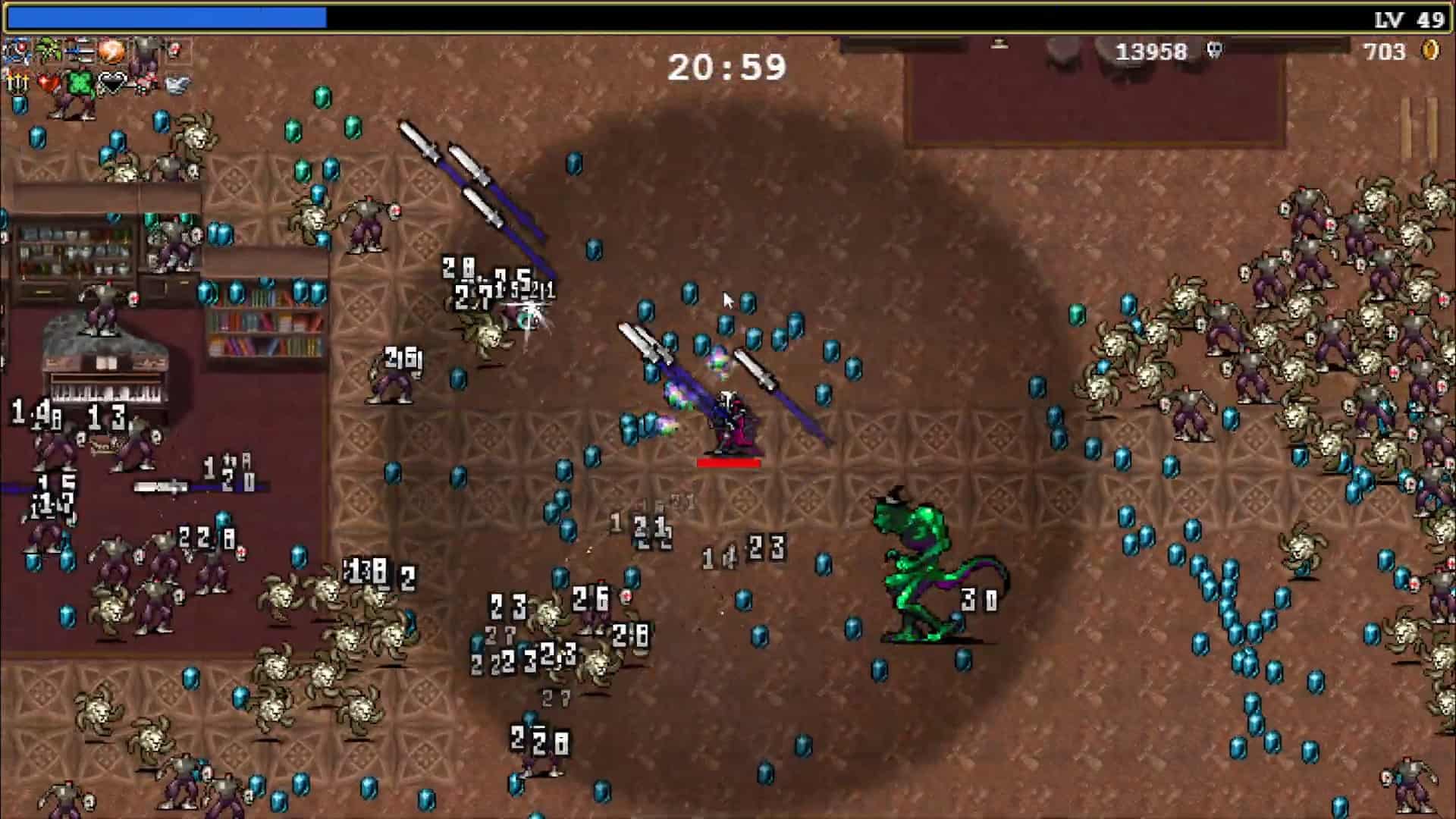
These aren’t hard rules. A 2D pixel art game can push 2,000 sprites where a 3D game struggles at 500 models. But they give you a frame budget to profile against. The key insight: if you’re targeting 1,000 units, you can’t afford 1,000 draw calls or 1,000 active physics bodies. You need to batch, instance, and simplify.
Core Optimization Techniques
These techniques are engine-agnostic. The specific APIs change between Unity, Godot, and Unreal, but the principles are the same everywhere.
Data-Oriented Design and ECS
This is the single biggest performance lever for large entity counts. Traditional object-oriented game code (one class per enemy, each with its own Update method) scatters data across memory and creates per-object function call overhead. At 100 enemies, it’s fine. At 1,000, the CPU spends more time chasing pointers and triggering cache misses than doing actual work.
Entity Component System (ECS) architecture flips this. Entities are just integer IDs. Components are plain data structs stored in contiguous arrays by type. Systems iterate over those arrays in tight loops, processing all 1,000 entities in a single pass with optimal cache usage. One developer measured a 50x improvement going from MonoBehaviour to ECS in a bullet-hell prototype: 100 enemies struggling became 5,000 entities running smoothly.
Even if you don’t adopt a full ECS framework, the principle still applies: keep your hot-path data in flat arrays, process entities in batches, and avoid virtual dispatch in your per-frame loops.
GPU Instancing
If 800 of your 1,000 units share the same mesh (zombies, soldiers, bugs), GPU instancing renders all of them in a single draw call. The GPU receives one mesh and a buffer of per-instance transforms (position, rotation, scale), then stamps it out hundreds of times in hardware. Unity’s stats show memory reduced by 40% and render time cut by a third on scenes with 1,000+ identical meshes.
The key constraint: instanced objects must share the same mesh and material. Color or size variation is fine (pass per-instance data through shader properties), but different meshes need separate instance groups. For games with 3-5 unit types, this means 3-5 draw calls instead of 1,000.
Object Pooling
Creating and destroying game objects at runtime is expensive. Memory allocation, constructor calls, component initialization, and garbage collection all cost frame time. In a zombie horde game where enemies spawn and die constantly, this overhead adds up fast.
Object pooling pre-allocates a fixed number of entities at load time. When an enemy dies, it gets deactivated and returned to the pool. When a new enemy spawns, you grab one from the pool and reset its state. Zero allocation, zero GC pressure. This is mandatory for mobile. Every projectile, particle effect, enemy, and damage number should come from a pool.
Level of Detail (LOD)
A unit at the far edge of the screen doesn’t need the same polygon count as one in the foreground. LOD systems swap between mesh versions based on distance from the camera: full detail up close, simplified mesh at mid range, billboard sprite or no mesh at distance. For 3D games, this can cut your vertex count by 60-80% with no visible quality loss.
For 2D games, the equivalent is reducing animation frame count or switching to static sprites for distant or off-screen entities.
Frustum and Occlusion Culling
Don’t render what the player can’t see. Frustum culling skips anything outside the camera’s view. Occlusion culling skips objects hidden behind other geometry. Most engines handle frustum culling automatically, but you need to configure occlusion culling manually and bake occlusion data for your levels.
For games with an overhead camera (RTS, tower defense), frustum culling alone can eliminate 50-70% of your entities from the render pass depending on zoom level.
Spatial Partitioning
When an entity needs to find its nearest neighbors (for targeting, flocking, collision avoidance), a naive approach checks every other entity. With 1,000 units, that’s up to 999 checks per entity per frame. Spatial partitioning structures (grids, quadtrees, octrees) divide the world into cells so each entity only checks neighbors in adjacent cells.
A simple uniform grid is usually the best choice for mobile. It’s cache-friendly, has O(1) lookup, and is trivial to implement. Divide your world into cells slightly larger than your largest entity. Each frame, bucket entities into cells. For neighbor queries, only check the target cell and its 8 neighbors (2D) or 26 neighbors (3D).
Staggered Updates
Not every entity needs every system updated every frame. Split your entities into groups and rotate which group gets updated each frame. 1,000 units divided into 4 groups means 250 AI updates per frame instead of 1,000. The movement stays smooth (physics interpolation handles the gaps), but the CPU load for decision-making drops by 75%.
Separate high-frequency updates (movement, collision) from low-frequency updates (pathfinding, target selection, state machine transitions). An enemy doesn’t need a new path every frame. Every 0.5-1 second is enough, with simple steering handling the frames in between.
Physics Simplification
Full physics simulation on 1,000 bodies will tank any mobile device. The solution is layered:
- Use simpler collision shapes. Spheres and circles are cheapest. Boxes next. Convex meshes are expensive. Never use concave mesh colliders on mobile units.
- Reduce active physics bodies. Off-screen entities don’t need physics. Disable their physics bodies and re-enable when they enter a radius around the camera.
- Use collision layers aggressively. Enemies don’t need to collide with other enemies if you handle separation through steering behaviors. That alone can eliminate 90% of collision pairs.
- Skip the physics engine for simple cases. If your units just need to avoid overlapping, a simple separation force based on distance (no physics engine involved) is faster than rigidbody collision. For a full implementation with AABB edge distance and anti-oscillation, see the steering behaviors guide.
Engine-Specific Implementation
If you’re still choosing between engines, all three can handle 1,000+ units on mobile with the right approach. Here’s how each one implements the techniques above.
Unity: DOTS, ECS, and the Burst Compiler
Unity’s Data-Oriented Technology Stack (DOTS) is purpose-built for this problem. The Entities package gives you a full ECS framework. The Burst compiler translates C# jobs into optimized native code. The Jobs System distributes work across CPU cores. Together, they let you process thousands of entities with performance that approaches hand-written C++.
For rendering, use Graphics.RenderMeshInstanced() or the SRP Batcher (if using URP) for automatic draw call batching. Object pooling is built in since Unity 2021 through the UnityEngine.Pool namespace. For physics, disable Auto Simulation and step physics manually to control when and how often collision detection runs.
The DOTS learning curve is steep. If you can’t commit to a full ECS rewrite, at minimum use GPU instancing (Graphics.DrawMeshInstanced), Job System for parallel processing, and the built-in object pool. These three alone can get you from 200 to 800+ units on mid-range mobile hardware.
Godot: MultiMeshInstance and PhysicsServer
Godot doesn’t have a built-in ECS, but it has two features that solve the same problems. MultiMeshInstance2D (or MultiMeshInstance3D) renders thousands of instances of the same mesh in a single draw call, equivalent to GPU instancing. You set instance transforms via code, and the renderer batches everything.
For physics, the key insight is to skip the node-based physics entirely for your horde. CharacterBody2D nodes are the performance killer at scale. Instead, use PhysicsServer2D directly to create and manipulate physics bodies without the overhead of the scene tree. One Godot developer reported scaling from 300 enemies (below 15 FPS) to 2,000 enemies at stable frame rates by making this single switch. Our CharacterBody3D vs MultiMesh comparison walks through both approaches with code examples and benchmarks.
Object pooling in Godot is simple: reparent inactive nodes to an off-screen holder node. Reparenting costs almost nothing. For performance-critical code that GDScript can’t handle, write it in C# or use GDExtension to drop into C/C++ for your hot loops.
Unreal Engine: HISM, Mass Entity, and Niagara
Unreal’s Hierarchical Instanced Static Mesh (HISM) component handles instanced rendering with built-in LOD and culling. For truly massive entity counts, the Mass Entity framework (part of the MassGameplay plugin) provides ECS-like data-oriented processing of thousands of agents with pathfinding, avoidance, and LOD baked in.
An alternative approach for visual-only crowds: use Niagara particle systems to render unit meshes. Since Niagara runs on the GPU, you can render thousands of animated units as particles while keeping the CPU free for gameplay logic on a smaller set of “real” entities.
On mobile specifically, Unreal requires more aggressive optimization. Use the Forward renderer instead of Deferred for mobile targets. Compress textures with ASTC (iOS and Android) or ETC2 (Android). Collision is typically the primary bottleneck in Unreal RTS games, so use RVO avoidance for unit separation and disable collision between units that don’t need it. One developer demonstrated 1,000 units at 30 FPS in a cooked Blueprint build by aggressively managing collision layers alone.
The 1,000-Unit Checklist
Before you ship, verify each of these. They’re ordered by impact. Start at the top and work down until your frame budget works.
| Priority | Optimization | Impact |
|---|---|---|
| 1 | GPU instancing / MultiMesh for identical units | 10-100x fewer draw calls |
| 2 | Object pooling for all spawned entities | Eliminates GC spikes |
| 3 | Data-oriented design (ECS or flat arrays) | 10-50x CPU throughput |
| 4 | Staggered AI/pathfinding updates | 50-75% CPU reduction |
| 5 | Physics simplification + collision layers | Up to 90% fewer collision pairs |
| 6 | Spatial partitioning for neighbor queries | O(N) from O(N²) |
| 7 | LOD for 3D meshes or sprite detail | 60-80% vertex reduction |
| 8 | Frustum/occlusion culling | 50-70% fewer rendered entities |
| 9 | Texture atlasing + compression (ASTC/ETC2) | 50-70% memory savings |
| 10 | Profile on lowest target device | Catches everything else |
Profiling is last on this list not because it’s least important, but because you should be doing it throughout. Profile first, optimize what the profiler tells you, then profile again. Every engine has built-in profiling tools: Unity Profiler, Godot’s built-in profiler and monitors, and Unreal’s Stat commands and Insights. Use them on the lowest-spec device you’re targeting, not your development machine.
Frequently Asked Questions
Can a mobile game actually run 1,000 units at 60 FPS?
Yes, but it depends on per-unit complexity. A 2D game with sprite-based units using GPU instancing and simplified physics can hit 60 FPS at 2,000+ entities on mid-range hardware. A 3D game with animated skeletal meshes and full physics will need to target 30 FPS or reduce active unit counts. The techniques in this guide make it achievable either way.
Which game engine is best for large unit counts on mobile?
Unity with DOTS/ECS has the most mature tooling for mass entity processing on mobile. Godot can match it using MultiMeshInstance and PhysicsServer direct access, but requires more manual work. Unreal’s Mass Entity framework is powerful but its mobile overhead is higher. For a deeper comparison, see our Godot vs Unity breakdown.
Do I need ECS to handle 1,000 units?
No. ECS is the highest-performance option, but GPU instancing + object pooling + staggered updates can get you to 1,000 units without restructuring your entire codebase. ECS becomes necessary when you need 5,000+ entities or when per-entity logic is complex.
How do I handle pathfinding for 1,000 units without killing performance?
Don’t pathfind every unit every frame. Use flow fields (one pathfind generates a vector field that all units read from) or stagger individual pathfinding across frames (250 units per frame in a 4-frame rotation). For simple chase behavior, skip pathfinding entirely and use steering behaviors with obstacle avoidance.
Should I target 30 FPS or 60 FPS on mobile?
For games with 1,000+ units, 30 FPS is a more realistic and practical target on low-end devices. It doubles your frame budget from 16ms to 33ms, which is often the difference between smooth gameplay and constant stuttering. Target 60 FPS on mid-high devices and fall back to 30 on low-end, adjusting dynamically at runtime.
Summary
Scaling a mobile game to 1,000+ units isn’t about finding one magic optimization. It’s a stack: GPU instancing eliminates draw call overhead, object pooling eliminates allocation spikes, data-oriented design eliminates per-entity CPU waste, and staggered updates spread the remaining work across frames. Layer on spatial partitioning, physics simplification, and LOD systems, and you have a frame budget that actually works on mobile hardware.
The specific APIs differ between Unity (DOTS/ECS, Burst, SRP Batcher), Godot (MultiMeshInstance, PhysicsServer, GDExtension), and Unreal (HISM, Mass Entity, Niagara), but the principles are identical. Profile on your lowest target device, fix whatever the profiler flags, and resist the urge to optimize things that aren’t bottlenecks.
If you’re building game systems alongside your optimization work, our guides on state machines, camera systems, and game feel cover the other pieces of the puzzle. And for a development machine that can handle heavy profiling sessions and test builds, check our picks for the best gaming laptops under $1,500. Godot 4 2D animation guide covers when to move 2D sprites from nodes to a MultiMesh for the same reason.