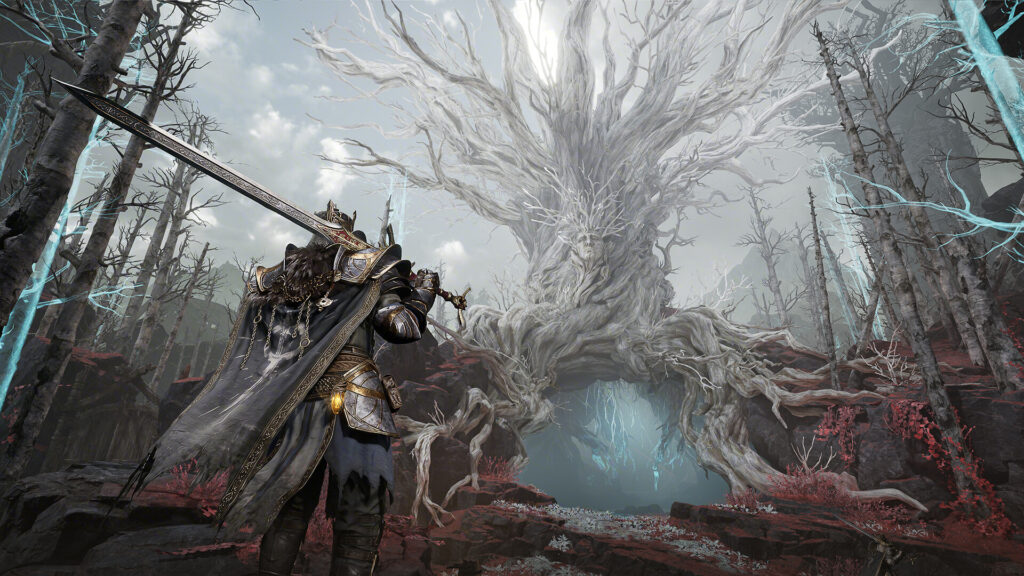
The Mistfall Hunter best settings question is really two questions, because the game’s launch-week performance problems come from two different places. Bellring Games’ dark fantasy extraction ARPG pulled in 100,000 players within eight hours of its July 30 launch and climbed to third on Steam’s global top sellers, but its Steam rating sits at Mixed, and nearly every complaint is about the same things: stuttering, FPS drops, and lag. Some of that happens on your PC and responds to settings changes. Some of it happens on the servers and does not.
This guide separates the two. Below you will find the full recommended settings, the fixes that work for each specific symptom, and an honest list of what you cannot fix from your side while Bellring patches. Everything reflects the live launch build, as of July 30, 2026.
Key Takeaways
- Turn ray tracing off first: it ships enabled by default and it is the single biggest frame killer, even on high-end cards.
- Cap your frame rate: a steady 60 beats a spiky 120 in this game. Pick a cap your PC holds during fights, not in menus.
- Stutter fades with play: the game compiles shaders during your first matches, so hitching drops off noticeably after two or three runs on the same map.
- Rubber-banding is not your PC: if your frame rate is fine but enemies teleport and attacks register late, that is server-side desync, and no settings menu fixes it.
- Free launch rewards: log in before September 1 to claim 500 Soul Coins and a Thumbs Up gesture from in-game mail while you are testing settings.
- Why Mistfall Hunter Stutters: Two Different Problems
- Mistfall Hunter Best Settings
- How to Fix Shader Compilation Stutter
- How to Fix FPS Drops
- Lag, Desync, and What You Cannot Fix
- System Requirements and the SSD Rule
- Known Issues and Free Launch Rewards
- Gear for Smooth Extractions
- Frequently Asked Questions
- Summary
Why Mistfall Hunter Stutters: Two Different Problems
Mistfall Hunter runs on Unreal Engine 5, and like many UE5 games it builds shaders while you play instead of precompiling everything up front. The first time a spell effect, enemy, or area loads, your PC hitches for a moment. That is local stutter, and it responds to the fixes below.
The second problem is network-side. As a PvPvE extraction game, every match runs on Bellring’s servers, and launch-week congestion produces rubber-banding, delayed attacks, and enemies that skip across the screen. In a busy fight the two problems feel almost identical. The quickest way to tell them apart:
| Symptom | Likely Cause | Where to Look |
|---|---|---|
| Hitching when entering new areas or seeing new effects | Shader compilation (local) | Shader stutter fixes |
| Frame rate swings from 144 to 30 in combat | Settings load too heavy (local) | Settings table and FPS fixes |
| Smooth frame rate, but enemies teleport and hits register late | Server desync (network) | Desync section |
| Freezes at 53 percent while compiling shaders | Corrupted files (local) | Verify game files on Steam |
Bellring spent the final weeks before launch on performance, and DevNote #7 lists shader precompilation work, per-device default settings, and low-end tuning that shipped with the release build. Players who hit heavy stutter in the betas report the launch build runs better, but not clean, which is why the settings below still matter.
Mistfall Hunter Best Settings
These values come from testing on mid-range hardware and hold up across the community’s launch-week results. Start here, then adjust texture quality to match your video memory.
| Setting | Recommended Value | Why |
|---|---|---|
| Window Mode | Borderless | The game has no exclusive fullscreen option, and borderless performs the same on Windows 10/11 |
| Vertical Sync | Off | Adds input delay; use a frame cap instead |
| Frame Rate Limit | 60 (or a value you hold in combat) | Stable pacing beats spikes; 90 and Unlimited cause stutter on many rigs |
| Overall Quality | Custom | Presets re-enable expensive options |
| Ray Tracing | Off (high-end cards can use Non-Combat Scenes only) | On by default and the biggest single frame cost, even on RTX 5080-class cards |
| Shadow Quality | Low | Largest FPS gain after ray tracing |
| Global Illumination | Low or Moderate | Second-largest lighting cost; big stutter reducer |
| Texture Quality | Low/Moderate (6GB VRAM or less), High (8GB+) | Overfilling VRAM causes hard hitches |
| Post-Processing | Low or Moderate | Minor visual difference, real frame savings |
| Motion Blur | Off | Hides enemy movement in extraction fights |
| View Distance | Moderate | High is playable on strong CPUs; drop it if frame times swing |
| Anti-Aliasing / Upscaler | DLSS Quality (NVIDIA), FSR Quality (AMD) | 25 to 50 percent FPS gain; TSR works as a fallback |
| Frame Generation | Off while troubleshooting | It masks frame counts but makes stutter feel worse; re-enable only once the game runs smoothly |
| AMD Anti-Lag 2 | On (AMD cards) | Cuts input latency at no visual cost |
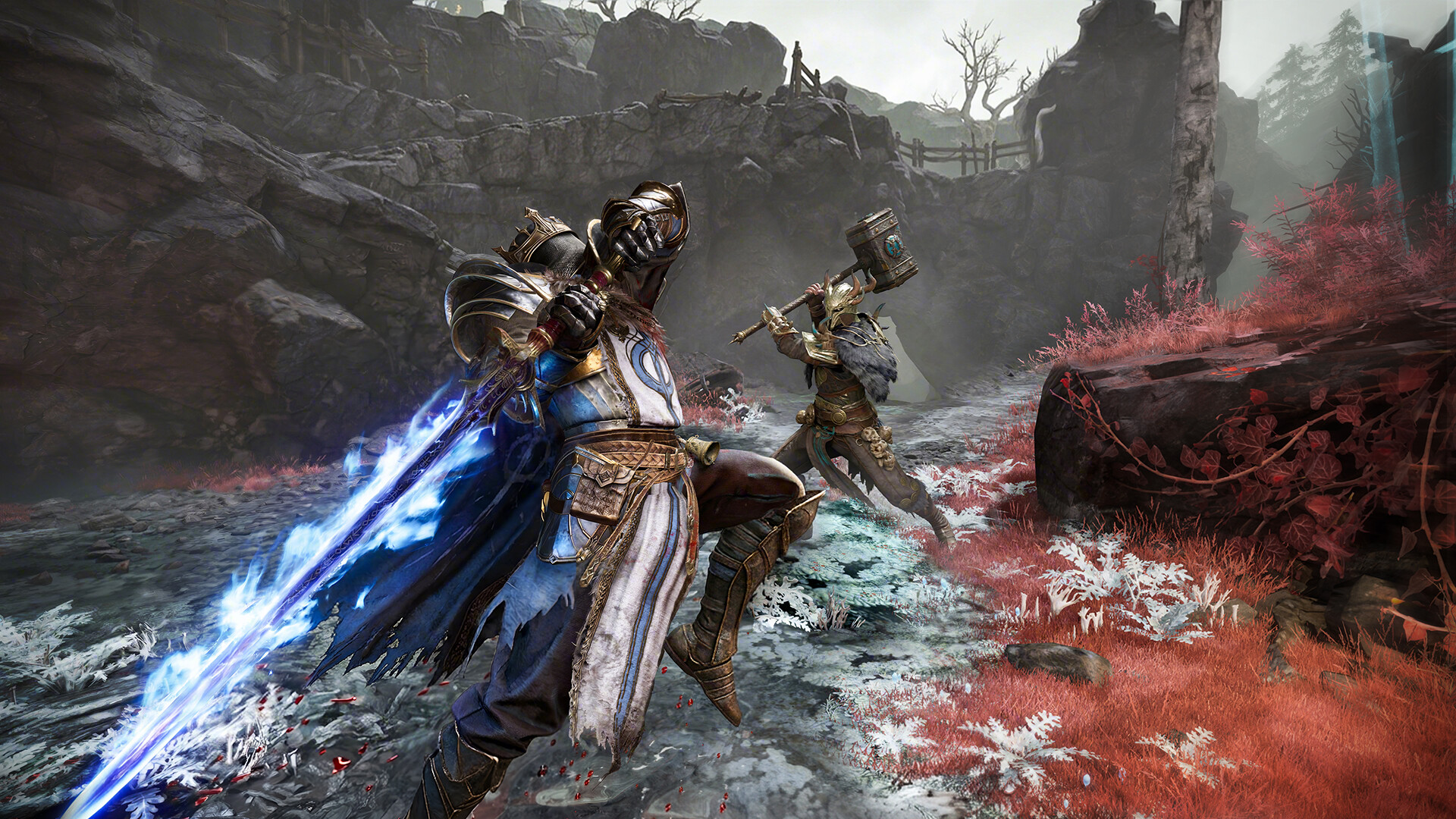
Two notes on that table. There is no FOV slider in the current build, so do not go hunting for one. And the frame cap deserves emphasis: multiple players on strong hardware report that dropping from Unlimited to a capped 60 transformed the experience, because the game’s problem is frame pacing rather than raw output.
How to Fix Shader Compilation Stutter
Shader stutter is the hitching that hits when you enter a new area, meet a new enemy type, or see a spell effect for the first time. It is the most common complaint in the game’s launch reviews, and it has the least satisfying fix: time. The work below minimizes it.
- Turn off ray tracing and lower Global Illumination before anything else. These two settings interact with shader load the most.
- Play two or three runs on the same map before judging. Shaders cache as they compile, and the community consensus is that hitching drops sharply once a map has been seen. Your first match on each map is the worst one.
- Update your GPU driver. NVIDIA’s Game Ready Driver 610.88 adds official Mistfall Hunter support and also fixes a VRR micro-stutter bug from earlier 600-series drivers. AMD users should grab the latest Adrenalin release.
- Verify game files if the game freezes at 53 percent during shader compilation. Right-click the game in Steam, Properties, Installed Files, then Verify integrity. Players hitting this exact freeze report verification or a reinstall clears it.
- Restart the game after long sessions. If stutter creeps back after hours of play, a restart separates cache buildup from a real settings problem.
How to Fix FPS Drops
If your problem is a frame rate that tanks during group fights rather than momentary hitches, the causes are usually video memory, power management, or background load. Work down this list:
- Match texture quality to your VRAM: 6GB cards should sit at Low or Moderate textures. Overflowing video memory produces exactly the hard drops players describe in three-player ability spam.
- Use the upscaler: DLSS on Quality or Balanced recovers a large chunk of frame rate, commonly a third or more; FSR Quality does similar work on AMD cards.
- Set your GPU to Prefer Maximum Performance in the NVIDIA Control Panel or AMD equivalent, and pick the High Performance power plan in Windows. Power-saving states cause clock dips mid-fight.
- Enable Game Mode and Hardware-Accelerated GPU Scheduling in Windows settings, and close overlays and background recording. Extraction games punish every dropped frame twice.
- Check your temperatures: a 45GB UE5 game will find thermal limits that older titles never touched.
Frame rate is only half of responsiveness. If your FPS counter looks healthy but the game feels mushy, our guide to reducing input lag covers the display and Windows-side latency chain that settings menus never mention.
Lag, Desync, and What You Cannot Fix
Here is the honest half of the guide. If enemies rubber-band, your attacks land late, or a fight resolves differently than what you saw on screen while your frame rate stays smooth, the problem is between you and the servers. No graphics setting touches it.
What you can control: use a wired connection, avoid downloads mid-session, and play in your nearest region. What you cannot: launch-week server congestion, the lack of Oceania servers (a running community request), and a known console bug where matches fail to reconnect after a disconnect. Bellring acknowledged the network issues, shipped a patch within a day of launch, and has an expedited fix list in review, so this half of the problem should shrink week over week. Extraction veterans will recognize the pattern; SAND: Raiders of Sophie walked the same launch road earlier this year.
System Requirements and the SSD Rule
| Spec | Minimum | Recommended |
|---|---|---|
| OS | Windows 10 64-bit | Windows 10 64-bit |
| CPU | Intel Core i7-4770 / AMD Ryzen 5 1400 | Intel Core i7-9700 / AMD Ryzen 5 3600 |
| RAM | 12GB | 16GB |
| GPU | NVIDIA GTX 1060 / AMD RX 580 | NVIDIA RTX 2070 / AMD RX 5700 XT |
| DirectX | Version 12 | Version 12 |
| Storage | 45GB | 45GB |
The line that matters most is the one under the table on the Steam page: installing on an SSD is strongly recommended. Shader caching and area streaming both hammer storage, and running this game from a hard drive turns normal loading hitches into multi-second freezes. If the game lives on a spinning drive right now, moving it to an SSD is worth more than every settings change above combined.
Known Issues and Free Launch Rewards
Bellring published an official known-issues list at launch and is pushing fixes through expedited store review. The ones most likely to affect you:
- Item splitting is broken in the secondary menu: use the split hotkey instead until the fix lands.
- Extra Soul of Return consumption: repeatedly entering and leaving the Soul Tree area while summoning an extraction point can eat an extra Soul of Return.
- Console reconnect failures: some PS5 and Xbox matches cannot be rejoined after a disconnect.
- General Harald arena bug: occasional impassable spots during the boss fight.
- Closing the guide interface too quickly can lock some keys; a restart clears it.
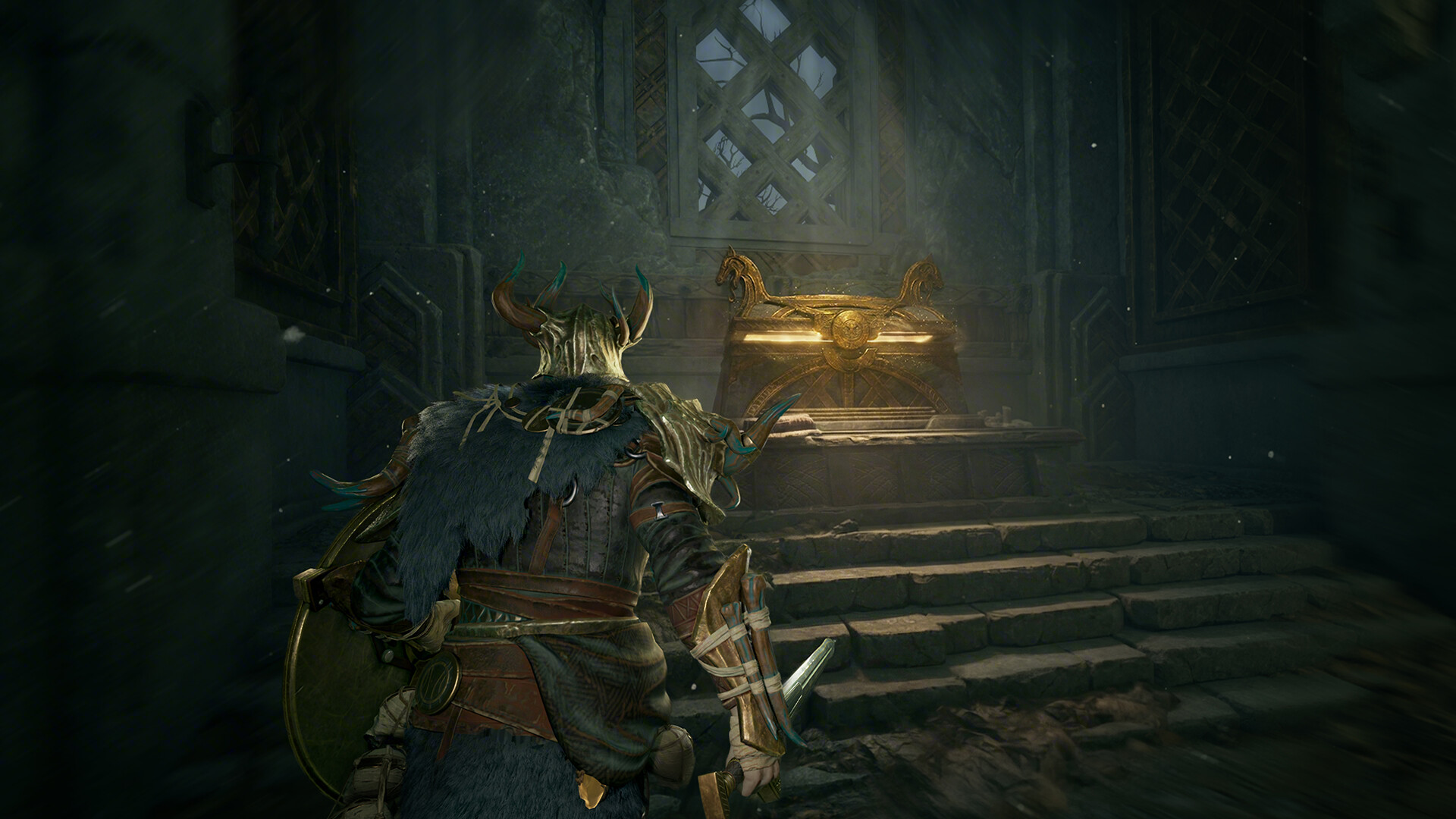
Two dates worth knowing while you tune settings. Log in before September 1, 2026 and the launch celebration mail hands you 500 Soul Coins plus a Thumbs Up gesture, a thank-you for the 100,000-player opening. And the 10 percent launch discount on the $24.99 Standard Edition runs until August 12, so the entry price stays at $22.49 for another two weeks.
Gear for Smooth Extractions
Mistfall Hunter’s own system requirements push an SSD, and its frame-pacing quirks reward a high-refresh display. This trio matches the game’s actual bottlenecks. Prices are current as of July 2026.
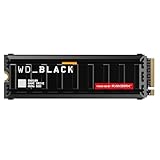
WD_Black SN8100 1TB NVMe
PCIe 5.0 speeds erase the loading hitches this game’s shader cache and 45GB install throw at slower drives.

Samsung Odyssey G55C
32-inch QHD at 165Hz with room for a capped, consistent frame rate to shine, at 42 percent off.

8BitDo Ultimate 2
Hall effect sticks for the dodge-heavy melee classes, since the game supports controllers on PC.
Frequently Asked Questions
Why does Mistfall Hunter stutter so much?
Two reasons. The game compiles Unreal Engine 5 shaders while you play, which causes hitching in new areas until the cache warms up, and launch-week server congestion adds network desync on top. Ray tracing being enabled by default makes the local half worse on most PCs.
What are the best settings for Mistfall Hunter?
Borderless window, VSync off, frame rate capped at 60, ray tracing off, shadows low, Global Illumination low, textures matched to your VRAM, motion blur off, and DLSS or FSR on Quality. Capping the frame rate matters more in this game than raising any single quality setting.
How do I fix the crash at 53 percent shader compilation?
Verify your game files: right-click Mistfall Hunter in Steam, choose Properties, Installed Files, then Verify integrity of game files. Players hitting this freeze report that verification or a clean reinstall resolves it.
Can you fix Mistfall Hunter desync and rubber-banding?
Not from the settings menu. If your frame rate is smooth but enemies teleport and hits register late, the cause is server-side. A wired connection helps at the margins, but the real fix is Bellring’s ongoing server work, which has already produced a day-one patch.
Is Mistfall Hunter on Game Pass?
Yes. It launched day one on Xbox Game Pass for Series X|S, PC, and Cloud on the Premium, PC, and Ultimate tiers, with Xbox Play Anywhere support. It is also on PS5 and Steam, with cross-platform matchmaking across all of them.
What are the system requirements for Mistfall Hunter?
Minimum: Windows 10 64-bit, Intel i7-4770 or Ryzen 5 1400, 12GB RAM, GTX 1060 or RX 580, DirectX 12, and 45GB of storage. Recommended: i7-9700 or Ryzen 5 3600, 16GB RAM, and an RTX 2070 or RX 5700 XT. The developer strongly recommends installing on an SSD.
Summary
Fixing Mistfall Hunter’s performance is a three-step diagnosis. Turn off ray tracing, lower shadows and Global Illumination, and cap your frame rate at a value your PC holds in combat. Give each map two or three runs so the shader cache warms up before you judge the result. And if what remains is rubber-banding on a smooth frame rate, that is the servers, not your settings, and Bellring’s patch cadence since launch has been fast. The same fix-first order applies to the other rough UE5 launch this season; our Hell Let Loose: Vietnam settings guide covers its AMD crash chain and settings table.
The game underneath the launch bumps is the most interesting extraction take on dark fantasy combat since the genre took off, and 100,000 players showed up on night one for a reason. For what everyone else is queueing into this month, our tracker of the most played games on Steam right now has the full board.
Aliens: Fireteam Elite 2 shipped with the same class of problem on August 25, 2026, and its day one patch did not touch it. Our Aliens: Fireteam Elite 2 settings guide covers the V-Sync and frame cap changes players confirmed since launch.