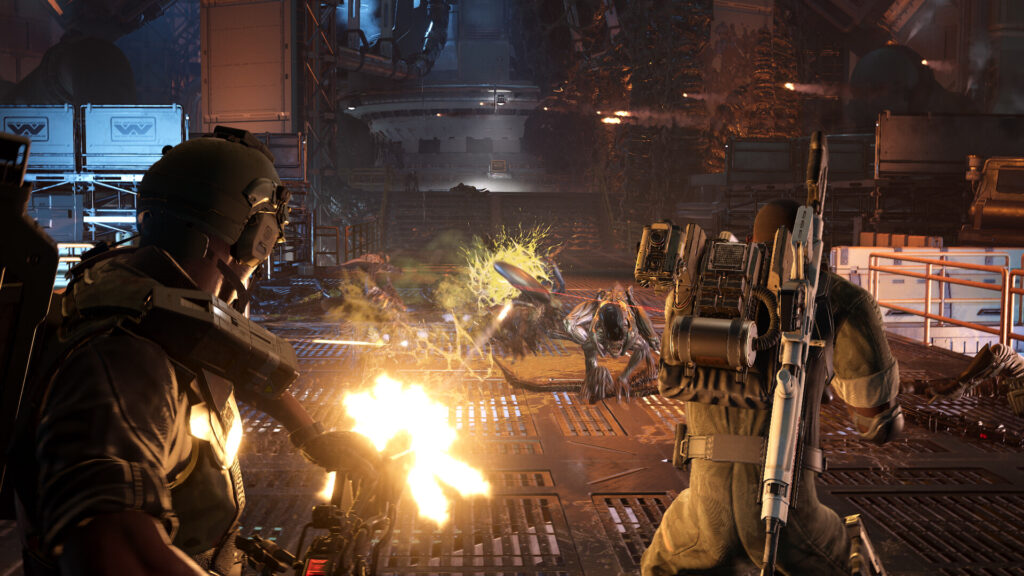
Aliens: Fireteam Elite 2 launched on August 25, 2026 to a Mixed rating on Steam, with 287 negative reviews against 193 positive by the end of its first day. Stutter runs through those negative reviews more than any other complaint, and several describe it on high-end machines. The Aliens: Fireteam Elite 2 best settings below target frame pacing rather than frame rate, because the counter can read above 100 while the game still hitches.
Below is a config for the recommended tier and above, a per-GPU table starting at the RTX 2060 floor, the fixes players have confirmed since launch, and what the day one patch left untouched.
Key Takeaways
- Turn V-Sync off first: players report that disabling it removed stutter that no graphics change touched.
- Drop the Epic preset to High: one player found Epic caused hitching that High did not, at almost identical image quality.
- Cap your frame rate below your refresh ceiling: a steady 90 beats an unlocked 140 that swings.
- The first thirty minutes stutter on their own: DirectX 12 compiles shaders while you play, so judge performance on your second session.
- The day one patch did not fix PC stutter: Patch 1 on August 24 targeted crashes, audio, and Xbox issues instead.
- Official floor is an RTX 2060 and 10GB of RAM for 1080p at 30fps, with an RTX 3070 or RX 6700 and 16GB for 1080p at 60.
Why the Game Stutters
Two different problems get called stutter, and they take different fixes. Work out which one you have before you change a single setting.
The first is shader compilation. The game builds its DirectX 12 shader cache while you play, so new rooms, new weapons, and new enemy types each cost a brief freeze the first time you meet them. It fades. Play the opening two missions, quit, and relaunch before you judge anything.
The second is frame pacing, and it does not fade. One reviewer described the game stuttering while sitting above 100fps, with a locked 60 making no difference. That points at frame delivery rather than GPU load, which is why turning settings down often does nothing. V-Sync, the frame cap, and the upscaler are what move it.
PC Requirements
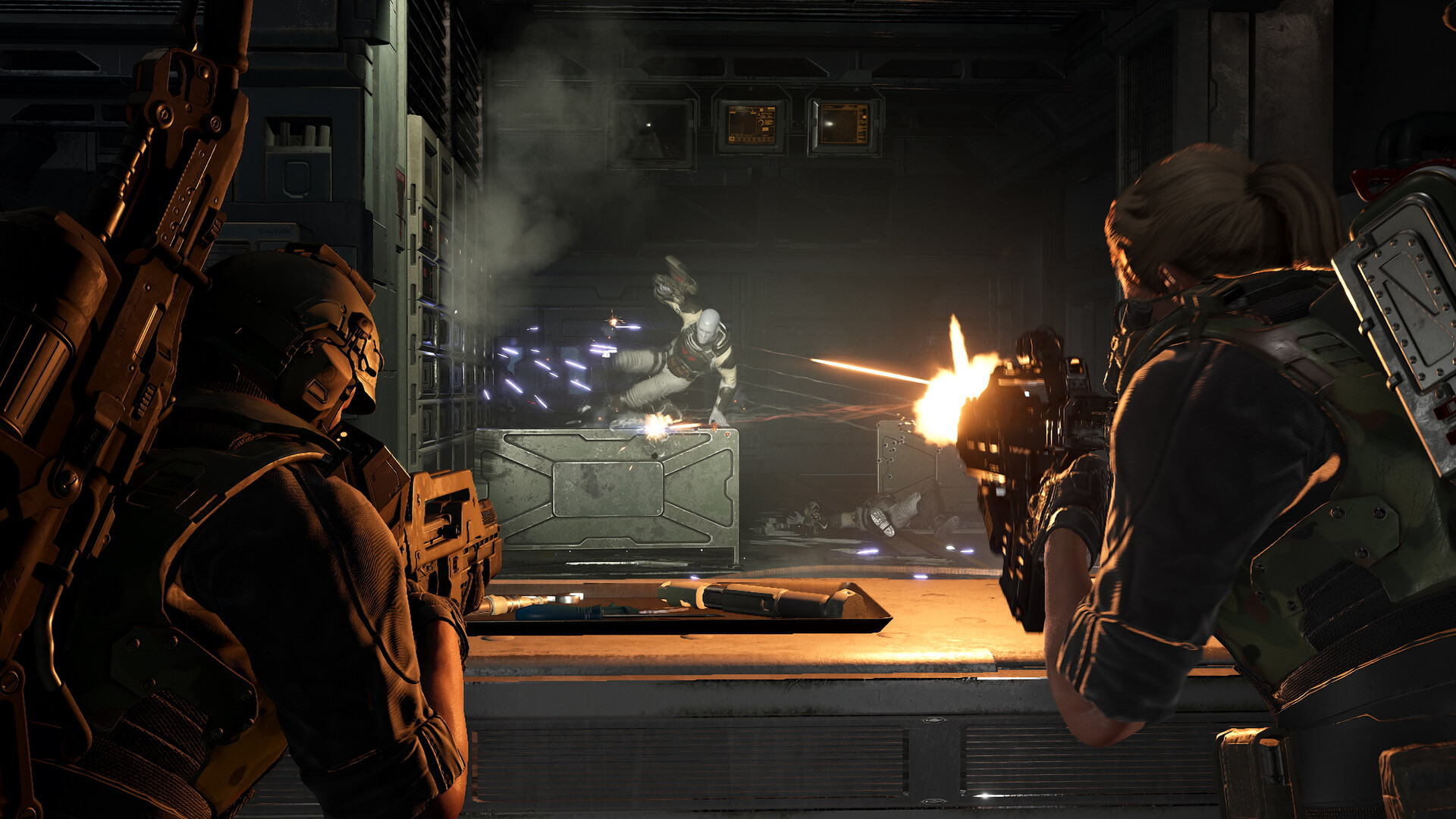
Cold Iron Studios lists Windows 11 on both tiers. Players have reported the game running on Windows 10, so treat that line as untested rather than enforced.
| Spec | Minimum (1080p / 30fps, Low) | Recommended (1080p / 60fps, High) |
|---|---|---|
| OS | Windows 11 | Windows 11 |
| CPU | AMD Ryzen 5 2600 or Intel Core i5-8400 | AMD Ryzen 5 5600G or Intel Core i5-12600 |
| GPU | NVIDIA RTX 2060 | AMD RX 6700 or NVIDIA RTX 3070 |
| RAM | 10GB | 16GB |
| DirectX | Version 12 | Version 12 |
| Storage | 35GB | 35GB |
| Network | Broadband required | Broadband required |
The 10GB minimum is an odd number, and an 8GB machine falls under it. The game is four-player co-op with voice chat running alongside it, so leave headroom for the browser and comms app you will have open.
Aliens: Fireteam Elite 2 Best Settings for PC
This config assumes a card at or above the recommended tier, running at 1080p or 1440p. It keeps textures and edge stability high, and cuts the effects that cost the most during swarms.
| Setting | Value | Reason |
|---|---|---|
| Display Mode | Fullscreen | Borderless adds a compositor step that worsens pacing |
| Resolution | Native | Let the upscaler handle the load, not a lower output |
| V-Sync | Off | The single change players credit most for removing stutter |
| Frame Rate Limit | 3 to 5fps under your refresh rate | Keeps the frame time flat and holds VRR in range |
| Overall Preset | High, not Epic | Epic caused hitching that High did not for at least one player |
| Texture Quality | High with 8GB or more VRAM, Medium below | Cheap on frame rate until VRAM runs out, then costly |
| Shadow Quality | Medium | A large saving in the game’s dark corridors |
| Effects Quality | Medium | Fire, acid, and gas stack fast during swarms |
| Post Processing | Low | Small visual loss, steady gain |
| Ambient Occlusion | Off | Barely visible in dark interiors |
| Screen Space Reflections | Off | Costly on wet metal floors, which is most of the game |
| View Distance | Medium | Sightlines are short indoors |
| Anti-Aliasing | Medium, or DLAA if you have headroom | Xenomorphs are thin and dark, so edge stability aids tracking |
| Motion Blur | Off | Hides the ceiling and vent ambushes |
| Chromatic Aberration | Off | Adds smear with no performance benefit |
⚡ Quick tip: Change one setting per mission, not six at once. Frame pacing problems do not show up in a menu or a benchmark, only in a real swarm.
Settings by GPU Tier
| GPU Tier | Target | Preset | Upscaling | Frame Cap |
|---|---|---|---|---|
| RTX 2060 | 1080p, 45 to 60fps | Low with Medium textures | DLSS Performance | 60 |
| GTX 1660, RX 5600 XT | 1080p, 45 to 60fps | Low with Medium textures | Resolution scale 85 percent | 60 |
| RTX 3060, RX 6600 | 1080p, 60fps | Medium | DLSS Quality on RTX cards | 60 |
| RTX 3070, RX 6700 | 1080p to 1440p, 60fps | High | DLSS Quality on RTX cards | 90 or 116 |
| RTX 4070, RX 7800 XT | 1440p, 100fps or more | High | DLAA on RTX cards | 3 to 5 under refresh |
| RTX 4080 and above | 1440p to 4K | High, test Epic | DLAA at 1440p, DLSS Quality at 4K | 3 to 5 under refresh |
Cards below the RTX 2060 floor sit outside what Cold Iron supports. One player reported the game running at 4K native with DLAA at 85 to 94fps, so the top tier has real headroom once the pacing issue is dealt with.
Stutter Fixes, in Order
Work down this list and stop when the hitching goes. Each step is cheaper than the one after it.
- Turn V-Sync off in the game. Players have credited this alone with clearing stutter on high-end systems.
- Set a frame cap 3 to 5fps below your refresh rate, in the game rather than a third-party tool.
- Play two missions and relaunch. Shader compilation stutter clears once the cache is built.
- Drop the preset from Epic to High. One player found this stopped hitching that lower individual settings had not.
- Turn Screen Space Reflections off and Shadow Quality down to Medium.
- Turn upscaling off entirely and test. One player reported DLSS making performance worse despite a higher frame counter.
- Update your GPU driver. Launch-window drivers usually add shader optimizations for a new release.
- Switch on your monitor’s G-Sync or FreeSync, then leave the in-game cap under the refresh ceiling.
If steps one through four change nothing, the problem is CPU-side and no graphics setting will move it. Close browsers and overlays, then check whether the hitching lines up with enemy spawns rather than with camera movement.
Upscaling: DLSS and DLAA
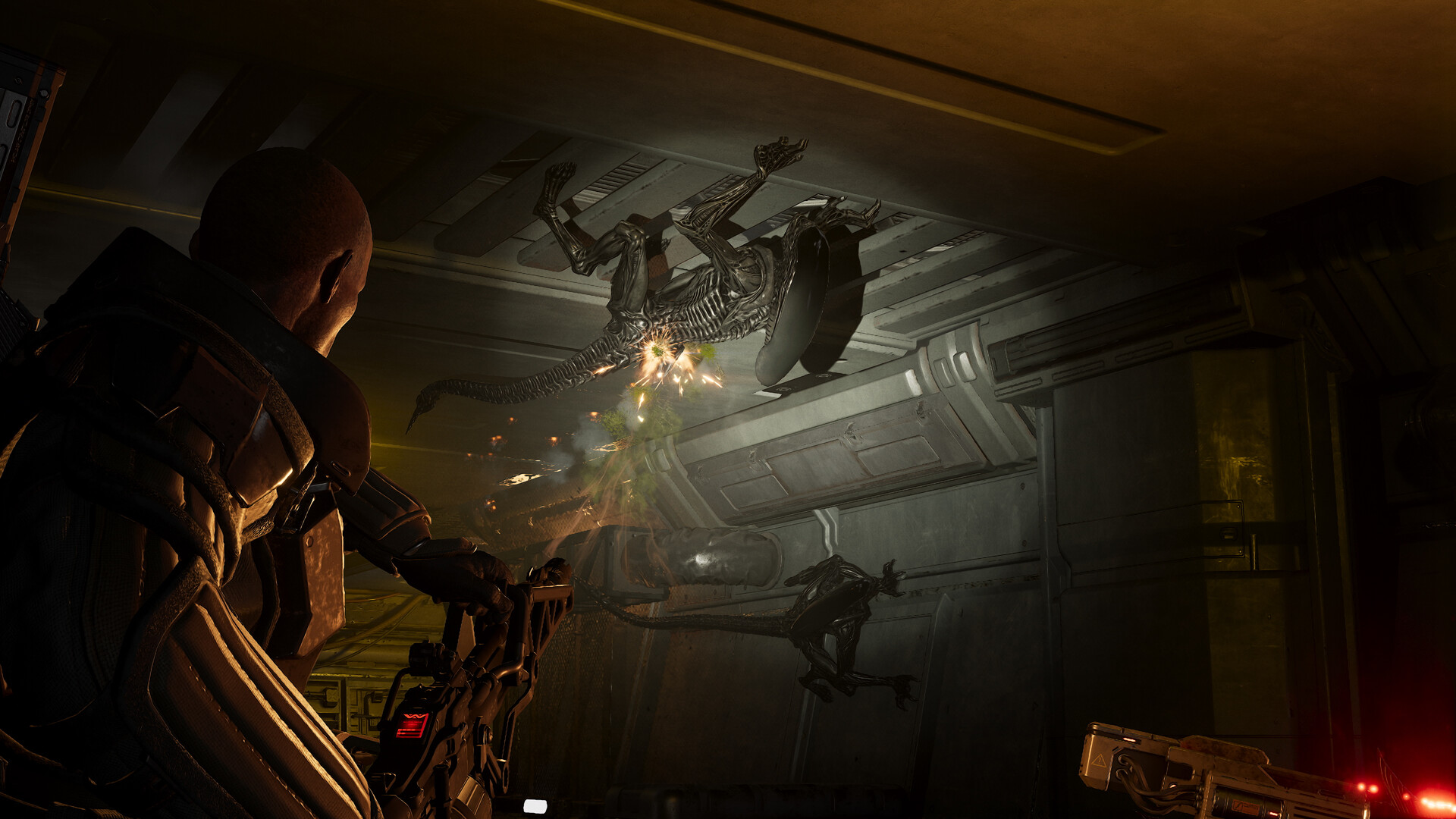
The game ships with DLSS and DLAA, both confirmed by players running the game since launch. AMD and Intel upscaling support is not confirmed, so owners of those cards should use the resolution scale slider instead.
Treat upscaling as a test, not a default. One player found DLSS lowered smoothness even while the frame counter doubled, which fits a frame pacing fault rather than a GPU limit. If your frame rate is already near your cap, DLAA gives you edge stability at native resolution and skips the question.
| Mode | Use It When | Cost |
|---|---|---|
| DLAA | You already hold your target frame rate | No frame rate gain, cleaner edges on thin xenomorph limbs |
| DLSS Quality | You are 10 to 20fps short of your cap | Slight softening at 1080p, hard to see at 1440p |
| DLSS Performance | Your card is at the RTX 2060 floor | Visible softening on moving targets |
| Resolution scale 85 percent | Your card has no DLSS support | Softer image overall, but it works on any GPU |
Crashes and Disconnects
Crashes are separate from stutter and have their own reports. Players describe crashes mid-mission and disconnects close to mission completion, which costs the run.
- Verify the game files through Steam before anything else. A partial 35GB download reproduces as a mid-mission crash.
- Disable overlays. Steam, Discord, and GPU capture overlays hook the same DirectX 12 present path that is already fragile here.
- Play as host where you can. Disconnect reports cluster around clients rather than hosts.
- If the mouse cursor is missing at launch, alt-tab out and back. Patch 1 lists a fix for this on WinGDK builds.
What the Day One Patch Changed
Patch 1 arrived on August 24, 2026, one day before launch. Reading it matters, because it tells you which of your problems has a fix waiting and which does not.
- Fixed a crash entering a Colony area that came with distorted audio.
- Fixed an Xbox host crash when selecting Play Next Mission, and repeat crashing under certain network conditions on Xbox.
- Fixed a frame drop when hitting Pathogen gas with a fire weapon on Xbox Series X.
- Fixed the mouse cursor not appearing on launch on WinGDK builds.
- Fixed characters appearing zoomed in and cut off in the Loadout menu after lowering resolution.
- Fixed controller users being unable to swap weapons to exit gun-based abilities.
- Fixed unlocalized keyboard key names in the Controls settings for Italian, German, and French.
No line in Patch 1 addresses PC frame pacing, and the patch carries no known issues section. The settings above are the working answer until a second patch lands. We covered the same launch-week pattern in our Mistfall Hunter settings guide and in the Hell Let Loose: Vietnam settings guide, where driver-level fixes arrived before engine ones.
Gear for Long Co-Op Sessions
Variable refresh smooths frame delivery that no setting fully fixes, and a fast NVMe drive shortens both the 35GB install and the shader compilation window. The third pick covers the voice comms a four-player squad runs on.

LG 27GR83Q-B 27-inch QHD
240Hz with G-Sync and FreeSync Premium, which holds frame delivery steady when the cap swings.

Samsung 990 PRO 1TB NVMe
Up to 7,450MB/s on PCIe 4.0, and a current Amazon bestseller at 25 percent off.

Corsair Void v2 Wireless
Wireless and Bluetooth for four-player callouts, down from $130.
Prices checked August 2026.
Frequently Asked Questions
What are the best settings for Aliens: Fireteam Elite 2 on PC?
Run the High preset rather than Epic, keep textures High if you have 8GB or more of VRAM, and set Shadow Quality and Effects to Medium. Turn Screen Space Reflections, Ambient Occlusion, and Motion Blur off. Turn V-Sync off and cap your frame rate 3 to 5fps below your refresh rate.
How do I fix stuttering in Aliens: Fireteam Elite 2?
Turn V-Sync off first, then set an in-game frame cap just below your refresh rate. Play two missions and relaunch so DirectX 12 finishes compiling shaders. If hitching continues, drop the preset from Epic to High and test with upscaling turned off.
Did the day one patch fix PC performance?
No. Patch 1, dated August 24, 2026, fixed a Colony area crash, several Xbox crashes, a mouse cursor bug on WinGDK builds, and unlocalized key names in the Controls menu. No line in it addresses PC frame pacing or stutter.
What are the PC requirements for Aliens: Fireteam Elite 2?
The minimum is Windows 11, a Ryzen 5 2600 or Core i5-8400, 10GB of RAM, and an RTX 2060 for 1080p at 30fps. The recommended tier is a Ryzen 5 5600G or Core i5-12600, 16GB of RAM, and an RTX 3070 or RX 6700 for 1080p at 60fps. The install is 35GB.
Does Aliens: Fireteam Elite 2 support DLSS?
Yes. The game ships with DLSS and DLAA. Some players report DLSS lowering smoothness even while raising the frame counter, so test it against native resolution rather than leaving it on by default.
Is Aliens: Fireteam Elite 2 crossplay?
Yes, on day one. Cold Iron Studios confirmed crossplay between Steam, the Epic Games Store, Xbox, and PS5 at launch. Co-op supports four players, up from three in the first game. A Nintendo Switch 2 version is scheduled for Fall 2026.
Summary
Aliens: Fireteam Elite 2 has a frame pacing problem, not a frame rate problem, and the settings that fix it are not the ones people reach for first. V-Sync off, a frame cap under your refresh ceiling, High instead of Epic, and two missions of shader compilation clear most of what players are describing. Turning textures down does not.
Patch 1 spent its budget on crashes and Xbox issues, so a second patch is where the engine-side fix has to come from. Until then, treat the config above as a starting point and change one thing per mission. For what else is climbing the charts this week, see our roundup of the most-played games on Steam.