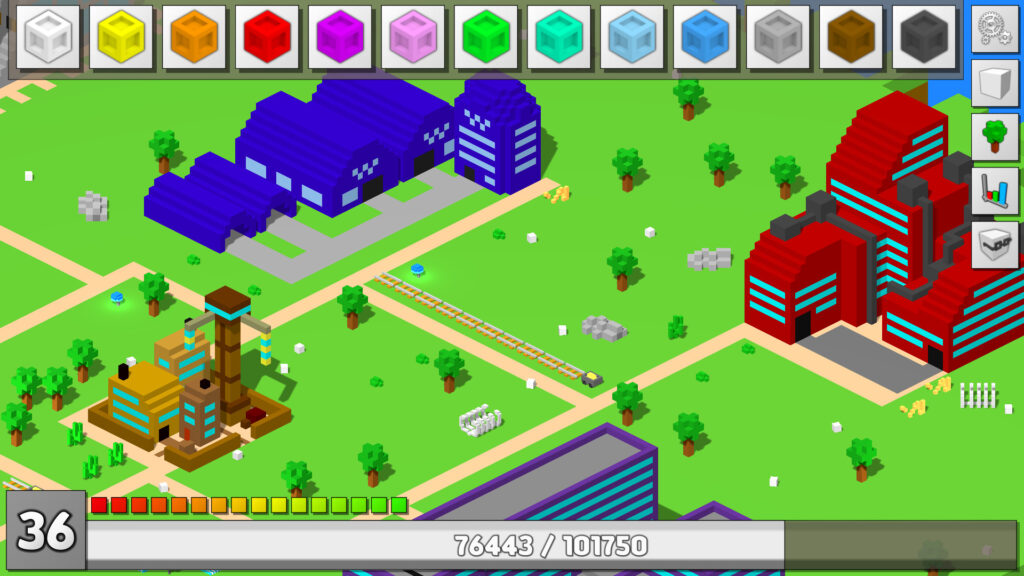
Perfect Tower II throws you into a mix of tower defense and idle mechanics with almost no explanation. The game has over a dozen buildings, a prestige system, an entire scripting language for automation, and a wiki that spans hundreds of pages. Most guides online are from early access and skip the systems that matter most.
This Perfect Tower II beginner guide covers every core system from your first tower test through your first military tier reset. I spent time digging through the wiki, Steam community guides, and player forums to compile what matters for new players in the 1.0 release.
Key Takeaways
- One-shot everything: pump Basic Attack until enemies die in one hit, then boost Attack Speed for faster clears
- Workshop first: most of your resources should go to Workshop upgrades since they carry between runs permanently
- Spend before you reset: Military Tier resets wipe your resources and module levels, so buy buildings and upgrades before you prestige
- Workers save hours: hire workers starting at MT1 and assign them to the Mine and Power Plant to automate the grind
- Factory producers are your endgame engine: higher-tier producers generate exponentially more resources and keep working while you’re offline
What Is Perfect Tower II?
Perfect Tower II is a free-to-play game on Steam that combines tower defense combat with incremental progression. You build and upgrade a tower, test it against waves of enemies, earn resources, and spend those resources on town buildings that make your tower stronger. Fire Sword Studios developed it over four years of early access before the 1.0 launch in November 2025. It currently holds Very Positive reviews from over 3,000 players.
The game looks simple at first, but it hides a surprising amount of depth. There are 15 regions to explore, a full factory crafting system, a power grid you design from scratch, and eventually an AI scripting system that lets you automate almost anything. New players can easily get overwhelmed, which is why this guide exists.
The Core Game Loop
The loop works like this: run tower tests, earn resources, upgrade buildings, repeat. Tower testing gives you experience and town resources. You spend those in town to unlock and upgrade buildings like the Workshop, Mine, Factory, and Power Plant. Each building feeds back into making your tower stronger or automating part of the loop.
Everything resets periodically through the Military Tier system (the game’s prestige mechanic). Each reset wipes module levels and resources but unlocks new buildings, perks, and features that accelerate your next cycle. If you need another great game to try, check out Shop Titans, it’s a great grind and progression game.
Perfect Tower II Beginner Guide: Tower Testing Tips
Tower testing is where you spend most of your active time. Your tower automatically attacks enemies based on installed modules, and each kill earns resources and XP. The round ends when your tower gets destroyed, which is normal and expected.
Priority modules for early game:
- Basic Attack – pump this until you one-shot enemies on your current difficulty
- Attack Speed – once you one-shot, speed clears waves faster
- Stone Foundation – HP keeps you alive through archer hits and boss damage
- Basic Regeneration – sustain between waves
Watch for module drops as you clear waves. Basic Bouncing (Wave 10) makes projectiles bounce between enemies. Multishot (Wave 30) fires multiple projectiles per attack. Nature’s Touch (Wave 40) is percentage-based damage and healing that scales with your power, making it one of the strongest early pickups.
One-shotting enemies is the single most important concept. When you kill in one hit, you clear waves at maximum speed and earn resources faster. If enemies survive your hits, pour more into Basic Attack before touching anything else.
Town Buildings That Matter
Not every building matters equally when you’re starting out. Here’s the priority order that’ll save you from spreading resources too thin.
Workshop
This is your most important building. Workshop upgrades are permanent module boosts that carry between runs and even through Military Tier resets. Spend the majority of your blue resources here. Every other building helps, but Workshop is where your long-term power comes from.
Construction Firm
Unlocks new buildings using brown resources. You need it to progress, but treat it as a gateway rather than a destination. Dump brown resources here whenever you need to unlock the next building.
Mine
Uses orange resources for drilling and digging. Not critical at MT0, but it becomes important once you unlock the Factory since it provides the raw shards for crafting. The deeper you drill, the better the rewards and the more gem types you find.
Factory
Turns mined shards into refined materials, then into producers that generate passive resources forever. Producers are one of the strongest progression mechanics in the game since higher tiers generate exponentially more output. Start small with refinement and don’t overload the refiner. Use the Belt machine to speed things up, but avoid dumping hours of shards in at once or you’ll be stuck waiting.
Power Plant
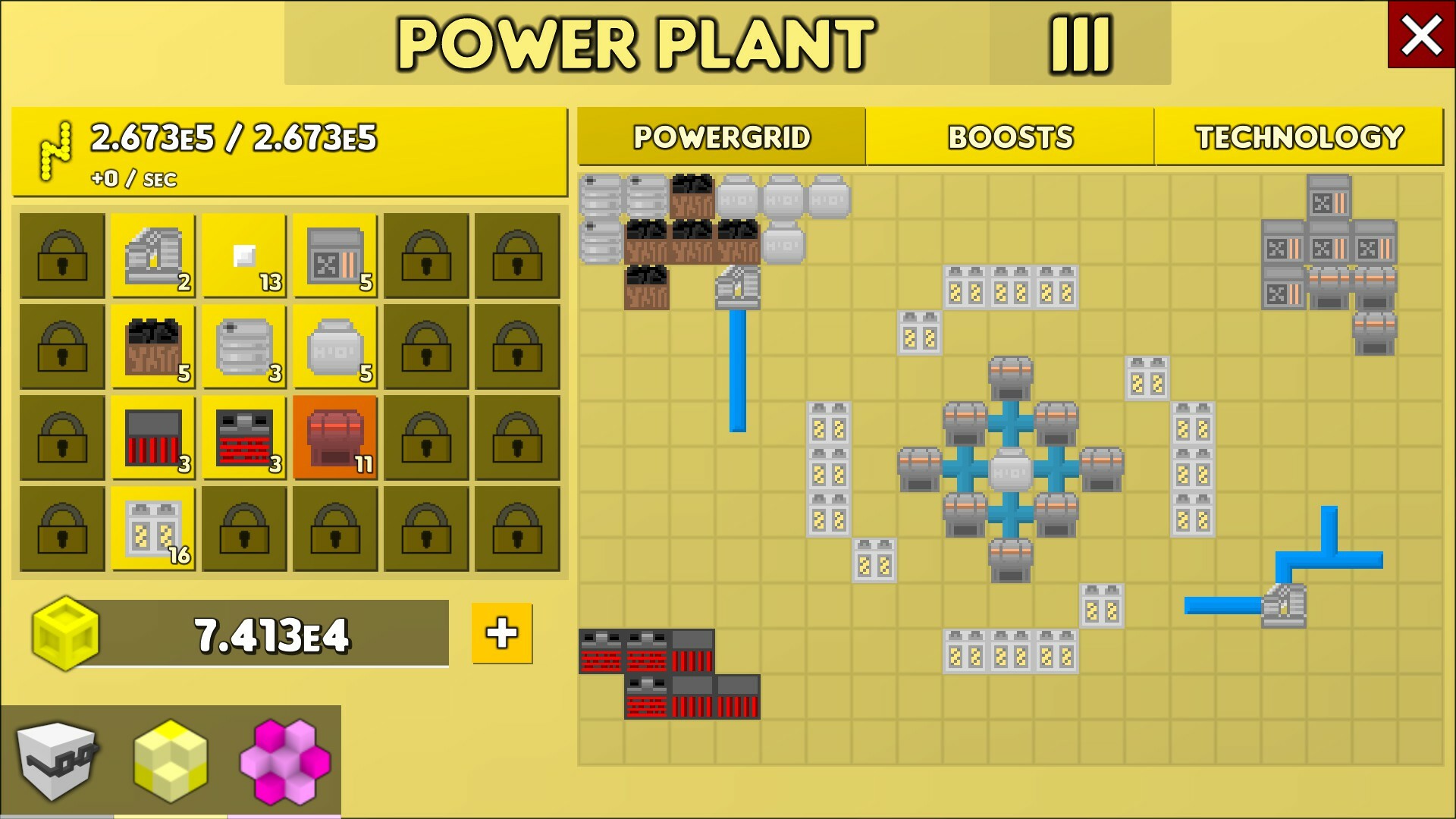
Generates electricity that speeds up other buildings. Skip this until MT2-3 when you have enough components to generate meaningful power. Start with the basic Water Pump, Coal Boiler, and Steam Turbine chain. The boost is logarithmic, so bigger grids produce diminishing returns. Stagger boosts across different buildings rather than dumping everything into one.
If you enjoy the resource management side of things, Timberborn scratches a similar itch with its water economy and beaver colony building.
The Military Tier System
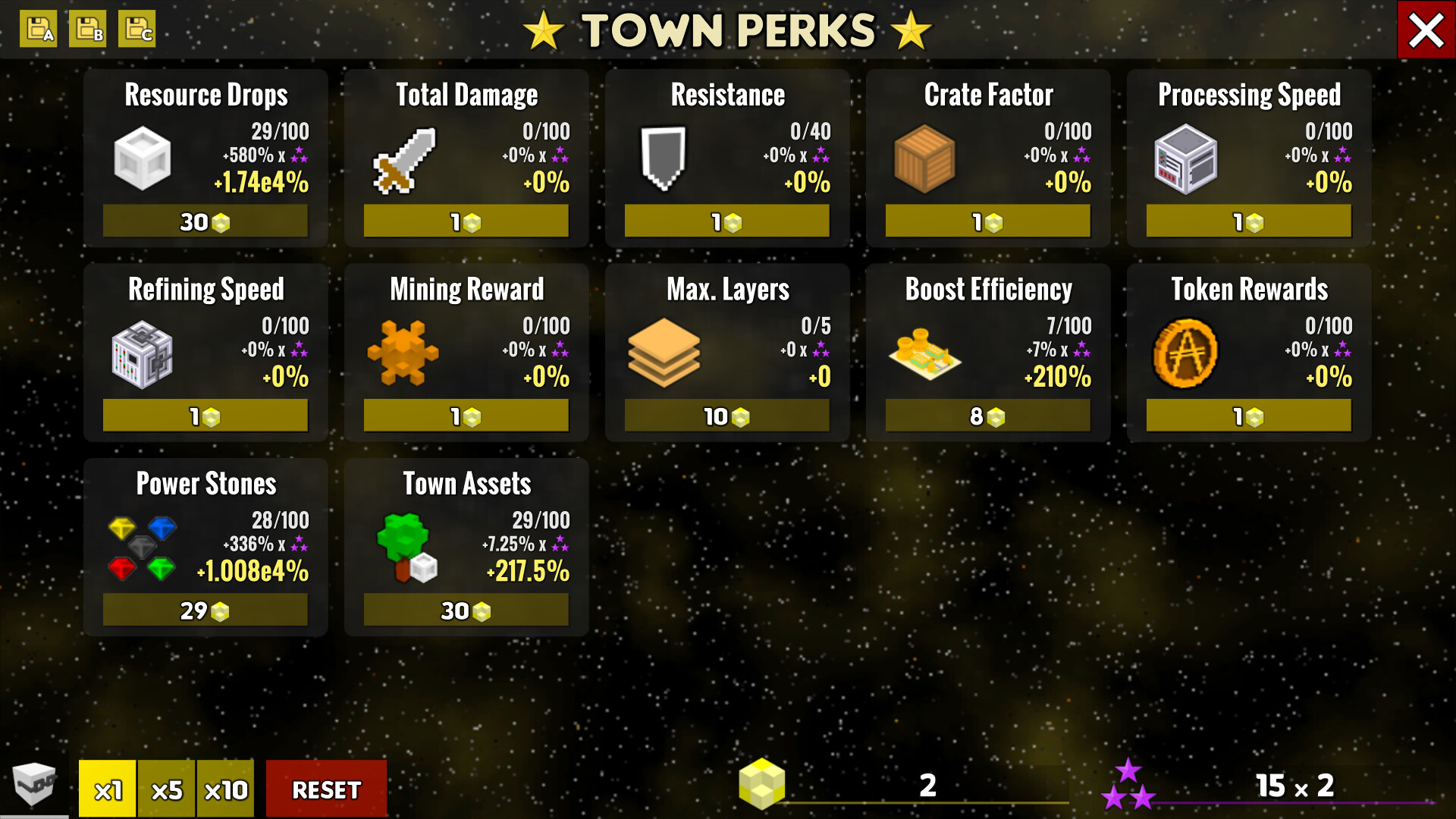
Military Tier (MT) is the prestige mechanic. Once you max out 10 modules and clear Region 2, you can reset. Resetting wipes your module levels and town resources (except gems and exotic gems) but keeps your buildings and unlocks a new Military Perk.
Before resetting, spend everything. Buy buildings, upgrade the lab, dump resources into the Workshop. Anything unspent gets erased.
Each tier gives you one perk choice. The first set includes:
- Backups – modules start at Tier 1 maxed after reset. This is the strongest first pick by far since it dramatically speeds up your next cycle.
- Libraries – boosts Town XP gains
- Improved Conditions – increases worker slots by 2 per tier instead of 1
MT0-1 are tutorial tiers that teach you the loop. MT2-3 unlock the Shipyard and Statue of Cubos. MT4 is the big milestone: you unlock the Facility AI and choose your first specialization, which opens a second floor for one building. Factory specialization is the most popular first choice because it adds automated mass production.
Workers and Automation
Workers unlock at MT1 and handle repetitive tasks so you don’t have to babysit the game. You hire them with gems, starting at 100 gems for the first worker. Each Military Tier adds one worker slot.
Best early worker assignments:
- Mine: Drill Operator – automates drilling deeper layers
- Power Plant: Storage Manager – keeps fuel topped off
- Factory: Refining Overseer – handles shard refinement
Worker speed starts at 5 seconds per action. You can unlock faster speeds (down to 0.5 seconds) by spending gems, but save that for later when gems are more abundant from deep mining.
At MT4, you unlock the Facility AI, which is a full scripting system that can automate nearly everything. Workers bridge the gap between manual play and full automation. The jump from workers to AI scripts is where the game shifts from active management to systems design.
Common Mistakes New Players Make
These are the traps I see new players fall into repeatedly in the community forums and Discord.
Not spending before a Military Tier reset. Once you start the reset, unspent resources vanish. Workshop upgrades, building purchases, lab research. Do it all before you hit that button.
Ignoring the Workshop. New players spread resources across every building evenly. The Workshop gives permanent power that survives resets. It should get the lion’s share of your blue resources.
Over-refining in the Factory. Dumping a massive stack of shards into the refiner sounds efficient, but without the Belt machine upgraded, you’ll wait hours. Start with small batches and scale up as your Belt improves.
Rushing the Power Plant. “Speed boost for all buildings” sounds amazing on paper. But early on, you don’t have the components to generate meaningful power. Wait until MT2-3 when the investment actually pays off.
Not using hold-right-click. Hold right-click to bulk purchase resources and upgrades. This single tip saves hours of clicking over a playthrough. The game doesn’t tell you about it.
Gear for Long Sessions
Perfect Tower II is the kind of game you leave running in the background for hours while checking in periodically. A comfortable setup makes those long sessions easier on your hands and ears.

Logitech G502 X
Wired gaming mouse with adjustable weights
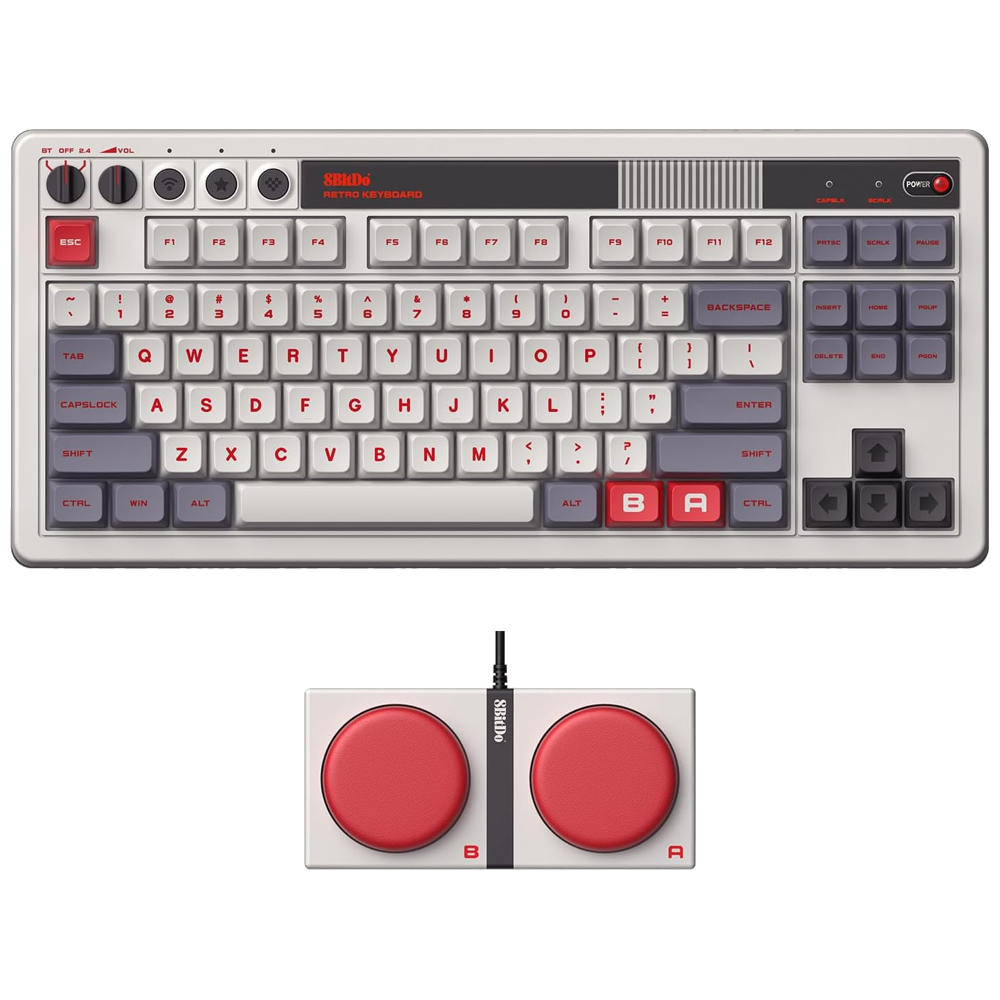
8BitDo Retro Mechanical Keyboard
Hot-swappable mechanical with retro style

SteelSeries Arctis Nova 1
Lightweight wired headset with spatial audio
Frequently Asked Questions
Is Perfect Tower II free to play?
Yes. Perfect Tower II is completely free on Steam with no required microtransactions. There are optional cosmetic purchases, but nothing that affects gameplay progression.
How long does it take to reach Military Tier 4?
Most players reach MT4 in 20-40 hours depending on play style and how much idle time they accumulate. MT4 is the biggest milestone because it unlocks the Facility AI and your first building specialization.
Should I choose the Factory, Power Plant, or Mine specialization at MT4?
Factory (Idle) is the most popular first choice. It unlocks automated mass production through the Crafter and Fabricator, which generate resources passively. Power Plant (Active) is strong but requires more hands-on management. Mine (Mixed) provides asteroid mining for rare resources.
Do I lose everything when I reset Military Tier?
Module levels and town resources reset, but buildings, gems, exotic gems, and most progression stay. Think of it like New Game+ with permanent bonuses. The Backups perk makes future resets much smoother by starting modules at Tier 1 maxed.
Can I play Perfect Tower II on Steam Deck?
Yes. It runs on Steam Deck through Proton compatibility. The idle nature of the game makes it a solid fit for handheld play since you can check in periodically without needing constant attention.
Summary
Perfect Tower II has more depth than it shows you upfront. Focus on one-shotting enemies in tower testing, pour resources into the Workshop for permanent power, and don’t rush the Military Tier reset until you’ve spent everything. Workers at MT1 free you from the grind. The Factory’s producers are your long-term resource engine. Take it one tier at a time and the systems click into place.
For more idle and resource management guides, check out our Whiskerwood beginner guide if you’re into colony builders with similar incremental loops.