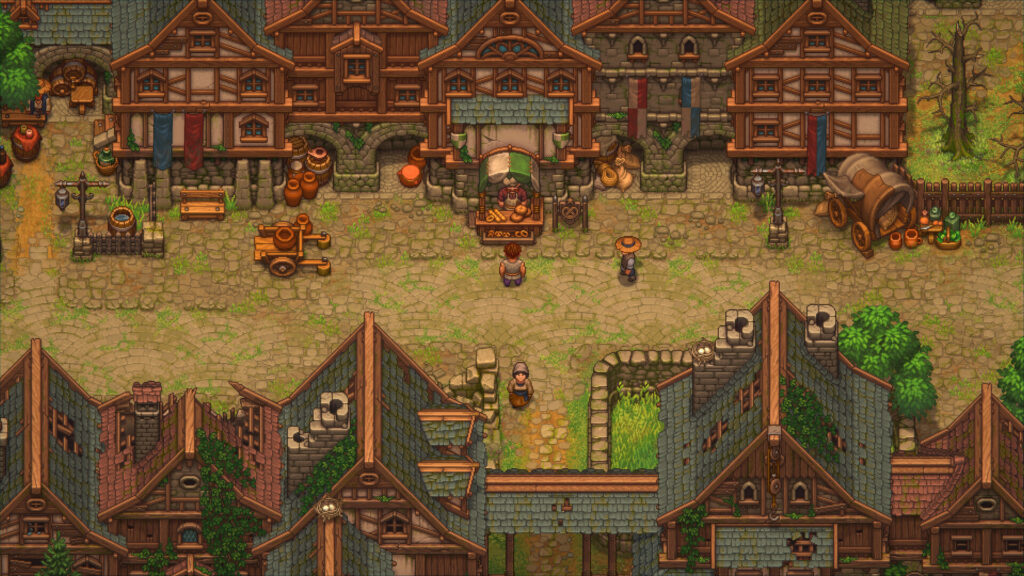
The Graveyard Keeper 2 demo is free on PC and consoles through September 22. It covers about three to four hours, and your save carries into the full game.
You can treat it as the start of your playthrough instead of a disposable preview. This page has the official download links, the real platform list, and the limits you should know before starting.
Key Takeaways
- Free download: The demo is available on Steam, PS4, PS5, Xbox One, Xbox Series X|S, and Nintendo Switch 2.
- Three to four hours: The official Steam page places the endpoint at the introduction of The Town.
- Save transfer: The publisher confirms that your demo progress carries into the full game.
- Limited window: tinyBuild announced the demo as available through the September 22 launch.
- Performance warning: Early players report screen tearing and frame-rate problems on several platforms, but experiences vary.
Graveyard Keeper 2 Demo Details at a Glance
| Detail | Official Information |
|---|---|
| Price | Free |
| Demo release | September 14, 2026 |
| Announced availability | Through September 22, 2026 |
| Estimated length | About 3-4 hours |
| Endpoint | The introduction of The Town |
| Save transfer | Yes, into the full game |
| Full-game release | September 22, 2026 |
Lazy Bear Games developed the sequel, and tinyBuild publishes it. The demo launched eight days before the full game, so you can finish the opening before release day.
Where to Download the Graveyard Keeper 2 Demo
Use the official store page for your platform. The demo has its own free store listing.
| Platform | Demo Status | Official Page |
|---|---|---|
| Windows PC | Available | Steam |
| PlayStation 4 and 5 | Available | PlayStation Store |
| Xbox One and Series X|S | Available | Xbox Store |
| Nintendo Switch 2 | Available | Nintendo eShop listing |
| Nintendo Switch | Not included in the publisher’s demo announcement | Full-game listing |
The publisher’s demo announcement names Nintendo Switch 2, not the original Switch. The original Switch receives the full game on September 22, but its current store page does not list the demo.
What the Graveyard Keeper 2 Demo Includes
The demo contains the opening of Graveyard Keeper 2. Steam describes the path as your first steps through the introduction of The Town and estimates three to four hours.
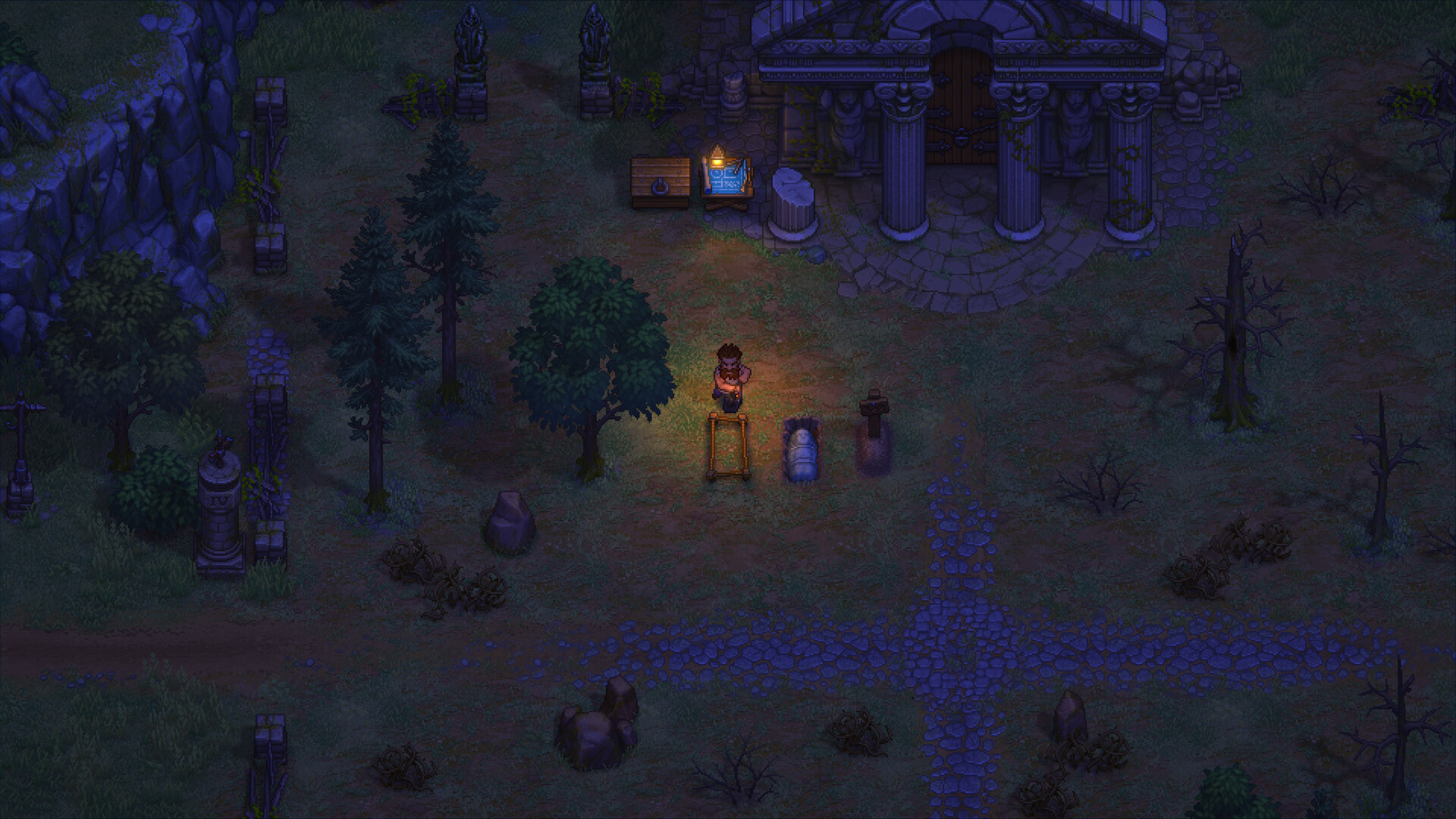
The opening introduces the sequel’s main jobs without exposing the full campaign. You manage the cemetery, gather materials, craft workstations, restore buildings, and prepare for the Town’s larger systems.
- Graveyard work: Prepare bodies, improve plots, and raise the cemetery rating.
- Resource gathering: Cut wood, mine stone, dig clay, and collect food.
- Crafting: Build workstations and unlock recipes through the technology tree.
- Fishing: Complete an early quest to recover the fishing rod.
- Town restoration: Repair buildings and help residents reopen their businesses.
- Undead combat: Build defenses and command zombie troops during the Town sequence.
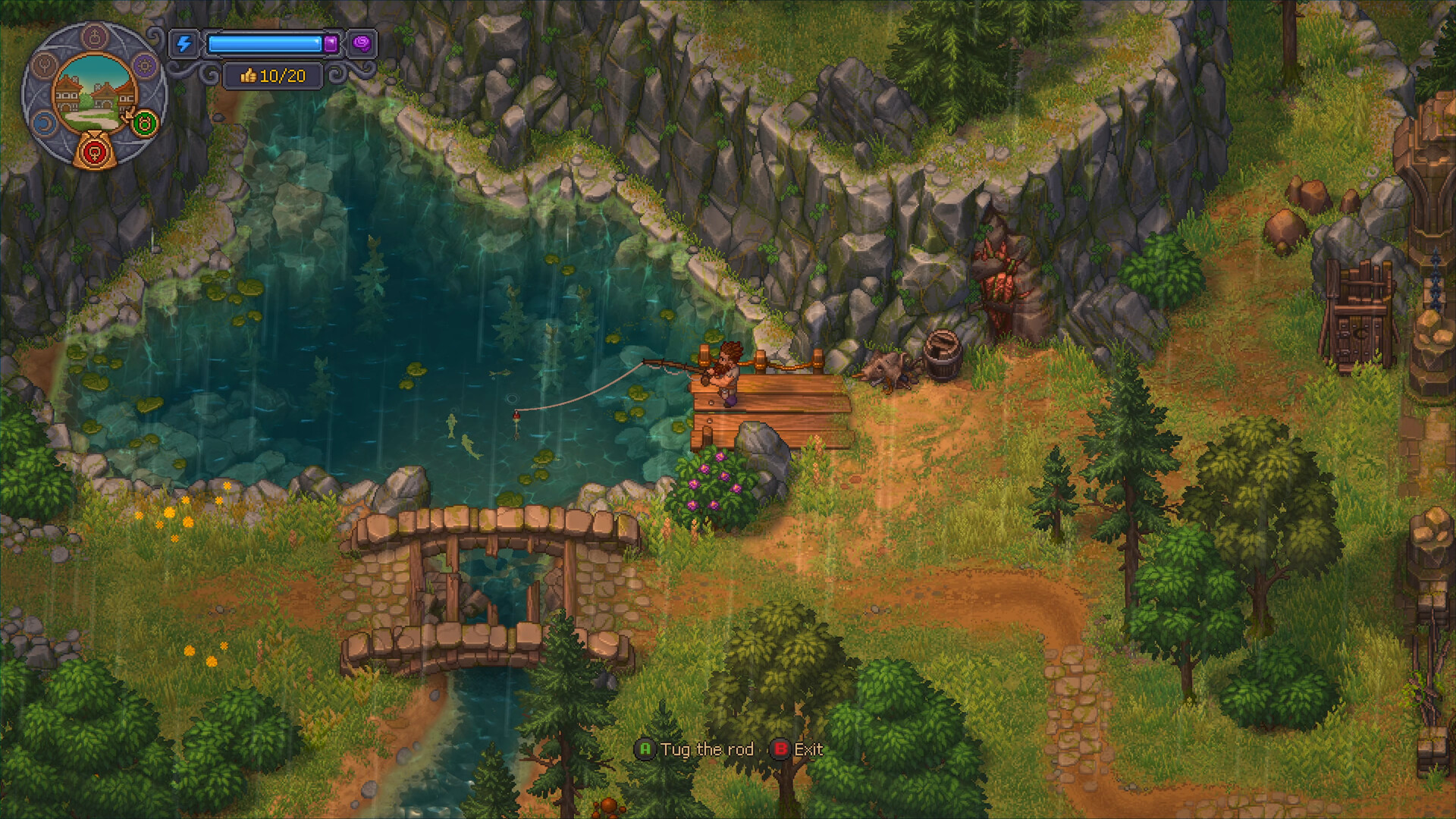
The familiar mix of chores, upgrades, and daily planning puts it near other management games. Our Stardew Valley update history covers another game built around that steady routine.
What Stays Outside the Demo
The demo stops when The Town opens as the next major part of the game. It does not provide the complete town-restoration, automation, or army-building progression shown in the full-game description.
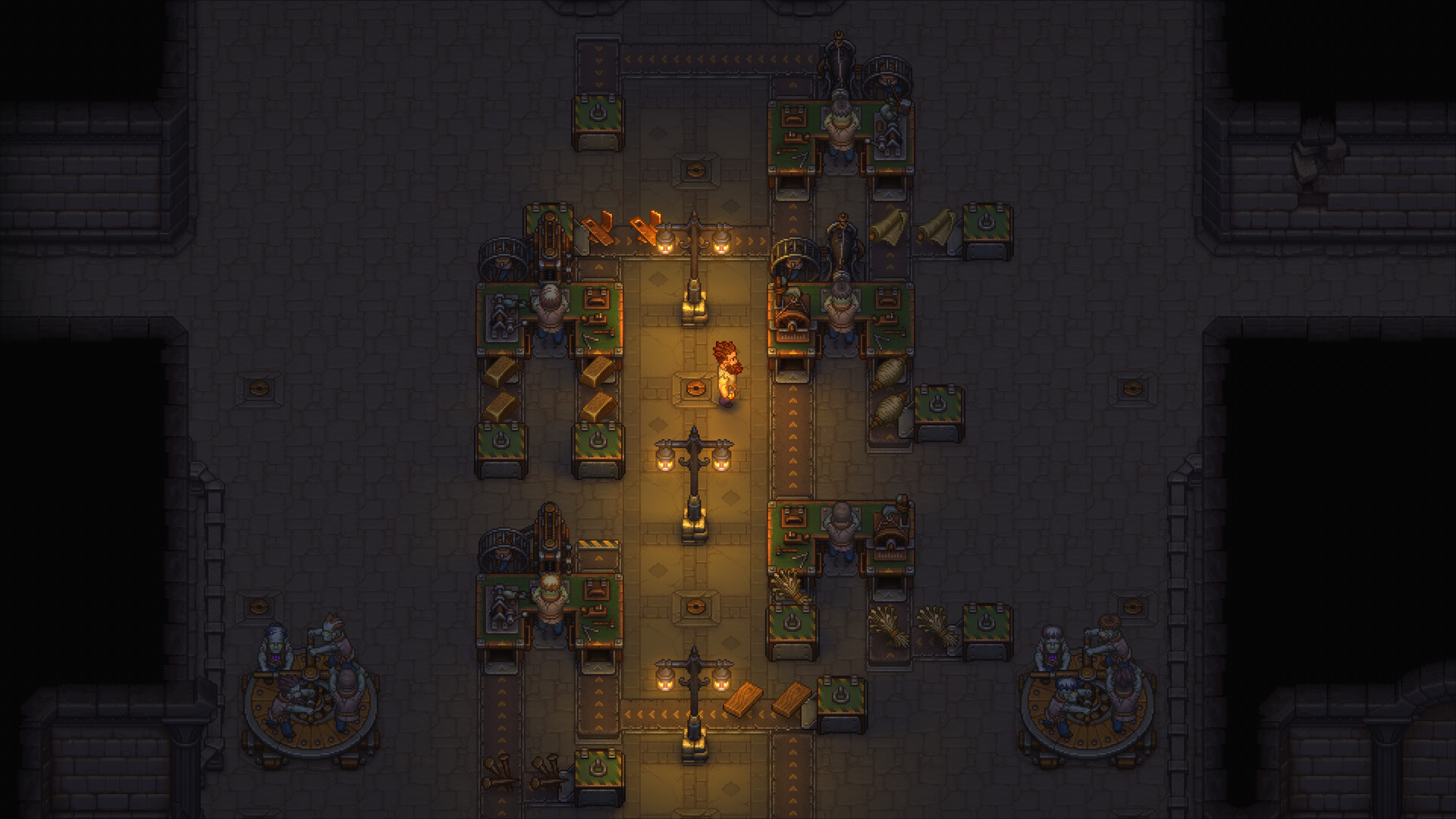
That cutoff makes the demo useful for testing the basic loop. It cannot show whether the later automation and battles stay interesting through the full campaign.
How Graveyard Keeper 2 Demo Save Transfer Works
tinyBuild confirms that all saved demo progress carries into the full game at launch. Steam repeats the same promise on the demo page.
Keep the demo save data on your system after you finish. The publisher has not published the exact transfer steps yet.
The official announcement does not explain cross-platform transfers. Do not assume that a Steam save will move to PlayStation, Xbox, or Switch 2.
It also does not list individual save elements. The safe promise covers your saved progress as a whole, not a separate guarantee for every item or setting.
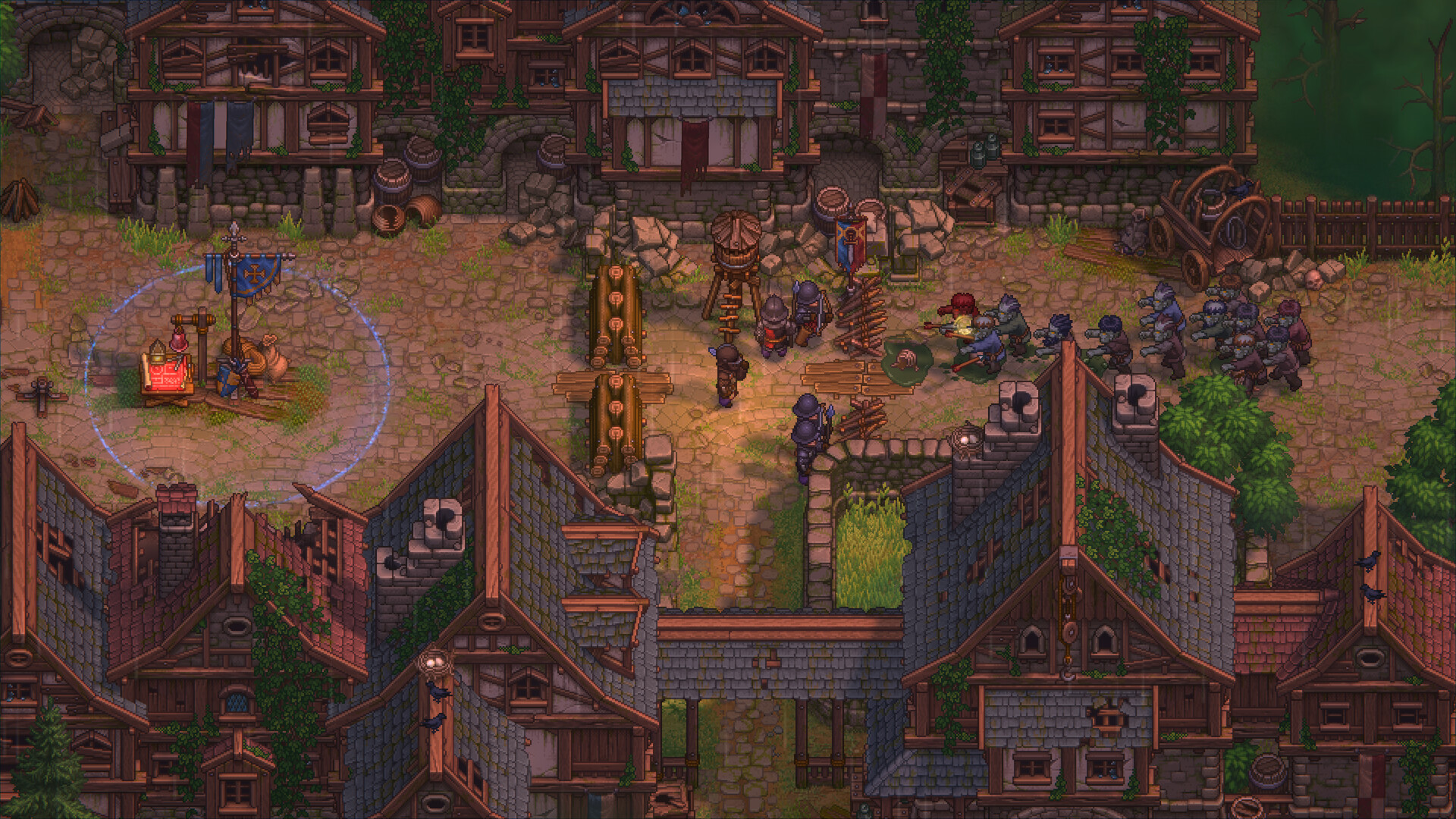
Current Performance Reports
The demo gives you a free way to test performance on your system. That matters because early reports vary by platform and hardware.
Players in a Graveyard Keeper subreddit discussion and a Steam discussion report screen tearing, frame-rate drops, or stuttering on PS5, Xbox, Switch 2, and Steam Deck. Other players in the same discussions report smooth PC sessions or acceptable Steam Deck results after lowering settings.
These are player reports from the demo, not confirmed measurements from the developer. Try the free build on the hardware you plan to use before buying.
Graveyard Keeper 2 Demo PC Requirements
The Steam demo requires Windows 10 x64, DirectX 12, and 4 GB of storage. The processor and graphics targets are higher than the pixel-art presentation might suggest.
| Component | Minimum | Recommended |
|---|---|---|
| Operating system | Windows 10 x64 | Windows 10 x64 |
| Processor | Intel Core i3 13th generation or similar | Intel Core i5 13th generation or similar |
| Memory | 6 GB RAM | 8 GB RAM |
| Graphics | GeForce GTX 1650 or similar | GeForce RTX 3060 or similar |
| DirectX | Version 12 | Version 12 |
| Storage | 4 GB | 4 GB |
Steam lists Windows only for the demo. It does not list native macOS or Linux versions.
A Simple PC Controller Pick
If you want console-style controls on Windows, the 8BitDo Ultimate 2C Wireless uses the familiar Xbox layout. It connects through 2.4 GHz wireless or USB and costs about $30.

The controller includes Hall-effect sticks, a 2.4 GHz receiver, and wired USB support. It is a simple match for PC players who prefer a gamepad, and our 8BitDo controller guide covers the other models.
Frequently Asked Questions
Is the Graveyard Keeper 2 demo free?
Yes. Steam, PlayStation, and Xbox list it as free. tinyBuild also confirms the free Nintendo Switch 2 version.
How long is the Graveyard Keeper 2 demo?
Steam estimates about three to four hours. Players who explore, gather resources, or build beyond the required objectives can spend longer.
Does Graveyard Keeper 2 demo progress carry over?
Yes. tinyBuild states that all saved progress carries into the full game when it launches.
Which platforms have the Graveyard Keeper 2 demo?
The confirmed platforms are Steam, PS4, PS5, Xbox One, Xbox Series X|S, and Nintendo Switch 2.
Is the Graveyard Keeper 2 demo on the original Nintendo Switch?
tinyBuild’s demo announcement names Nintendo Switch 2, not the original Switch. The full game still launches on both Nintendo systems.
Should You Play the Demo?
Play the demo if you expect to buy Graveyard Keeper 2 or want to test performance first. The save transfer removes the usual cost of replaying a preview, while the free download lets you judge the controls and opening pace yourself.
Download it before September 22 if you want the announced demo window. If you want another management game, our Whiskerwood beginner guide covers a different kind of production chain.