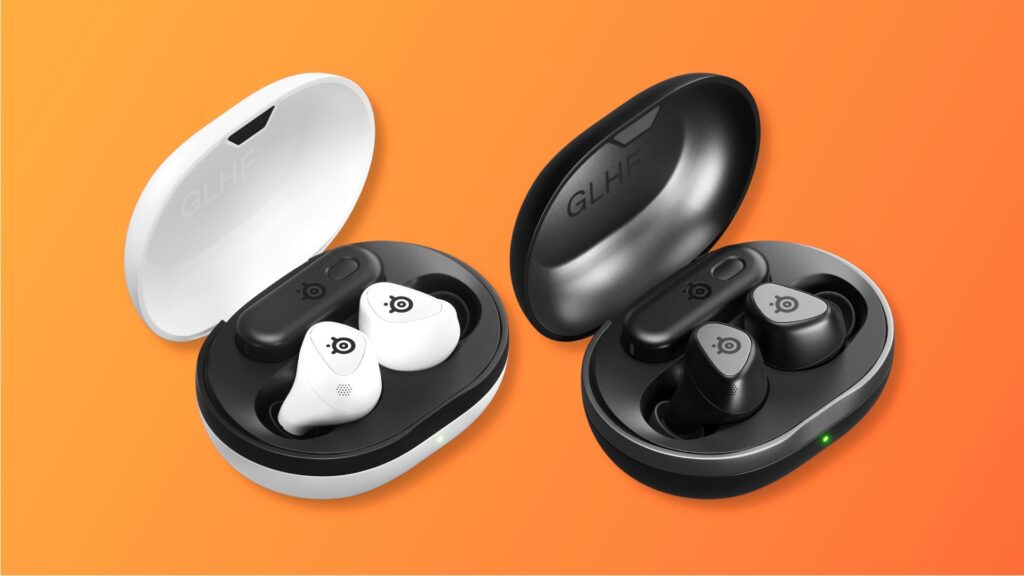
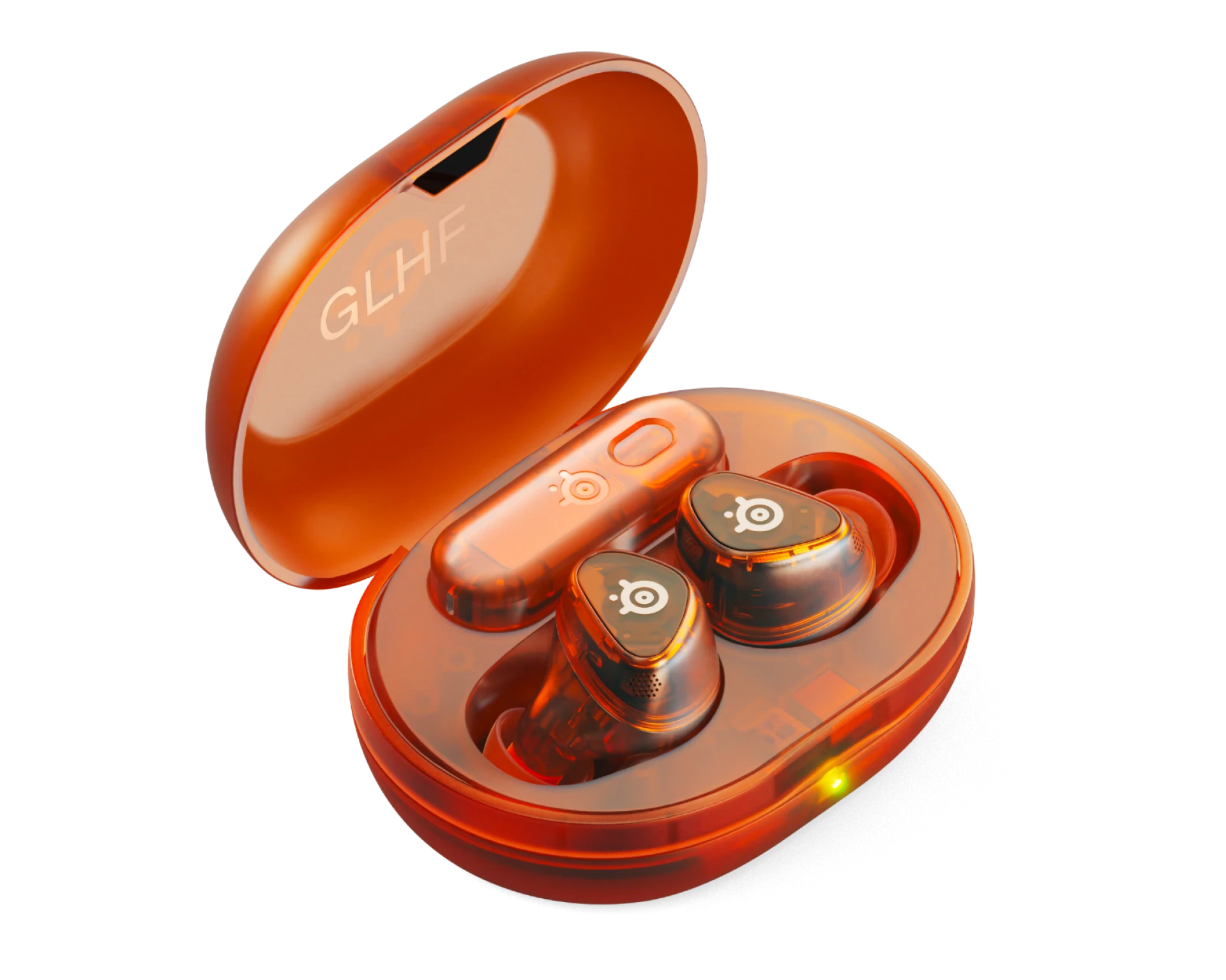
SteelSeries Arctis GameBuds
The Arctis GameBuds pack real gaming audio into a form factor that works across PS5, Xbox, Switch 2, Steam Deck, and PC. The 175+ Sonar EQ presets are genuinely useful, battery life holds up, and the cross-platform switching is seamless. The mic won’t impress anyone, though, and SBC-only Bluetooth feels like a missed opportunity at $160.
TL;DR
- SteelSeries’ first gaming earbuds combine a 2.4GHz USB-C dongle with Bluetooth 5.3 for low-latency audio on every major gaming platform.
- Sound quality punches above its size with bass-forward tuning and 175+ game-specific EQ presets through the Sonar app.
- The microphone is the weak link. Fine for party chat, not fine for streaming or anything where audio quality matters.
- Worth it for multi-platform gamers. If you own a PS5, a Switch 2, and a Steam Deck, these replace three separate audio setups with one pair of earbuds.
The SteelSeries Arctis GameBuds review you’re about to read covers what happens when you actually use these across every platform they claim to support. Most reviews test on one or two devices and call it a day. We put them through PS5, Xbox Series X, Nintendo Switch 2, Steam Deck, and PC to see if the “works everywhere” promise holds up, or if it’s just marketing.
Short answer: it mostly does. But there are catches that nobody seems to talk about.
What Are the SteelSeries Arctis GameBuds?
The Arctis GameBuds are SteelSeries’ first gaming earbuds, launched in late 2024. They sit at $160 and target gamers who want one audio solution that works across everything they own. The pitch is simple: a USB-C 2.4GHz dongle for low-latency gaming audio, plus Bluetooth 5.3 for your phone, with a triple-tap to switch between them.
What makes these different from regular earbuds with a gaming mode is the Sonar app. SteelSeries built the same EQ software they use in their full-size headsets (the Arctis Nova line) into these earbuds, giving you access to over 175 game-specific audio presets. That means tuned profiles for everything from Call of Duty to Zelda to Elden Ring, built by SteelSeries’ audio team and esports pros.
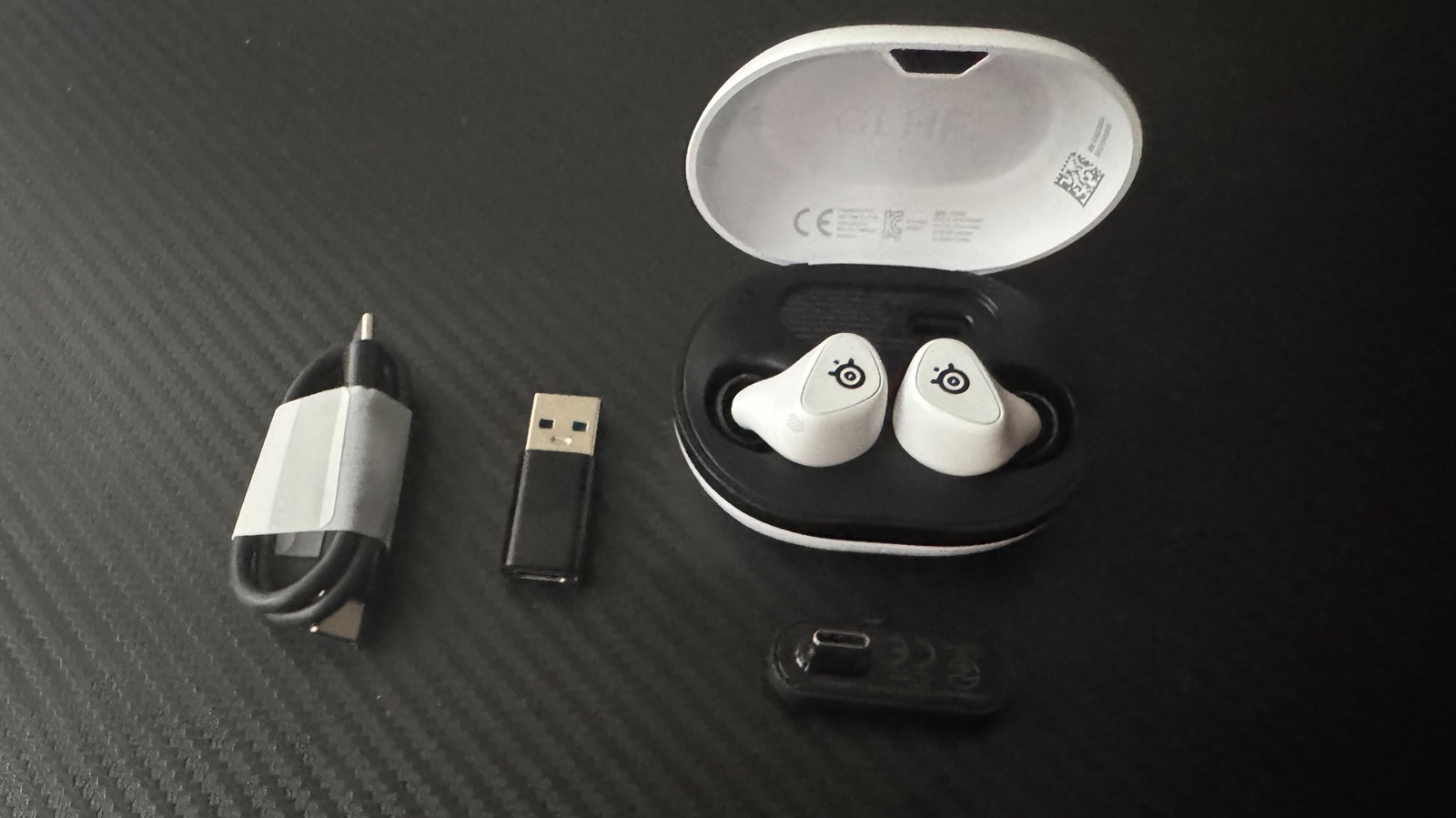
The dongle stores inside the charging case, which also supports Qi wireless charging. At 5 grams per bud, they’re lighter than most competitors, and IP55 water resistance means sweat and light rain won’t be an issue.
SteelSeries Arctis GameBuds Review: Sound Quality and the Sonar Advantage
The sound quality here is genuinely impressive for 6mm drivers crammed into earbuds this small. The tuning leans bass-forward with a noticeable bump in the low end that makes explosions, gunfire, and soundtrack bass hit harder than you’d expect. There’s a pronounced treble peak around 6-8kHz that adds clarity to footsteps and environmental cues, which is exactly what you want for competitive gaming.
The tradeoff is in the mids. Dialogue and vocals sit slightly recessed, which means story-driven games and podcasts don’t sound quite as natural out of the box. This is where the Sonar app earns its keep.
The Sonar presets are the real selling point. I don’t usually care about manufacturer EQ apps because they’re usually gimmicky, but SteelSeries did something actually useful here. The 175+ game-specific profiles aren’t just different EQ curves with game logos slapped on them. The Warzone preset, for example, boosts the frequency range where footsteps sit while pulling back explosion bass so you can hear someone pushing your building. The Zelda preset widens the soundstage for a more immersive exploration feel. These are tuned profiles that make a real difference in how each game sounds.
On PC, the Sonar desktop app gives you a full parametric EQ with separate sliders for game audio, voice chat, and media. On mobile, the Arctis Companion app is more limited but still lets you swap presets, adjust ANC, and check battery levels. The custom EQ editor is PC-only, which is a legitimate gripe if you’re primarily a console player.
Compared to a full-size headset like the HyperX Cloud III, the GameBuds can’t match the soundstage or bass depth of over-ear drivers. They’re not supposed to. But for earbuds, this is about as good as gaming audio gets right now.
Comfort, Build, and Battery
SteelSeries says they scanned 62,000 ears to design the GameBuds’ shape, and whatever that process produced, it works. The triangular form factor sits flush in your ear canal without creating pressure points, even during multi-hour sessions. They come with three sizes of foam tips (S/M/L), and I’d recommend trying all three. The stock medium tips are fine for most people, but several reviewers and users report a significantly better seal and ANC performance with third-party memory foam tips.
The physical buttons are a deliberate choice over touch controls, and it’s the right one. Touch controls on earbuds are notoriously unreliable, especially when you’re adjusting during gameplay. The GameBuds’ buttons are clicky and responsive, though they do require a firm press that can push the buds deeper into your ears if you’re not bracing with your other hand. A minor annoyance, not a dealbreaker.
Build quality feels premium for the price. The case has a soft-touch finish that resists fingerprints, and there’s a transparent section so you can see if the buds are actually seated inside. The USB-C dongle slots into the case between the buds, which is a smart design choice that means you won’t lose it. SteelSeries also includes a USB-A adapter in the box for older consoles and PCs, though it doesn’t fit in the case.
Battery life: SteelSeries claims 10 hours per charge with ANC off. In real-world use with ANC on and 2.4GHz connection, expect closer to 8-8.5 hours, which SoundGuys’ testing confirmed at 8 hours 32 minutes. The case holds roughly three additional charges for about 40 hours total. A 15-minute quick charge gives you 3 hours of playback, which is enough to get through a gaming session when you forgot to charge the night before. Qi wireless charging on the case is a nice touch that no competitor in this price range offers.
Cross-Platform Performance
This is where the GameBuds either justify their price or don’t, depending on how many platforms you actually use. Here’s how they perform on each one.
PS5: Plug the dongle into the front USB-C port and you’re connected. Audio quality is excellent, latency is imperceptible, and the Sonar presets work through the companion app on your phone. Some users report needing to manually set the PS5’s audio output to the headset, but once configured it just works. No complaints here.
Xbox Series X|S: This is the GameBuds’ secret weapon. They’re one of the only wireless gaming earbuds that support Xbox wirelessly through the 2.4GHz dongle. The Sony INZONE Buds don’t work with Xbox at all, and most competitors need a wired connection or Bluetooth (which Xbox doesn’t natively support for game audio). Some users report occasional connection hiccups on startup where the Xbox shows “headset assigned” but no sound comes through. Reseating the buds in the case and reconnecting fixes it. It doesn’t happen every session, but it happens enough that it’s worth mentioning.
Nintendo Switch 2: The dongle works in both docked and handheld mode via USB-C. In handheld, the Switch 2’s Bluetooth support also means you can connect wirelessly without the dongle, though 2.4GHz gives you lower latency. The GameBuds pair nicely with handheld gaming because they’re so lightweight you forget they’re in your ears. If you’re shopping for Switch 2 accessories, these should be near the top of your list.
Steam Deck: This is where the GameBuds quietly shine. The USB-C dongle plugs directly into the top of the Deck, and the low-latency connection means no audio delay even in rhythm games or competitive shooters. The compact form factor makes them ideal for portable gaming on the couch or on the go. For more Steam Deck audio and accessory options, check our Steam Deck accessories guide.
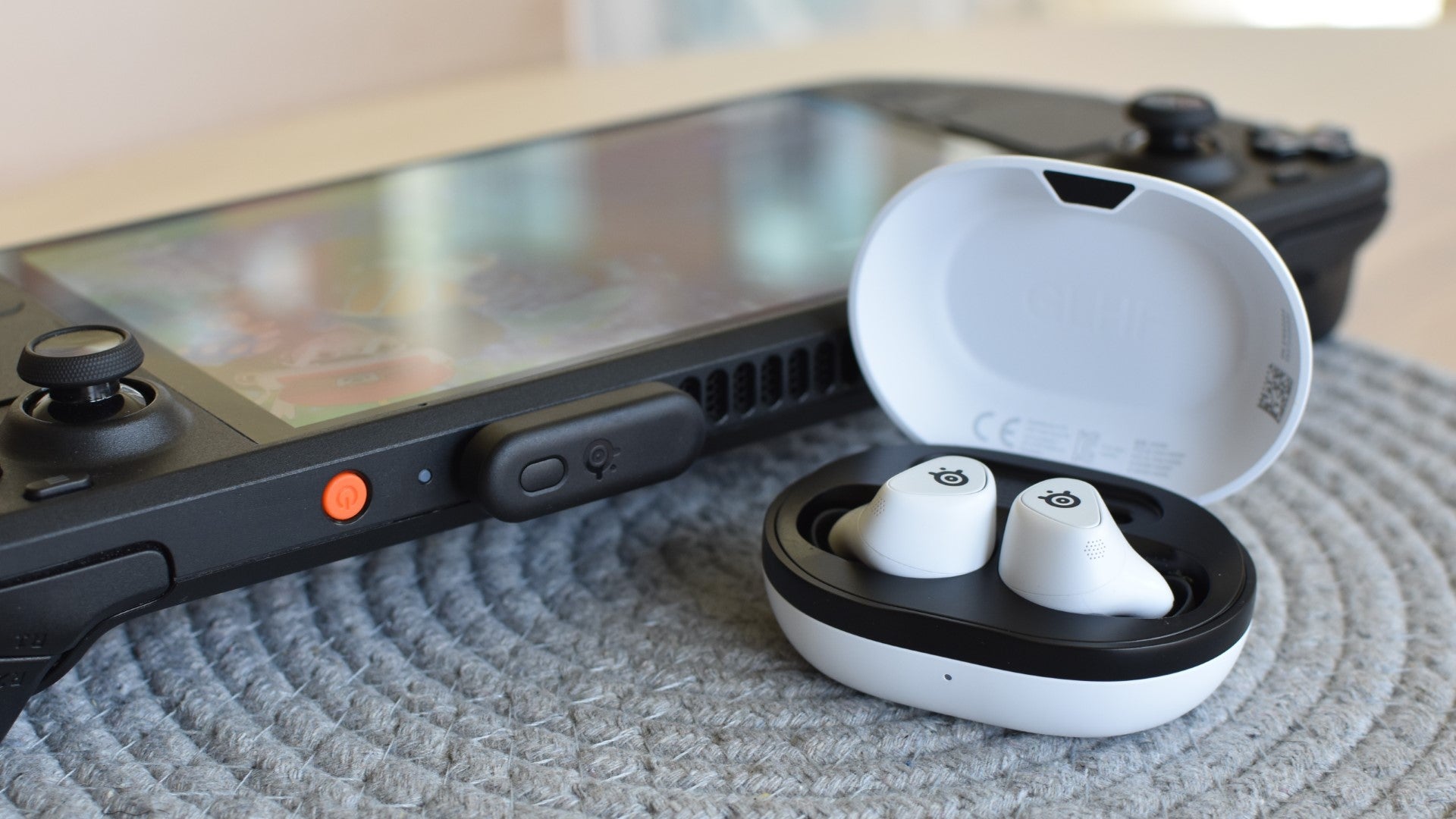
PC: The best experience, hands down. The Sonar desktop app unlocks full parametric EQ, separate volume channels for game/voice/media, and access to every preset. If you’re a PC gamer, you’re getting the most out of these. The 2.4GHz dongle plugs into any USB-C or USB-A (with adapter) port, and the 8K polling rate equivalent connection means latency is as close to zero as wireless gets.
Mobile: Bluetooth 5.3 works for calls, music, and mobile gaming. The connection is solid in most environments, though some users in dense urban areas (lots of metal, lots of competing signals) report occasional dropouts. The SBC-only codec is the biggest limitation here. If you care about high-fidelity music streaming, the lack of aptX or LDAC support means you’re not getting the best audio your phone can deliver. For gaming and calls, SBC is fine.
The Mic Situation
I need to be honest about this because most professional reviews undersell the problem. The mic is the weakest part of the Arctis GameBuds, and the gap between what reviewers say and what actual users report is wider here than on any other feature.
Professional reviews rate the mic as “good for earbuds” or “adequate for party chat.” And technically, that’s accurate. Your teammates can understand you. Your voice comes through clearly enough for callouts in a Warzone lobby or a Discord call.
But users consistently describe the mic quality as noticeably worse than competitors. Your voice sounds distant and slightly tinny because the mics are, by nature of the earbud form factor, far from your mouth. Background noise handling is middling. If you’re in a quiet room, you’re fine. If there’s a fan running, a TV in the background, or you’re gaming in a shared space, your friends will notice.
For party chat and casual voice calls, the mic works. For streaming, content creation, or anything where your audio quality reflects on you, use a dedicated microphone. This isn’t a dealbreaker for most gamers, but it’s something you should know going in. The Sony INZONE Buds and Razer Hammerhead both handle voice pickup better, if that’s a priority for you.
Pros
- 175+ game-specific EQ presets via Sonar (genuinely useful, not gimmicky)
- True cross-platform support including wireless Xbox
- 10-hour battery with Qi wireless charging case
- Physical buttons instead of unreliable touch controls
- USB-C dongle stores inside the charging case
- Comfortable enough for 3+ hour sessions
- IP55 water and dust resistance
Cons
- Microphone quality is mediocre at best
- SBC-only Bluetooth (no aptX or LDAC)
- No multipoint Bluetooth (one device at a time)
- Custom EQ limited to PC app (console users get presets only)
- WearSense auto-pause can be overly sensitive
- Occasional Xbox connection hiccups on startup
SteelSeries Arctis GameBuds vs Sony INZONE Buds
The Sony INZONE Buds are the closest competitor at $199, so this is the comparison most people are making.
Choose Arctis GameBuds If:
- You game across multiple platforms (especially Xbox)
- You want 175+ game-specific EQ presets
- Qi wireless charging matters to you
- You prefer a smaller, more portable case
- Budget is a factor ($160 vs $199)
Choose Sony INZONE Buds If:
- You only play on PS5 and PC
- Microphone quality is a priority
- You want stronger ANC performance
- You need longer single-charge battery (12h vs 10h)
- You already use Sony’s 360 Spatial Sound
The GameBuds win on versatility and value. The INZONE Buds win on raw audio quality and mic performance but lock you into the PlayStation/PC ecosystem. If you own an Xbox or Switch alongside your PS5, the GameBuds are the obvious choice. If you’re strictly a PS5 player and want the absolute best audio, the INZONE Buds edge ahead.
Frequently Asked Questions
Do the SteelSeries Arctis GameBuds work with Xbox?
Yes. The GameBuds are one of the few wireless gaming earbuds that support Xbox Series X|S wirelessly through their 2.4GHz USB-C dongle. Most competitors either don’t support Xbox at all or require a wired connection.
Are the Arctis GameBuds good for music?
They’re decent for casual music listening with bass-forward tuning and Sonar EQ presets. However, the SBC-only Bluetooth codec limits audio quality compared to earbuds that support aptX or LDAC. If music is your primary use case, you’ll get better fidelity from dedicated music earbuds like the Sony WF-1000XM5.
How long does the GameBuds battery actually last?
SteelSeries claims 10 hours with ANC off. With ANC on and a 2.4GHz connection, independent testing puts real-world battery life at about 8.5 hours. The case holds three additional charges for roughly 40 hours total, and a 15-minute quick charge gives you 3 hours of playback.
Can you use the Arctis GameBuds on Steam Deck?
Yes, and they work great. The USB-C dongle plugs directly into the Steam Deck for low-latency audio. You can also connect via Bluetooth, though the 2.4GHz connection offers lower latency for gaming.
Is the microphone good enough for streaming?
No. The mic is fine for in-game voice chat and casual Discord calls, but the audio quality sounds distant and slightly tinny. For streaming, podcasting, or content creation, use a dedicated USB or XLR microphone.
Are the Arctis GameBuds worth $160?
If you game across multiple platforms, yes. The cross-platform versatility, Sonar EQ presets, and solid battery life justify the price. If you only play on one platform and don’t need the flexibility, you might find better value in platform-specific alternatives like the Sony INZONE Buds (PS5) or Razer Hammerhead HyperSpeed (multi-platform at $150).
Final Verdict
The SteelSeries Arctis GameBuds do what they set out to do: deliver legitimate gaming audio in an earbud form factor that works on practically everything. The 175+ Sonar presets aren’t a gimmick. The cross-platform switching between 2.4GHz and Bluetooth actually works. The battery life holds up. And they’re comfortable enough to wear through a long session without thinking about it.
The mic is the one area where SteelSeries cut corners, and it shows. If voice quality matters to you, keep a dedicated mic around. The SBC-only Bluetooth codec is also a strange omission at this price point, though it only matters if you’re using them for high-fidelity music streaming over Bluetooth.
For multi-platform gamers who want one audio solution that works on their PS5, Xbox, Switch 2, Steam Deck, and phone without carrying multiple devices, the GameBuds are a strong pick. They’re not perfect, but nothing at this price is. For a broader look at all the options, check our full gaming earbuds roundup.
Final Verdict
Cross-platform gaming audio that actually delivers. Great sound, 175+ EQ presets, and real versatility, held back only by a mediocre mic and SBC-only Bluetooth.