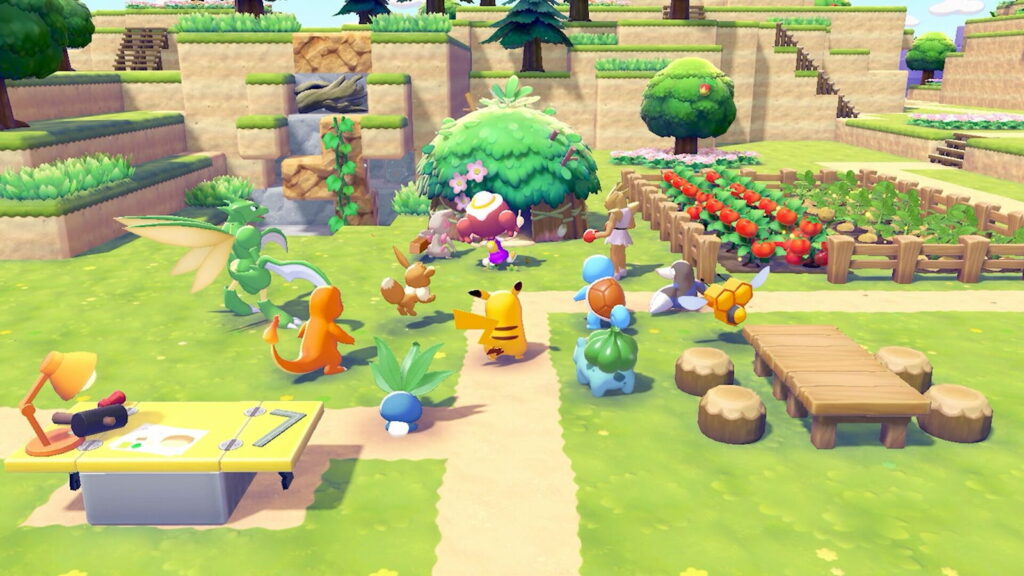
Pokemon Pokopia gives you a full sandbox island, a building system with 45+ construction kits, and a multiplayer mode that lets up to four players build together on a shared Cloud Island. Cloud Islands work like Minecraft worlds: each one has an address code for sharing and a Magic Number that functions as a seed for generating identical layouts. The creative freedom is real, and the community is already sharing island codes, building pirate ships, recreating classic Pokemon gyms, and designing habitats that attract rare Pokemon. For first-day setup tips, check our Pokemon Pokopia beginner guide.
Key Takeaways
- Cloud Islands are shareable worlds: each one gets an address code that anyone can use to visit, even when the host is offline
- Magic Numbers work like Minecraft seeds: enter a friend’s Magic Number when creating a new Cloud Island to generate the same terrain layout
- Building has real creative freedom: block houses can be up to 10×9, stacked vertically into multi-story buildings, and painted any color with Paint Balloons
- Recipes carry over, purchases do not: any recipes you learn on a Cloud Island transfer to your main save, but items bought from the PC Shop stay on that island
- Mysterious Goggles let you browse: buy them from the PC Shop and use them to visit developer islands and community-shared islands in Virtual Mode
What Are Pokemon Pokopia Cloud Islands
Cloud Islands are separate online worlds you can create, customize, and share with other players. Think of them as Pokopia’s answer to Minecraft servers. Each Cloud Island generates a random terrain layout with all biomes and materials from the main game available, giving you a blank canvas to build on without restrictions.
Every Cloud Island gets two identifiers:
- Address Code – an 8-character code that anyone can use to visit your island. The host does not need to be online for visitors to join.
- Magic Number – a 9-digit number that acts as a terrain seed. Enter someone’s Magic Number when creating a new Cloud Island and you get the exact same terrain layout (not the builds or items, just the land).
Up to 4 players can be on a single Cloud Island at the same time. There is no limit to how many different players can visit across separate sessions, so a popular island code can see hundreds of visitors. Cloud Islands have their own Environment Level, their own PC Shop inventory, and their own Pokemon Center with Pokedex access.
How to Unlock and Create a Cloud Island
Cloud Islands unlock once you reach Environment Level 2 on your main island and have a Nintendo Switch Online membership. Access them through the Link Play option in the bottom-left of the PC menu at any Pokemon Center.
To create one:
- Open the PC and select Link Play
- Choose “Play on a Cloud Island” then “Create a new Cloud Island”
- Optionally enter a Magic Number to copy another island’s terrain layout
- Set your sharing preferences (open, Link Code required, or Virtual Mode only)
You can only have one Cloud Island at a time. Creating a new one deletes the old one permanently. Share your address code before scrapping an island if you want others to still visit (they can, even after you move on, as long as they already have the code).
Visiting Other Cloud Islands
There are two ways to visit someone else’s Cloud Island:
Direct Join: Open the PC, select Link Play, choose “Play on a Cloud Island,” and enter the island’s address code. If the host set a Link Code, you need that too.
Mysterious Goggles: Purchase these from the PC Shop (available at Environment Level 3). Equip them from your inventory to browse Cloud Islands in Virtual Mode, which lets you explore without changing anything. This is how you visit developer islands and scout community islands before committing to a full visit. The Goggles are the tool behind the community sharing trend on social media, where players post addresses like 6DXLPD6F with descriptions of what you can find on their island.
Virtual Mode means view-only. You can walk around, take pictures, and use the 3D printer to copy furniture designs, but you cannot place or remove anything. Island owners can also enable Virtual Mode in their settings to protect their builds from unwanted edits.
Developer Island Codes
The Pokemon Company and community creators have shared official Cloud Island codes worth visiting for inspiration and rare items:
| Code | Island | Highlights |
|---|---|---|
| PXQC G03S | Developer Island | Official Pokemon Company island with showcase builds and furniture to photograph for the 3D Printer |
| QBRK 7FVM | EIKO City | Features Plusle and Minun habitats, Pokemon statues, and unique furniture |
| 6DXLPD6F | Community Resource Island | 60 special patterns (Smeargle and Vespiquen), all flowers, hedges, fruits, biomes, rare items, and Gimmighoul stones |
Community-shared codes rotate frequently on X and Reddit. Look for posts that list what the island contains (special Pokemon patterns, furniture, biome types) so you know what to photograph for the 3D printer before visiting.
Pokemon Pokopia Cloud Island Building Guide
Cloud Islands give you access to every building material and biome from the main game. There are two ways to build: custom block construction and pre-made construction kits.
Block Building
Custom block houses need four walls, a door, and at least 3 unique pieces of furniture for a Pokemon to move in. The minimum enclosed space is 2×2 blocks and the maximum is around 10×9 (some sources report up to 11×12 before a structure loses habitat classification). Houses can be stacked vertically on top of each other for multi-story buildings, and interior ceilings should be at least 3 blocks high for comfortable upper floors.
Each block house can hold up to 4 Pokemon. Habitats placed inside houses do not count toward this cap, so you can fit even more Pokemon per structure with smart interior design. For a full breakdown of habitat mechanics, see our Pokemon Pokopia habitat guide.
Blocks in Pokopia do not fall when you remove supporting blocks underneath them. This means you can build a roof, then remove the scaffolding, and everything stays in place. Use this for floating structures, bridges, and overhangs.
Construction Kits
There are dozens of pre-made construction kits ranging from small dens (15 minutes to build) to full houses (ready the next day). Kits come in themes like leaf, sand, stone, city, and specialty designs including Poke Ball houses, log cabins, and windmills. Fixed kits cannot be modified externally but can be decorated inside. Block-based kits give full exterior editing freedom after placement.
Each area has a 40-point building cap for construction kit placements. Individual kits cost 1-2 points depending on size. Custom block houses are not restricted by this cap, so mix kits and custom builds to maximize space.
Creative Tips
- Joy-Con mouse mode: lay your Joy-Con on its side like a mouse and the game switches to precision cursor controls for placing blocks and furniture one at a time
- Strafing for precision: hold the Left Trigger while moving to step one square at a time, perfect for laying paths and bridges
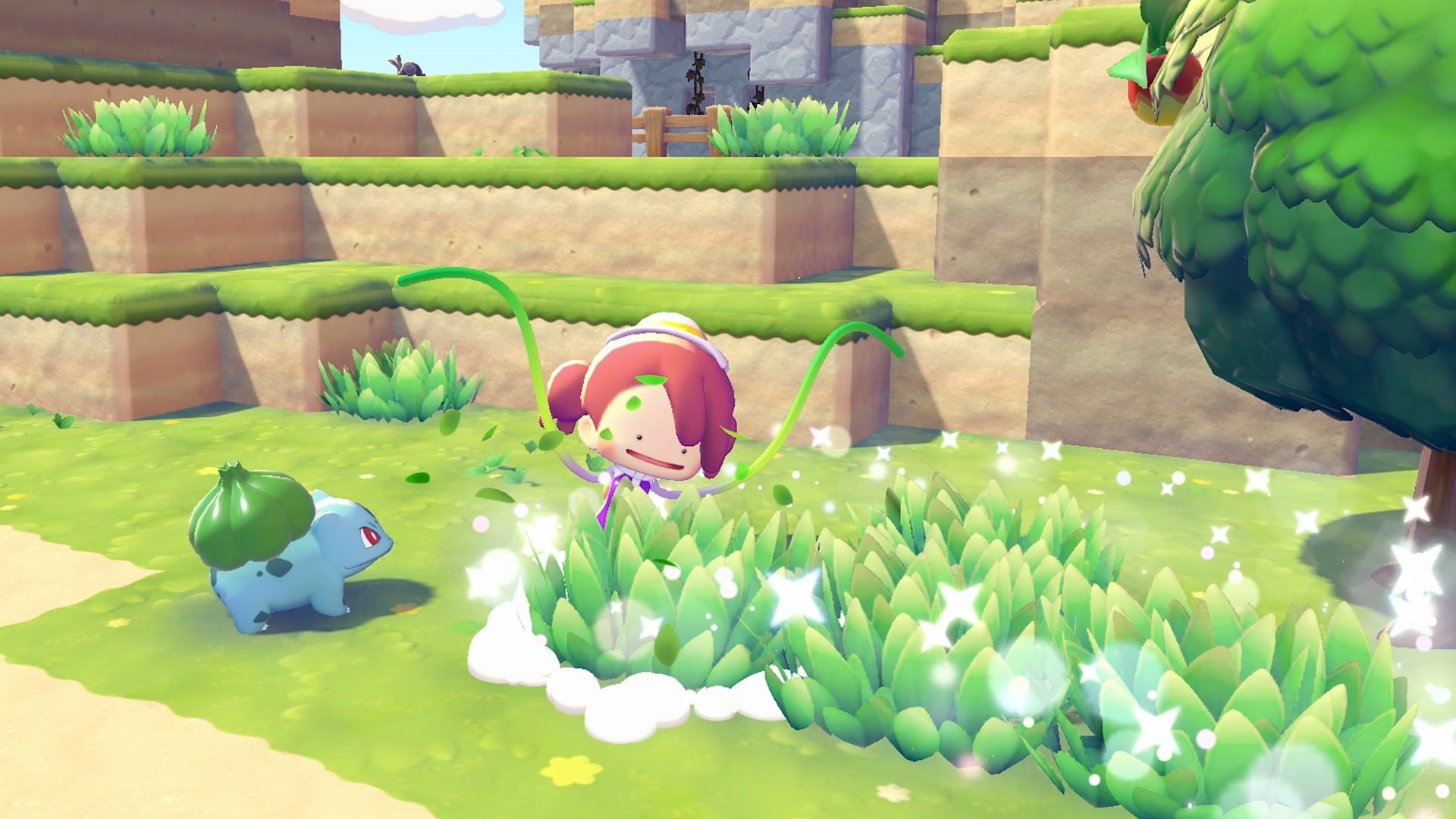
- Paint Balloons: recolor any placed block without removing it, so build first and worry about colors later
- 3D Printer duplication: photograph any furniture or item and the 3D Printer at the Pokemon Center creates a copy (requires Pokemetal, which you get from mining and recycling). Visit Cloud Islands, photograph what you like, and print it on your own island
- Work with the terrain: use existing caves, cliffs, and water features as foundations instead of leveling everything flat. Some of the community’s strongest builds integrate natural terrain
- Scavenge everything: salvage windows, furniture, and decorations from abandoned buildings and the S.S. Anne. Visit Dream Islands daily with Drifloon for free materials
Community Builds Worth Visiting
The Pokopia community is producing some impressive creative work. Players are sharing fully stocked Cloud Islands where visitors can photograph rare items, special Pokemon patterns, and hard-to-find furniture using the 3D Printer. One example: Cloud Island 6DXLPD6F has 60 special Smeargle and Vespiquen patterns, every flower and hedge type, all fruit varieties, every biome, rare items, and Gimmighoul stones laid out for easy access. Use the Mysterious Goggles to visit.
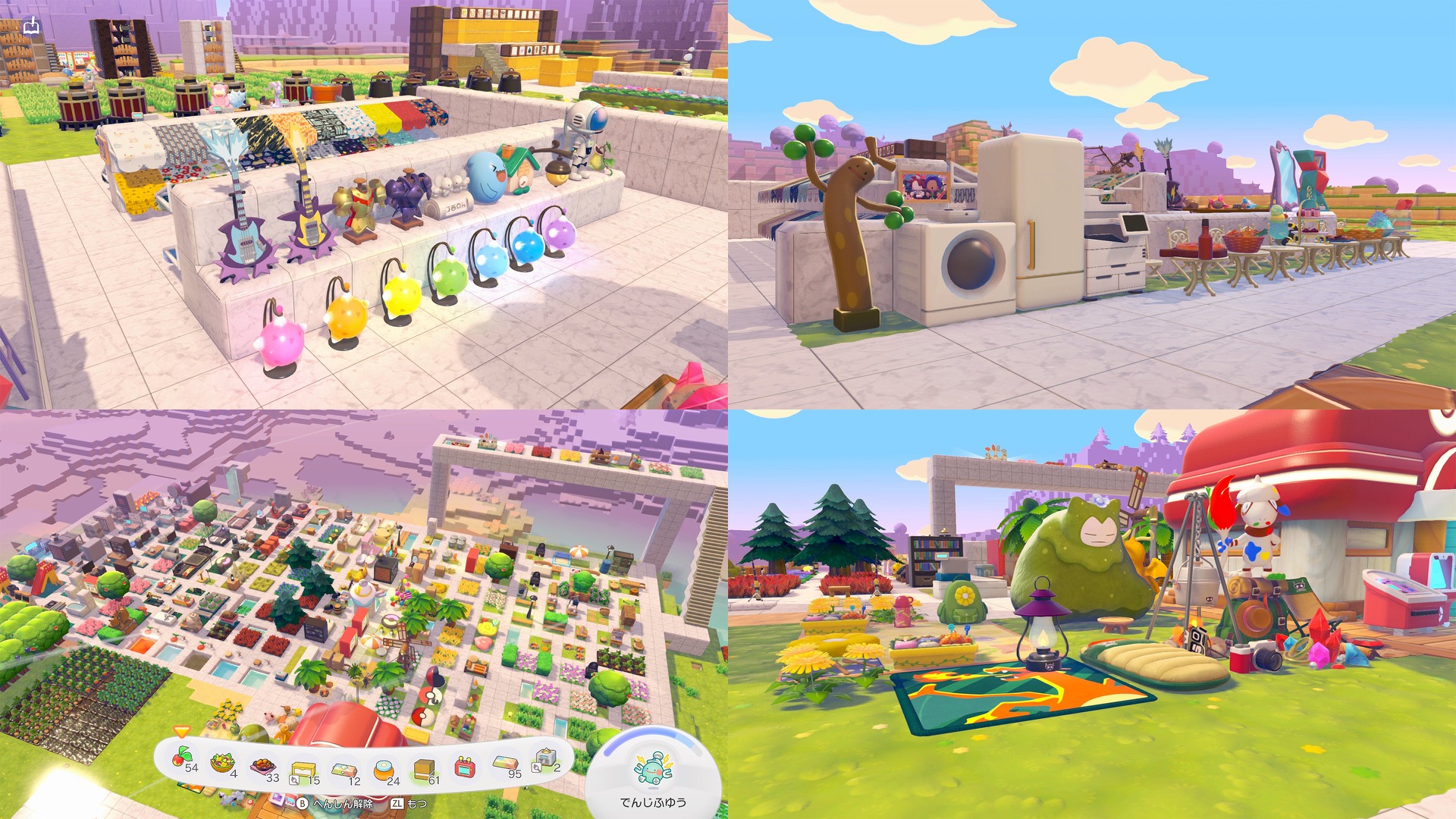
A few more highlights from the first weeks after launch:
- Pirate ship built with full anchor, sails, deck barrels, and a working dock (X user yamigashikana)
- Railroad with elevated sidewalks using roof tiles as rail tracks for a polished city look (Reddit u/Halski_Art)
- Vermilion City Gym recreation with recognizable statues, arena flooring, and the original gym layout (Reddit u/Lordbazingtion)
- Zen garden with floating architecture featuring a dojo, waterfall mechanics, and artistic statuary (Reddit u/LucariociosGaming)
- Shopping street where Pokemon sit behind registers and work while others walk through the district (X user May_orangeto)
- Garbage house designed specifically for Trubbish and Garbodor, filled floor to ceiling with trash items (Reddit u/holypenguin6)
The 3D Printer is the key to replicating builds you see online. Visit a Cloud Island, photograph everything worth copying, and print the items back on your own island. This is why community-shared address codes are so valuable: one well-stocked island can jumpstart your entire furniture collection.
What Transfers Between Islands
Understanding what carries between your main island and Cloud Islands prevents wasted effort.
| Transfers | Does Not Transfer |
|---|---|
| Recipes learned on any island | Items purchased from the Cloud Island PC Shop |
| Pokedex entries | Furniture and building materials (stay on that island) |
| Life Coins (shared currency) | Pokemon assigned to Cloud Island houses |
| 3D Printer photographs | Environment Level progress |
| Pokedex (shared per-island, not main save) | Cloud Island inventory |
The recipe transfer is the most valuable mechanic. Visit a Cloud Island that has unlocked recipes you have not found yet, learn them there, and they permanently add to your main save’s recipe list. For details on using Ditto’s abilities to speed up item collection across islands, see our Ditto moves guide.
Frequently Asked Questions
How many Cloud Islands can I have at once?
One. Creating a new Cloud Island deletes the previous one. Share your address code before deleting if you want others to continue visiting the old island.
Do I need Nintendo Switch Online for Cloud Islands?
Yes. All Cloud Island features, including creating, visiting, and using Mysterious Goggles, require a Nintendo Switch Online membership.
Can visitors edit my Cloud Island?
By default, yes. To prevent edits, enable Virtual Mode in your Cloud Island settings. Virtual Mode lets visitors explore and take photos for the 3D Printer but blocks any changes to your builds.
What are Magic Numbers?
Magic Numbers are 9-digit terrain seeds. Entering a Magic Number when creating a new Cloud Island generates the same terrain layout as the original, similar to how Minecraft world seeds work. The Magic Number copies terrain only, not buildings or items.
Can I visit a Cloud Island when the host is offline?
Yes. Cloud Islands remain accessible to anyone with the address code regardless of whether the host is online. Up to 4 players can be on an island simultaneously.
Gear for Long Sessions
Pokopia building sessions run long. A comfortable controller and good audio make the difference between a quick check-in and a four-hour creative binge.
Pokemon Pokopia
Switch 2 exclusive sandbox
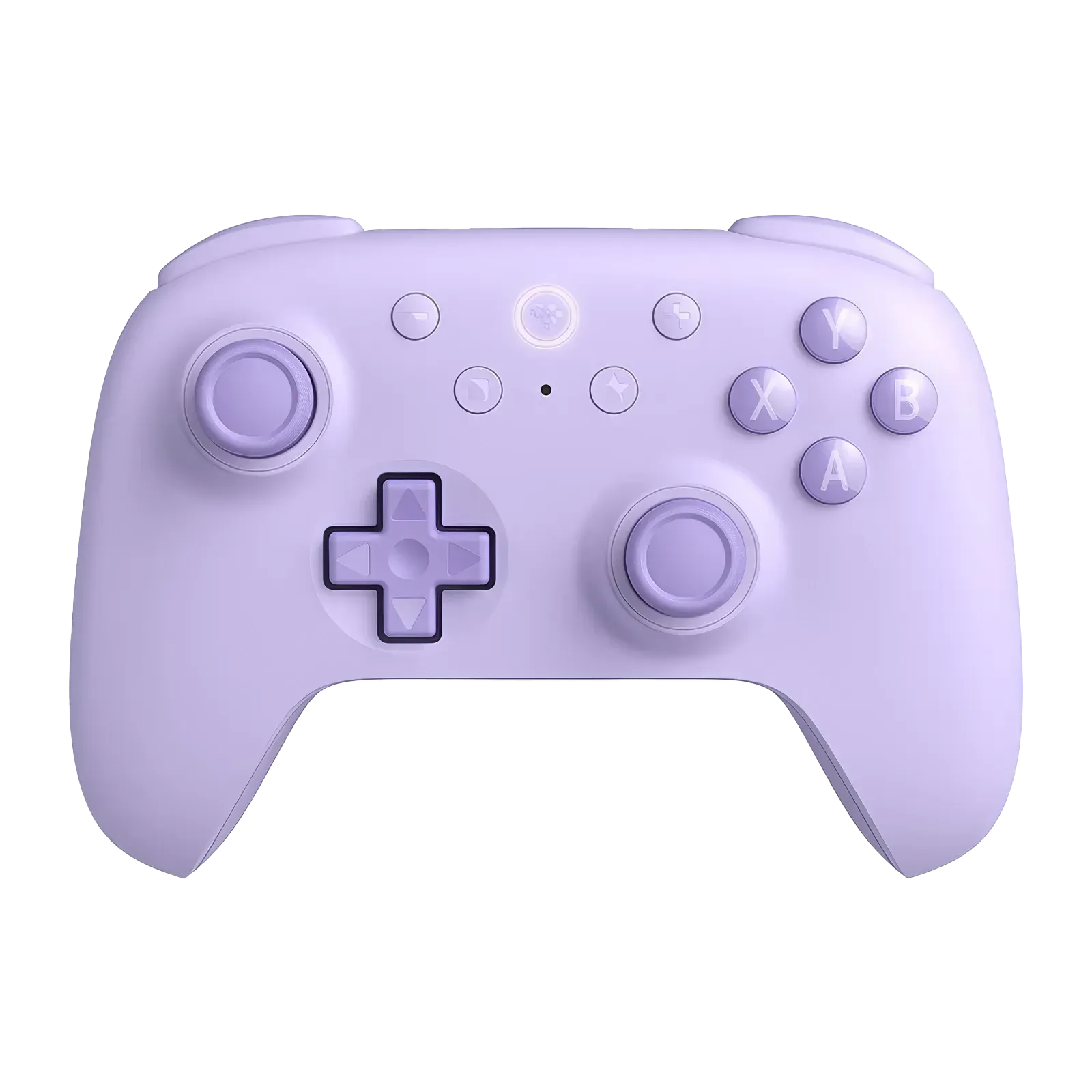
8BitDo Ultimate 2C
Budget wireless controller for Switch 2
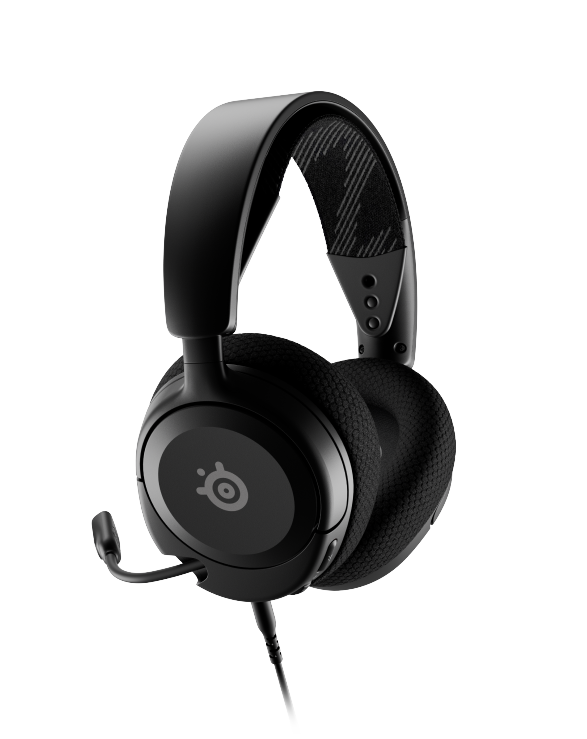
SteelSeries Arctis Nova 1
Lightweight wired headset with spatial audio
Summary
Cloud Islands turn Pokemon Pokopia into a full creative sandbox with multiplayer. The address code and Magic Number systems make sharing builds as easy as posting a code on social media, and the 3D Printer lets you copy anything you find on someone else’s island. Start by visiting the developer islands (PXQC G03S) for inspiration, then create your own and experiment with block building. Recipes transfer to your main save, so visiting well-stocked community islands doubles as progression. For more on setting up your main island, check our habitat guide and beginner guide.