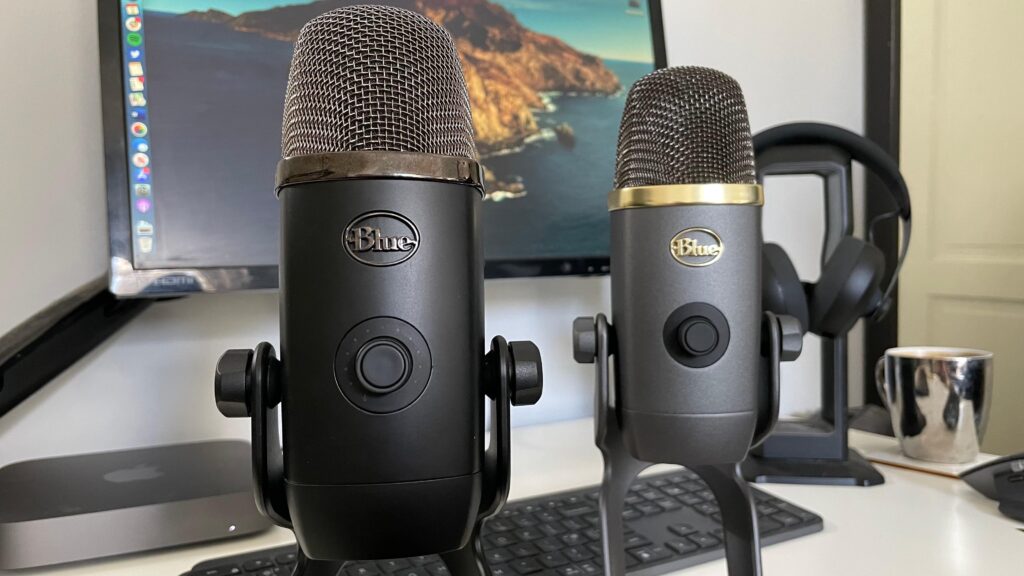
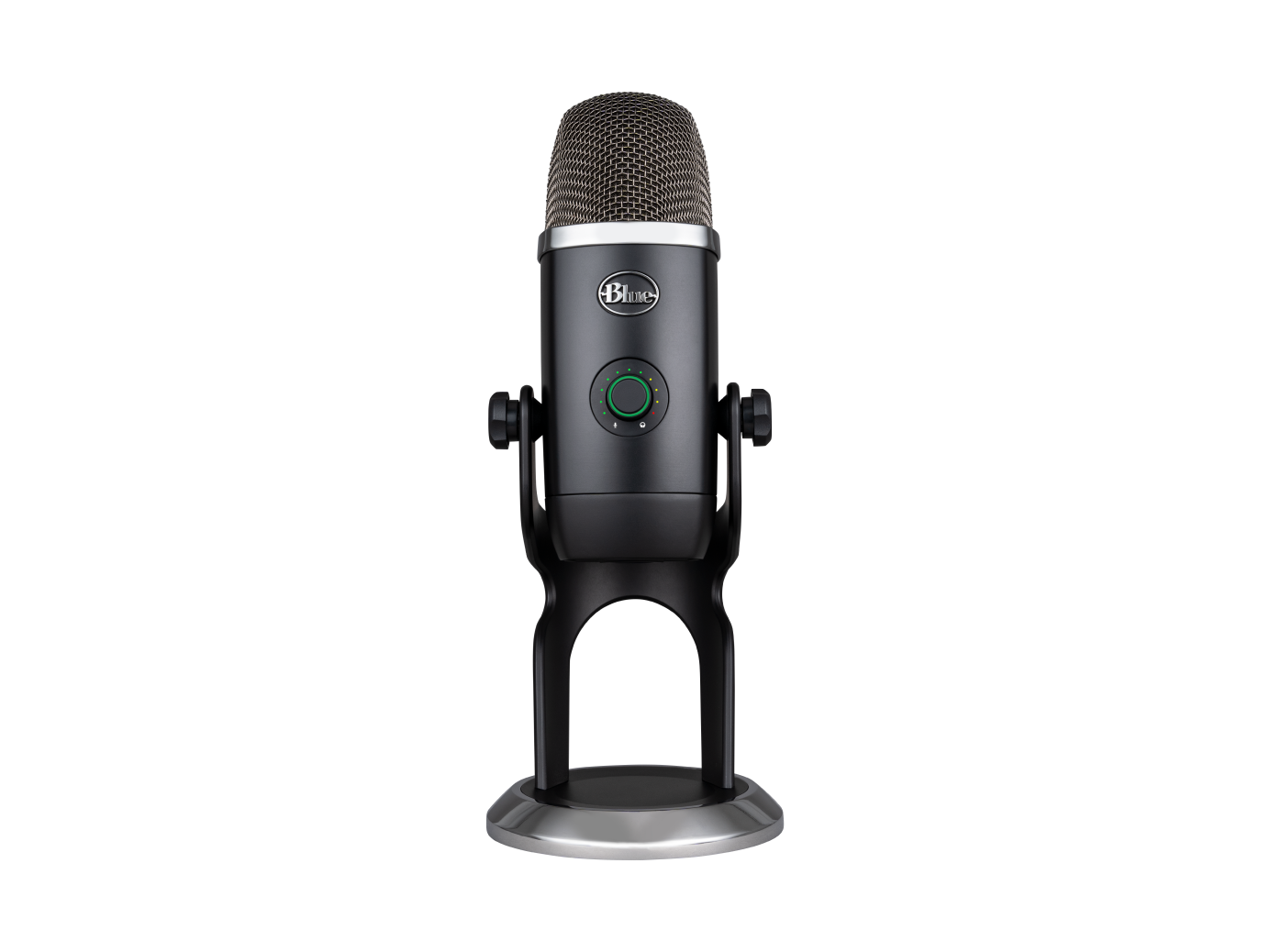
Blue Yeti X
The upgraded Yeti with better capsules, LED metering, and Blue VO!CE processing. Four polar patterns, plug-and-play USB, and a price that’s dropped to under $100. Still one of the easiest USB mic recommendations out there.
TL;DR
- Still a top USB mic pick: four condenser capsules, LED metering, and Blue VO!CE software in one package
- Sound quality holds up well: cleaner and more detailed than the original Yeti, with less self-noise
- Blue VO!CE is the real upgrade: real-time noise reduction, compression, and EQ presets save hours of post-processing
- If the Yeti X is out of stock, the original Blue Yeti is still a solid backup at a lower price
What Is the Blue Yeti X?
The Blue Yeti X is Blue’s upgraded take on the original Yeti, with redesigned capsules, real-time LED metering, and the Blue VO!CE software for built-in voice processing. It’s a USB condenser mic that plugs in and works on PC, Mac, and PS4/PS5 without any extra gear.
I’ve been using one as my main microphone for streaming and Discord for over a year now. It replaced a cheaper USB mic that I was constantly fighting with in post, and the difference was obvious from day one. The price has come down to around $95, which makes it an even easier pick than when it launched at $170.
A USB condenser microphone with 4 polar patterns, LED metering, and the Blue VO!CE software for real-time voice effects and processing. The Yeti X is a go-to for streamers who want quality audio without dealing with XLR interfaces and preamps.
Note: The Yeti X goes in and out of stock on Amazon. If it’s unavailable, the original Blue Yeti (B002VA464S) is the next best thing. You lose the LED metering and Blue VO!CE, but the core sound quality and four polar patterns are still there at a lower price point.
Specifications
| Type | USB Condenser |
| Capsules | 4 (Blue-proprietary 14mm) |
| Sample Rate | 48kHz / 24-bit |
| Frequency Response | 20Hz – 20kHz |
| Polar Patterns | Cardioid, Omni, Bidirectional, Stereo |
| Features | LED metering, Blue VO!CE software, Gain knob, Mute button |
| Connection | USB (cable included) |
| Dimensions | 4.33″ x 4.80″ x 11.61″ |
| Weight | 2.8 lbs (with stand) |
| Price | ~$95 |
Design & Build Quality
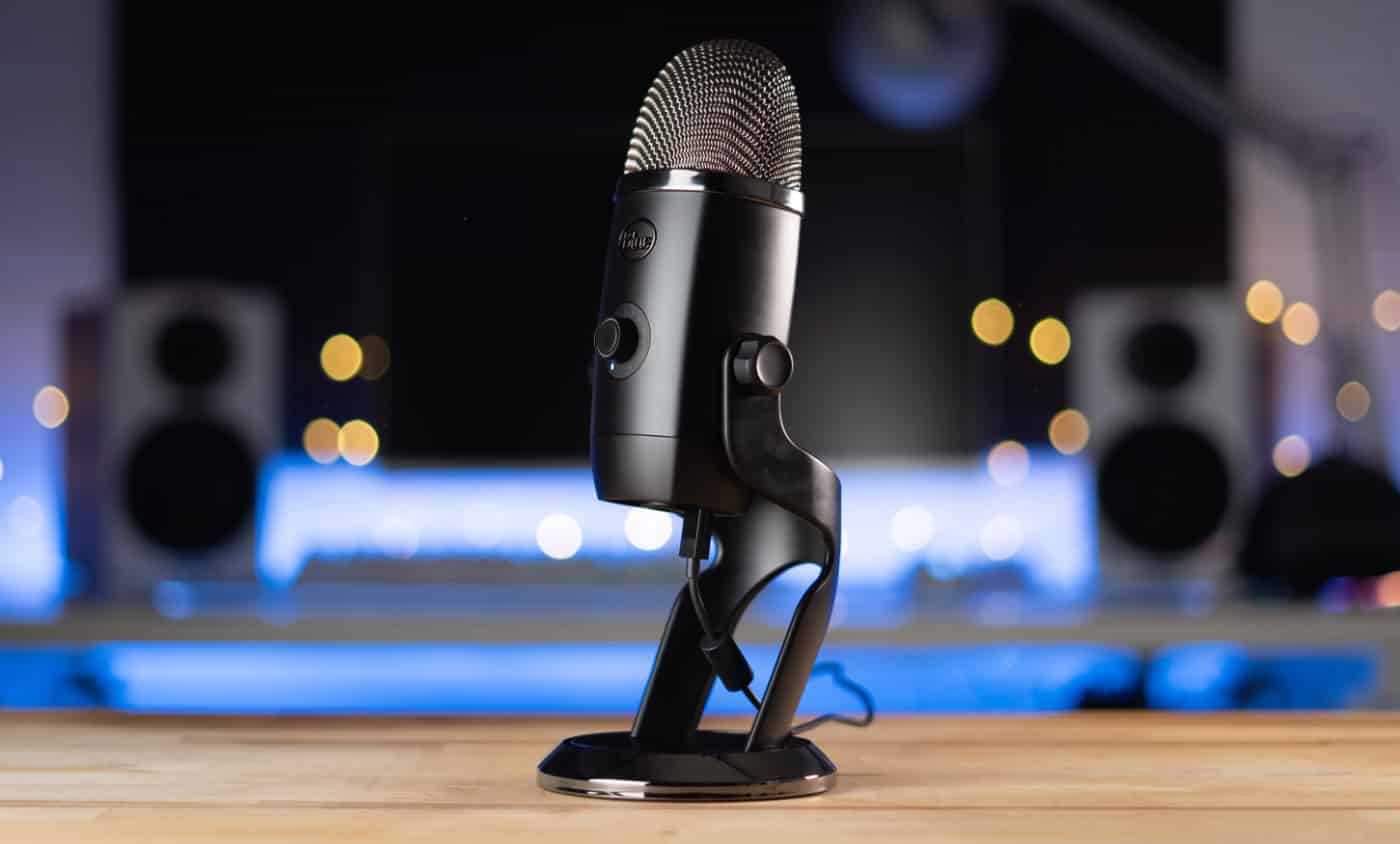
The Yeti X keeps the iconic Yeti shape but refines it. The all-metal construction feels premium and heavy. At 2.8 lbs with the stand, it stays put on the desk without sliding around, but it’s still light enough for a boom arm to handle.
The standout feature is the LED metering ring on the front. It shows your input level in real-time with an 11-segment LED display. Green means good levels, yellow means you’re running hot, red means you’re clipping. I check it at a glance during streams instead of alt-tabbing to OBS. It’s one of those features you don’t think you need until you have it.
Controls are well-placed: a multi-function knob on the front (gain, headphone volume, or blend depending on mode), a mute button with tactile feedback, and the polar pattern selector on the back. The mute button lights up red when muted, which is essential for knowing your status at a glance during a stream.
The included desktop stand works but puts the mic at desk level, which picks up keyboard noise and isn’t the best angle for your voice. Budget for a boom arm if you’re serious about audio. If you’re also setting up your desk for long work sessions, our ergonomic desk setup guide covers the full picture.
Sound Quality & Performance
The Yeti X’s four-capsule array delivers cleaner, more focused sound than the original Yeti. Blue redesigned the capsules to be tighter and more controlled, which means less room noise pickup and better isolation on your voice.
Vocals come through clear and present with a slight brightness that cuts through game audio and music. There’s enough low-end warmth to sound natural without being boomy. For streaming and podcasting, it sounds good right out of the box without any EQ tweaking.
The four polar patterns add real versatility:
- Cardioid — Solo streaming and recording (this is what you’ll use 90% of the time)
- Omni — Room recording, group conversations
- Bidirectional — Two-person interviews, face-to-face
- Stereo — ASMR, ambient recording
Being a condenser mic, it will pick up room noise more than a dynamic mic like the Shure SM7B. If you’re in a noisy environment with mechanical keyboards or a loud PC, you’ll want to work on mic technique (get close, use cardioid, angle away from noise sources) or consider a dynamic alternative. For audio gear that blocks out the outside world instead, our best headphones for programming guide has some good options.
Blue VO!CE Software
This is where the Yeti X pulls ahead of the original. Blue VO!CE provides real-time voice processing that would otherwise require separate software or hardware:
- Broadcast Vocal — Compression, EQ, and de-essing presets
- Voice Effects — Modulation for character voices
- HD Audio Samples — Sound effects and stingers
- Noise Reduction — Real-time background noise suppression
The Broadcaster preset is the one I use most. It applies subtle compression and EQ that makes your voice sound more “radio ready” without being obvious. For streamers who don’t want to mess with OBS filters or external processing, it saves a lot of setup time.
The software runs through Logitech G Hub, which some people love and others can’t stand. It works fine for what it does, but it is another piece of software running in the background.
How It Compares
Here’s how the Blue Yeti X stacks up against two popular alternatives:
| Feature | Blue Yeti X | RODE NT-USB+ | Audio-Technica AT2020USB+ |
|---|---|---|---|
| Type | Condenser | Condenser | Condenser |
| Polar Patterns | 4 | 1 (Cardioid) | 1 (Cardioid) |
| LED Metering | Yes | Yes | No |
| Software | Blue VO!CE | RODE Connect | None |
| Price | $95 | $169 | $149 |
vs RODE NT-USB+: The RODE sounds slightly more refined and has excellent built-in DSP via RODE Connect, but costs nearly twice as much and only offers cardioid. The Yeti X is better value unless you specifically want that RODE sound signature. Read our full RODE NT-USB+ review for the deep dive.
vs Audio-Technica AT2020USB+: The AT2020USB+ has a flatter, more “studio” sound that some prefer, but lacks the LED metering and software features. It’s also more expensive at current prices.
Pair It With
Get the most out of your Blue Yeti X with these accessories:
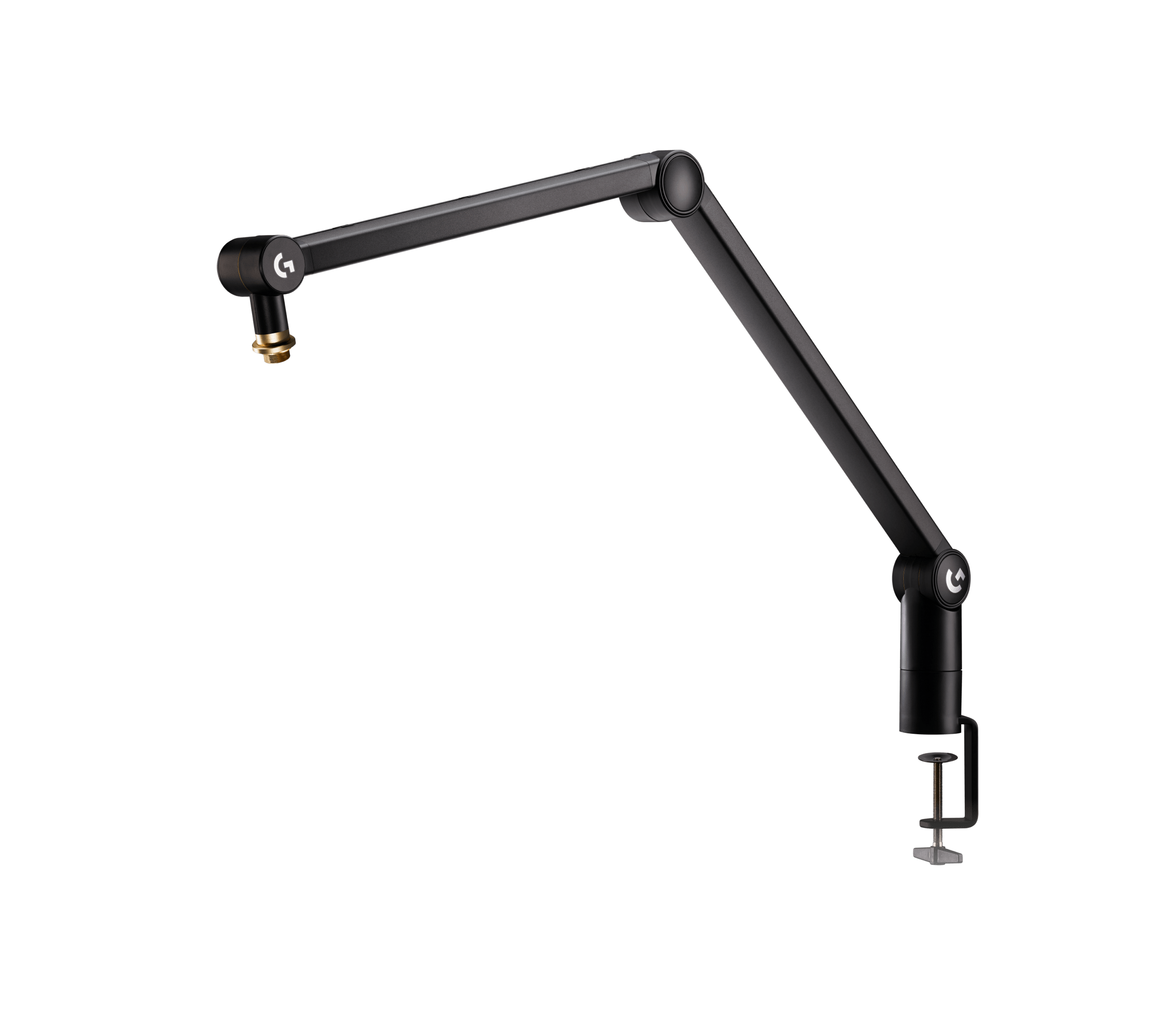
Blue Compass
Premium boom arm designed for Yeti mics
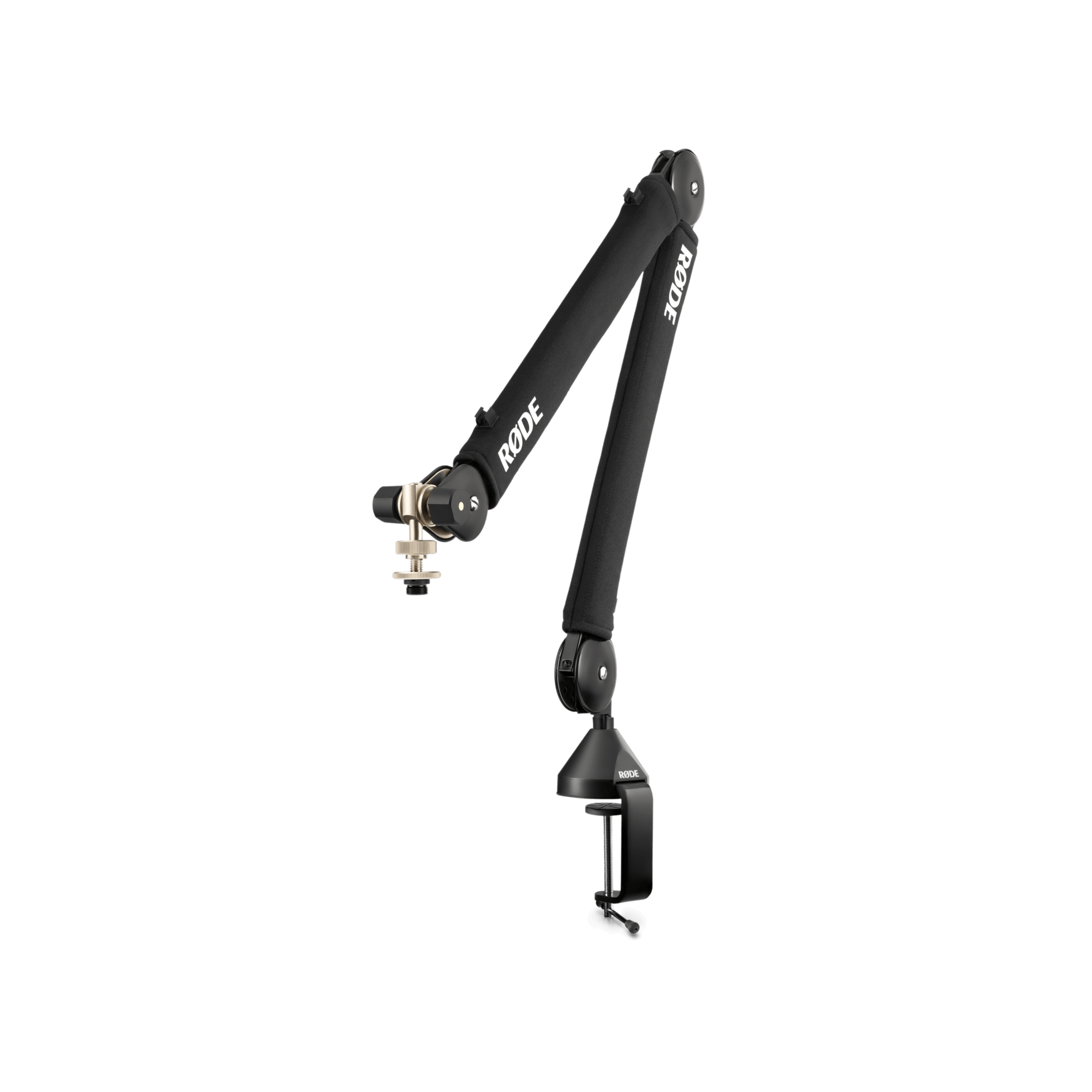
RODE PSA1+
Industry-standard boom arm, handles the Yeti’s weight
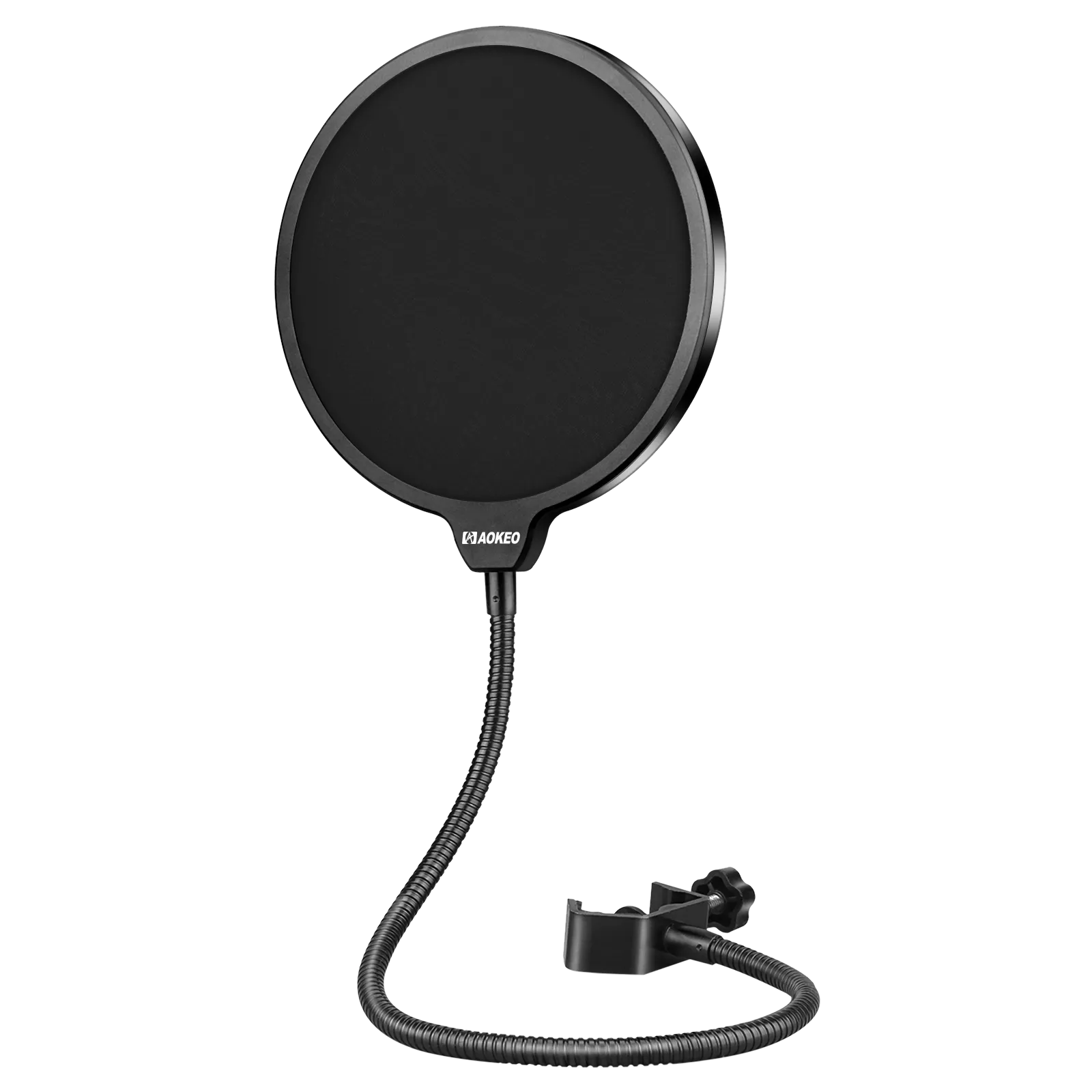
Blue Pop Filter
Custom-fit pop filter for Yeti mics
Pros & Cons
Pros
- Plug-and-play USB, no extra gear needed
- 4 polar patterns for different recording scenarios
- Blue VO!CE software with real-time processing
- LED metering ring for at-a-glance level monitoring
- Improved capsules over original Yeti
- Price has dropped well below $100
Cons
- Picks up background noise (condenser nature)
- Large footprint on desk
- Desktop stand puts it too low, boom arm recommended
- Requires Logitech G Hub for Blue VO!CE features
Who Should Buy This?
Buy the Blue Yeti X if:
- You want a quality USB mic without dealing with XLR interfaces
- You need multiple polar patterns for different recording scenarios
- You want built-in voice processing without messing with OBS filters
- You’re a streamer, podcaster, or content creator who wants good sound for under $100
Skip this if:
- You’re in a noisy environment. Consider a dynamic mic like the RODE PodMic USB instead
- You want XLR flexibility for future upgrades. Look at the Shure SM7B with an audio interface
- You want the cleanest possible USB sound. The RODE NT-USB+ edges it out, but costs more
Final Verdict
The Blue Yeti X does what most streamers and podcasters actually need: it plugs in, sounds good, and gives you enough built-in tools to skip the post-processing grind. The four polar patterns cover every recording scenario I’ve run into, and Blue VO!CE handles noise reduction and compression without external software.
At $95, you’re paying less than half of what this mic cost at launch, and nothing in the same price range matches its combination of sound quality, features, and ease of use. I’ve recommended it to friends who stream, friends who podcast, and friends who just want better Zoom audio. None of them have switched to anything else.
If the Yeti X is out of stock when you check, the original Blue Yeti is the fallback. Same four polar patterns, same build quality, just without the LED metering and VO!CE software.
Blue Yeti X
A USB condenser mic that sounds good, has useful built-in features, and costs under $100. Still one of the easiest recommendations for streamers and podcasters.
Check Price on Amazon →Frequently Asked Questions
Is the Blue Yeti X worth it over the original Blue Yeti?
Yes. The Yeti X has redesigned capsules that deliver cleaner sound with less self-noise, an LED metering ring for real-time level monitoring, and the Blue VO!CE software for built-in noise reduction and EQ. At around $95, it’s only slightly more than the original and a clear upgrade. If the X is out of stock, the original Blue Yeti is still a solid choice.
Do I need a boom arm for the Blue Yeti X?
Strongly recommended. The included desktop stand puts the mic at desk level, which picks up keyboard and mouse noise and isn’t the ideal angle for your voice. A boom arm like the Blue Compass or RODE PSA1+ positions the mic closer to your mouth and off the desk surface, which noticeably improves audio quality.
Can the Blue Yeti X work without installing Blue VO!CE software?
Yes. The Yeti X is a plug-and-play USB microphone that works as a standard audio input on Windows, Mac, and PS4/PS5 without any software. Blue VO!CE adds real-time effects and noise reduction, but the mic sounds good on its own if you prefer a lighter setup.
Is the Blue Yeti X good for noisy environments?
It depends. The Yeti X is a condenser microphone, which means it’s more sensitive to background noise than dynamic mics. Using cardioid mode, getting close to the mic (6-8 inches), and enabling Blue VO!CE noise reduction helps a lot. But if you’re dealing with loud mechanical keyboards, a fan, or a noisy room, a dynamic mic like the RODE PodMic USB would be a better fit.