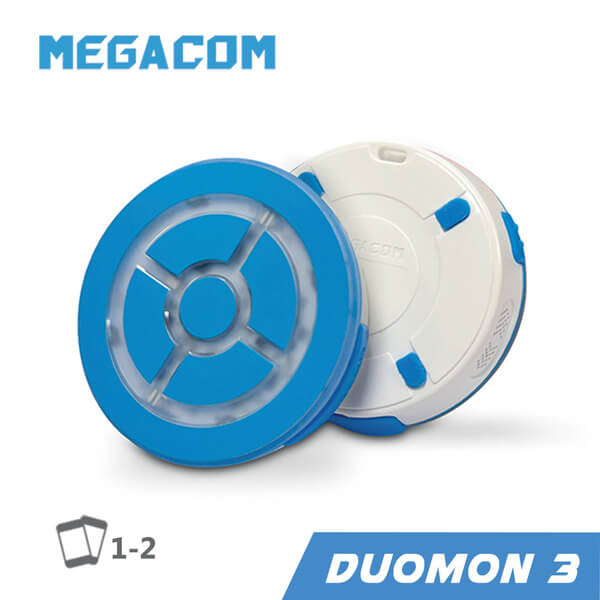
The MEGACOM DuoMon 3 is widely considered the most capable Pokémon GO auto-catcher you can buy, thanks to automatic hourly reconnection, two-account support, and waterproofing. It is also the device people most often get stuck setting up, so this DuoMon 3 guide covers what it does, how to set it up correctly, and a step-by-step fix for the “DuoMon not connecting” problem that trips up so many new owners.
Key Takeaways
- What it is: the MEGACOM DuoMon 3 is a $50 auto-catcher that auto-reconnects every hour, connects two phones at once, and is IPX7 waterproof.
- Why it leads: automatic reconnection solves the hourly disconnect that every other auto-catcher leaves to you.
- Setup tip: pair from inside Pokémon GO, not from your phone’s Bluetooth menu. This is the number-one cause of connection failures.
- Status lights: green flashing means not connected, purple means connected.
- Best for: players who want the most hands-off experience, couples or alt-account players, and anyone who plays in the rain.
What Is the MEGACOM DuoMon 3?
The DuoMon 3 is MEGACOM’s flagship auto-catcher. It auto-catches Pokémon and auto-spins PokéStops like any device, but it adds three things the competition does not. First, automatic hourly reconnection through the MEGACOM Center app, so it handles the disconnect that interrupts every other auto-catcher. Second, dual-account support with two independent Bluetooth chips, letting you connect two phones at once. Third, IPX7 waterproofing and a 65-foot Bluetooth range, double the usual 30 feet. It weighs 29 grams, charges over USB-C or wirelessly, and uses LEDs and voice alerts rather than a screen. Like all auto-catchers, it throws regular Poké Balls only.
How to Set It Up
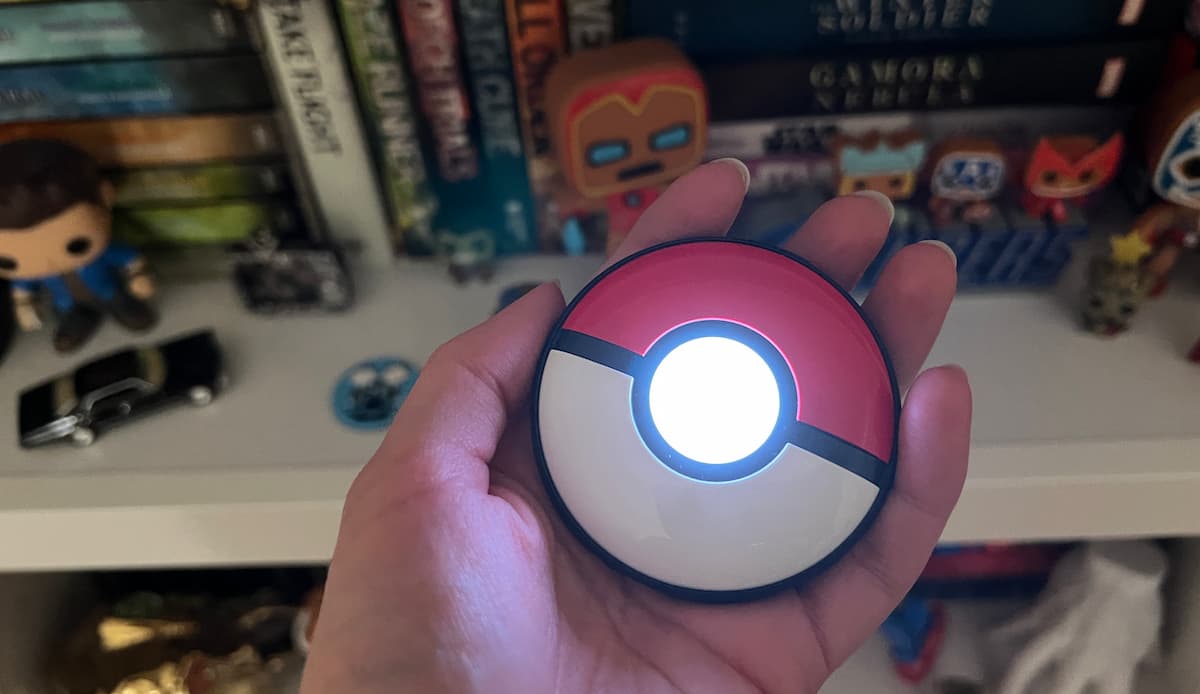
The single most important rule is to pair from inside Pokémon GO, not from your phone’s Bluetooth settings. Pairing from the phone’s Bluetooth menu is the most common reason the device will not connect.
- Charge the DuoMon 3 fully and install the MEGACOM Center app.
- Make sure Bluetooth is on and Do Not Disturb is off.
- In Pokémon GO, open Settings and tap the Pokémon GO Plus option.
- Press the 1P or 2P button on the device. A matching device entry will flash green on screen.
- Tap that entry to pair. The light turns purple when connected.
- In the MEGACOM Center app, enable auto-reconnect if your phone supports it.
Fix: DuoMon 3 Not Connecting
If the device will not connect or keeps dropping, work through these steps in order. They resolve the large majority of cases.
- Pair from the game, not Bluetooth settings. Remove it from your phone’s Bluetooth list and start fresh from inside Pokémon GO.
- Check the basics. Confirm the device is charged and not in sleep mode, Bluetooth is on, and Do Not Disturb is off.
- Clear old connection records. In Pokémon GO, go to Settings, Connected Devices, Accessory Devices, and disconnect the existing Go Plus entry. Then in phone Settings, Bluetooth, find Go Plus and choose Forget This Device. Reconnect from the game.
- Reconnect after a drop. If you did not reconnect within 3 minutes, the DuoMon 3 enters power-saving mode and the LED stops flashing. Wake it and press the Poké Ball icon on the map to reconnect.
- iPhone fix. If no devices appear, open phone Settings, find the Pokémon GO app, and turn on its Bluetooth permission. If it still fails, reinstall Pokémon GO.
Understanding Auto-Reconnect
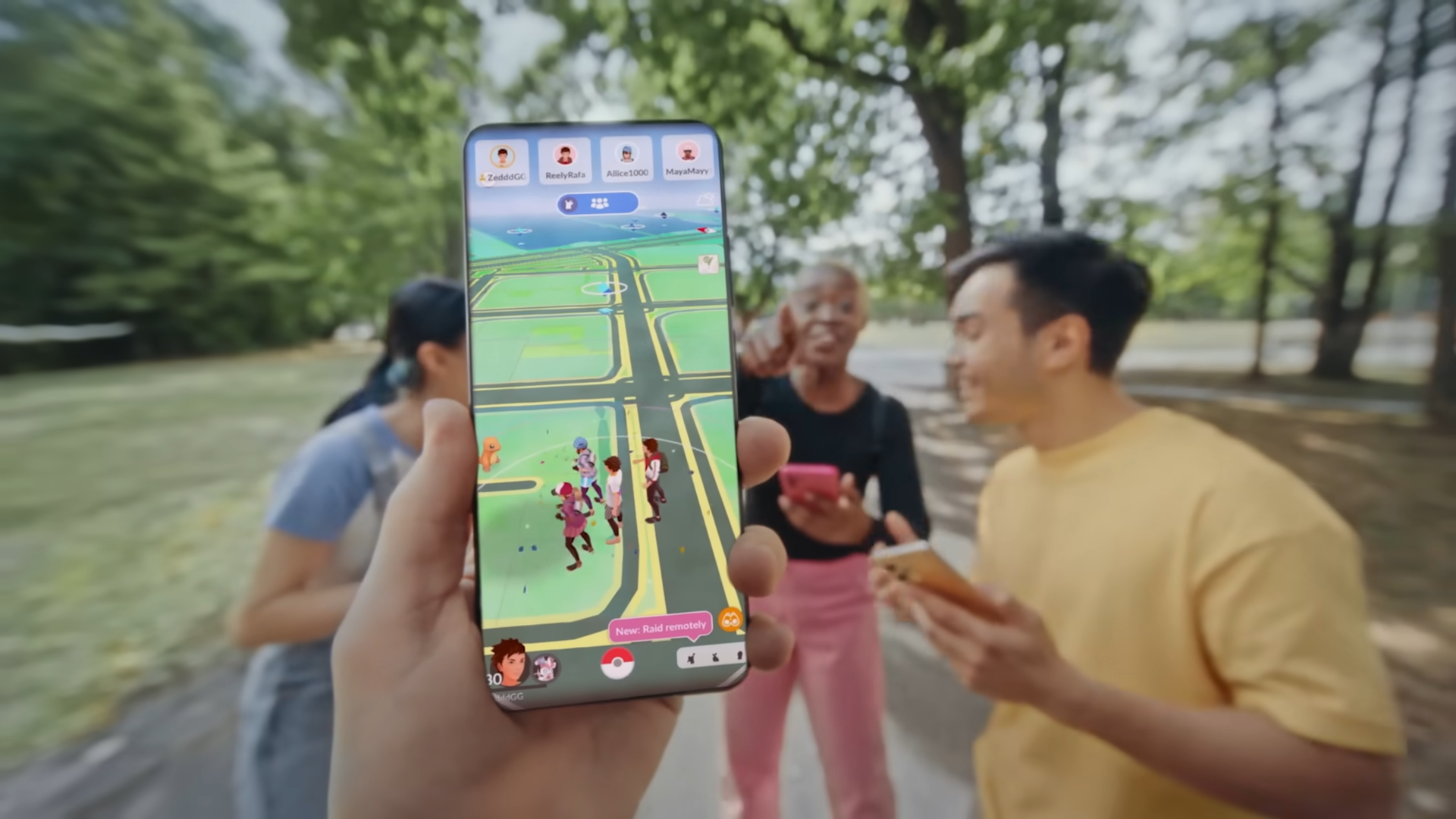
Every auto-catcher disconnects after about an hour because of a Niantic server limit. On most devices you tap the in-game icon to reconnect. The DuoMon 3’s MEGACOM Center app can do this for you automatically, which on iOS 16 and newer makes it genuinely set-and-forget for a whole day. Android support for auto-reconnect is more limited, so check your phone before buying if that feature is the main reason you want the device.
Where to Buy
The DuoMon 3 and the devices people compare it with are on Amazon. Prices are as of June 2026. The MEGACOM DuoMon 3 is our best-selling auto-catcher overall.
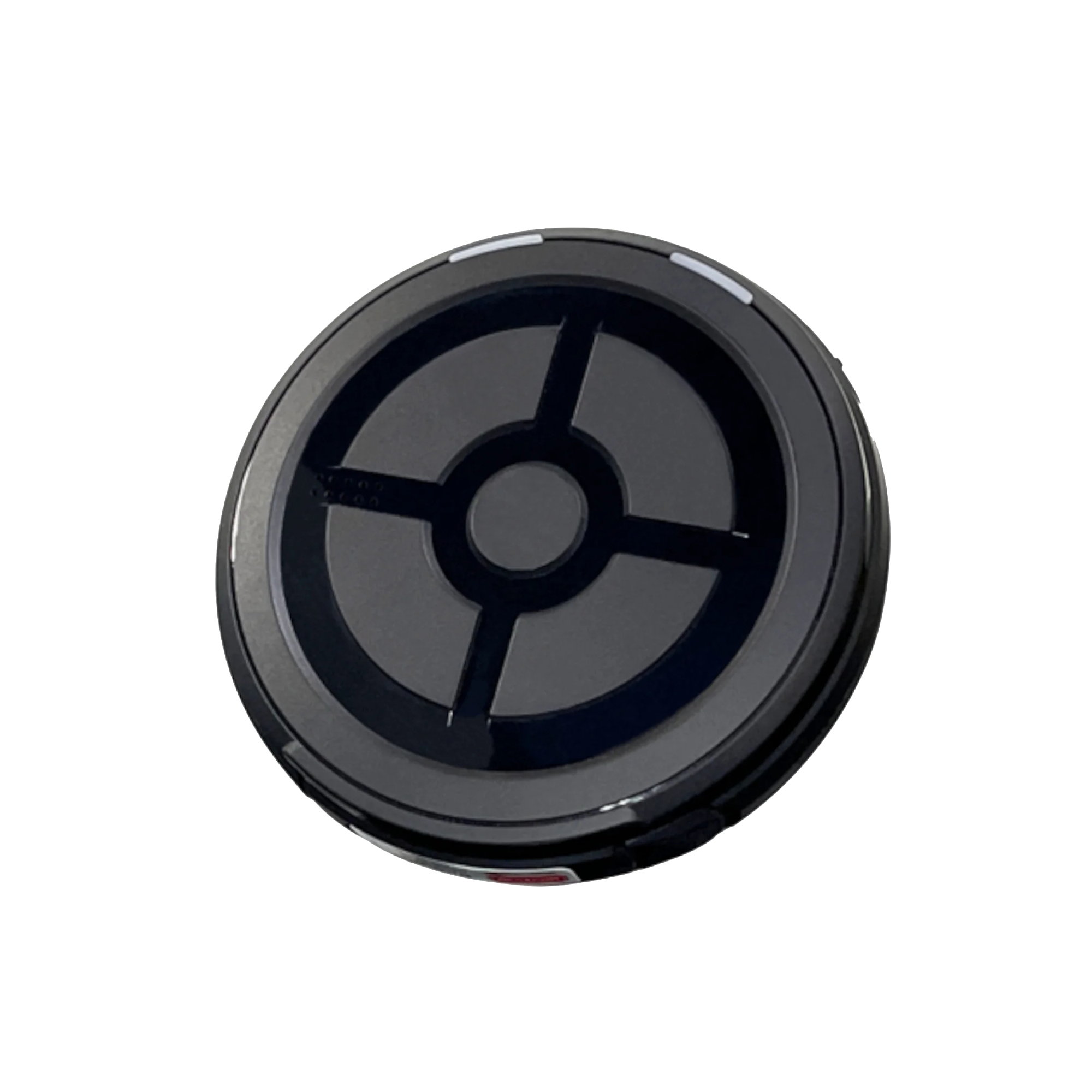
MEGACOM DuoMon 3
Auto-reconnect, dual accounts, IPX7 waterproof, and 65-foot range.
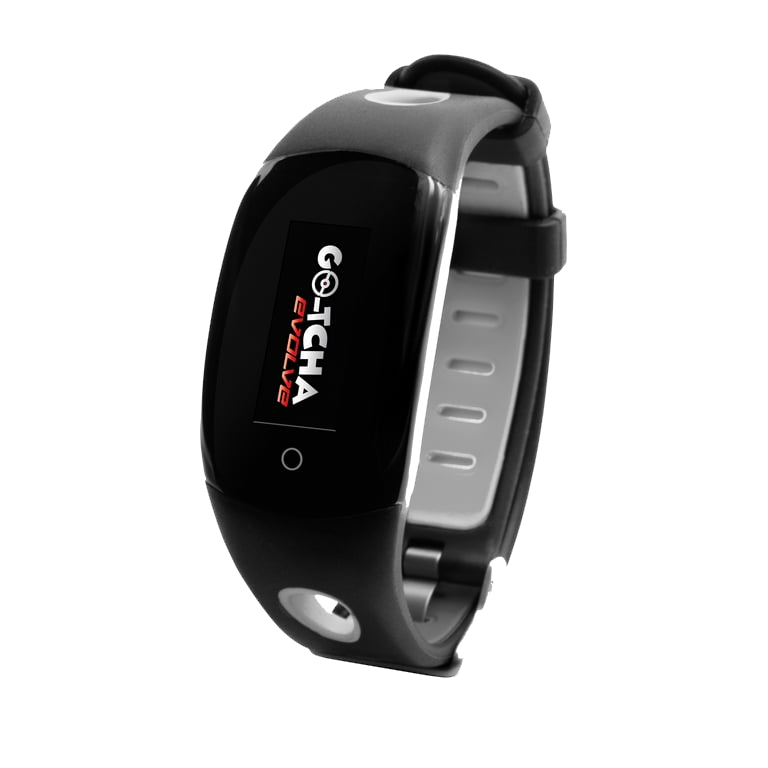
Go-tcha Evolve
A watch-style alternative that catches every Pokémon hands-free.
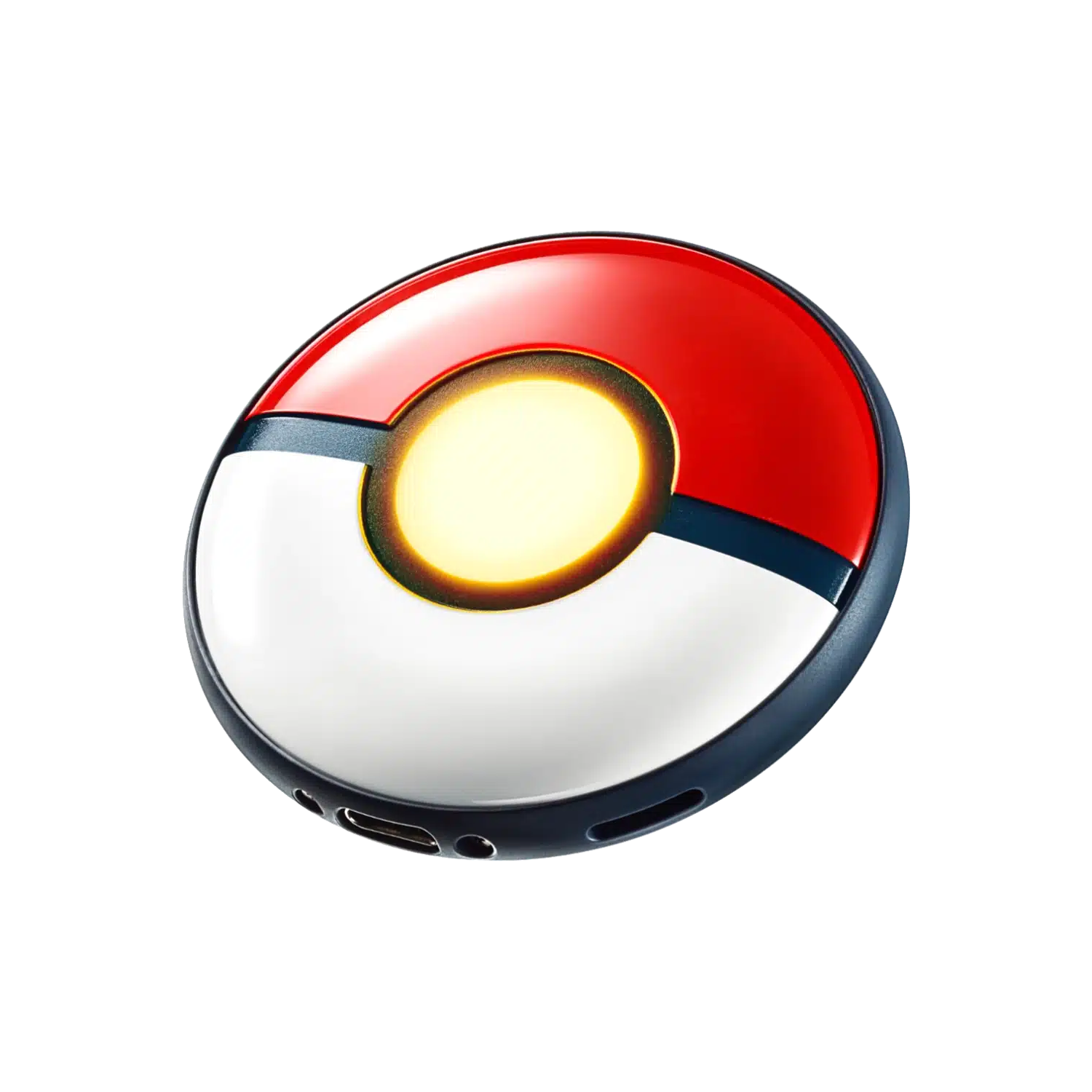
Pokémon GO Plus +
The zero-ban-risk option if you prefer Nintendo’s own device.
Between gaming sessions, Berry Finds tracks real-time Amazon deals on thousands of everyday products across home, kitchen, beauty, and more so you never overpay on the stuff you buy regularly.
Frequently Asked Questions
Why is my DuoMon 3 not connecting?
The most common cause is pairing from the phone’s Bluetooth menu instead of from inside Pokémon GO. Remove it from Bluetooth settings, confirm the device is charged and Do Not Disturb is off, then pair from the game’s Pokémon GO Plus screen. Clearing old Go Plus connection records also fixes most cases.
What do the DuoMon 3 light colors mean?
A flashing green light means the device is not connected to a phone. A purple light means it is connected. If the LED stops flashing entirely, the device has entered power-saving mode after 3 minutes without a reconnection.
Does DuoMon 3 auto-reconnect work on Android?
Auto-reconnect is most reliable on iOS 16 and newer. Android support is more limited, so if automatic reconnection is your main reason for buying, check that your specific phone is supported first.
Can the DuoMon 3 connect two accounts at once?
Yes. It has two independent Bluetooth chips and 1P and 2P buttons, so it can connect to two phones at the same time, which is useful for couples, families, or alt accounts.
The Bottom Line
The MEGACOM DuoMon 3 is the most capable auto-catcher available, and once it is set up correctly it is also the most hands-off. The trick is pairing from inside the game and clearing old records when it acts up. For how it stacks up against the rest of the field, see our tested auto-catcher rankings, and our auto-catcher comparison shows where it beats the cheaper options.