Choosing between Godot and Unity in 2026 is harder than it used to be. Unity’s runtime fee controversy pushed thousands of developers toward Godot, and the open-source engine has matured significantly. But Unity still dominates the job market and has decades of shipped titles proving its capabilities. After building projects in both engines, here’s my honest take on which one you should choose.
 Choose Godot If:
- You’re building a 2D game
- You want zero licensing fees forever
- You prefer lightweight, fast iteration
- You’re learning game dev as a hobby
- Open source matters to you
Choose Unity If:
- You’re building a 3D game
- You want industry job opportunities
- You need proven mobile performance
- You want massive asset store selection
- Your team already knows C#
📋 In This Guide
How We’re Comparing
This comparison focuses on practical factors that actually affect your project: learning curve, 2D and 3D capabilities, performance, pricing, community resources, and job market reality. I’m skipping the feature checkbox comparisons you’ll find everywhere else. Both engines can technically do most things. The question is which one makes your specific project easier to build.
Learning Curve
Godot is easier to learn. GDScript looks like Python, which millions of people already know. The node-based scene system clicks faster than Unity’s component architecture for most beginners. You can have a playable prototype running in hours, not days.
Unity uses C#, which is more verbose but also more transferable. If you learn C# for Unity, you can use that knowledge for web development, enterprise software, or other game engines. The learning curve is steeper, but you’re building more marketable skills.
Documentation quality is a draw. Unity has more tutorials overall, but many are outdated or cover deprecated features. Godot’s official docs are excellent and always current. For video tutorials, Unity has quantity; Godot has better signal-to-noise ratio.
Winner: Godot for pure ease of learning. Unity if you want skills that transfer outside game dev.
2D Game Development
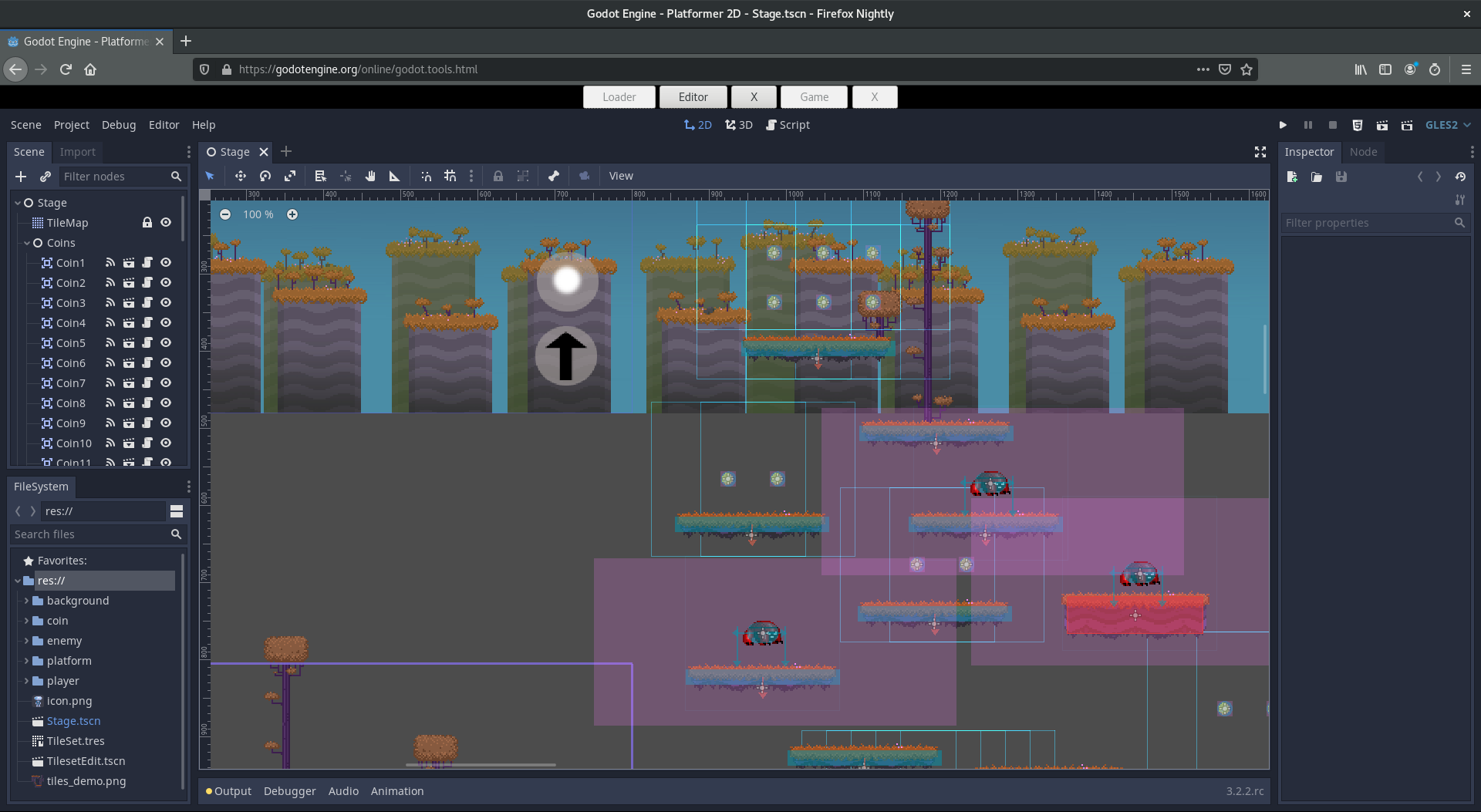
Godot was built for 2D from the start, and it shows. The 2D engine is completely separate from 3D, not a flattened 3D view like Unity. Pixel-perfect rendering works out of the box. The TileMap system is intuitive. Animation tools handle sprite sheets elegantly.
Unity can absolutely make great 2D games. Hollow Knight, Cuphead, and Celeste prove that. But you’re fighting the engine sometimes. Camera setup is fiddly. Pixel-perfect rendering requires third-party packages or careful configuration. The workflow feels like 3D development with constraints rather than native 2D development.
Winner: Godot decisively. If your project is 2D, Godot should be your default choice unless you have specific reasons to use Unity.
3D Game Development
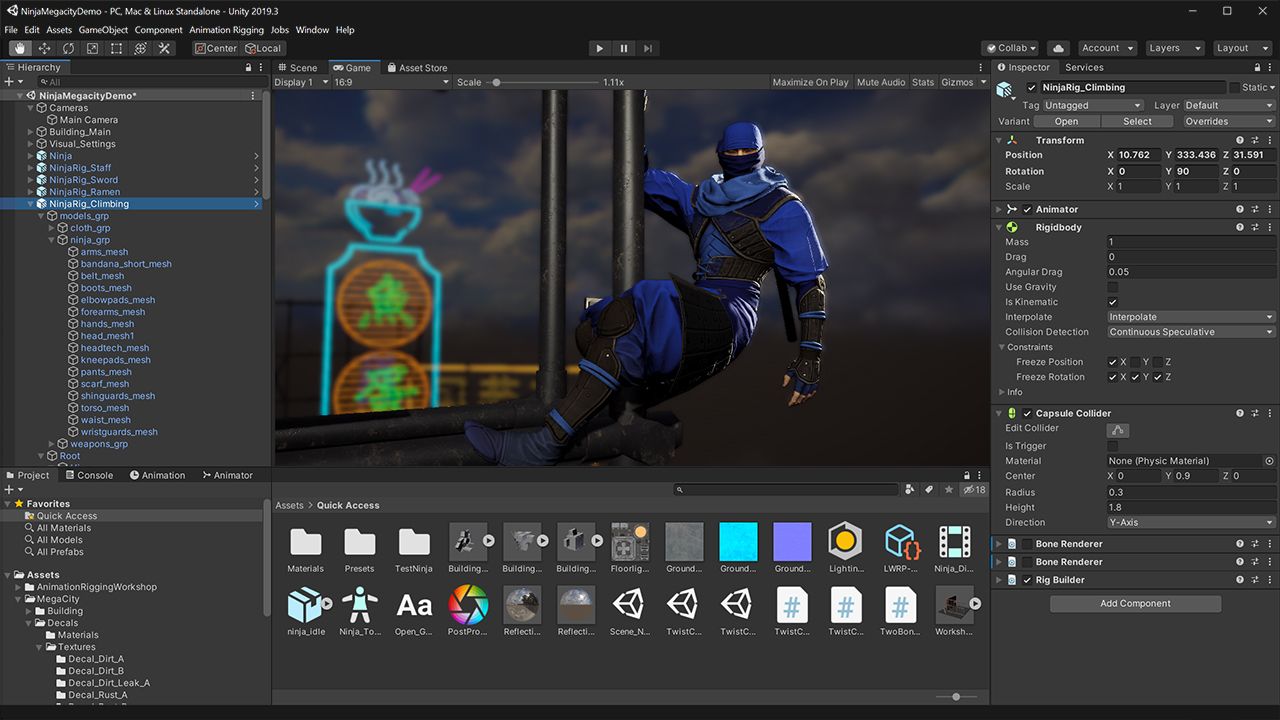
Unity dominates 3D. The rendering pipeline is mature, well-documented, and battle-tested on thousands of shipped titles. HDRP and URP give you flexibility for different performance targets. The physics engine is solid. Lighting and post-processing are production-ready.
Godot 4 improved 3D significantly with Vulkan support, better lighting, and a new physics engine. It’s now viable for 3D indie games. But “viable” isn’t “excellent.” You’ll hit edges: missing features, fewer tutorials, and less community knowledge for advanced 3D problems.
For anything beyond simple 3D projects, Unity or Unreal remain the practical choices. Godot 4 is good enough for stylized 3D games, but photorealistic or technically demanding 3D still belongs in Unity or Unreal.
Winner: Unity clearly. Godot 4 is improving but still a generation behind for serious 3D work.
Performance and Publishing
Godot exports are tiny. A simple 2D game might be 30-50MB. Unity exports start larger and include more runtime overhead. For web builds and mobile games where download size matters, Godot has an advantage.
Unity’s mobile performance is better optimized, especially on lower-end Android devices. Years of mobile game development have ironed out the rough edges. Godot mobile exports work, but you may need more optimization effort to hit the same frame rates.
Both engines export to all major platforms: Windows, Mac, Linux, iOS, Android, and web. Unity has better console support through official partnerships. Godot can target consoles, but you’ll need third-party porting houses or more DIY effort.
Winner: Depends. Godot for small builds and web. Unity for mobile optimization and console publishing.
Pricing and Licensing
This is where Godot wins definitively. MIT license. No fees. No revenue sharing. No runtime charges. Forever. You can modify the engine source code, use it commercially, and never owe anyone anything.
Unity’s pricing has been controversial. The 2023 runtime fee announcement (later walked back) shattered trust. Current pricing: free under $200K revenue, then $2,200/year for Plus, more for Pro. The terms can change, and they have changed before.
For hobbyists and small indie devs, Unity’s free tier is fine. But the uncertainty matters. Godot will never surprise you with new fees. Unity might. That risk calculation is personal, but it’s real.
Winner: Godot absolutely. Free forever with no strings beats any commercial licensing model.
Community and Resources
Unity’s Asset Store has everything. Character controllers, dialogue systems, inventory frameworks, complete game templates. You can prototype faster by buying solutions to solved problems. The quality varies, but the selection is unmatched.
Godot’s asset library is growing but much smaller. You’ll build more from scratch or adapt open-source projects. This can mean more learning but also more understanding of your codebase.
Community size favors Unity, but Godot’s community is notably helpful. The Discord and subreddit are active with developers who actually answer questions. Unity’s community is larger but more diluted across beginner questions and asset promotions.
Winner: Unity for resources and assets. Godot for community helpfulness per capita.
Job Market Reality
If you want a game development job, learn Unity. It’s that simple. Unity dominates job postings for game developer positions, especially mobile, AR/VR, and simulation work. Most studios use Unity or Unreal, and Unity has the larger share of mid-sized studios.
Godot jobs exist but are rare. Mostly small indie studios or contractors who specifically chose Godot. Knowing Godot won’t hurt your resume, but it won’t open doors the way Unity experience does.
That said, if you’re building your own games and not seeking employment, the job market is irrelevant. Many successful indie developers have never touched Unity.
Winner: Unity overwhelmingly for employment. Irrelevant if you’re going indie.
Real Games Made With Each
Notable Unity Games: Hollow Knight, Cuphead, Celeste, Subnautica, Genshin Impact, Pokemon Go, Among Us, Ori and the Blind Forest, Escape from Tarkov
Notable Godot Games: Cassette Beasts, Dome Keeper, Brotato, Halls of Torment, Slay the Spire 2 (switched from Unity), Sonic Colors Ultimate (partial)
Unity’s list is longer and includes more commercial hits. Godot’s list is growing rapidly, and the quality of recent Godot releases has improved dramatically. Slay the Spire 2 switching to Godot is significant: a major studio chose Godot over Unity for their flagship sequel.
Frequently Asked Questions
Can Godot handle large projects?
Yes, but with caveats. Godot handles medium-scale projects well. Very large projects (massive open worlds, complex multiplayer systems) push against Godot’s current limits. Unity and Unreal have more proven large-scale architecture.
Should I learn both engines?
Not initially. Pick one and get proficient. Once you’ve shipped something, learning a second engine is much easier because game development concepts transfer. But splitting focus as a beginner slows everything down.
Is Godot ready for commercial games?
Absolutely. Cassette Beasts, Brotato, and Dome Keeper all sold well and reviewed positively. Godot 4.x is production-ready for 2D and simpler 3D games. The engine isn’t the limiting factor for most indie projects.
Will Unity’s pricing change again?
Unknown. Unity walked back the runtime fee after backlash, but the fact they tried it at all concerns many developers. If long-term pricing stability matters to you, Godot’s MIT license provides certainty that Unity cannot.
Final Verdict
There’s no universal winner. The right choice depends on your project, your goals, and your risk tolerance.
Choose Godot if: You’re making a 2D game, you’re learning as a hobby, you want zero ongoing costs, or you value open source and long-term licensing stability.
Choose Unity if: You’re making a 3D game, you want game industry job options, you need extensive asset store resources, or you’re targeting mobile with demanding performance requirements.
Both engines can make great games. The best engine is the one you actually finish a project with. Pick one, learn it well, and ship something. That matters more than which logo appears on your splash screen.