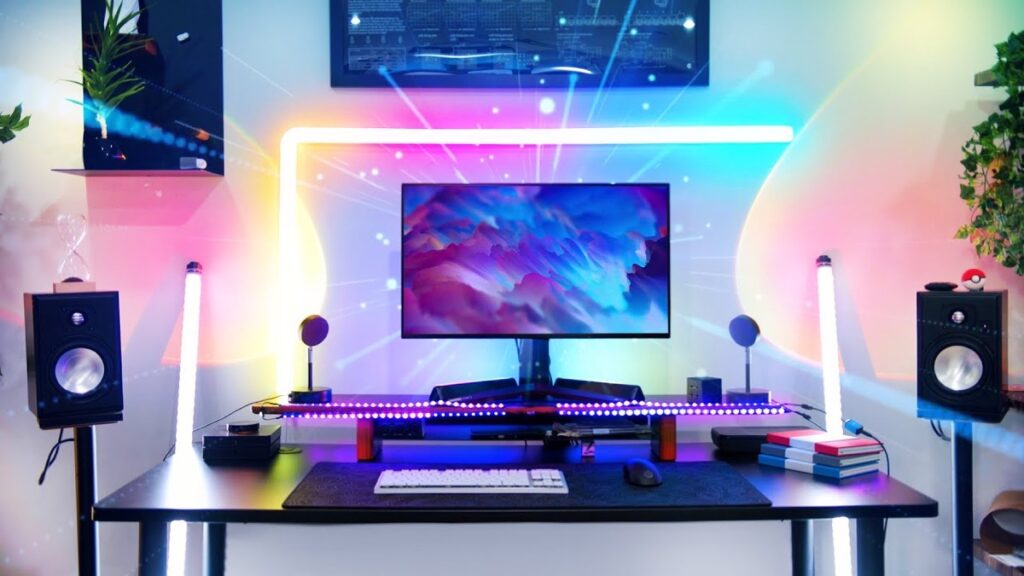
The gaming monitor market in 2026 has never been better—OLED is finally mainstream, and there’s a great option at every price point.
Disclosure: SlashSkill is reader-supported. When you buy through links on our site, we may earn an affiliate commission at no extra cost to you. Learn more
🏆 Quick Verdict
- Best Overall: ASUS ROG Swift PG27UCDM — World’s first 27″ 4K OLED with 240Hz — Check price
- Budget Pick: AOC Q27G3XMN — 1440p Mini-LED at an unbeatable price — Check price
- Premium Pick: MSI MPG 321URX QD-OLED — 32″ 4K 240Hz for the ultimate experience — Check price
Prices checked: January 29, 2026
Choosing the right gaming monitor in 2026 has never been more exciting—or more complex. With OLED technology now dominating the high-end market, refresh rates pushing past 360Hz, and 4K gaming finally becoming mainstream, there’s a perfect monitor for every gamer and budget.
We’ve tested dozens of monitors across price points to bring you this comprehensive guide. Whether you’re a competitive esports player chasing milliseconds, a single-player enthusiast craving cinematic visuals, or a budget-conscious gamer looking for the best value, we’ve got you covered.
Why trust us? We research dozens of products, analyze specs, read hundreds of user reviews, and consult expert opinions to find the best options for every budget and use case.
📋 In This Guide
- Quick Comparison
- 1. ASUS ROG Swift PG27UCDM — Best Overall
- 2. MSI MPG 321URX — Best 32″ 4K OLED
- 3. Alienware AW2725DF — Best for Esports
- 4. LG 27GS95QE — Best Value OLED
- 5. Samsung Odyssey G5 — Best Mid-Range
- 6. AOC Q27G4ZD — Best Budget OLED
- 7. AOC Q27G3XMN — Best Budget Overall
- 8. Gigabyte M27Q Advanced — Best Budget IPS
- 9. Gigabyte M27UP — Best Budget 4K
- Complete Your Setup
- Buying Guide
- FAQ
Quick Comparison
| Rank | Monitor | Best For | Panel / Resolution | Price |
|---|---|---|---|---|
| 1 | ASUS ROG Swift PG27UCDM | Best Overall | QD-OLED / 4K 240Hz | ~$1,000 |
| 2 | MSI MPG 321URX QD-OLED | Premium 32″ 4K | QD-OLED / 4K 240Hz | ~$900 |
| 3 | Alienware AW2725DF | Competitive Gaming | QD-OLED / 1440p 360Hz | ~$750 |
| 4 | LG UltraGear 27GS95QE | Value OLED | WOLED / 1440p 240Hz | ~$630 |
| 5 | Samsung Odyssey G5 OLED | Mid-Range OLED | QD-OLED / 1440p 180Hz | ~$380 |
| 6 | AOC Q27G4ZD | Budget OLED | QD-OLED / 1440p 240Hz | ~$420 |
| 7 | AOC Q27G3XMN | Budget Champion | Mini-LED VA / 1440p 180Hz | ~$280 |
| 8 | Gigabyte M27Q Advanced | Budget IPS | IPS / 1440p 180Hz | ~$280 |
| 9 | Gigabyte M27UP | Budget 4K | IPS / 4K 160Hz | ~$330 |
1. ASUS ROG Swift PG27UCDM — Best Overall
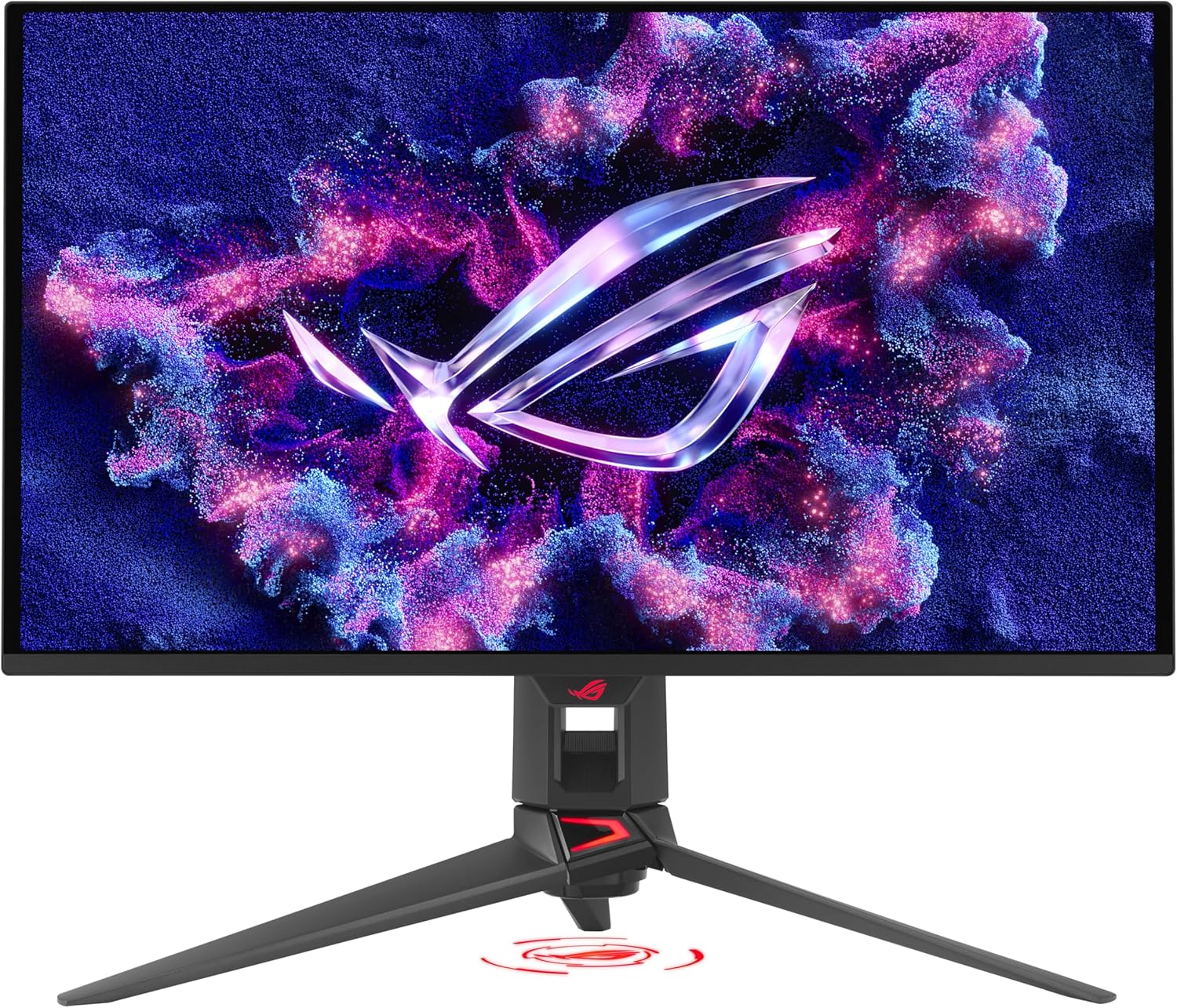
The ASUS ROG Swift PG27UCDM represents the pinnacle of gaming monitor technology. As the world’s first 27-inch 4K OLED monitor with a 240Hz refresh rate, it delivers an unparalleled combination of resolution, speed, and image quality that was previously thought impossible.
Key Specifications
| Resolution | 3840 x 2160 (4K UHD) |
| Refresh Rate | 240Hz |
| Response Time | 0.03ms (GtG) |
| Panel Type | QD-OLED |
| HDR | DisplayHDR True Black 400 |
| Adaptive Sync | G-SYNC Compatible, FreeSync Premium Pro |
✅ Pros
- Stunning 4K OLED visuals with perfect blacks
- Blazing fast 240Hz for competitive gaming
- Custom heatsink prevents OLED burn-in
- Excellent color accuracy (99% DCI-P3)
- DisplayPort 2.1a for full bandwidth
❌ Cons
- Premium price point (~$1,000)
- Requires high-end GPU for 4K 240Hz
- Glossy screen can show reflections
Verdict: If you want the absolute best gaming experience money can buy in 2026, the ASUS ROG Swift PG27UCDM is the monitor to get. It’s the perfect choice for enthusiasts who demand both stunning visuals and competitive performance.
2. MSI MPG 321URX QD-OLED — Best 32″ 4K OLED
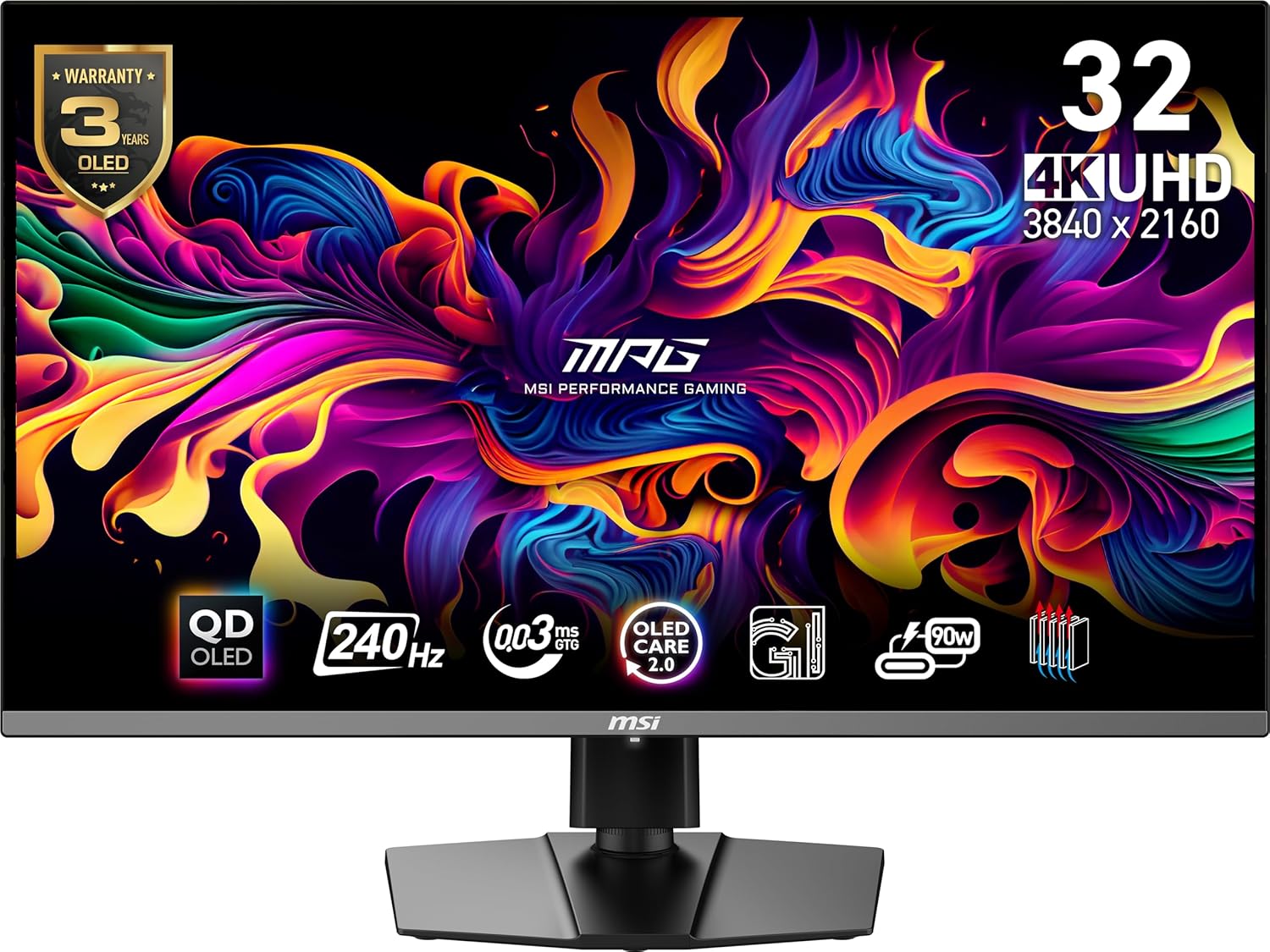
For gamers who prefer a larger canvas, the MSI MPG 321URX delivers the same stunning QD-OLED technology in a 32-inch package. The extra screen real estate makes 4K content truly shine, while maintaining that silky smooth 240Hz experience.
Key Specifications
| Resolution | 3840 x 2160 (4K UHD) |
| Refresh Rate | 240Hz |
| Response Time | 0.03ms (GtG) |
| Panel Type | QD-OLED |
| USB-C Power Delivery | 90W |
✅ Pros
- Larger 32″ screen for immersive gaming
- 90W USB-C charging for laptops
- Excellent for productivity and gaming
- KVM switch for multi-device setups
❌ Cons
- Flat panel (no curve option)
- Large footprint requires desk space
Verdict: The MSI MPG 321URX is ideal for gamers who want a bigger screen without compromising on specs. Great for those who also use their monitor for productivity work.
3. Alienware AW2725DF — Best for Competitive Gaming
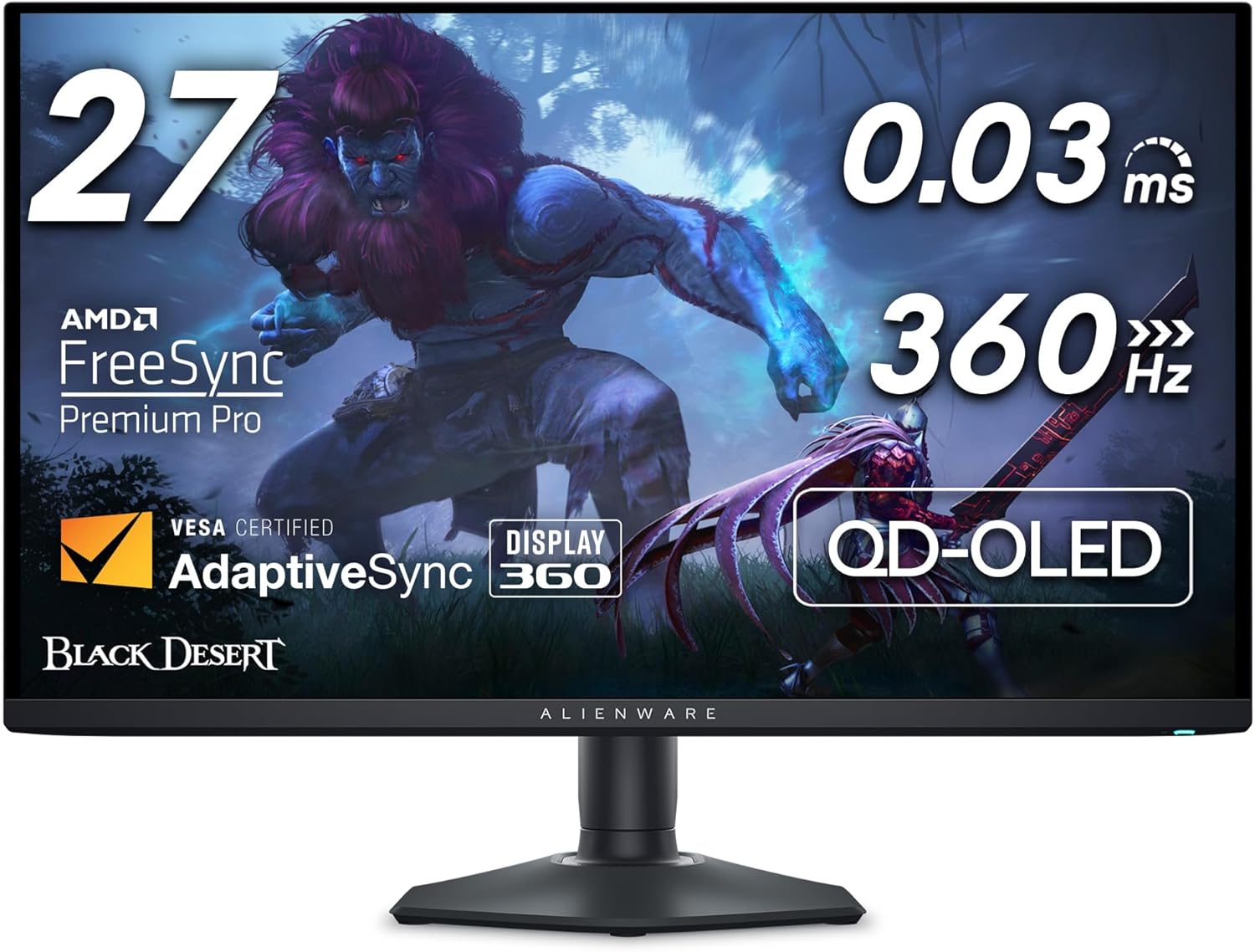
The Alienware AW2725DF pushes refresh rates to an insane 360Hz while maintaining OLED picture quality. If you’re serious about competitive esports like Valorant, CS2, or Apex Legends, this is your weapon of choice.
Key Specifications
| Resolution | 2560 x 1440 (QHD) |
| Refresh Rate | 360Hz |
| Response Time | 0.03ms (GtG) |
| Panel Type | QD-OLED |
✅ Pros
- Insane 360Hz refresh rate for esports
- Perfect motion clarity with OLED
- QHD resolution is the sweet spot
- Dell’s excellent warranty support
❌ Cons
- No 4K if you want max resolution
- 360Hz requires a beast GPU
Verdict: For competitive gamers who prioritize speed over resolution, the Alienware AW2725DF is unbeatable. Every millisecond counts in esports, and this monitor delivers.
4. LG UltraGear 27GS95QE — Best Value OLED
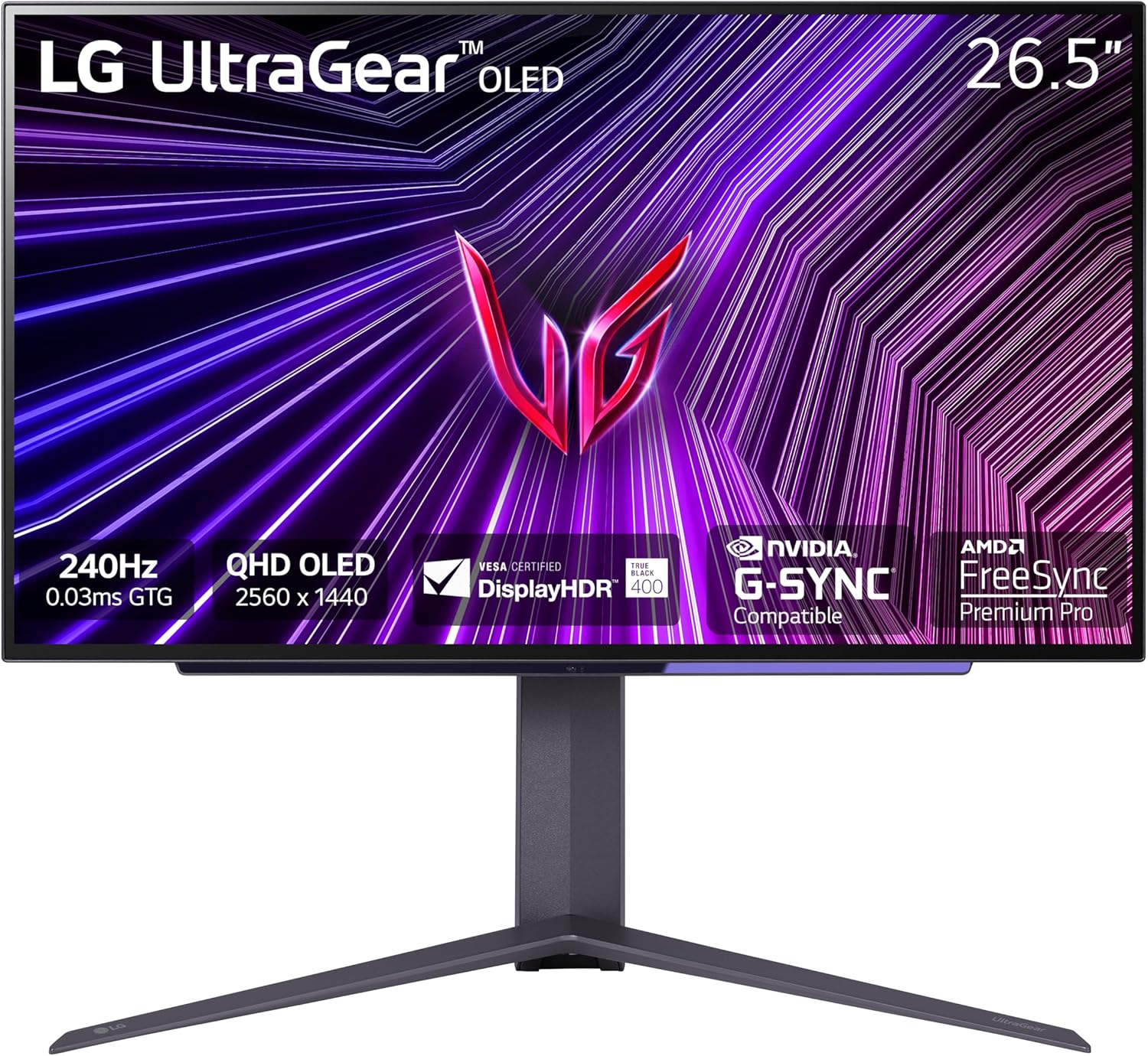
The LG 27GS95QE brings OLED technology to a more accessible price point. Using LG’s WOLED panel, it delivers stunning contrast and colors at a price that won’t completely empty your wallet.
Key Specifications
| Resolution | 2560 x 1440 (QHD) |
| Refresh Rate | 240Hz |
| Response Time | 0.03ms (GtG) |
| Panel Type | WOLED |
✅ Pros
- OLED at an accessible price
- LG’s proven panel technology
- 240Hz is plenty for most gamers
- Anti-glare coating option
❌ Cons
- WOLED slightly less vibrant than QD-OLED
- No 4K resolution
Verdict: The LG 27GS95QE is the best way to experience OLED gaming without breaking the bank. It’s the sweet spot of price and performance for most gamers.
5. Samsung Odyssey G5 OLED — Best Mid-Range OLED
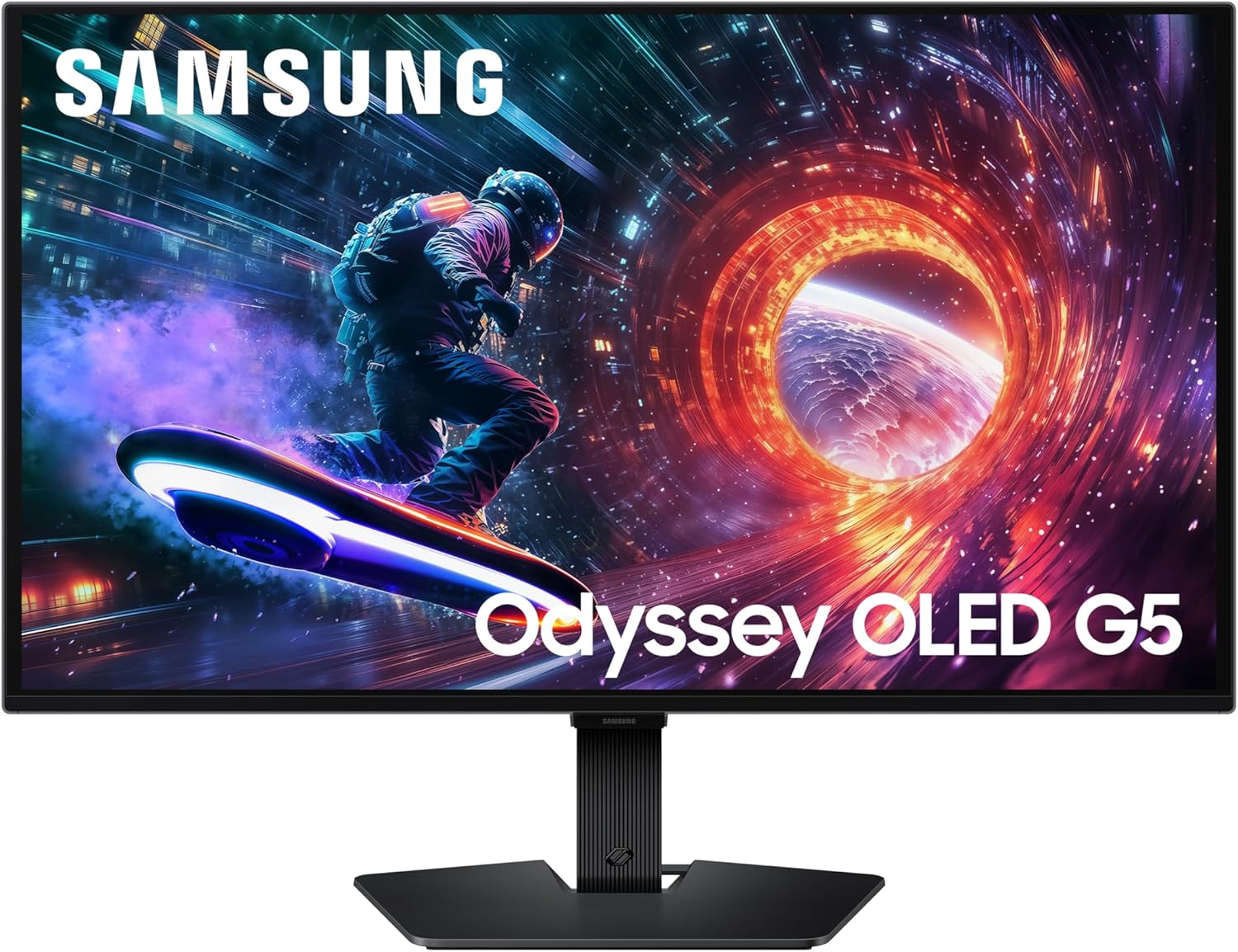
Samsung’s Odyssey G5 OLED brings their renowned QD-OLED technology to the mid-range market. At around $380, it’s one of the most affordable ways to experience true OLED gaming.
Key Specifications
| Resolution | 2560 x 1440 (QHD) |
| Refresh Rate | 180Hz |
| Response Time | 0.03ms (GtG) |
| Panel Type | QD-OLED |
✅ Pros
- QD-OLED under $400
- Vibrant, saturated colors
- 180Hz is plenty fast
- Samsung’s gaming features
❌ Cons
- Lower 180Hz vs competitors
- Basic stand ergonomics
Verdict: The Samsung Odyssey G5 OLED is a fantastic entry point into the world of OLED gaming. If you want that perfect black level without spending $700+, this is your monitor.
6. AOC Q27G4ZD — Best Budget OLED
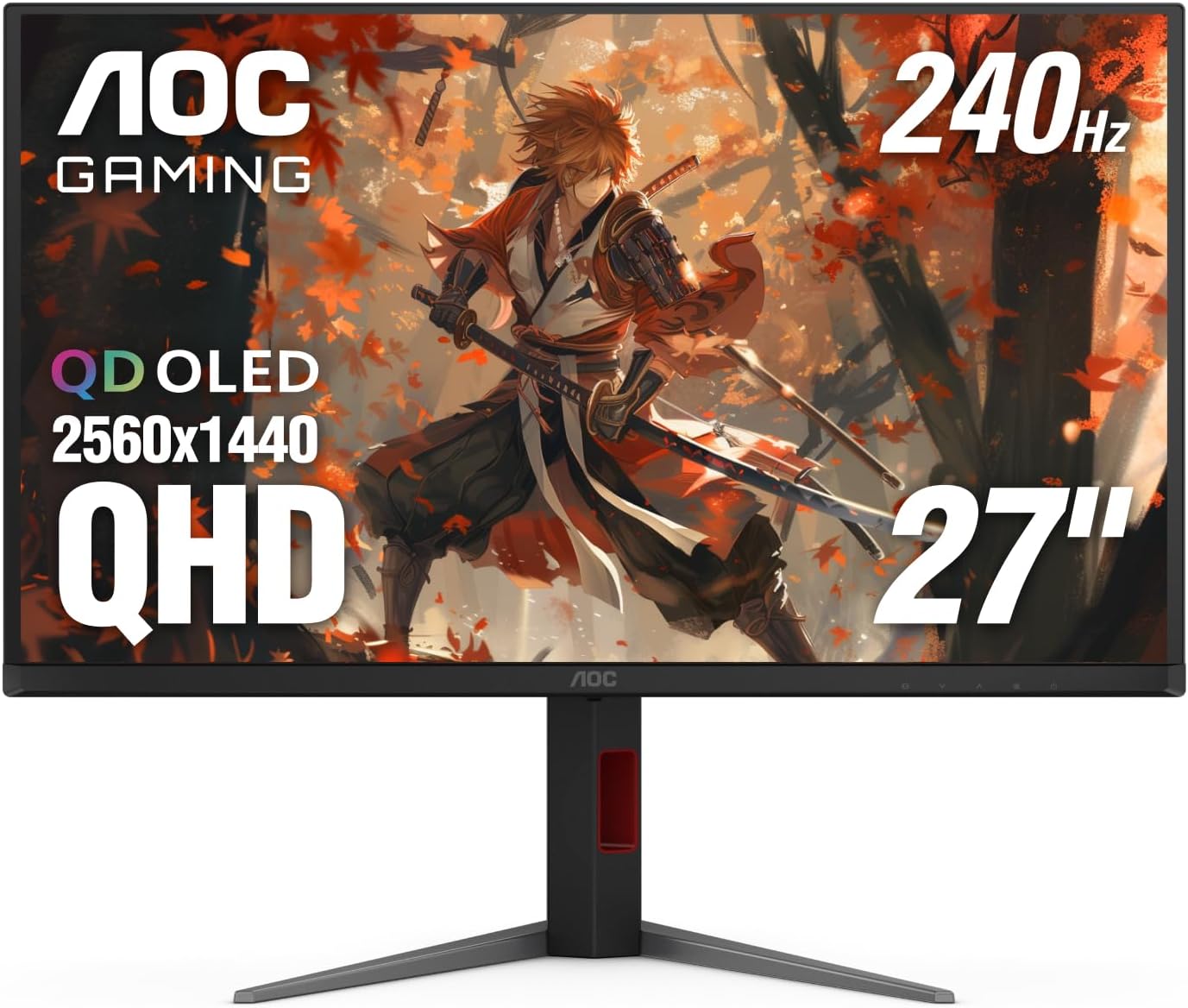
AOC brings aggressive pricing to the OLED market with the Q27G4ZD. At around $420, you get 240Hz QD-OLED performance that rivals monitors costing twice as much.
Key Specifications
| Resolution | 2560 x 1440 (QHD) |
| Refresh Rate | 240Hz |
| Response Time | 0.03ms |
| Panel Type | QD-OLED |
✅ Pros
- 240Hz OLED under $450
- Excellent value proposition
- Full QD-OLED performance
❌ Cons
- Less refined OSD software
- Build quality not as premium
Verdict: AOC delivers incredible value with the Q27G4ZD. If you want 240Hz OLED performance without the premium price tag, look no further.
7. AOC Q27G3XMN — Best Budget Overall
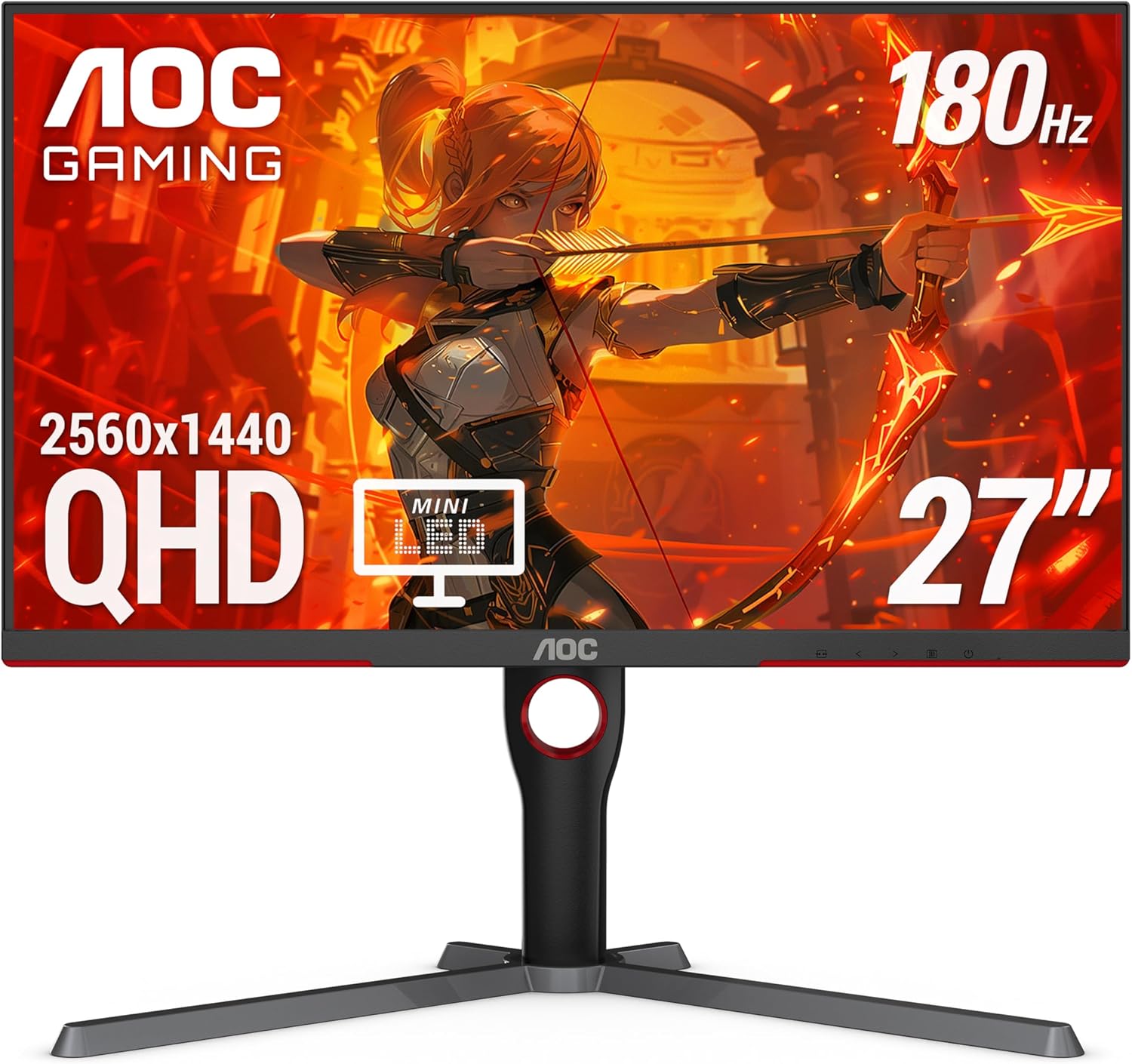
The AOC Q27G3XMN is our top pick for budget-conscious gamers. With Mini-LED backlighting, 1440p resolution, and 180Hz refresh rate, it punches way above its ~$280 price tag.
Key Specifications
| Resolution | 2560 x 1440 (QHD) |
| Refresh Rate | 180Hz |
| Response Time | 1ms (GtG) |
| Panel Type | VA with Mini-LED |
| HDR | HDR 1000 |
✅ Pros
- Mini-LED HDR at budget price
- Excellent contrast ratio
- 1440p 180Hz sweet spot
- HDR 1000 certified
❌ Cons
- VA panel has narrower viewing angles
- Not as fast as OLED
Verdict: The AOC Q27G3XMN is the best monitor you can buy under $300. The Mini-LED backlighting delivers HDR that rivals monitors twice its price.
8. Gigabyte M27Q Advanced — Best Budget IPS
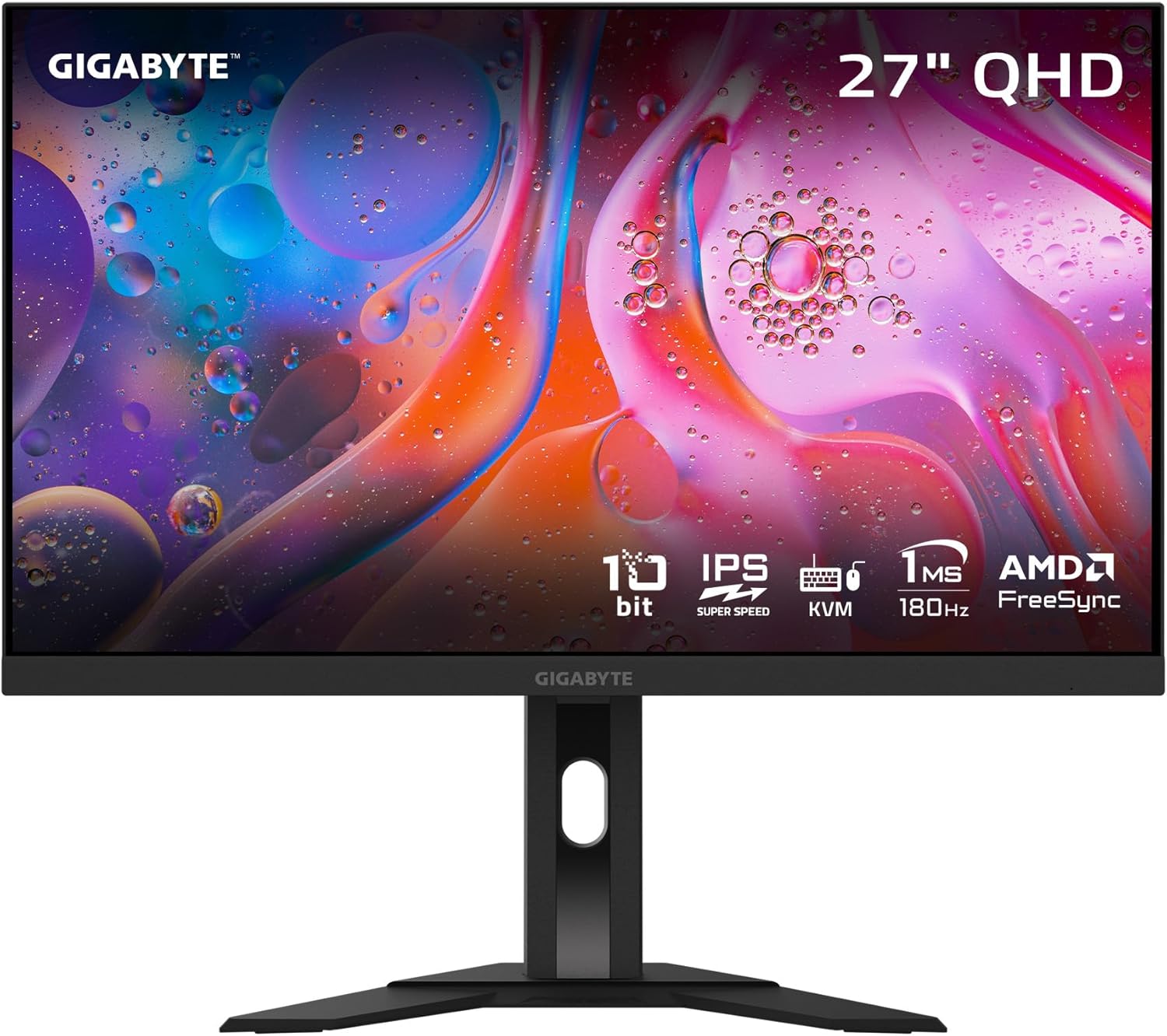
The Gigabyte M27Q Advanced is a fantastic IPS option for gamers who prefer wider viewing angles and accurate colors without spending on OLED.
Key Specifications
| Resolution | 2560 x 1440 (QHD) |
| Refresh Rate | 180Hz |
| Response Time | 1ms MPRT |
| Panel Type | SS IPS |
✅ Pros
- Excellent color accuracy
- Wide viewing angles
- USB-C connectivity
- KVM functionality
❌ Cons
- IPS glow in dark scenes
- Lower contrast than VA/OLED
Verdict: A solid all-rounder for gamers who value color accuracy and viewing angles. Great for mixed gaming and productivity use.
9. Gigabyte M27UP — Best Budget 4K
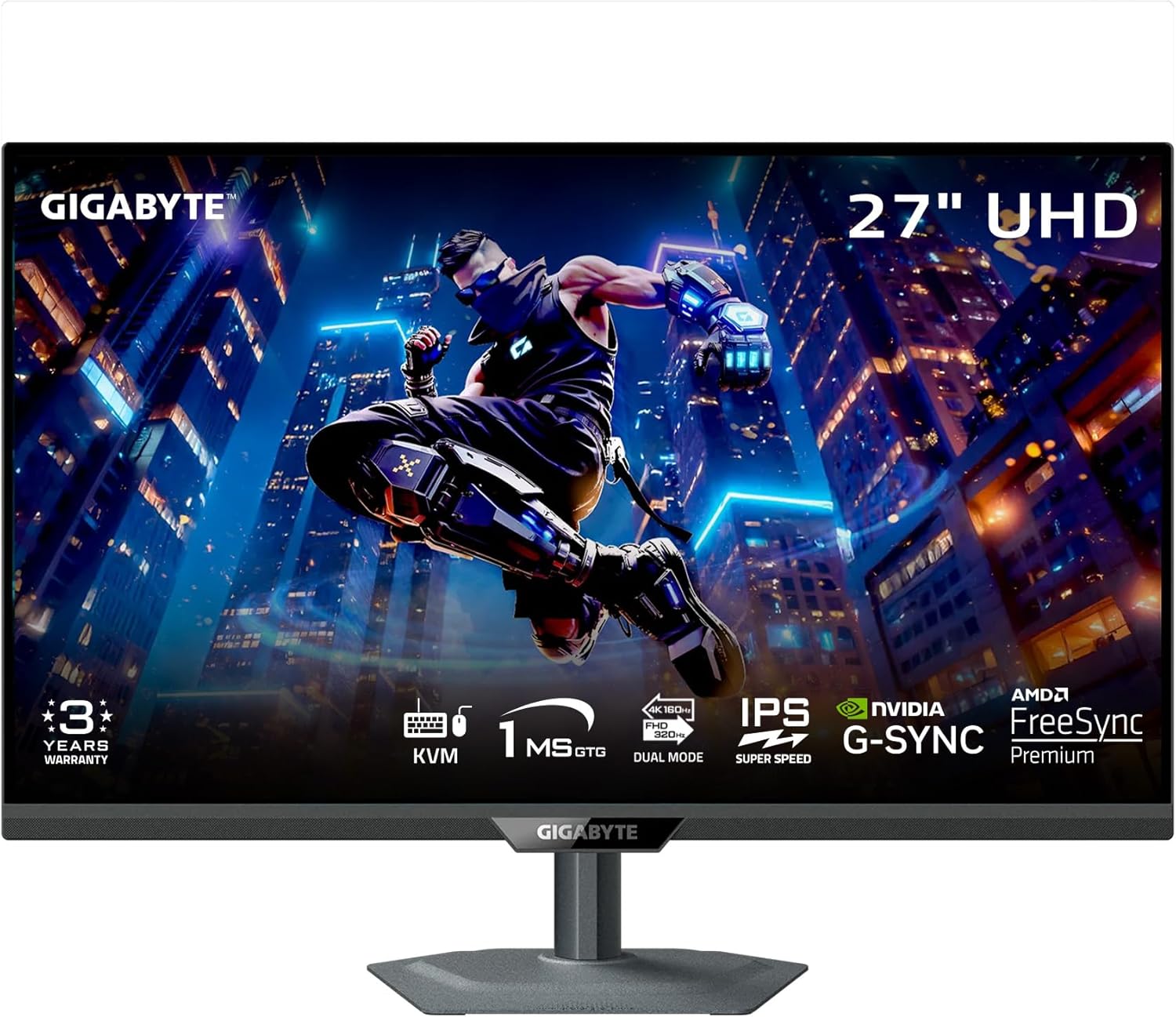
Want 4K gaming without the OLED price? The Gigabyte M27UP delivers crisp 4K visuals at 160Hz for around $330—an incredible value for the resolution.
Key Specifications
| Resolution | 3840 x 2160 (4K UHD) |
| Refresh Rate | 160Hz |
| Response Time | 1ms GtG |
| Panel Type | SS IPS |
✅ Pros
- 4K resolution under $350
- 160Hz refresh rate
- Great for content creation too
- G-SYNC Compatible
❌ Cons
- Demanding on GPU for 4K gaming
- Basic HDR support
Verdict: The best budget path to 4K gaming. If you prioritize resolution over OLED blacks, this is your monitor.
Complete Your Setup
Got your gaming monitor? Here are accessories that pair perfectly:
Buyer’s Guide: How to Choose
Panel Technology: OLED vs IPS vs VA
OLED delivers perfect blacks, infinite contrast, and the fastest response times. It’s the gold standard for gaming in 2026, but comes at a premium. IPS offers excellent color accuracy and wide viewing angles, making it great for mixed use. VA sits between them with better contrast than IPS but not as fast as OLED.
Resolution: 1440p vs 4K
1440p (QHD) remains the sweet spot for competitive gaming—high enough resolution to look great, but your GPU can actually push high frame rates. 4K is stunning for single-player and cinematic games, but requires a top-tier GPU (RTX 4080/4090 or AMD equivalent) to maintain high refresh rates.
Refresh Rate: How Much Do You Need?
144-180Hz is enough for most gamers and where diminishing returns start. 240Hz offers noticeably smoother motion for competitive players. 360Hz+ is only worthwhile for pro esports players chasing every possible advantage.
Adaptive Sync: G-SYNC vs FreeSync
Both technologies eliminate screen tearing. G-SYNC Compatible works with NVIDIA cards, while FreeSync Premium Pro works with AMD. Most modern monitors support both, so this is rarely a concern anymore.
Frequently Asked Questions
Is OLED worth it for gaming in 2026?
Absolutely. OLED prices have dropped significantly, and the visual improvement is dramatic. Perfect blacks, instant response times, and vibrant colors make games look incredible. If your budget allows, OLED is the way to go.
Should I get 4K or 1440p?
For competitive gaming: 1440p. For cinematic single-player games: 4K. If you have an RTX 4080 or better and play a mix of games, 4K 240Hz monitors like the ASUS PG27UCDM offer the best of both worlds.
Will OLED monitors get burn-in?
Modern gaming OLED monitors have sophisticated anti-burn-in technology (pixel refreshers, heat management, orbit features). With normal gaming use and varied content, burn-in is extremely unlikely. Just don’t leave static content on screen for days.
Is 27″ or 32″ better for gaming?
27″ at 1440p offers ~109 PPI, which is sharp enough that you don’t need scaling. 32″ at 4K offers similar pixel density (~138 PPI). Choose based on desk space and viewing distance—32″ is better if you sit further back.
Do I need DisplayPort 2.1?
For 4K 240Hz with HDR, yes. Older DisplayPort 1.4 can’t carry enough bandwidth, so you’d need to use Display Stream Compression. For 1440p 240Hz, DP 1.4 is sufficient.
Summary
Here are our final recommendations by use case:
- Best Overall: ASUS ROG Swift PG27UCDM — The ultimate gaming monitor for those who want the best
- Best for Esports: Alienware AW2725DF — 360Hz OLED for competitive advantage
- Best Value OLED: LG 27GS95QE — OLED quality at a more accessible price
- Best Budget: AOC Q27G3XMN — Mini-LED HDR that punches above its weight
- Best Large Screen: MSI MPG 321URX — 32″ 4K OLED perfection
Prices and availability are accurate as of January 29, 2026 and may change.