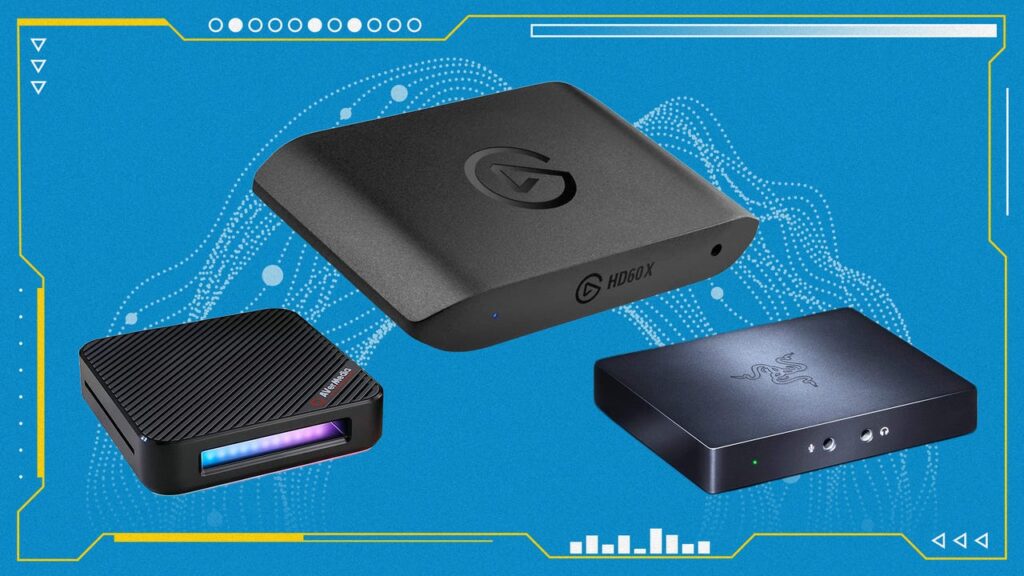
🏆 Quick Verdict
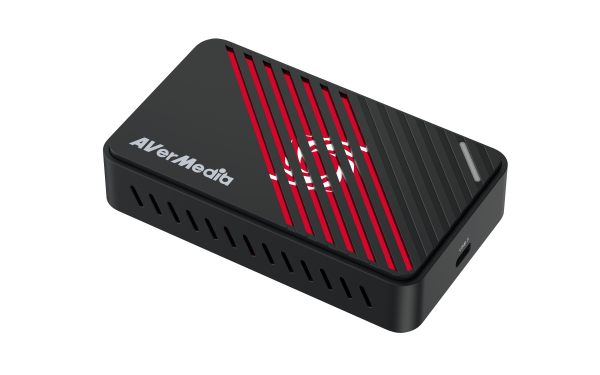
AVerMedia GC553Pro
4K60 capture, VRR/HDR support, great value
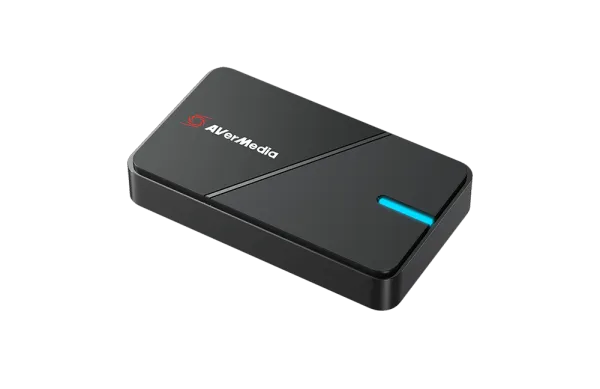
AVerMedia Extreme 3
4K passthrough, 1080p60 capture, under $100
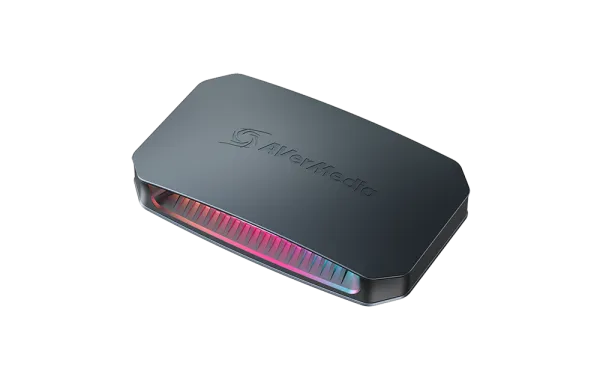
AVerMedia Ultra 2.1
HDMI 2.1, 4K144 passthrough, future-proof
Prices checked: January 30, 2026
Disclosure: SlashSkill is reader-supported. When you buy through links on our site, we may earn an affiliate commission at no extra cost to you. Learn more
Whether you’re streaming on Twitch, recording gameplay for YouTube, or capturing footage from your console for editing, a quality capture card is essential. But with so many options ranging from budget USB dongles to premium PCIe cards, finding the right one can be overwhelming.
We’ve tested and researched the best capture cards available in 2026, covering everything from affordable 1080p options to cutting-edge 4K HDR solutions. Here’s everything you need to know to make the right choice for your streaming or recording setup.
Why trust us? We research dozens of products, analyze specs, read hundreds of user reviews, and consult expert opinions to find the best options for every budget and use case.
📋 In This Guide
- Quick Comparison
- 1. AVerMedia GC553Pro, Best Overall
- 2. AVerMedia Extreme 3, Best Budget
- 3. Elgato Game Capture Neo, Easiest Setup
- 4. AVerMedia Ultra 2.1, Best 4K144
- 5. Elgato 4K Pro, Best Internal
- 6. Elgato HD60 X, Best for 1440p
- 7. Elgato 4K60 S+, Best Standalone
- 8. AVerMedia Live Gamer Duo, Best Dual Input
- 9. AVerMedia GC575, Best Internal 4K
- Complete Your Setup
- Buying Guide
- FAQ
Quick Comparison
| Rank | Product | Best For | Max Capture | Price |
|---|---|---|---|---|
| 1 | AVerMedia GC553Pro | Best Overall | 4K60 HDR | $140 |
| 2 | AVerMedia Extreme 3 | Best Budget | 4K30/1080p60 | $100 |
| 3 | Elgato Game Capture Neo | Easiest Setup | 1080p60 | $130 |
| 4 | AVerMedia Ultra 2.1 | Best 4K144 | 4K60 | $209 |
| 5 | Elgato 4K Pro | Best Internal | 4K60 | $250 |
| 6 | Elgato HD60 X | Best for 1440p | 1080p60 | $180 |
| 7 | Elgato 4K60 S+ | Best Standalone | 4K60 HDR | $180 |
| 8 | AVerMedia Live Gamer Duo | Best Dual Input | 1080p60 | $200 |
| 9 | AVerMedia GC575 | Best Internal 4K | 4K60 HDR | $300 |
1. AVerMedia Live Gamer Ultra S GC553Pro, Best Overall
The AVerMedia Live Gamer Ultra S GC553Pro delivers exceptional value, offering 4K60 HDR capture with VRR support at a price point that undercuts much of the competition. It’s our top pick for most streamers and content creators.
Key Specifications
| Max Capture | 4K @ 60fps HDR |
| Max Passthrough | 4K60 / 1440p144 / 1080p240 |
| Interface | USB 3.2 Gen 1 Type-C |
| VRR Support | Yes |
| Audio | 5.1 Surround |
✅ Pros
- 4K60 HDR capture at under $150
- VRR and HDR support
- Works with Mac and PC
- HDMI 2.0 both input and output
❌ Cons
- Software required for full features
- No HDMI 2.1 passthrough
Verdict: The GC553Pro is the sweet spot for most streamers,4K capture capability at a mainstream price point with modern features like VRR support. If you’re not sure which capture card to get, start here.
2. AVerMedia Live Gamer Extreme 3, Best Budget
The AVerMedia Live Gamer Extreme 3 offers 4K passthrough with 1080p60 capture at the lowest price point on our list, making it the best choice for budget-conscious streamers who still want quality.
Key Specifications
| Max Capture | 1080p60 / 4K30 |
| Max Passthrough | 4K60 / 1440p120 |
| Interface | USB 3.2 Gen 1 |
✅ Pros
- Best price on our list at under $100
- 4K passthrough for gaming
- Works with all platforms
- Solid build quality
❌ Cons
- 4K capture limited to 30fps
- 1080p60 for most streaming
Verdict: The Extreme 3 proves you can get into quality game capture for under $100. You still get 4K passthrough so you can play in full resolution while streaming at 1080p, exactly what most Twitch and YouTube streamers need anyway.
3. Elgato Game Capture Neo, Easiest Setup
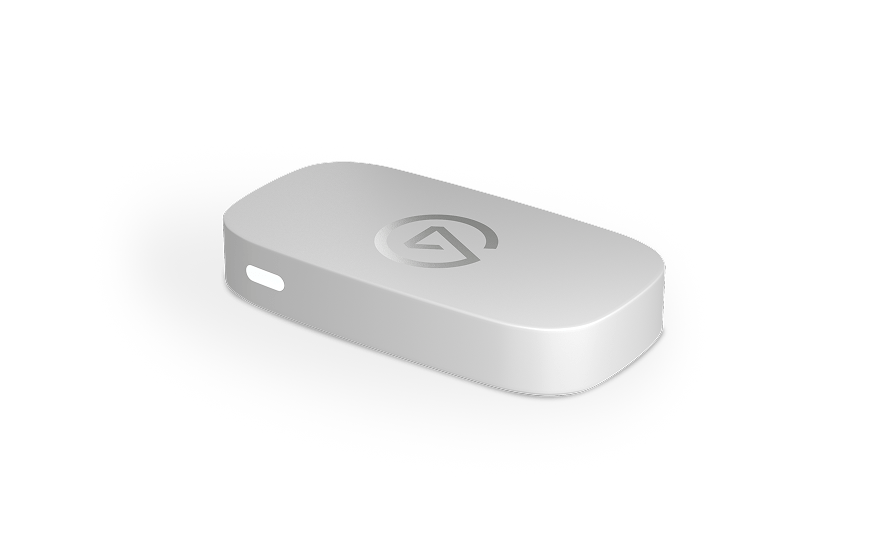
The Elgato Game Capture Neo is the definition of plug-and-play simplicity. No software required, no drivers to install, just connect it and start streaming. Perfect for console streamers who want zero friction.
Key Specifications
| Max Capture | 1080p60 |
| Max Passthrough | 4K60 HDR |
| Interface | USB 3.0 |
✅ Pros
- True plug-and-play setup
- 4K60 HDR passthrough
- No software required
- Elgato ecosystem integration
❌ Cons
- 1080p60 capture only
- No 4K recording
Verdict: The Neo is for streamers who value simplicity above all else. If you want to plug in your console and start streaming in minutes without touching any settings, this is your card. The Elgato name means solid software support and integration with Stream Deck.
4. AVerMedia Live Gamer Ultra 2.1, Best 4K 144fps
The AVerMedia Live Gamer Ultra 2.1 brings HDMI 2.1 support to game capture, enabling 4K144 passthrough for next-gen consoles and high-refresh PC gaming. Future-proof your streaming setup.
Key Specifications
| Max Capture | 4K60 |
| Max Passthrough | 4K144 / 8K30 |
| Interface | USB 3.2 Gen 2 Type-C |
| HDMI Version | HDMI 2.1 |
✅ Pros
- HDMI 2.1 for 4K144 passthrough
- Future-proof investment
- VRR and HDR support
- Works with PS5 120Hz mode
❌ Cons
- Premium price point
- Requires USB 3.2 Gen 2
Verdict: If you’re gaming at 4K120 or higher and want your capture card to keep up, the Ultra 2.1 is the choice. HDMI 2.1 support means no compromises on passthrough while you stream.
5. Elgato Game Capture 4K Pro, Best Internal PCIe
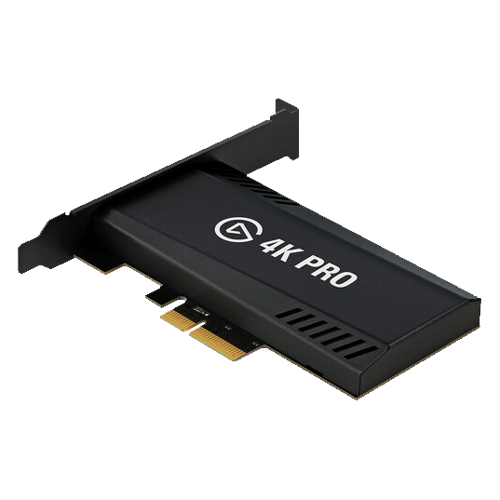
The Elgato 4K Pro is a PCIe capture card designed for dual-PC streaming setups or those who want the cleanest possible setup without USB cables. Supports 8K30 passthrough for absolute future-proofing.
Key Specifications
| Max Capture | 4K60 HDR |
| Max Passthrough | 8K30 / 4K144 |
| Interface | PCIe x4 |
| HDMI Version | HDMI 2.1 |
✅ Pros
- 8K30 passthrough capability
- No USB bandwidth concerns
- Clean internal installation
- Lowest latency option
❌ Cons
- Requires desktop PC with PCIe slot
- Not portable
- Higher price point
Verdict: The 4K Pro is for serious streamers with dedicated streaming PCs. If you want the absolute best internal solution with future-proof specs, this is it.
6. Elgato HD60 X, Best for 1440p Gaming
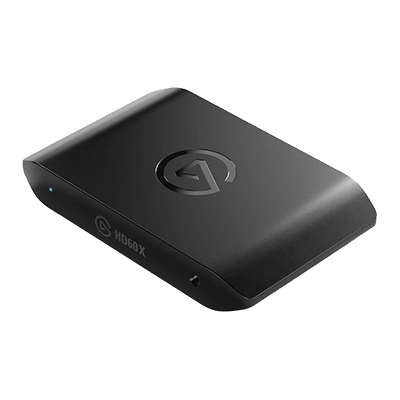
The Elgato HD60 X hits the sweet spot for 1440p gamers who want high refresh rate passthrough while streaming at 1080p60. Perfect for competitive gaming and streaming.
Key Specifications
| Max Capture | 1080p60 |
| Max Passthrough | 4K60 / 1440p120 |
| Interface | USB 3.0 |
| VRR Support | Yes |
✅ Pros
- 1440p120 passthrough
- VRR support
- Reliable Elgato quality
- Great software ecosystem
❌ Cons
- 1080p60 capture only
- No 4K capture
Verdict: Perfect for competitive gamers streaming at 1080p while gaming at 1440p high refresh. The VRR support ensures smooth gameplay while you broadcast.
7. Elgato 4K60 S+, Best Standalone Recording
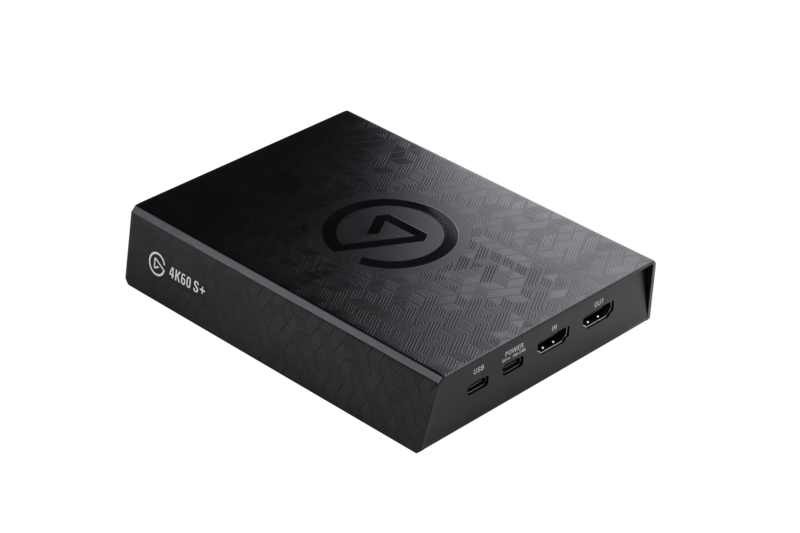
The Elgato 4K60 S+ can record directly to an SD card without a PC, perfect for capturing gameplay footage for later editing or when a streaming setup isn’t practical.
Key Specifications
| Max Capture | 4K60 HDR |
| Max Passthrough | 4K60 HDR |
| Storage | SD Card (standalone) or USB |
| Recording Codec | H.265 HEVC |
✅ Pros
- Record without a PC
- 4K60 HDR capture
- H.265 for smaller file sizes
- One-button recording
❌ Cons
- Requires fast SD card
- Not ideal for live streaming
Verdict: The 4K60 S+ shines for content creators who need to record gameplay for editing later. Press record and focus on gaming, deal with the footage when you’re ready.
8. AVerMedia Live Gamer Duo, Best Dual Input
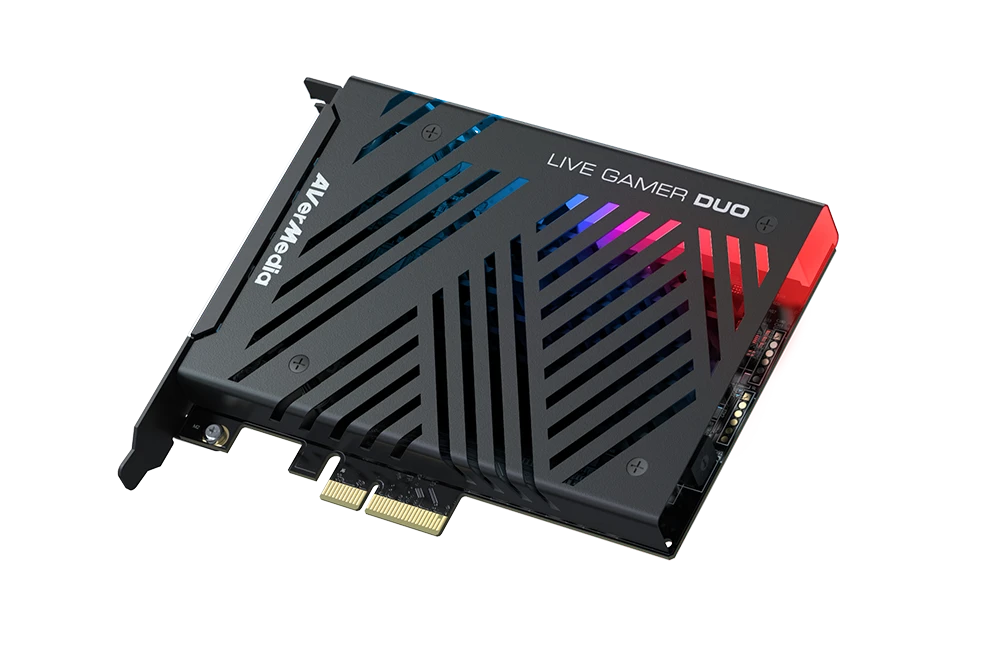
The AVerMedia Live Gamer Duo features two HDMI inputs, letting you capture from two sources simultaneously, perfect for IRL streaming with a camera and gameplay, or switching between consoles.
Key Specifications
| Max Capture | 1080p60 per input |
| Inputs | 2x HDMI |
| Interface | PCIe x4 |
| 4K Passthrough | Yes (one input) |
✅ Pros
- Two simultaneous inputs
- Switch sources in software
- Great for IRL + gameplay
- 4K passthrough on primary
❌ Cons
- Requires PCIe slot
- 1080p60 capture limit
Verdict: The Duo solves the multi-source streaming problem elegantly. If you need a camera feed and gameplay in one card, this is your answer.
9. AVerMedia Live Gamer 4K 2.1 (GC575), Best Internal 4K
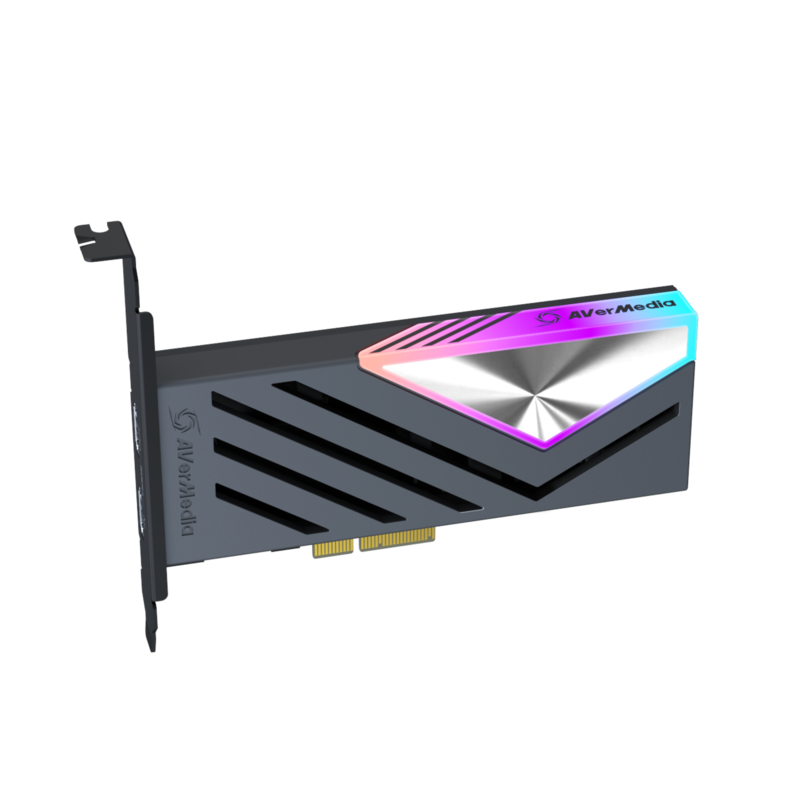
The AVerMedia GC575 is a powerhouse internal capture card with HDMI 2.1 support, 4K144 passthrough, and 4K60 HDR capture. The ultimate choice for no-compromise setups.
Key Specifications
| Max Capture | 4K60 HDR |
| Max Passthrough | 4K144 / 8K30 |
| Interface | PCIe x4 |
| HDMI Version | HDMI 2.1 |
✅ Pros
- Full HDMI 2.1 support
- 4K60 HDR capture
- 8K30 passthrough
- Low latency internal design
❌ Cons
- Premium price at $300
- Requires desktop with PCIe
Verdict: The GC575 is the no-compromise internal capture card. Full HDMI 2.1, 4K60 capture, and 8K passthrough, everything a professional streamer could want.
Complete Your Setup
Got your capture card? Here are accessories that pair perfectly:
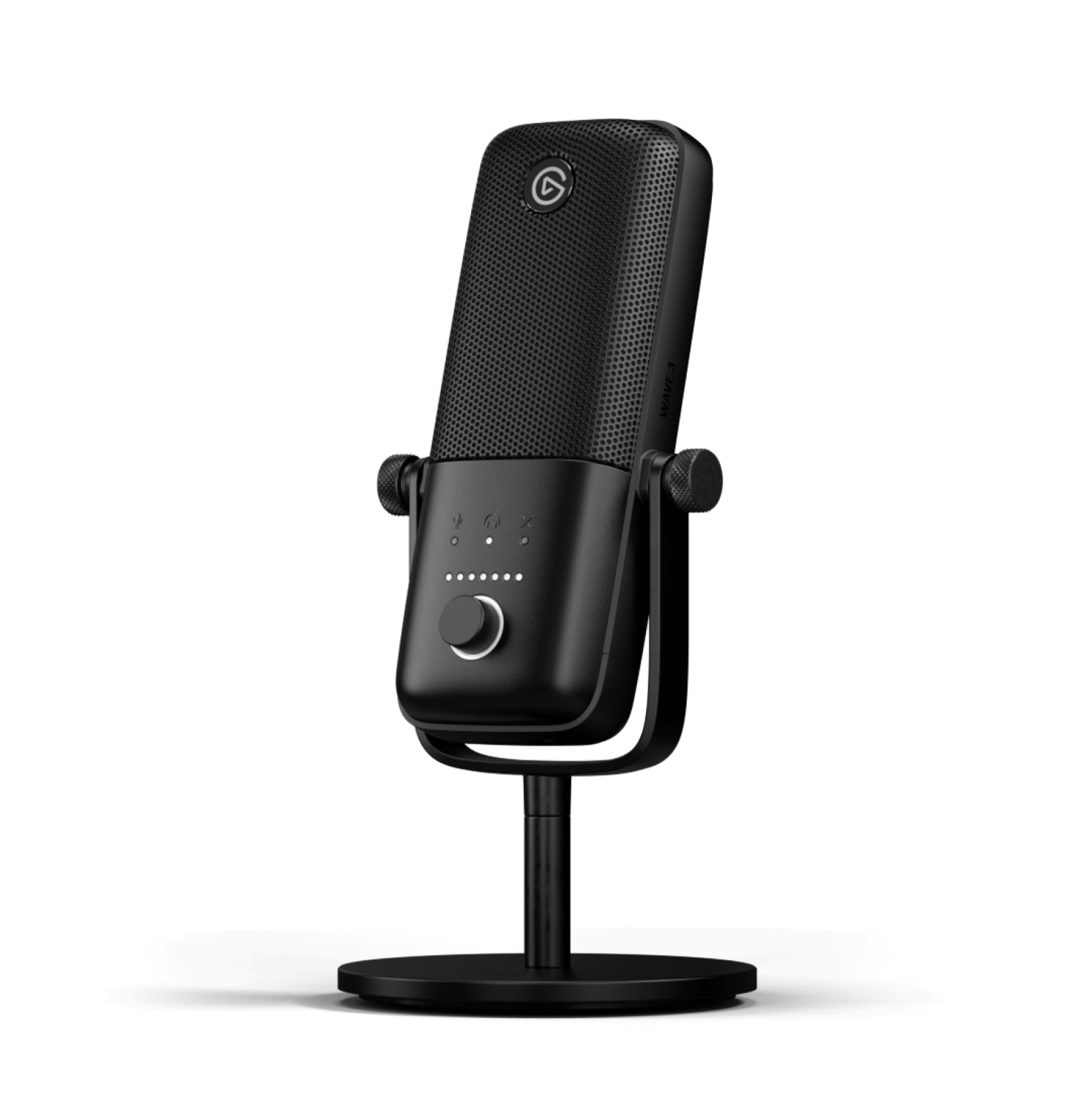
Elgato Wave:3
Premium USB Condenser Microphone
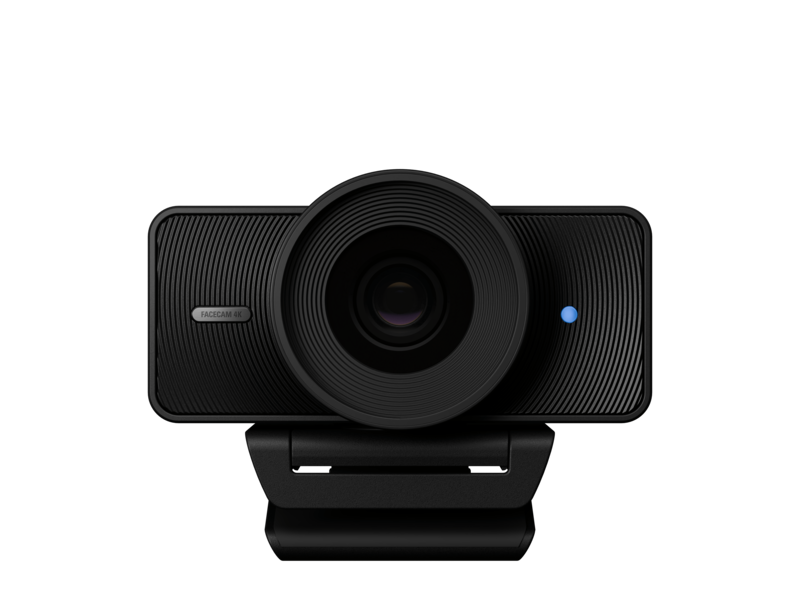
Elgato Facecam 4K
4K60 Webcam
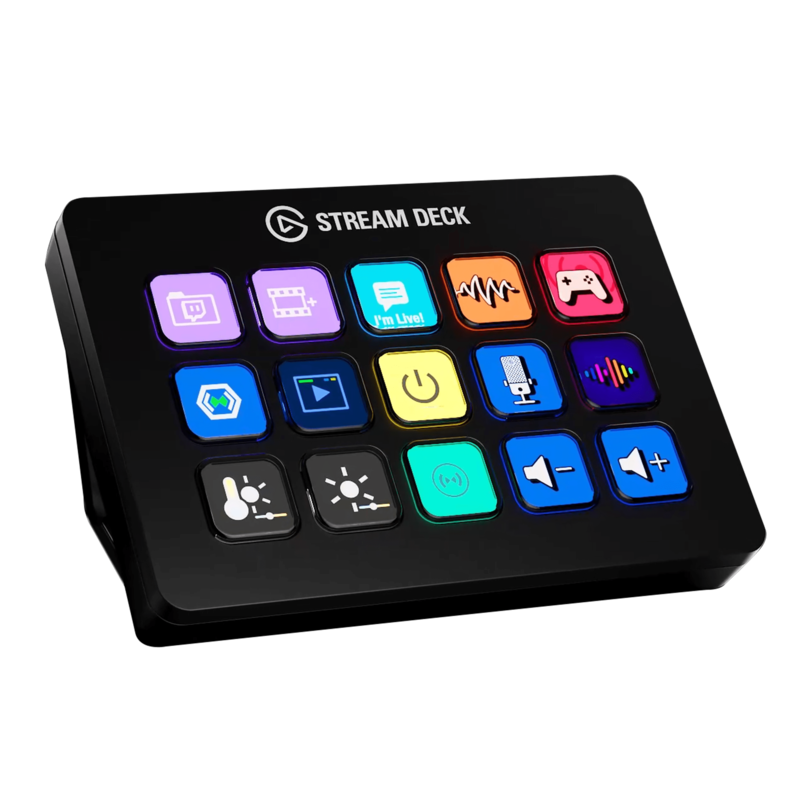
Elgato Stream Deck MK.2
15-Key LCD Stream Controller
Buyer’s Guide: How to Choose
Internal vs. External
External (USB): Portable, works with laptops, easy to set up. Choose if you travel or use multiple computers.
Internal (PCIe): No USB bandwidth issues, cleaner setup, lower latency. Choose for dedicated streaming PCs.
Resolution: 1080p vs. 4K
Most streaming platforms (Twitch, YouTube) max out at 1080p60 anyway. 4K capture is mainly useful for:
- YouTube videos that benefit from higher-resolution masters
- Future-proofing your content
- Local recordings for video editing
Passthrough Matters
Even if you capture at 1080p, you want high-resolution passthrough so you can still enjoy 4K or high-refresh gaming on your display while streaming.
VRR and HDR Support
If you’re capturing from PS5, Xbox Series X, or a VRR-enabled PC, look for capture cards that support variable refresh rate passthrough to avoid screen tearing.
Frequently Asked Questions
Do I need a capture card if I only play on PC?
Not necessarily. Software like OBS can capture directly from your PC. However, a capture card can offload encoding work and is essential for dual-PC streaming setups.
Can I use a capture card with a laptop?
Yes! External USB capture cards work great with laptops. Just ensure your laptop has a USB 3.0 port and sufficient processing power.
What’s the difference between passthrough and capture resolution?
Passthrough is what goes to your TV/monitor, you want this high for gaming. Capture resolution is what gets recorded/streamed,1080p60 is fine for most platforms.
Do capture cards add latency?
The passthrough signal has virtually zero latency. The capture feed (what you see in OBS) will have slight latency, but this doesn’t affect your gameplay.
Final Recommendations
| Need | Recommendation |
|---|---|
| Best Overall | AVerMedia GC553G2 Game Capture |
| Best Budget | AVerMedia Live Gamer Extreme 3 |
| Easiest Setup | Elgato Game Capture Neo |
| Best Premium | AVerMedia Live Gamer Ultra 2.1 |
| Best Internal | Elgato 4K Pro |
| Best Standalone | Elgato 4K60 S+ |
Prices and availability are accurate as of January 30, 2026 and may change.