
If you’re picking up Godot, the scripting language question hits early: GDScript or C#? Both work. Both can ship games. But they’re built for different developers and different workflows, and picking wrong can cost you weeks of frustration. Having built projects in both, here’s an honest breakdown of what each language does well, where it falls short, and how to make the right call for your project. Already weighing Godot vs Unity? Start there first.
In This Guide
Quick answer: GDScript vs C#
Choose GDScript if:
- You’re new to programming or game development
- You want zero compile time and live code reloading
- Your game needs to export to web browsers
- You want to follow most Godot tutorials without translation
- You’re prototyping or building small-to-medium projects
Choose C# if:
- You already know C# from Unity, .NET, or professional work
- You need interfaces, generics, and strong static typing
- Your project involves heavy computation (physics sims, large data sets)
- You want access to NuGet packages and the .NET ecosystem
- You’re building a large codebase that benefits from strict architecture
GDScript vs C# at a glance
| Category | GDScript | C# |
|---|---|---|
| Syntax style | Python-like, indentation-based | C-style with braces and semicolons |
| Type system | Optional type hints (dynamic by default) | Statically typed, enforced at compile time |
| Compile time | None. Changes apply instantly | Recompilation required on every change |
| Hot reload | Full live reloading while game runs | No live reload. Must restart scene |
| IDE | Built-in editor with autocomplete | External IDE required (Rider, VS Code) |
| Web export | Full support | Not supported (in development) |
| Raw performance | Slower in loops and pure computation | ~4x faster in compute-heavy operations |
| Godot API calls | Faster (no marshalling overhead) | Slower due to marshalling between runtimes |
| Learning curve | Low. Reads like pseudocode | Moderate. Standard OOP language |
| Ecosystem | Godot-specific addons, GDUnit, Dialogic | Full .NET/NuGet access |
| Community share | ~84% of Godot users | ~16% of Godot users |
| Tutorials available | Vast majority of Godot content | Growing but limited |
Hot reload and iteration speed
This is the single biggest workflow difference between the two languages, and it doesn’t get enough attention in most comparisons.
GDScript supports full live code reloading. You change a line, and the running game picks it up immediately. No recompile. No scene restart. You tweak a movement speed, adjust a spawn rate, or fix a bug, and you see the result in real time. For rapid prototyping and gameplay tuning, this is hard to overstate. You stay in the flow.
C# can’t do this. Every change requires recompilation, and even a modest project (8,000+ lines) introduces noticeable delays. You’re constantly stopping, waiting, restarting. It adds up fast, especially during the messy middle of development where you’re testing dozens of small changes per hour.
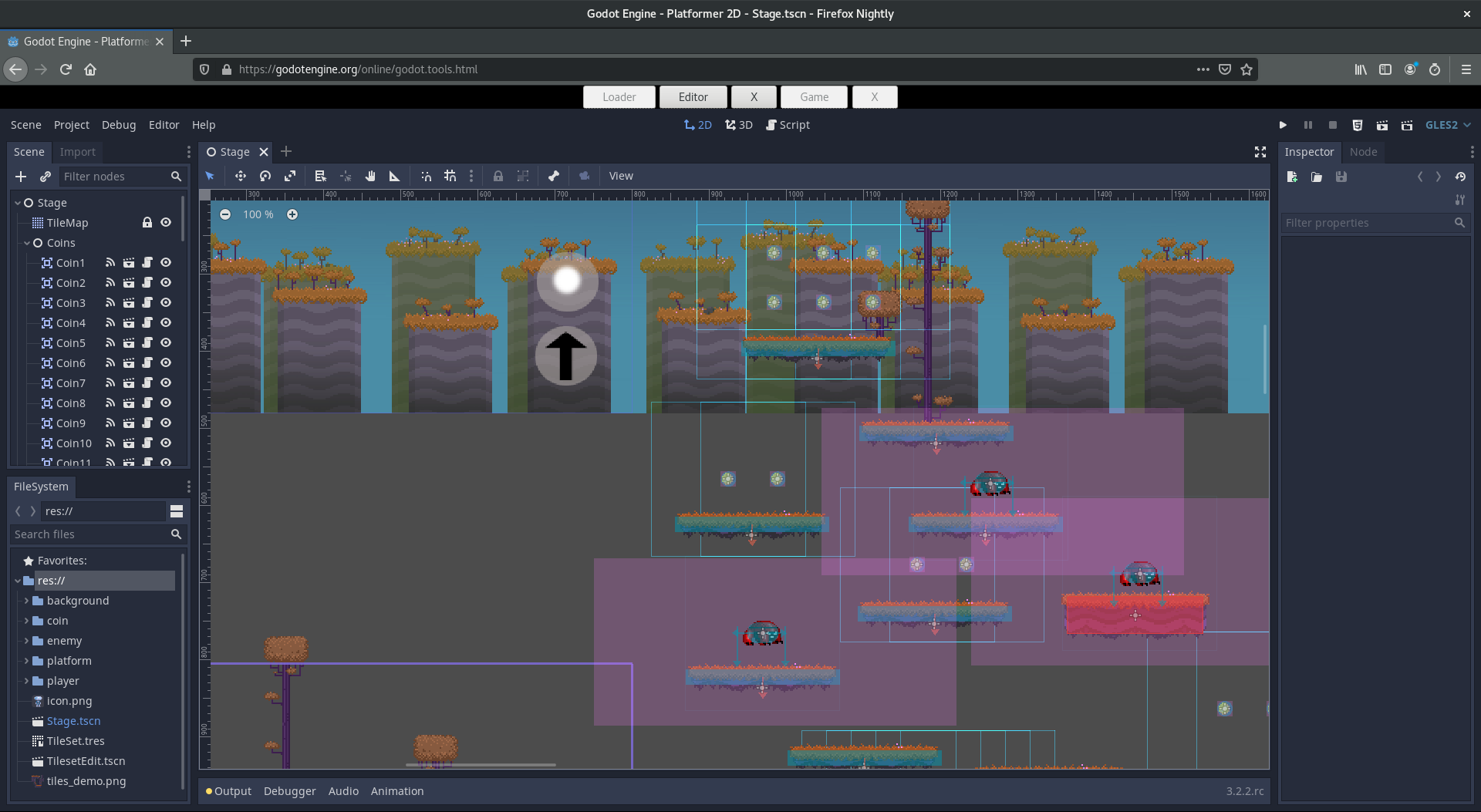
GDScript’s @tool scripts also work reliably in the editor, so you can build custom inspectors, preview procedural generation, and visualize gameplay systems without ever hitting play. C# supports tool scripts in theory, but assembly reloading issues make them less dependable in practice.
If iteration speed is your priority and you’re doing a lot of “tweak, test, tweak” work, GDScript’s hot reload alone might be the deciding factor.
Performance: the real numbers
The short version: C# is faster at pure computation. GDScript is faster at calling Godot’s own API. For most games, neither difference matters.
The commonly cited figure is that C# runs roughly 4x faster than GDScript in “naive” benchmarks, meaning tight loops doing raw math. Community benchmarks paint a more detailed picture. In tests running grid-based inventory operations (finding available space and sorting a 10×10 grid), C# was 140x faster when running 100 iterations of a find operation and nearly 20x faster at repeated sorting.
But here’s the part people miss: for a single iteration of that same operation, GDScript was actually faster (0.000057s vs 0.000092s). Why? Because C# has to marshal data between its .NET runtime and Godot’s engine, and that overhead eats into small operations. GDScript talks to Godot natively with no translation layer.
What this means in practice: if your game is doing something thousands of times per frame (pathfinding across large grids, physics simulations, procedural generation with heavy math), C# will be noticeably faster. If you’re doing normal game logic (moving characters, checking collisions, spawning enemies, processing inputs), you won’t feel the difference. Most inventory systems, most combat systems, most UI code runs the same either way.
C# also has access to SIMD operations through System.Numerics, which is useful for batch processing vectors or matrices. GDScript doesn’t have an equivalent.
Language features that matter
GDScript is purpose-built for Godot. It gives you tight engine integration, concise syntax, and a low barrier to entry. But if you’ve used a mature language like C#, you’ll feel the gaps.
Where GDScript wins
Zero compile time. Edit, see results. No waiting. This matters more than most people realize until they’ve worked without it.
Built-in editor with autocomplete. You don’t need to configure an IDE, install extensions, or debug path settings. Open Godot, start writing.
Tight engine coupling. Signals, exports, node references, and scene tree operations all feel natural because the language was designed around them. GDScript 2.0 added type hints, lambda functions, annotations, and getter/setter syntax that brought it closer to modern language standards.
Tutorials everywhere. Around 84% of the Godot community uses GDScript. Nearly every tutorial, YouTube walkthrough, and forum answer you’ll find is in GDScript. If you’re learning by example, this is a big advantage.
Where C# wins
Interfaces, generics, and proper OOP. A Modable<T> class handles integers, floats, and custom types with one implementation. In GDScript, you’d write ModableInt, ModableFloat, and so on. Interfaces let you define contracts between systems without inheritance chains. For larger projects, these features prevent a lot of code duplication.
Static typing that’s actually enforced. GDScript’s type hints are optional, and converting between typed and untyped variables has friction. C# catches type errors at compile time, before your game runs.
The .NET ecosystem. NuGet gives you access to thousands of libraries: serialization, networking, state machines, database access, dependency injection. GDScript’s addon ecosystem (Dialogic, Beehave, GDUnit) is growing but much smaller.
Better tooling at scale. Rider and Visual Studio offer profiling, refactoring, and code analysis that GDScript’s built-in editor can’t match. When GDScript’s language server hits circular references or deep inheritance chains (3+ levels), it can become unstable. Roslyn handles these without issues.
The web export problem
This one is a dealbreaker for some projects: C# games cannot export to web browsers in Godot. The feature is in development but has no confirmed release date. If you need your game on itch.io, Newgrounds, or embedded in a website, C# is not an option right now.
C# also can’t call GDExtensions directly, which means some native plugins and performance-critical addons built in C/C++ won’t be accessible from your C# code. Console export support through W4 Games exists but is still in beta. GDScript has none of these platform restrictions.
GDScript vs C# for different developers
Complete beginner (first language): GDScript. It reads like pseudocode, requires no IDE setup, and every tutorial you’ll find uses it. Learn the engine first, worry about language choice later.
Python/JavaScript developer: GDScript will feel immediately familiar. The indentation-based syntax and dynamic typing match what you already know. You can start building on day one instead of fighting C# boilerplate.
C#/.NET veteran: Use C#. You already know the language, you’ll appreciate the type safety and IDE tooling, and you won’t have to relearn patterns you’ve spent years mastering. The 16% community share means fewer tutorials, but your existing C# knowledge transfers directly.
Team projects: C# has an edge for teams. Access modifiers (private, protected, public), interfaces, and enforced typing help multiple developers work on the same codebase without stepping on each other. GDScript’s lack of access control means any script can reach into any other script’s internals.
Game jam or prototype: GDScript. Hot reload and zero compile time let you iterate at a pace C# can’t match when the clock is ticking.
Can you use both?
Yes. Godot supports interop between GDScript and C# in the same project. A common approach is prototyping gameplay in GDScript for fast iteration, then rewriting performance-critical systems in C# once the design is locked down.
There are caveats. You can’t directly use GDScript classes from C# code, and C#’s platform limitations (no web export, no GDExtension calls) apply to the entire project, not just the C# parts. Mixed-language projects also mean your team needs to be comfortable in both languages.
That said, for solo developers, “prototype in GDScript, optimize in C#” is a legitimate workflow that plays to each language’s strengths.
Frequently asked questions
Is GDScript slower than C#?
For pure computation and tight loops, yes. C# runs roughly 4x faster in raw benchmarks and up to 140x faster in repeated operations like inventory sorting. But for single Godot API calls, GDScript is actually faster because it has no marshalling overhead. In practice, most game logic runs fine in either language.
Can I switch from GDScript to C# later?
You can. Godot supports both languages in the same project, so you can rewrite scripts one at a time. The syntax differences are straightforward to translate. The bigger effort is restructuring code to use C# patterns like interfaces and generics, which don’t have direct GDScript equivalents.
Which language has more tutorials?
GDScript by a wide margin. Around 84% of the Godot community uses GDScript, and nearly all official documentation examples are written in it. C# tutorials exist and are growing, but you’ll often need to translate GDScript examples yourself.
Does C# work for mobile game exports?
Yes. C# exports work for Android and iOS. The main platform gap is web (HTML5), which C# currently can’t target. Console exports through W4 Games are in beta.
Will GDScript get interfaces and abstract classes?
Abstract classes are in development for GDScript and expected in a future Godot 4.x release. Interfaces haven’t been confirmed. GDScript continues to evolve with each Godot version, but it will always be a simpler language than C# by design.
Summary
For most developers picking up Godot, GDScript is the right starting point. The hot reload alone saves hours per week, the learning curve is minimal, and the community resources are overwhelmingly written for it. The 84% adoption rate isn’t just inertia. It reflects a language that genuinely makes game development faster and more enjoyable in this engine.
C# earns its place on larger projects, team codebases, and performance-critical systems. If you already know C# and want type safety, interfaces, and .NET libraries, it’s a strong choice. Just know that you’re trading iteration speed and platform flexibility for architectural power.
The good news: you don’t have to commit forever. Start in whichever language matches your background, and switch later if the project demands it. If you’re still deciding which engine to use at all, check out our game development roadmap for the bigger picture.