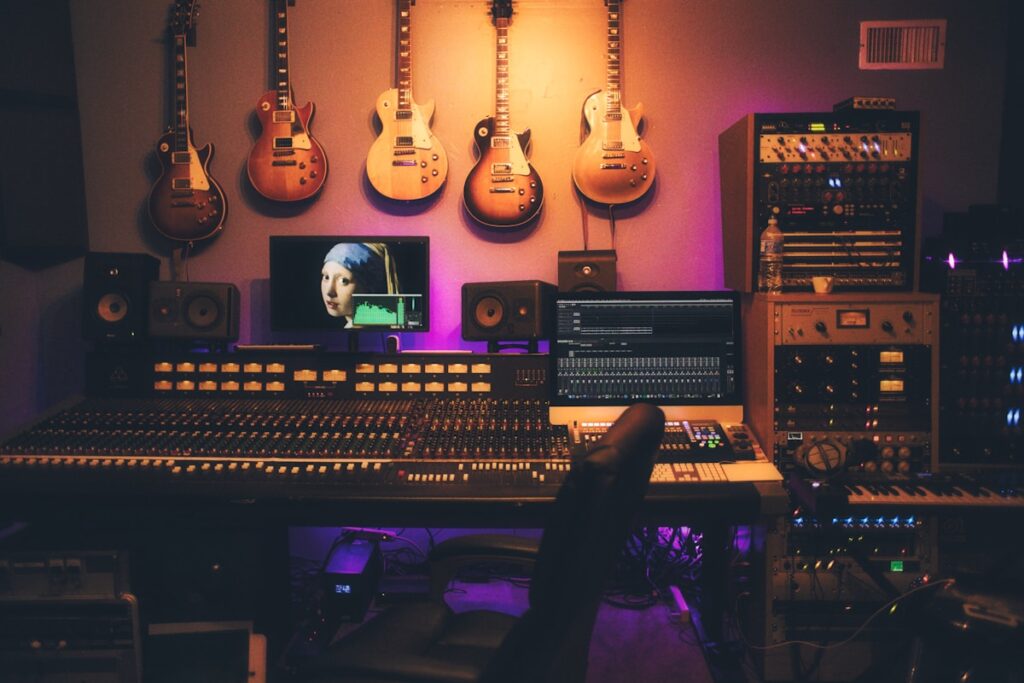
After implementing audio systems across multiple game projects, I’ve learned that sound is often the most underestimated aspect of game development. A well-designed audio system can transform a good game into an unforgettable experience, while poor audio implementation breaks immersion instantly.
This guide covers everything you need to build a robust, flexible audio system for your game—from basic playback to advanced features like spatial audio, adaptive music, and audio pooling.
Table of Contents
- Core Audio Architecture
- Building the Audio Manager
- Sound Categories and Mixing
- 3D Spatial Audio
- Adaptive Music System
- Performance Optimization
- Audio Middleware Options
- Pro Tips
- FAQ
Quick Answer
- Create a centralized Audio Manager singleton to handle all sound playback
- Implement sound pooling to avoid runtime allocations
- Use mixer groups to control volume by category (SFX, Music, UI, Voice)
- Add spatial audio for 3D positional sounds
- Consider FMOD or Wwise for complex projects
Core Audio Architecture
Every game audio system needs these fundamental components:
Audio Manager: The central hub that controls all audio playback, manages sound instances, and handles global settings like master volume.
Sound Pool: Pre-instantiated audio sources that get recycled to avoid garbage collection spikes during gameplay.
Mixer Groups: Separate volume channels for different sound categories (music, SFX, dialogue, ambient).
Audio Events: Abstracted sound triggers that decouple game logic from specific audio files.
Building the Audio Manager
The Audio Manager is your game’s central audio controller. It should be a singleton that persists across scenes and provides a clean API for the rest of your codebase.
Key responsibilities:
- Play, pause, and stop sounds
- Manage volume levels per category
- Handle audio source pooling
- Process spatial audio positioning
- Crossfade between music tracks
Your Audio Manager should expose simple methods like PlaySFX(), PlayMusic(), and PlayAtPosition() that abstract away the complexity of audio source management.
Sound Categories and Mixing
Organize your audio into logical categories for better control:
Master: Controls overall game volume
Music: Background music and ambient tracks
SFX: Sound effects (footsteps, weapons, impacts)
UI: Menu sounds, button clicks, notifications
Voice: Dialogue and voice-over
Ambient: Environmental sounds (wind, water, crowds)
Each category should have its own volume slider in your settings menu, and the mixer should route all audio through the master channel for global control.
3D Spatial Audio
Spatial audio makes sounds feel like they exist in your game world. Sounds should get louder as the player approaches and quieter as they move away.
Key settings for 3D sounds:
- Min/Max Distance: Define the range where sound is audible
- Rolloff Mode: How volume decreases with distance (linear, logarithmic, custom)
- Doppler Level: Pitch shift for moving sound sources
- Spread: How wide the sound appears in stereo field
For indoor environments, consider adding reverb zones that make sounds echo realistically based on room size and materials.
Adaptive Music System
Static music loops get repetitive. An adaptive music system responds to gameplay:
Horizontal Re-sequencing: Rearrange music sections based on game state (exploration vs. combat).
Vertical Layering: Stack instrument layers that fade in/out based on intensity. Start with a base layer and add percussion during action sequences.
Stinger System: Short musical phrases that play on specific events (enemy spotted, item collected, boss defeated).
Implement smooth crossfades between music states—abrupt transitions break immersion.
Performance Optimization
Audio can be a performance bottleneck if not managed properly:
Object Pooling: Pre-instantiate audio sources at load time. Reuse them instead of creating/destroying during gameplay.
Prioritization: Limit concurrent sounds. When at capacity, stop the lowest-priority sound to play a new one.
Distance Culling: Don’t process sounds beyond audible range. Check distance before playing.
Compression: Use appropriate compression for your platform. Mobile needs more aggressive compression than PC.
Streaming vs. Loaded: Stream long files (music, ambient), load short files (SFX) into memory.
Audio Middleware Options
For complex projects, dedicated audio middleware provides powerful features:
FMOD: Industry-standard middleware used in AAA games. Excellent visual tools for sound designers. Free for indie projects under $200K revenue.
Wwise: Powerful alternative to FMOD with strong interactive music features. Also has an indie-friendly license.
Built-in Engine Audio: Unity and Unreal have capable built-in audio systems. Good for simpler projects or when you want to avoid external dependencies.
Middleware excels at complex behaviors like real-time parameter control, advanced mixing, and non-linear music systems. For straightforward audio needs, engine-native solutions work fine.
Pro Tips
- Test on target hardware: Audio that sounds great on studio monitors might clip on phone speakers
- Add subtle variation: Randomize pitch (±5%) and volume (±10%) on repeated sounds to avoid machine-gun effect
- Use audio ducking: Lower music/ambient volume when dialogue plays
- Implement audio occlusion: Sounds behind walls should be muffled
- Don’t forget silence: Strategic silence creates tension and contrast
- Layer your sounds: Combine multiple sounds for richer effects (explosion = boom + debris + reverb tail)
- Preload critical sounds: Menu open sounds and weapon fire should never lag
FAQ
How many audio sources should I pool?
Start with 16-32 for most games. Monitor peak usage during intense moments and adjust accordingly. Mobile games may need fewer to save memory.
Should I use mono or stereo for sound effects?
Use mono for 3D positional sounds (the engine handles spatialization). Use stereo for non-positional sounds like UI and music.
What audio format should I use?
OGG/Vorbis offers good compression with decent quality. WAV for short, frequently-played sounds where quality matters. MP3 has licensing concerns in some contexts.
When should I use audio middleware vs. built-in?
Use middleware when you need advanced interactive audio, have a dedicated sound designer, or are building a larger project. Built-in is fine for simpler games or when learning.
How do I handle audio across scene loads?
Mark your Audio Manager as DontDestroyOnLoad. Use a singleton pattern to ensure only one instance exists.
Related Guides
- How to Build a State Machine for Your Game
- How to Build an Inventory System for Your Game
- How to Build a Quest System for Your Game
Summary
A well-designed audio system elevates your game from functional to memorable. Start with a solid Audio Manager foundation, implement proper sound pooling and categorization, and add spatial audio for immersion. For complex projects, consider FMOD or Wwise. Most importantly, give audio the same attention you give graphics and gameplay—your players will notice the difference.